Install Linux On Usb Persistent How To Install Arch Linux On USB With Persistent Storage Systran Box Best Way To Install Linux On Usb With Persistent Storage Hohpanetwork How To Install Linux On Usb Flash Drive Masopcali Install Linux On Usb Flash Drive Scubavvti Install Linux On Usb Hard Drive From Windows Muslimlasopa Web Sep 26 2021 nbsp 0183 32 Several of It s FOSS readers requested a tutorial on installing Linux on a USB Not the regular live USB with persistence but the actual Ubuntu installed on a USB disk This means having a portable Ubuntu Linux on a USB that you can plug it in to any computer use it and save your work on the USB like it was an actual hard disk
Web Jun 16 2018 nbsp 0183 32 Step 1 Create Bootable Linux Installation Media Use your Linux ISO image file to create a bootable USB installation media You can use any software like Unetbootin Gnome Disk Utility Yumi Multi Boot xboot Live USB Creator etc to create bootable USB with the help of ISO image file Web Jul 17 2013 nbsp 0183 32 If you want to test the Linux distro on various computers using a Live USB with data persistency is the best way to do it Disadvantages of Persistent Live USB 1 The main disadvantage of a Persistent Live USB is the security issue When you boot up a live USB it boots directly to the desktop
Install Linux On Usb Hard Drive From Windows Muslimlasopa Bwindows Program Install Linux On Usb Vvtiwave Linux Iso Usb Persistent Masafreak Can I Fully Install Linux On Usb Turkreter Install To USB persistent Installation EndeavourOS How To Flash How To Flash Kali Linux On Usb Install Linux On Usb Flash Drive Lasopahop How To Set Up A Persistent Ubuntu USB Running Linux From A USB Drive Are You Doing It Right
Install Linux On Usb Persistent
 Install Linux On Usb Persistent
https://syscdn.systranbox.com/1661752886463.jpg
Web Oct 9 2019 nbsp 0183 32 Here is the main tasks that mkusb will do for you Install make a boot device Restore to a standard storage device Wipe a device Backup persistent live home Restore persistent live home Choose the first option i e Install make a boot device to create persistent storage live USB device
Templates are pre-designed documents or files that can be utilized for different purposes. They can conserve effort and time by supplying a ready-made format and design for developing various type of material. Templates can be used for individual or professional projects, such as resumes, invites, flyers, newsletters, reports, discussions, and more.
Install Linux On Usb Persistent
Install Persistent Linux To USB Flash Drive Peppermint OS Video

Bwindows Program Install Linux On Usb Vvtiwave
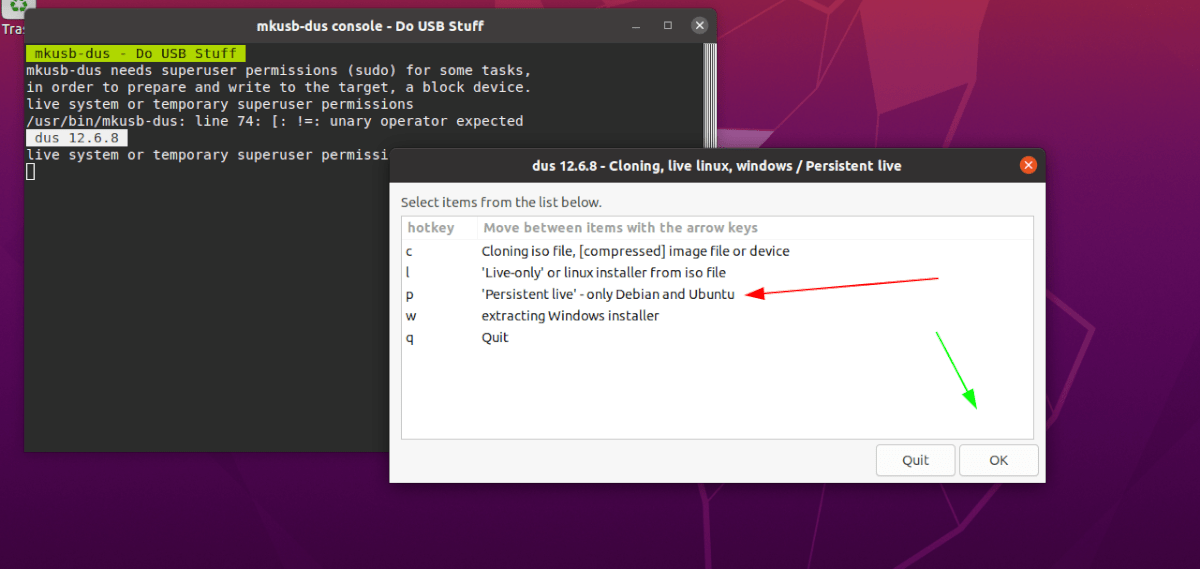
Linux Iso Usb Persistent Masafreak
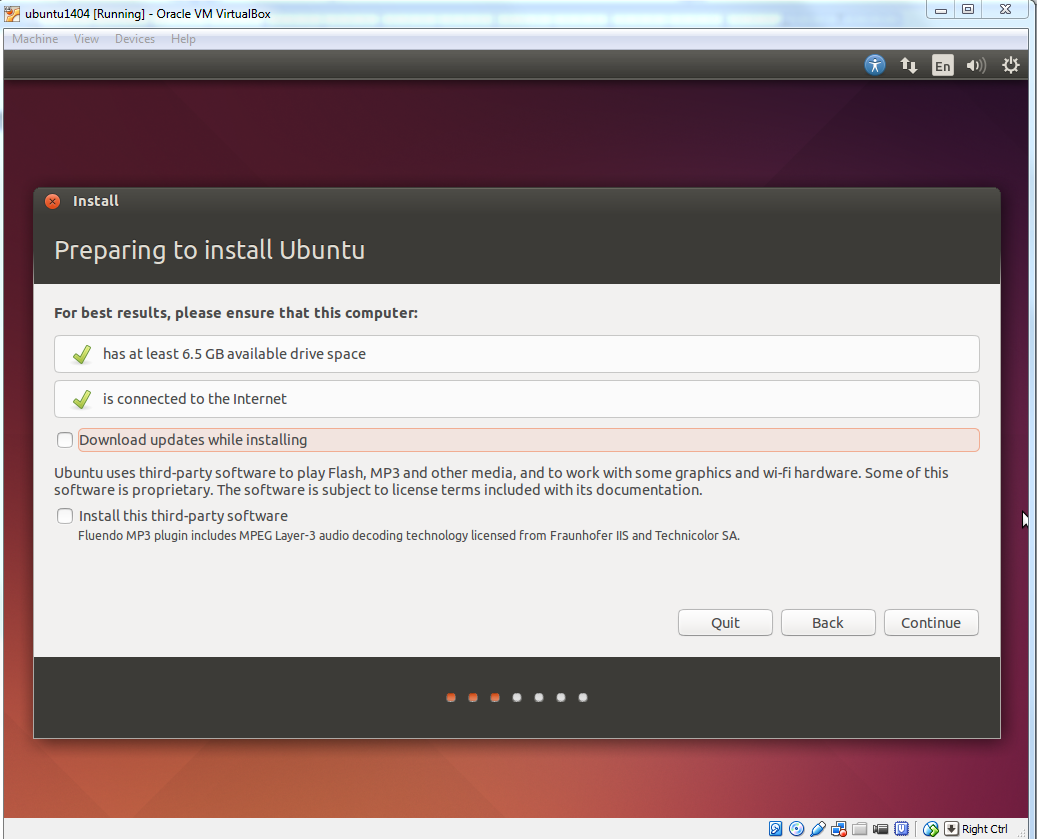
Can I Fully Install Linux On Usb Turkreter

How To Flash How To Flash Kali Linux On Usb
Install Linux On Usb Flash Drive Lasopahop

Web Sep 5 2023 nbsp 0183 32 What is a persistent live USB When you use a live Linux USB any changes you made in the live session are lost If you boot from it again you ll have to connect to WiFi again your downloaded files and installed apps won t be there A persistent live USB will save all those changes

Web Dec 9 2016 nbsp 0183 32 Download the Ubuntu ISO file you want to place on the USB drive and the Linux Live USB Creator application Insert the USB drive you want to use into your computer s USB port and launch the quot LiLi USB Creator quot application you just installed

Web Oct 12 2021 nbsp 0183 32 Faster boot up When it comes to booting up a full Linux installation on USB is known to boot up much faster than a live USB Disadvantages of Full Install USB Most Linux distros require a minimum of 8GB of storage space compared to 2GB of the persistent Live USB to install

Web May 1 2013 nbsp 0183 32 Download the Universal USB Installer via PenDriveLinux Step 2 Navigate to your download folder and run Universal USB Installer 1 8 4 5 exe

Web Dec 16 2022 nbsp 0183 32 Installation 1 Overview All live Linux distributions are volatile by default meaning that the entire OS is loaded into RAM only without leaving a trace after a reboot However this feature is sometimes undesirable Conversely a persistent Linux live USB distribution automatically saves data changes to the USB storage device
Web Adding Persistence to a Kali Linux Live USB Drive Kali Linux Live has two options in the default boot menu which enable persistence the preservation of data on the Kali Live USB drive across reboots of Kali Live Web Feb 18 2021 nbsp 0183 32 In this guide we will try to install a Persistent Linux distribution that works entirely from USB and will retain all our changes such as new programs and applications we install changes on the interface and the appearance and creating folders and files
Web Jan 29 2020 nbsp 0183 32 Use Ubuntu Linux Mint or Debian and want to create a persistent storage Live USB with Ubuntu Linux Mint or Debian See Create A Persistent Storage Live USB With Ubuntu Linux Mint Or Debian UEFI gt 4GB Persistence Support Or maybe you want to customize the Ubuntu or Linux Mint ISO with Cubic Download Rufus Mastodon