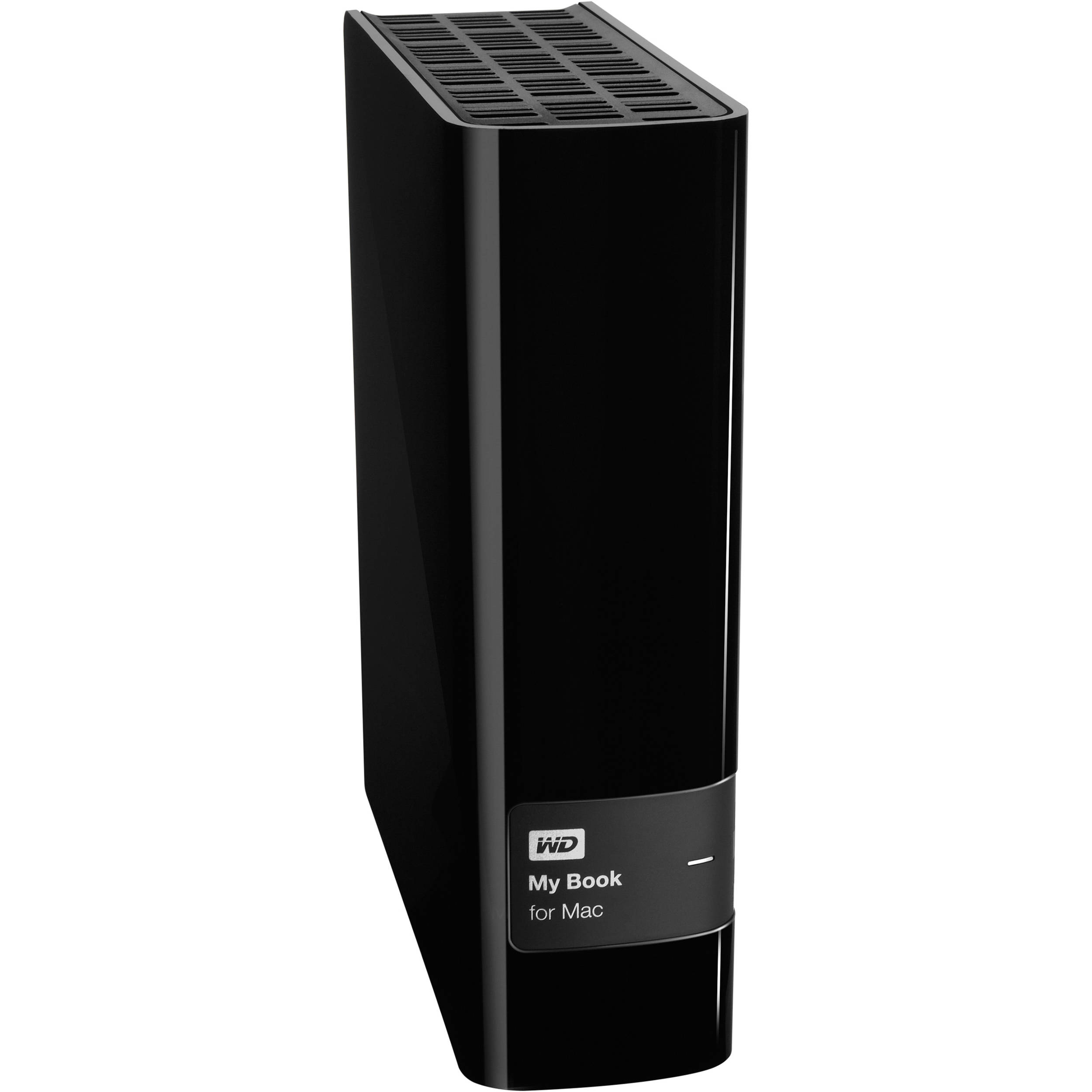
Install Linux On External Hard Drive Mac Install Kali Linux Ubuntu On External Drive Hindi YouTube How To Install Linux On External Drive Run Linux From External SSD WD 2TB My Book USB 3 0 External Hard Drive For Mac B H Photo How To Install Linux On An External Hard Drive Systran Box How To Install Linux On External Ssd Systran Box Highlight Ubuntu Linux or the one you want to install and click Continue Fill out the Full Name User Name Password and Verify Password fields Click Continue The virtualisation file will be
What you will need An Intel powered Macbook may have to be newer than 2013 with 2 USB ports A bootable USB flash drive for installing Ubuntu instructions A blank SSD drive like this SSD USB drive 70 130 on Amazon for the 128 GB and 256 GB versions Why this drive Open your Applications folder and click Utilities Then open Disk Utility Next click View in the top left corner of the window Then select Show All Devices Select your macOS partition and then click Partition You can find this button at the top of the window If you are using a newer Mac you might be asked to add a volume
How To Install Linux On External Ssd Systran Box How To Install Linux On A Different Hard Drive Systran Box Walze L nge Anlagen Adata Hd330 1tb Zwei Grad Grausamkeit Rezept Buy UGREEN External Hard Drive Enclosure For 3 5 2 5 Inch SATA Drives Install Linux On Mac External Hard Drive Buttonpassl Top 10 How To Format An External Hard Drive For Mac SSD Vs HDD Vs USB How To Test The Speed Of Your Hard Drive In 2020 Buy Unitek USB 3 0 To IDE And SATA Converter External Hard Drive How To Safely Force Eject External Hard Drive On Mac
Install Linux On External Hard Drive Mac
 Install Linux On External Hard Drive Mac
https://i.ytimg.com/vi/hM1Z3gWL2Xo/maxresdefault.jpg
1 The short and simple answer assuming your particular iMac can run your chosen Linux distro is to boot the Linux installer and let it it install copy the relevant files to your connected drive To boot from other partitions than the boot volume on your Mac you ll have to hold the Option key during boot up and select the volume to boot
Pre-crafted templates offer a time-saving option for producing a varied range of files and files. These pre-designed formats and layouts can be used for different individual and professional projects, including resumes, invitations, leaflets, newsletters, reports, presentations, and more, enhancing the content creation procedure.
Install Linux On External Hard Drive Mac

Pin On External Hard Disk

How To Install Linux On A Different Hard Drive Systran Box
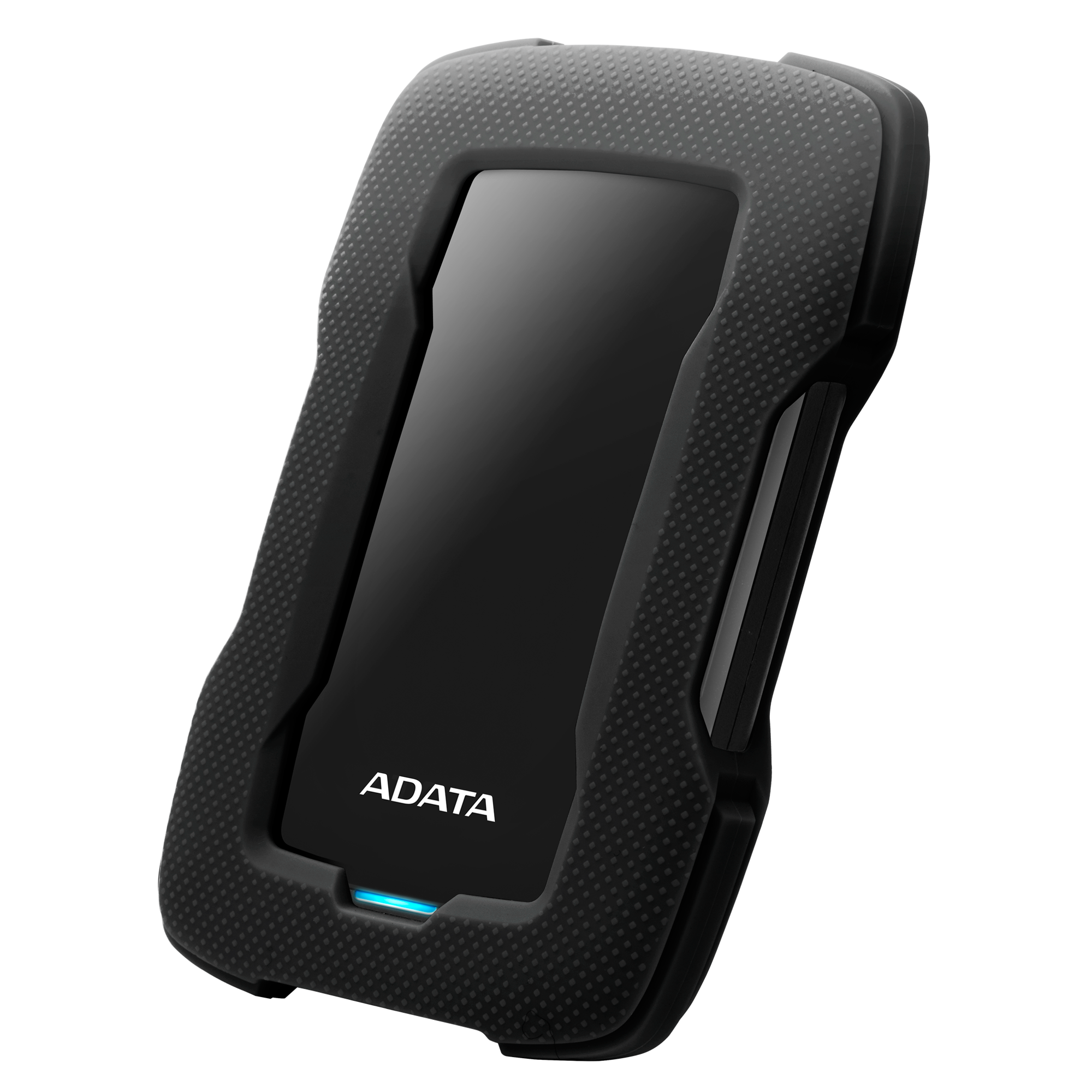
Walze L nge Anlagen Adata Hd330 1tb Zwei Grad Grausamkeit Rezept

Buy UGREEN External Hard Drive Enclosure For 3 5 2 5 Inch SATA Drives
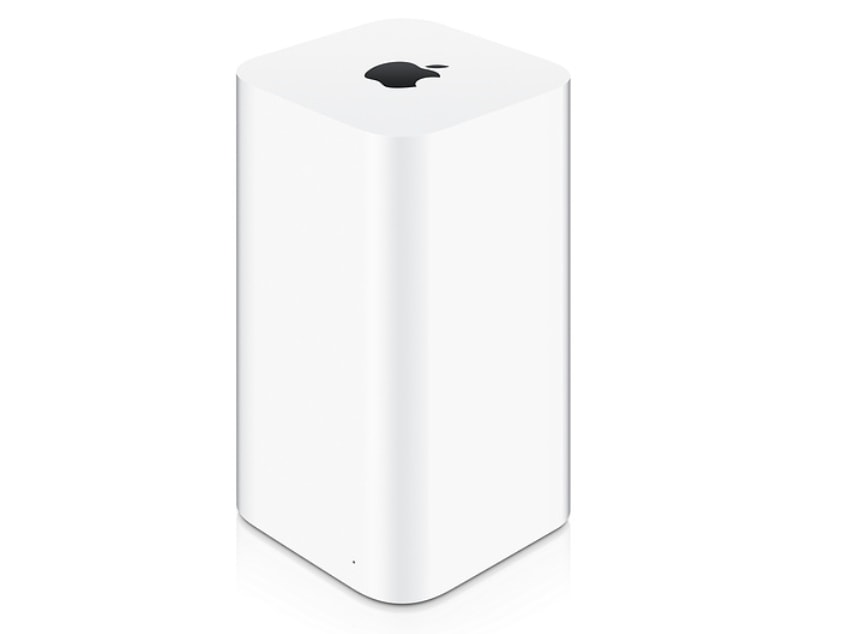
Top 10 How To Format An External Hard Drive For Mac

SSD Vs HDD Vs USB How To Test The Speed Of Your Hard Drive In 2020

1 I have a late 2012 iMac running macOS High Sierra 10 13 6 and Windows 10 Build 18362 through Bootcamp in legacy BIOS mode and I d like to do a full install of Ubuntu 20 04 to this external drive and be able to boot it from the iMac when it s plugged in

How to boot Ubuntu on a mac from external USB storage Ask Ubuntu How to boot Ubuntu on a mac from external USB storage Asked 9 years 2 months ago Modified 4 years 4 months ago Viewed 46k times 17 I wish to run Ubuntu on my iMac from external USB storage either an external disk or a flash drive
For instance Microsoft Office and Adobe Products are only available on Windows and Mac OS and in order to install it on Linux you would have to do a work around such as installing on top

How to Run Linux on a Mac From an External Drive Ask The Tech Guy 12 2K subscribers Subscribe 667 Share 51K views 3 years ago Ask The Tech Guy Vintage Leo Laporte answers Maggie s question

Updated Nov 17 2022 Here s how to install Linux on your Mac You can try dual booting Ubuntu or replace macOS with Linux entirely Readers like you help support MUO When you make a purchase using links on our site we may earn an affiliate commission Read More
Boot and Install Ubuntu Disable the T2 Boot Security Reboot and hold Command R Start the Startup Security Utility Select No Security and Allow Booting from External Drive Reboot your Mac and hold the Option key while it is starting Select the EFI Drive that is the boot stick you just created Step 1 Prepare Your External Hard Drive Before installing Linux you need to prepare your external hard drive to ensure a smooth installation process Here are the steps you need to follow Backup Your Data It s always a good practice to back up your data before making any changes to your storage devices
Connect your external hard drive to your computer using a USB cable Open Disk Management on Windows or Disk Utility on macOS On Windows Right click on the Start menu and select Disk Management from the context menu Alternatively you can press Windows key X and choose Disk Management On macOS Go to Applications