Install Linux Bootloader A Complete Guide To Installing Linux GRUB Bootloader How To Add A Linux Entry In The Windows Bootloader Systran Box 5 Best Grub2 Bootloader Themes To Use On Linux How To Install The GRUB Bootloader For Kali Linux Systran Box Ubuntu GRUB Linux Bootloader And Configuration Jun 1 2025 nbsp 0183 32 Learn how to successfully install software games and utilities on your computer with our detailed guidelines tailored for different operating systems and devices
Jun 25 2025 nbsp 0183 32 The official Google Chrome offline installer contains the full setup files and doesn t need any Internet connection at the installation time so you can use it to install Google Feb 9 2023 nbsp 0183 32 If your Windows 10 computer doesn t have Google Chrome browser yet or you accidentally deleted Chrome you can learn how to download and install Google Chrome for
Ubuntu GRUB Linux Bootloader And Configuration How To Install The GRUB Bootloader For Kali Linux Systran Box How To Remove Android X86 OS With Grub Bootloader From Dual Boot How To Add A Linux Bootloader To A Windows 10 Machine Systran Box How To Install Linux Mint Without A Bootloader YouTube GNU GRUB Bootloader Aus UEFI Systemen Entfernen Tutonaut de How To Remove The Linux Bootloader From Windows 10 Systran Box How To Remove The Linux Bootloader From Windows 10 Systran Box How To Unlock Bootloader On Android Android Root 101 1
Install Linux Bootloader
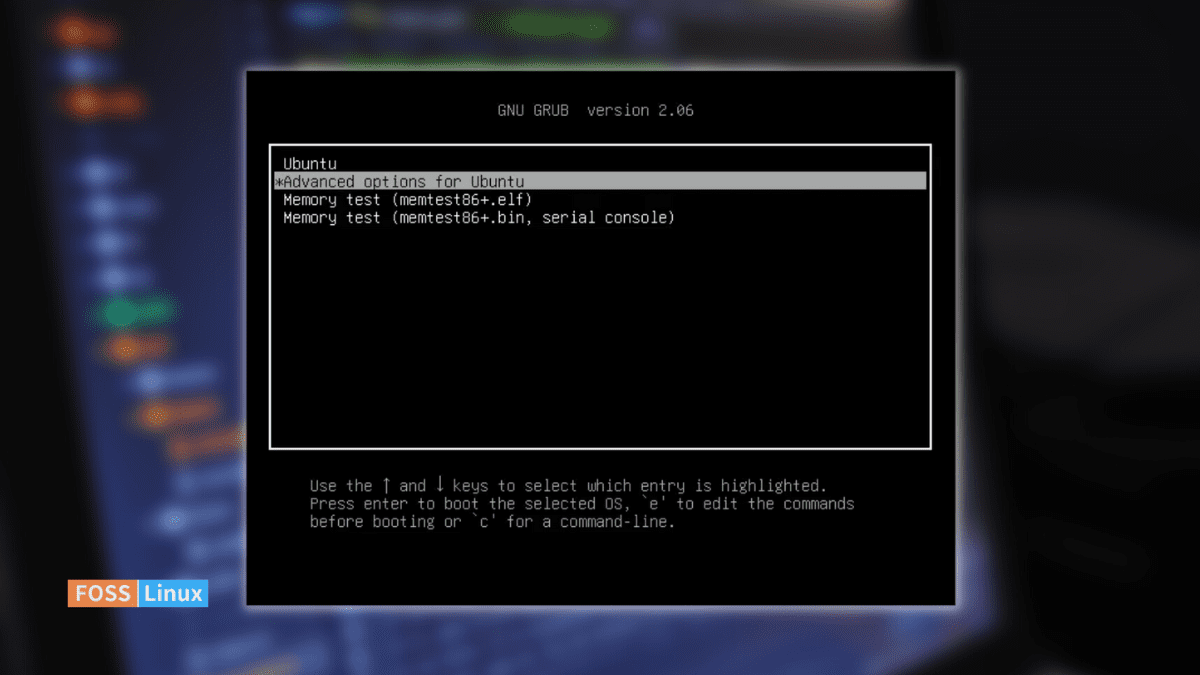 Install Linux Bootloader
https://www.fosslinux.com/wp-content/uploads/2023/05/Install-Grub-in-Linux.png
Aug 1 2024 nbsp 0183 32 To install an app on your smartphone or tablet use the Google Play Store Android or App Store iPhone iPad If you have a Chromebook you can install apps using the Play
Pre-crafted templates offer a time-saving service for creating a varied series of files and files. These pre-designed formats and layouts can be utilized for different individual and professional projects, including resumes, invitations, flyers, newsletters, reports, discussions, and more, streamlining the content creation procedure.
Install Linux Bootloader
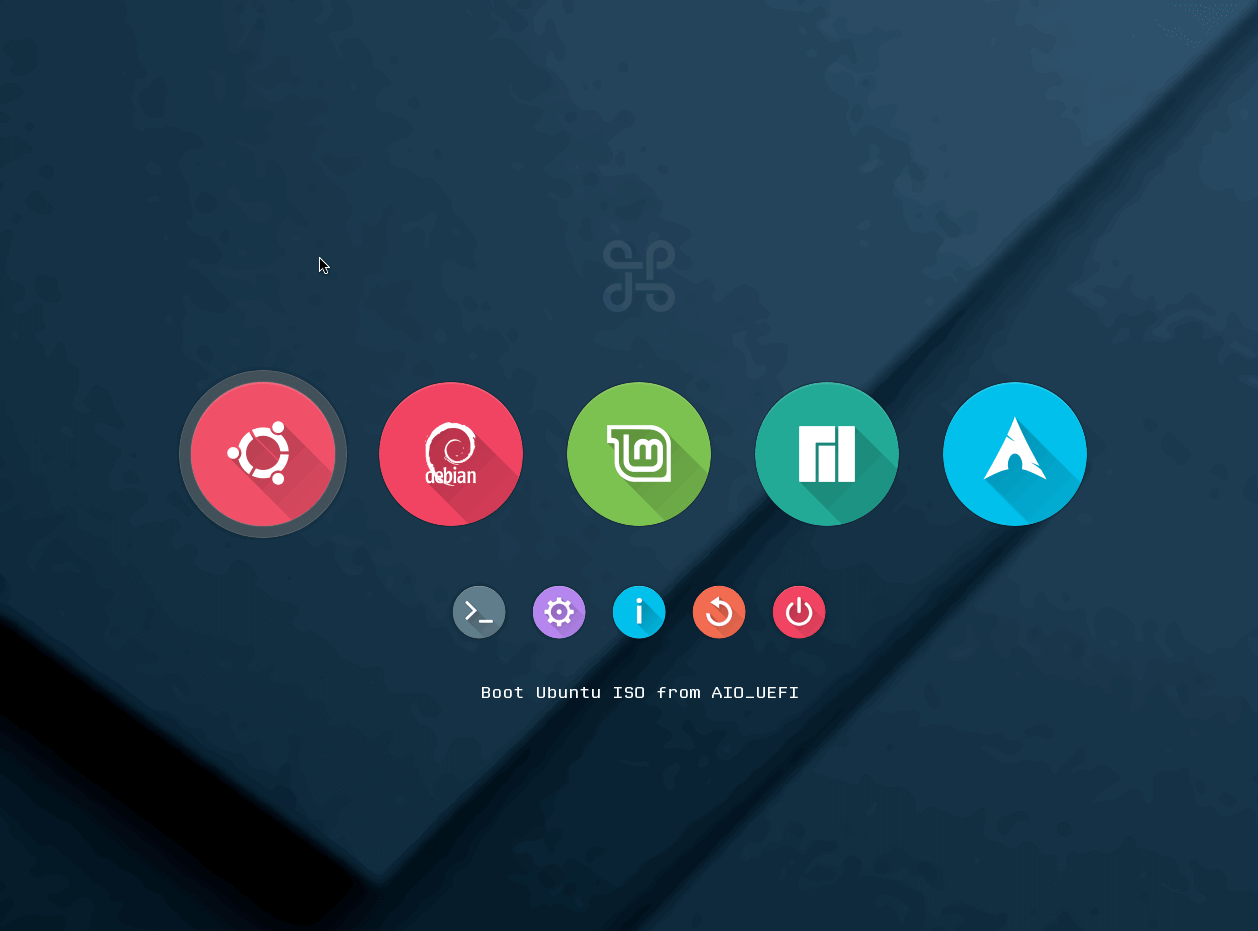
Refind Boot Manager Windows 10 Beanfecol

How To Install The GRUB Bootloader For Kali Linux Systran Box

How To Remove Android X86 OS With Grub Bootloader From Dual Boot

How To Add A Linux Bootloader To A Windows 10 Machine Systran Box

GNU GRUB Bootloader Aus UEFI Systemen Entfernen Tutonaut de

How To Remove The Linux Bootloader From Windows 10 Systran Box

In order to install Chrome and receive adequate support you must meet the system requirements Learn more about using Chrome on your device

Learn how to install reinstall or activate Microsoft 365 or Office 2024 on a PC or Mac
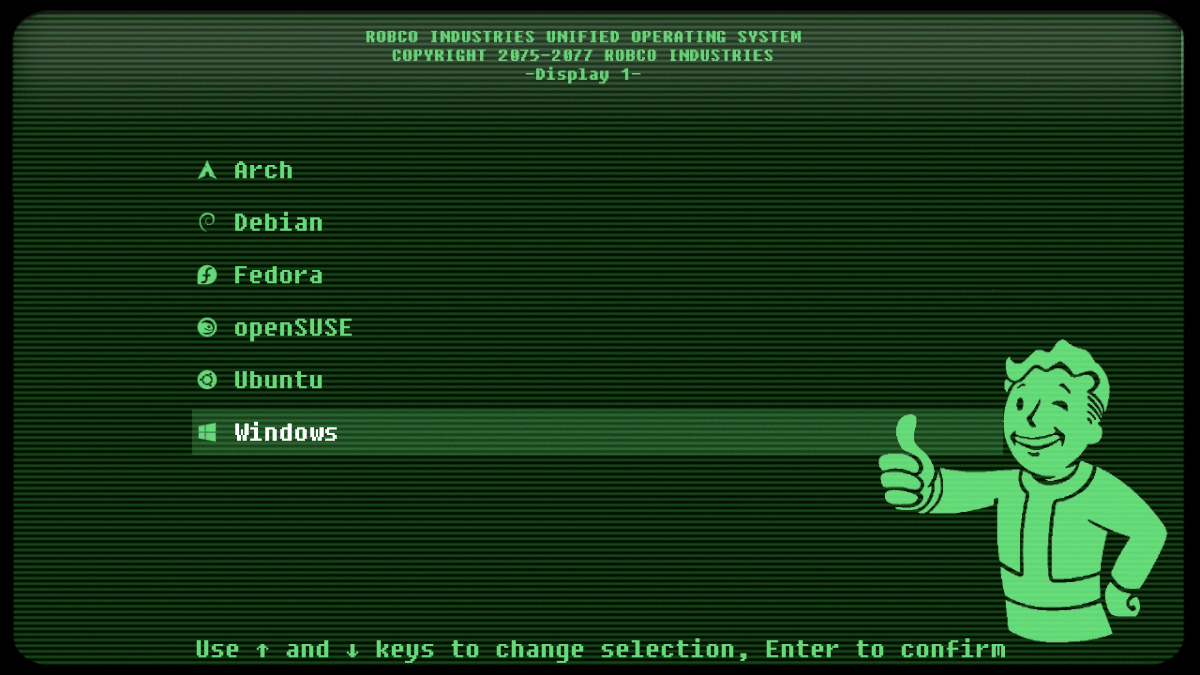
Jul 15 2025 nbsp 0183 32 Google Chrome is a fast simple and secure web browser built for the modern web Chrome combines a minimal design with sophisticated technology to make the web

Download the latest version of Microsoft Office for Windows PCs Microsoft Office provides the best experience for work creation and collaboration
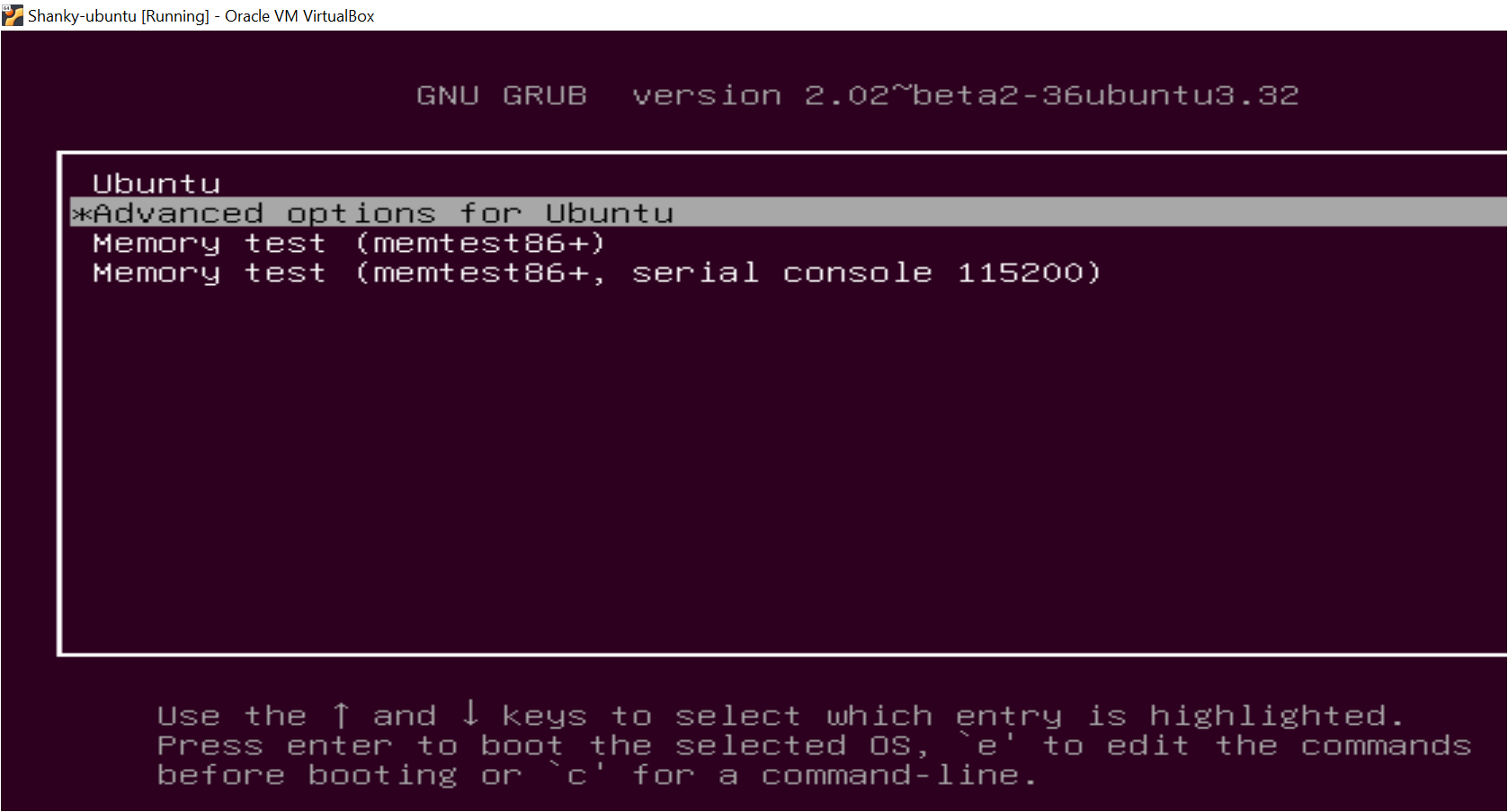
Feb 14 2019 nbsp 0183 32 The easiest fastest way to update or install software Ninite downloads and installs programs automatically in the background
[desc-11] [desc-12]
[desc-13]