Install Letsencrypt Centos 7 Zimbra How To Install And Configure Zimbra Mail Server On CentOS 8 Step By Instalar Certificado LetsEncrypt En Zimbra 8 8 15 Y CentOS 8 YouTube A Hist ria Do CentOS SempreUpdate Manual De Zimbra Parte II Instalaci n De Zimbra En CentOS 7 Con Nuevo How To Install Zimbra 9 Open Source Edition By ZeXtras On CentOS 8 Install and use the Lets Encrypt Certbot utility on CentOS 7 with Apache This article describes how to install and use the Let s Encrypt Certbot utility on a CentOS 7 server What is Let s Encrypt Let s Encrypt is a Certificate Authority CA that provides free 90 day SSL Certificates The following details come from their About Page
Step 1 Installing the Certbot Let s Encrypt Client To use Let s Encrypt to obtain an SSL certificate you first need to install Certbot and mod ssl an Apache module that provides support for SSL v3 encryption The certbot package is not available through the package manager by default 6 1Step 1 Append ISRG Root X1 6 2Step 2 Verify your certificate 6 3Step 3 Install your certificate 6 4Step 4 Restart Zimbra 7Method 2 Automatic 7 1Step 1 install the certificate 7 2Errors 8Certificate Tricks 9Script to Notify of Pending Renewal
How To Install Zimbra 9 Open Source Edition By ZeXtras On CentOS 8 How To Install Zimbra Collaboration Suite 8 6 0 On CentOS 7 Unixmen How To Install Zimbra Mail Server On CentOS 7 By Alibaba Cloud Medium Install Zimbra 9 On CentOS 7 RHEL 7 Ubuntu 18 04 ComputingForGeeks How To Install Magento 2 On Centos Step by step Guide Install SSL Let s Encrypt Di Centos 7 Cara Install SSL Gratis Let s Gnome Desktop CentOS 7 Computer How To Zimbra Multi Server Installation On CentOS 7 ComputingForGeeks How To Install Zimbra Mail Server On CentOS 7 DataMounts
Install Letsencrypt Centos 7 Zimbra
 Install Letsencrypt Centos 7 Zimbra
https://i.ytimg.com/vi/wnechUFEKco/maxresdefault.jpg
This article is a short how to on making your Zimbra reachable via multiple HTTPS domains This will allow your users to reach Zimbra using different URL s such as https mail zimbra and https mail zimbra Set up initial TLS certificate Set up Zimbra to work with the fist HTTPS domain Install the certificate obtained from your Certificate Authority by using one
Templates are pre-designed files or files that can be utilized for different functions. They can conserve effort and time by offering a ready-made format and layout for creating various type of material. Templates can be used for individual or expert jobs, such as resumes, invitations, flyers, newsletters, reports, discussions, and more.
Install Letsencrypt Centos 7 Zimbra
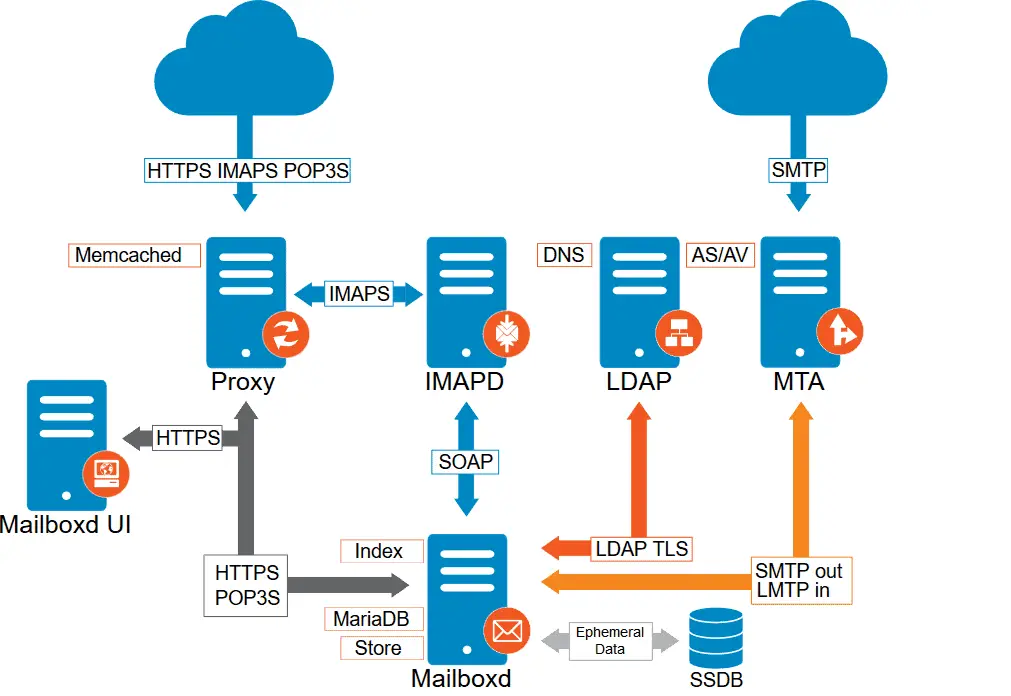
How To Install Zimbra Mail Server On CentOS 8 RHEL 8

How To Install Zimbra Collaboration Suite 8 6 0 On CentOS 7 Unixmen
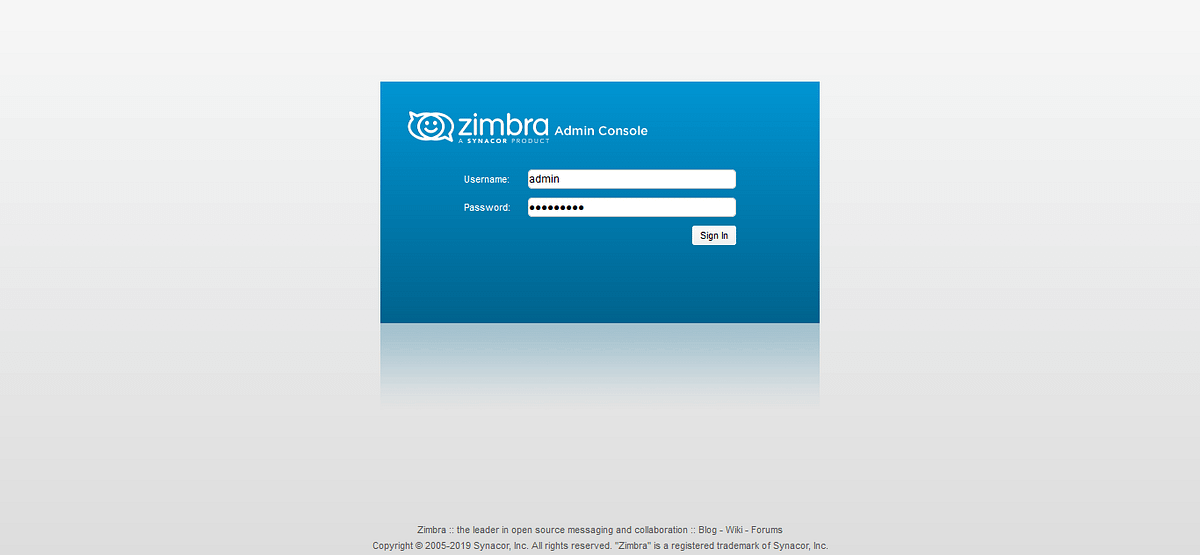
How To Install Zimbra Mail Server On CentOS 7 By Alibaba Cloud Medium

Install Zimbra 9 On CentOS 7 RHEL 7 Ubuntu 18 04 ComputingForGeeks

Install SSL Let s Encrypt Di Centos 7 Cara Install SSL Gratis Let s

Gnome Desktop CentOS 7 Computer How To

Next you should have set up a CAA DNS record so that Let s Encrypt can issue certificates for your domain to check run the following and make sure 0 issue letsencrypt is in the output of the command zimbra le test sudo apt install y net tools dnsutils zimbra le test dig short type257 hostname d 0 issuewild letsencrypt
45371 12 This guide will show you how to easily secure your Zimbra Mail Server with Let s Encrypt SSL certificate The default installation of Zimbra generates self signed SSL certificate for Mails services POP3 IMAP SMTP over TLS and for HTTPS access to Zimbra console services

SSL certificate setup To setup lets encrypt SSL certificates use First stop web and mailbox services as zimbra user zmproxyctl stop zmmailboxdctl stop Download letsencrypt github package as root user yum y install git epel release git clone https github letsencrypt letsencrypt cd letsencrypt

Step 1 Install Packages The ever popular EPEL Extra Packages for Enterprise Linux repository contains all of the packages we need to install Certbot so we will set that up first yum y install epel release Next we will install the two packages we need to get Let s Encrypt running certbot and the apache connector
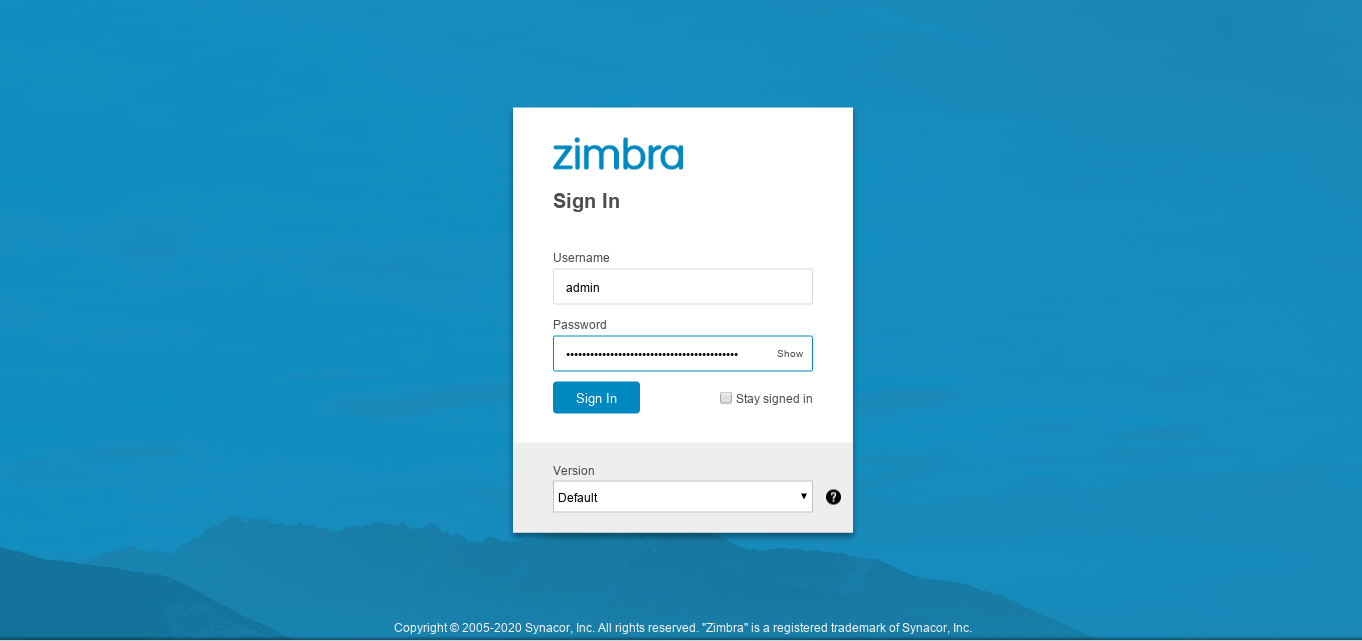
Installing the Certificate on Zimbra Be sure to request a certificate with the preferred chain ISRG Root X1 option If you already have a certificate but didn t use that option you have to do a force renewal with the force renewal preferred chain ISRG Root X1 options To deploy the certificate from Let s Encrypt on Zimbra
Ubuntu sudo apt get update sudo apt get install certbot CentOS 8 sudo yum y install epel release sudo yum y install certbot CentOS 7 sudo yum y install epel release sudo yum y install certbot Stop Zimbra Proxy Service After that we go ahead and stop the proxy service In the main menu click Configure 2 Certificates Install Certificate Select Certificates Then click the gear icon on the top right next to Help and select Install Certificate 3 Select the Target Server On the Select the Target Server tab select your server from the Server Name drop down menu Click Next
O CEntOS 7 I can login to a root shell on my machine yes or no or I don t know o Yes I m using a control panel to manage my site o No The version of my client is o I haven t gotten this far yet I expect that what I am doing is unusual and I fear the rate limiting governors I suspect that I am going to have to do this manually