Install Jupyter Notebook Mac How to Run Jupyter Notebooks on an Apple M1 Mac How to Download & Setup Install Jupyter Notebook using Pip & Anaconda | DataCamp How to Download & Setup Install Jupyter Notebook using Pip & Anaconda | DataCamp Installing Anaconda (Python and Jupyter Notebook) in mac OS for Machine Learning | by Harinath Selvaraj | coding&stuff | Medium How to Install Virtual Environments in Jupyter Notebook on Mac | by David Littlefield | Mac O'Clock | Medium Run a Jupyter notebook on Apple M1 Mac Either you re opening a notebook right now and your kernel instantly dies or you haven t been able to get a Jupyter notebook operational yet That s why we re here
Step 1 Download Anaconda Visit the Anaconda distribution page and download the latest version for Windows Step 2 Run the Anaconda Installer Run the downloaded executable file to start installing Follow the on screen instructions and accept the default settings Step 3 Launch Jupyter Notebook The installation guide contains more detailed instructions JupyterLab can be installed with mamba and conda or Note
How to Install Virtual Environments in Jupyter Notebook on Mac | by David Littlefield | Mac O'Clock | Medium How To Install Jupyter Notebook on Mac | Install Jupyter Notebook on Mac - Step By Step Guide - YouTube Installing and Running Jupyter Lab (Notebook) on Mac at Startup | by cybergeekjay | Medium How to install Jupyter Notebook on Mac using Homebrew | by Nnamdi Clement Azubuike | Medium How To Install Jupyter Notebook on Mac and Windows | Codecademy How to Run Jupyter Notebooks on an Apple M1 Mac How to install Jupyter Notebook on Windows? - GeeksforGeeks Jupyter and Data Science on a Mac (without Anaconda) – Avi Alkalay How to Download & Setup Install Jupyter Notebook using Pip & Anaconda | DataCamp
Install Jupyter Notebook Mac
 Install Jupyter Notebook Mac
https://blog.roboflow.com/content/images/2020/12/blog_images_v3.001.jpeg
The Jupyter Notebook is a web based interactive computing platform The notebook combines live code equations narrative text visualizations interactive dashboards and other media Try it in your browser Install the Notebook Language of choice Jupyter supports over 40 programming languages including Python R Julia and Scala
Pre-crafted templates provide a time-saving solution for producing a diverse series of documents and files. These pre-designed formats and designs can be utilized for different personal and professional jobs, consisting of resumes, invitations, flyers, newsletters, reports, presentations, and more, improving the content production process.
Install Jupyter Notebook Mac

How to Install Jupyter Notebook on MacOS - YouTube

How To Install Jupyter Notebook on Mac | Install Jupyter Notebook on Mac - Step By Step Guide - YouTube
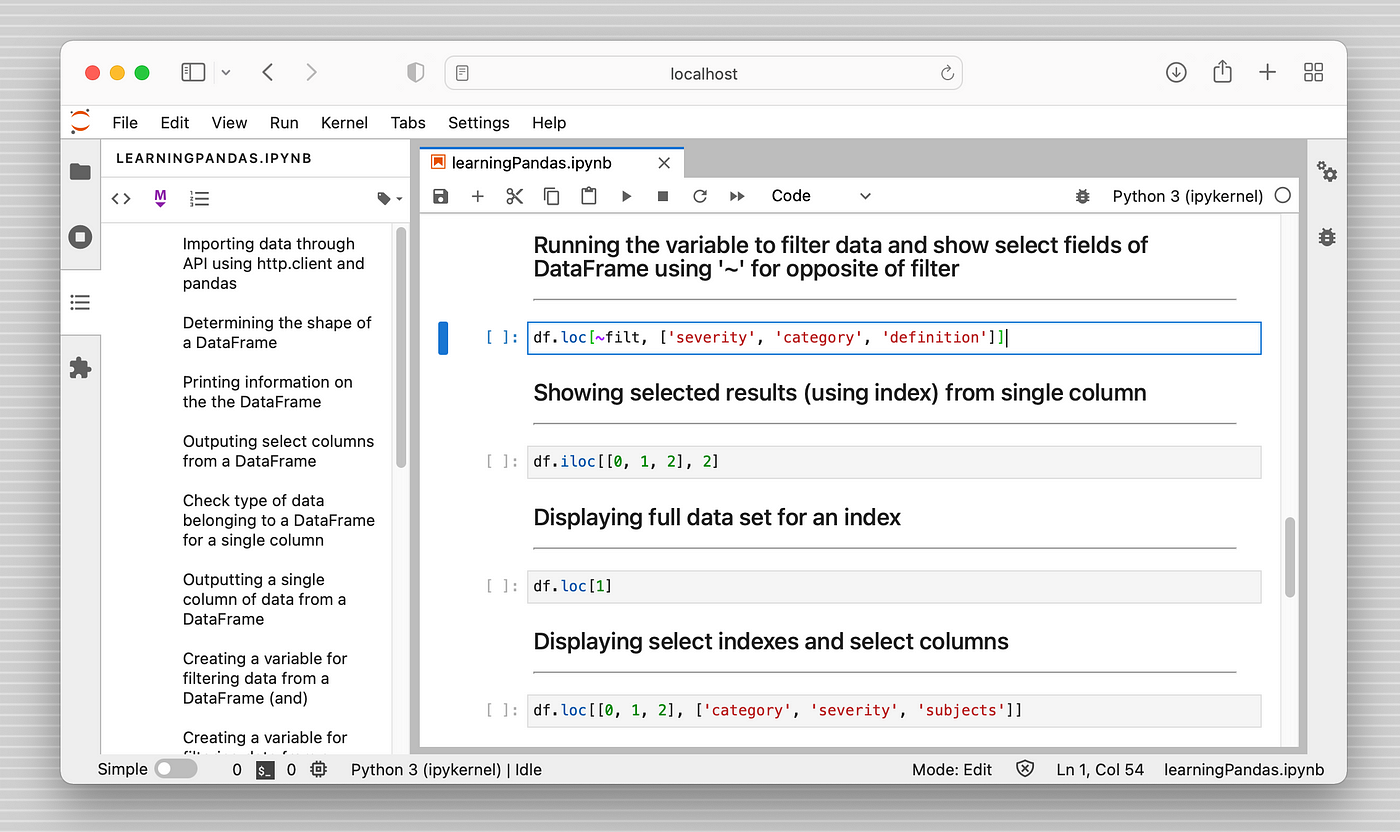
Installing and Running Jupyter Lab (Notebook) on Mac at Startup | by cybergeekjay | Medium

How to install Jupyter Notebook on Mac using Homebrew | by Nnamdi Clement Azubuike | Medium
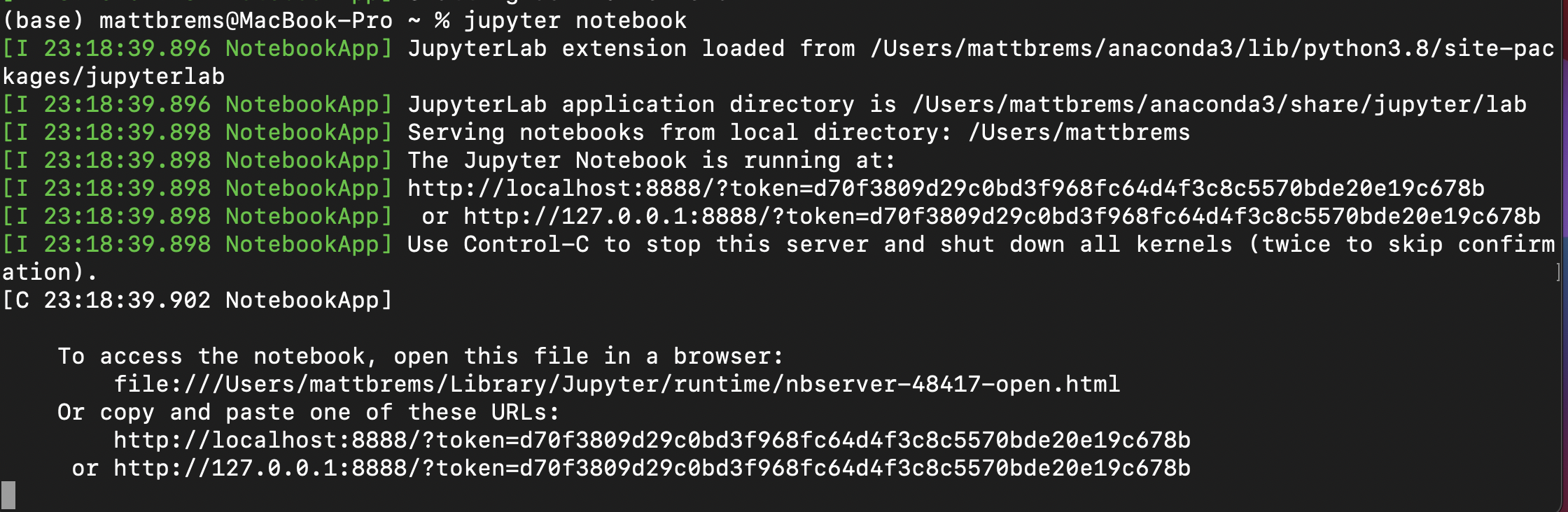
How to Run Jupyter Notebooks on an Apple M1 Mac

How to install Jupyter Notebook on Windows? - GeeksforGeeks
Method 1 Using pip to install Jupyter Notebook Package Follow the below steps to install the Jupyter Notebook package on macOS using pip Step 1 Install the latest Python3 in MacOS Step 2 Check if pip3 and python3 are correctly installed python3 version pip3 version Step 3 Upgrade your pip to avoid errors during installation

Mac Mac Anaconda Mac Miniconda Next Steps Introduction We recommend installing Jupyter Notebook as part of either Anaconda or as an addition to Miniconda Jupyter Notebook can be installed separately but having either Anaconda or Miniconda already installed makes installing Jupyter Notebook easier

Step 1 Install XCode Command Line Tools Step 2 Verify Installation and Environment Path Step 3 Install Homebrew Step 4 Install Python Step 5 Install Jupyter Step 6 Verify Your Jupyter Installation Final Thoughts What Is A Jupyter Notebook
Step 1 Open the Terminal The first step to download Jupyter Notebook on your Mac is to open the Terminal application The Terminal is a command line interface that allows you to interact with your computer s operating system through text based commands To open the Terminal follow these simple steps
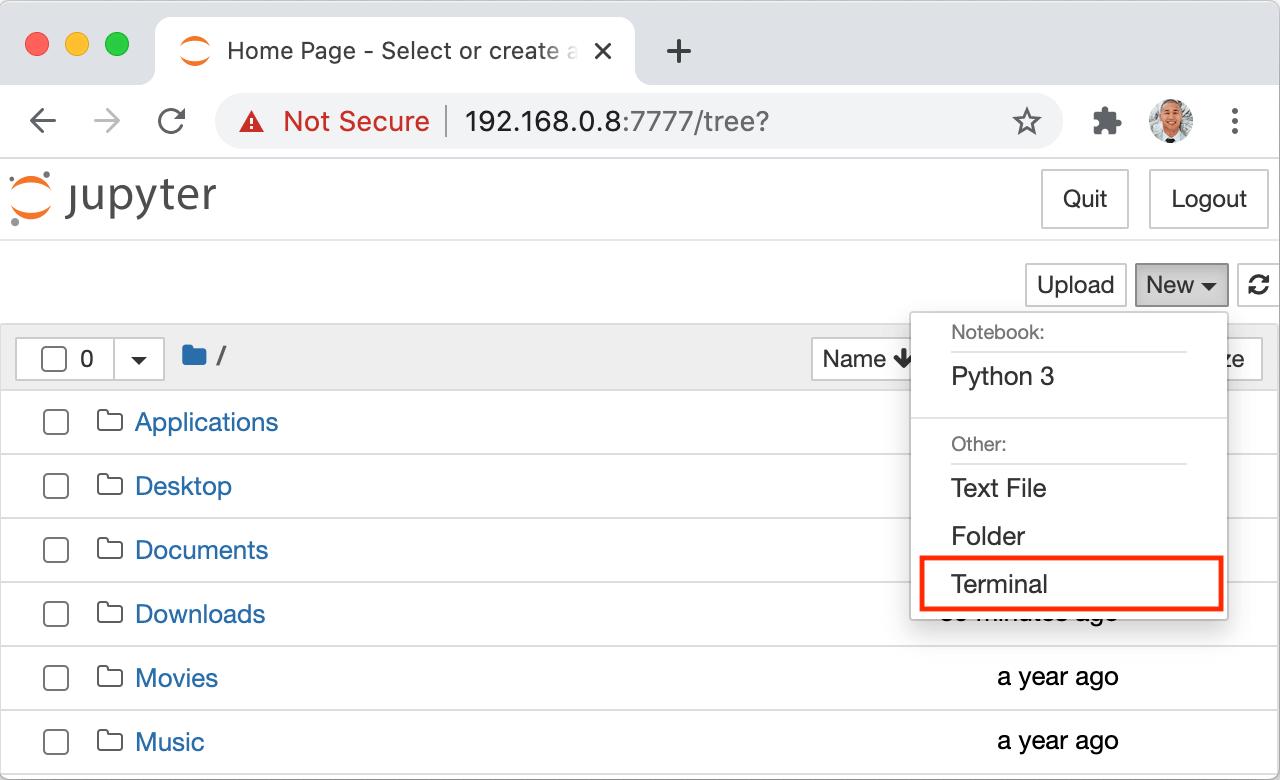
Generally speaking the documentation of each tool is the place to learn about the best practices for how to install and use the tool Jupyter Notebook Interface The Jupyter Notebook interface is a Web based application for authoring documents that combine live code with narrative text equations and visualizations GitHub Repo Docs
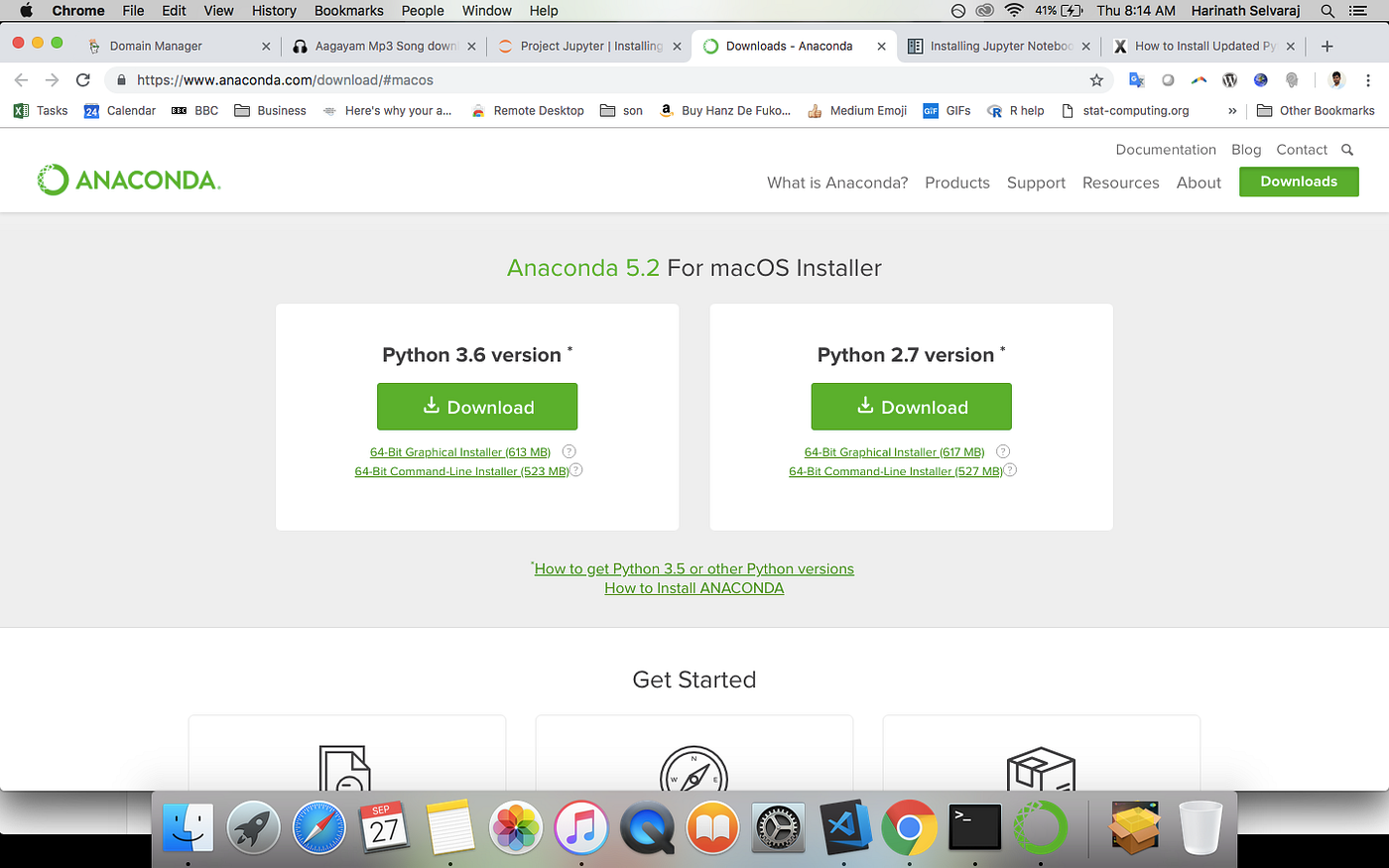
Installing Jupyter Notebook on a Mac using Anaconda is a straightforward process First download the Anaconda installer for Mac from the official Anaconda website Make sure to download the Python 3 x version Once the installer is downloaded open it and follow the on screen instructions Anaconda will install Python Jupyter Notebook and 0 00 2 28 How To Install Jupyter Notebook on Mac Install Jupyter Notebook on Mac Step By Step Guide Research Rocks 31 8K subscribers Subscribe Subscribed 59 14K views 2 years
Jupyter Notebook Markdowns Write text within code chunks Part 1 Installing Jupyter Notebook Step 1 Install Anaconda on your Mac Python is prereq for using Jupyter Notebook