Install Jupyter Notebook Debian How To Install Jupyter Notebook In Ubuntu Linux YouTube How To Install Jupyter In Ubuntu Debian LinuxForDevices How To Install Jupyter Notebook On Debian 12 Bookworm Linux Shout How To Install Jupyter Notebook On Ubuntu 22 04 LTS Idroot How To Install Jupyter Notebook On Ubuntu 22 04 pip install conda install anaconda prompt pip install conda install 1 098
To fix most issues with your search engine pop ups or Chrome updates uninstall and reinstall Chrome On your iPhone or iPad learn how to make Chrome your default browser Learn how Install an extension Important You can t add extensions when you browse in Incognito mode or as a guest Open the Chrome Web Store Find and select the extension you want Select Add
How To Install Jupyter Notebook On Ubuntu 22 04 Ubuntu Linux Jupyter ubuntu jupyter Book CSDN Deno 1 37 Modern JavaScript In Jupyter Notebooks Jupyter Notebook Datamics Linux Jupyter Notebook Linuxeden Jupyter Notebook Install Jupyter Notebook Learn How To Install And Use Jupyter Notebook Adding A Jupyter Notebook Get Started With Jupyter Notebooks In Cloud Development Environment
Install Jupyter Notebook Debian
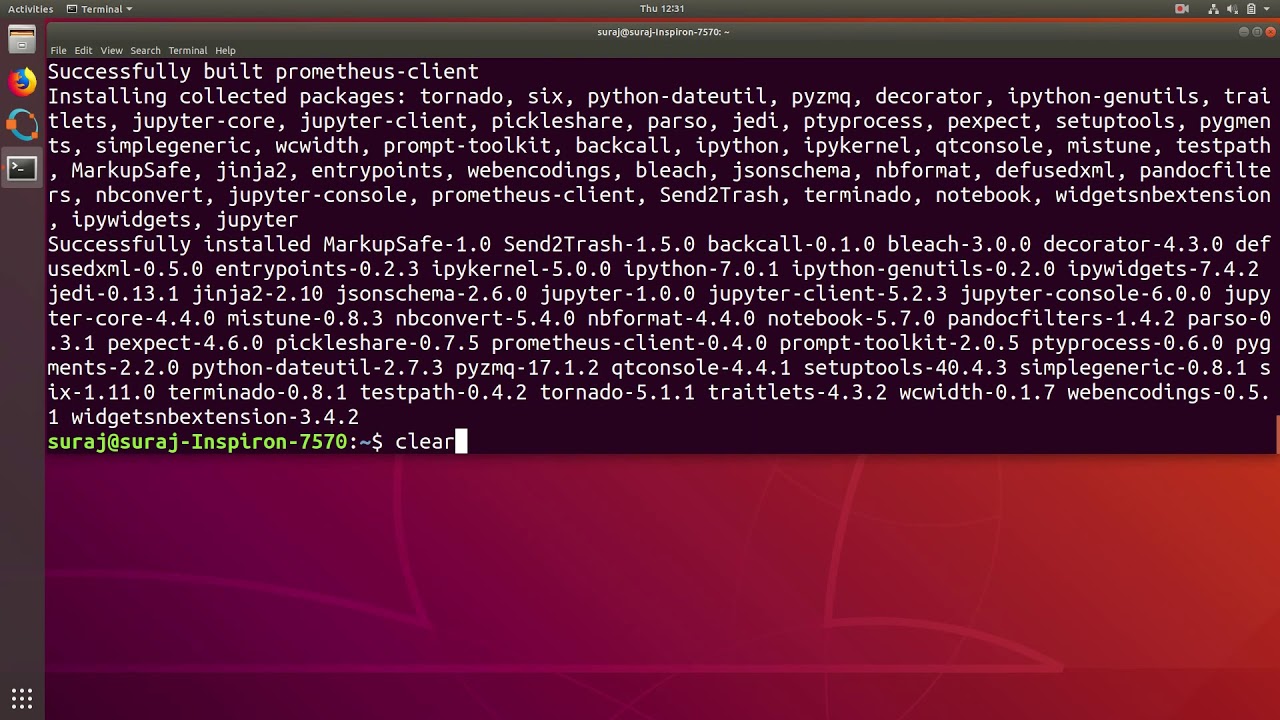 Install Jupyter Notebook Debian
https://i.ytimg.com/vi/Yg9AkozItTU/maxresdefault.jpg
May 22 2025 nbsp 0183 32 Python pip install SSL Windows 11 Python 3 10 6 pip install requests 3
Templates are pre-designed files or files that can be used for different purposes. They can conserve time and effort by providing a ready-made format and layout for producing different sort of material. Templates can be used for individual or expert tasks, such as resumes, invites, leaflets, newsletters, reports, presentations, and more.
Install Jupyter Notebook Debian

Jupyter Notebook Tutorial Setting Up Python Jupyter Notebooks On
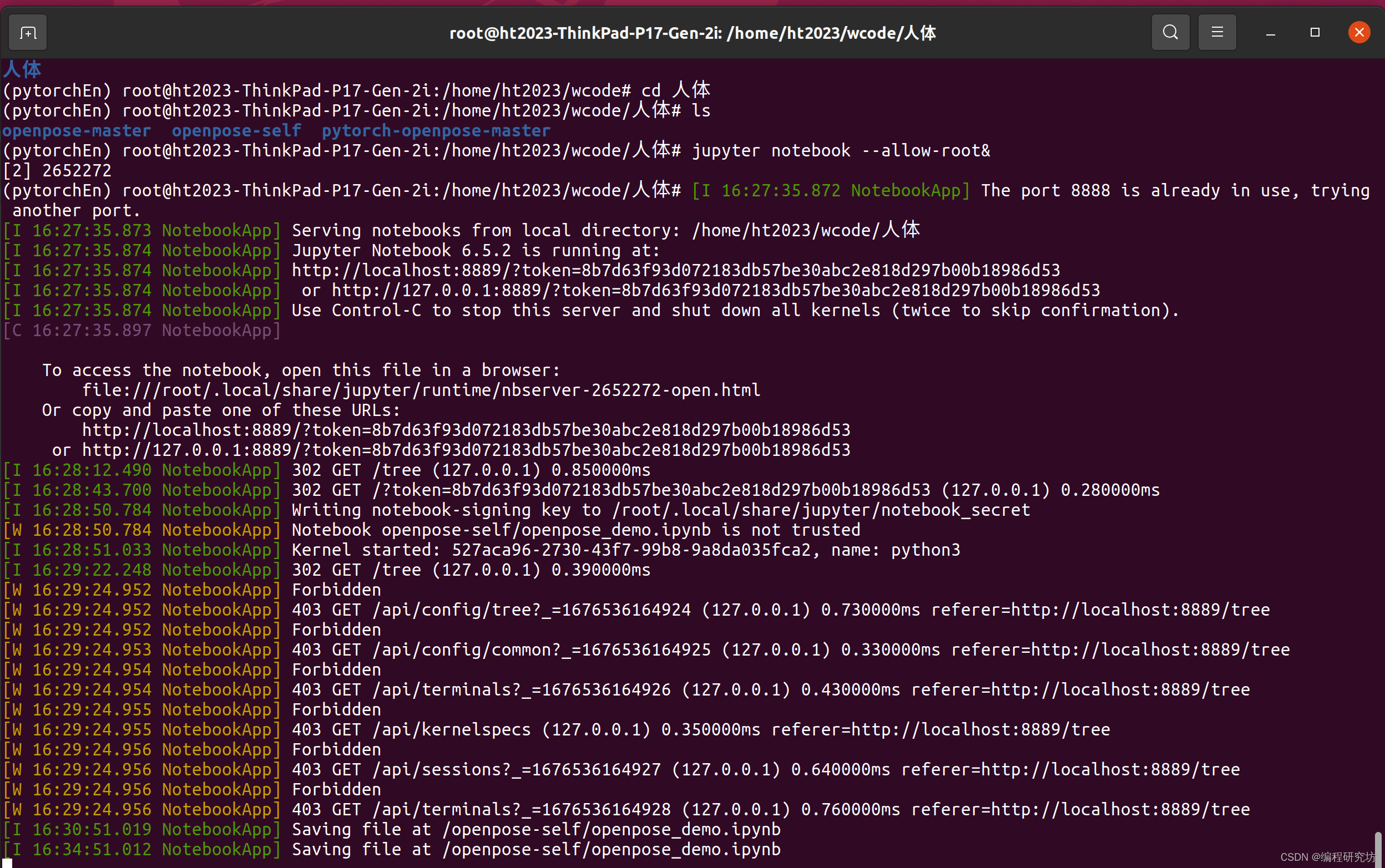
Ubuntu Linux Jupyter ubuntu jupyter Book CSDN
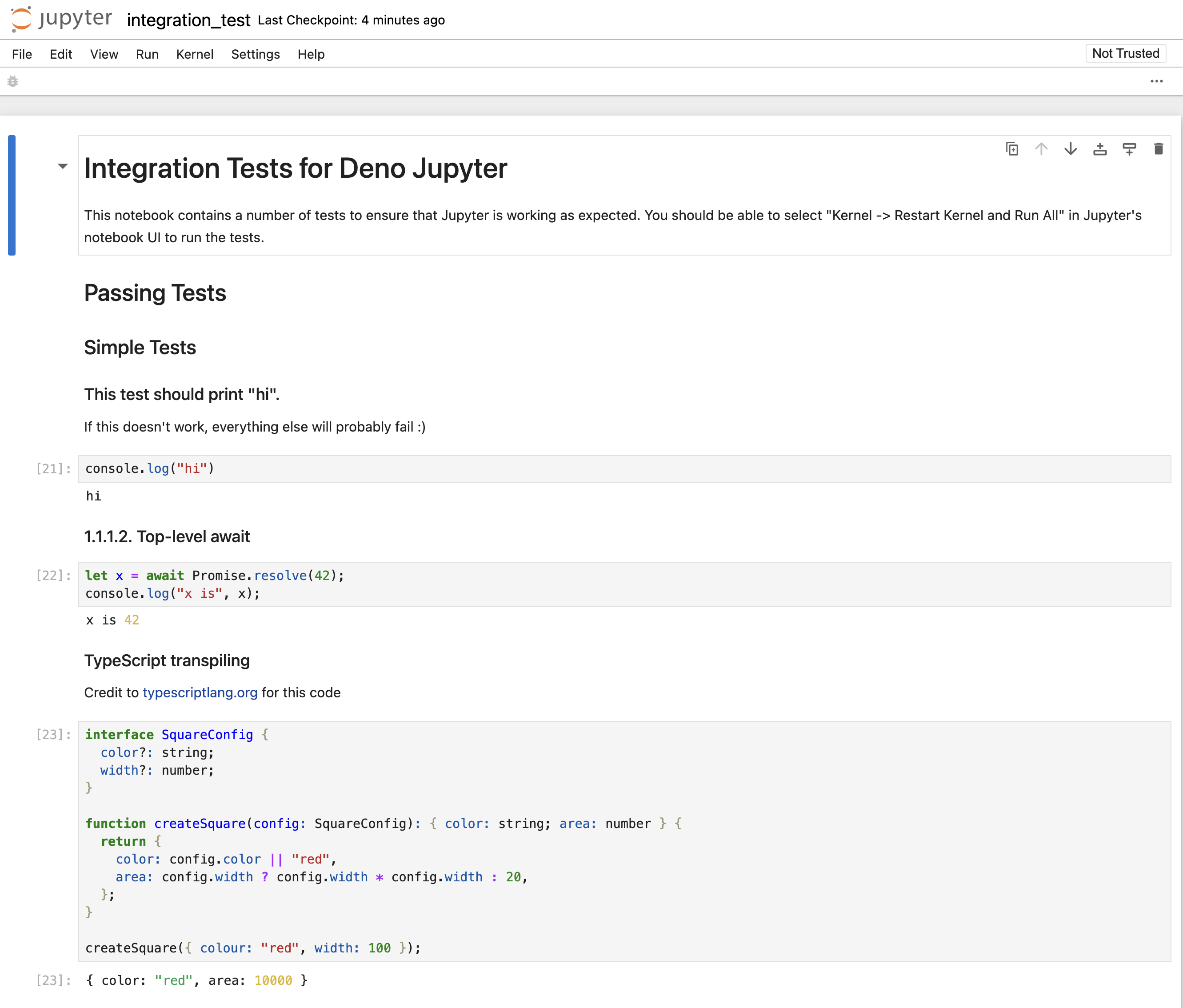
Deno 1 37 Modern JavaScript In Jupyter Notebooks

Jupyter Notebook Datamics
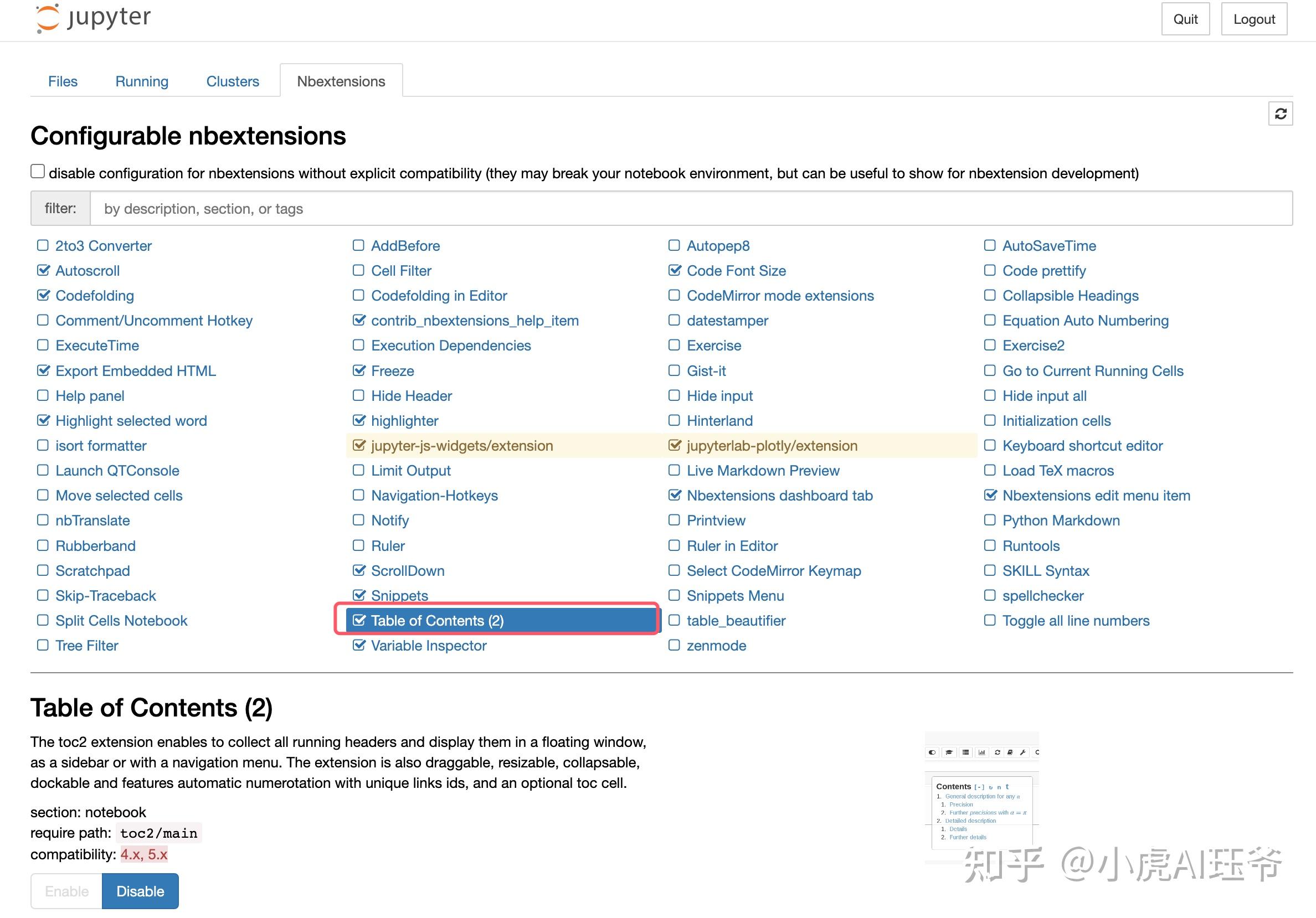
Jupyter Notebook
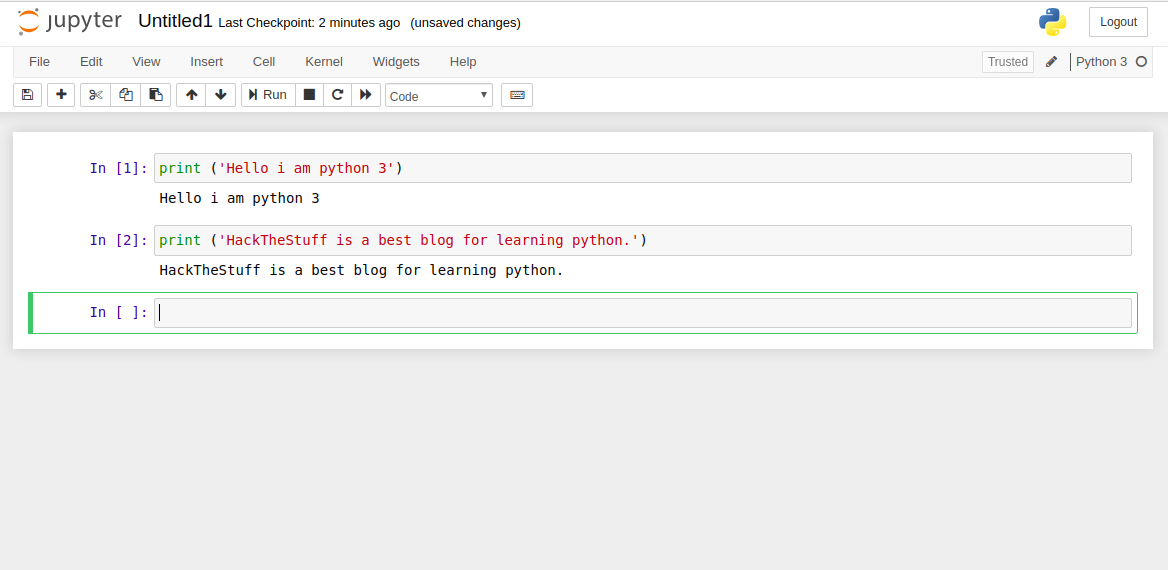
Install Jupyter Notebook Learn How To Install And Use Jupyter Notebook

Official Google Chrome Help Center where you can find tips and tutorials on using Google Chrome and other answers to frequently asked questions

Tip If you use a work or school account you might not be able to use Google Drive for desktop or your organization might have to install it for you If you have questions ask your administrator

Download the installation file again To install Chrome again use the new file If the installation still isn t working use an offline installer Computers with multiple user accounts Computers
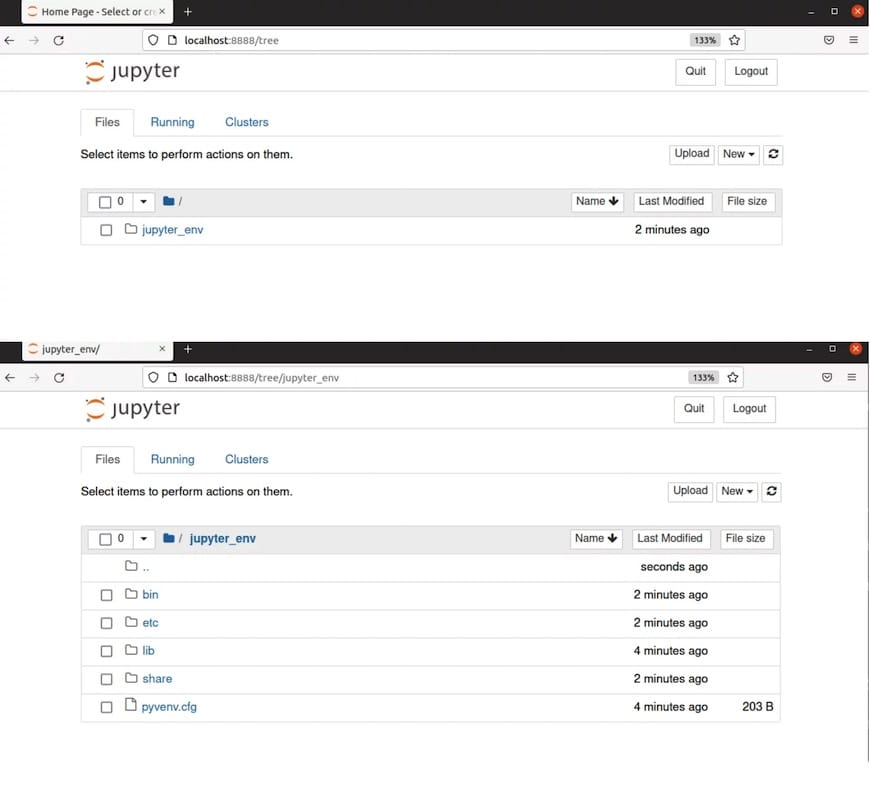
To install or upgrade to the latest version of Google Earth Pro download the application System requirements In order for Google Earth Pro to run on your computer you must have all
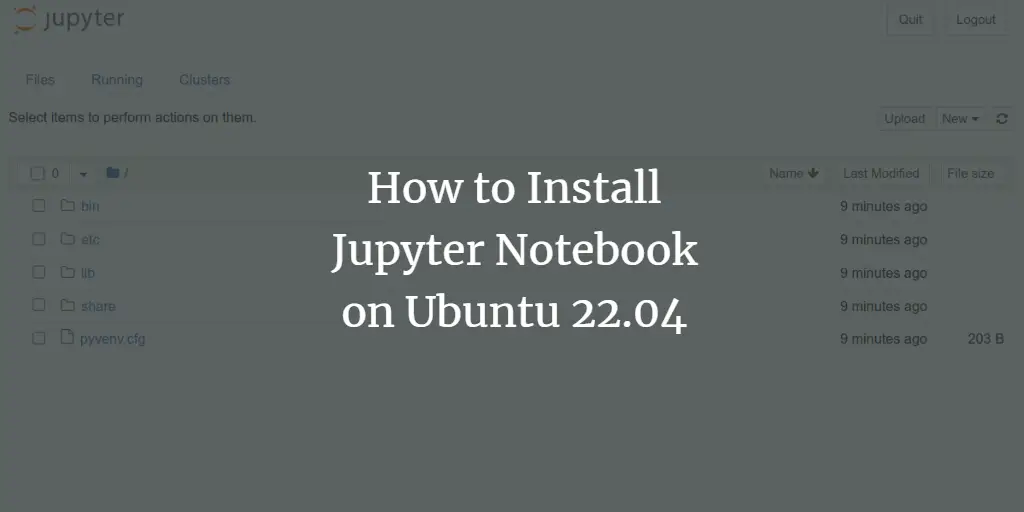
You can download and install the Chrome web browser at no charge and use it to browse the web
[desc-11] [desc-12]
[desc-13]