Install Jdk 11 Windows 7 Install Java On Windows 11 TestingDocs Java JDK 8 Update 381 32 bit Descargar Para PC Sudo Apt Get Install Openjdk 7 Jdk Lasopavertical How To Install Java JDK JRE On Windows 11 TechDecode Tutorials How To Install Java Jdk Jre In Windows 11 System 100 Working Mobile E95199 08 October 2023 This document describes the process to install Oracle JDK 11 on Windows Oracle Solaris macOS and Linux platforms Previous Page Title and Copyright Information Java Platform Standard Edition This document describes the process to install Oracle JDK 11 on Windows Oracle Solaris macOS and Linux platforms
Installation The JDK can be installed on the following platforms Oracle Solaris Microsoft Windows Linux macOS You can download JDK from Java SE Development Kit Downloads page For supported processors and browsers see Oracle JDK Certified System Configurations The JDK documentation is a separate download See Java SE Documentation How to Install Java JDK 11 on Windows You can either download the latest version of JDK 11 from the Oracle website Oracle JDK 11 Download but you will have to set up an Oracle account for downloading it Or you can download it from the Adopt Open JDK website no login required
How To Install Java Jdk Jre In Windows 11 System 100 Working Mobile Java Downloads For Mac Peatix How To Install Java JDK On Windows 10 JAVA HOME 2021 Update Best How To Install Netbeans 8 2 In Mac Youtube Java Download Windows 10 64 How To Install Java On Windows 10 With Java Home 2021 Update Jdk Www Java Download For Windows 11 Lasopaclassic Windows Install Jdk 11 Komputer 11 How To Install JDK 11 On Windows Configuring The PATH How To Download And Install Openjdk 11 On Windows 10 For 10 8 7 32 64
Install Jdk 11 Windows 7
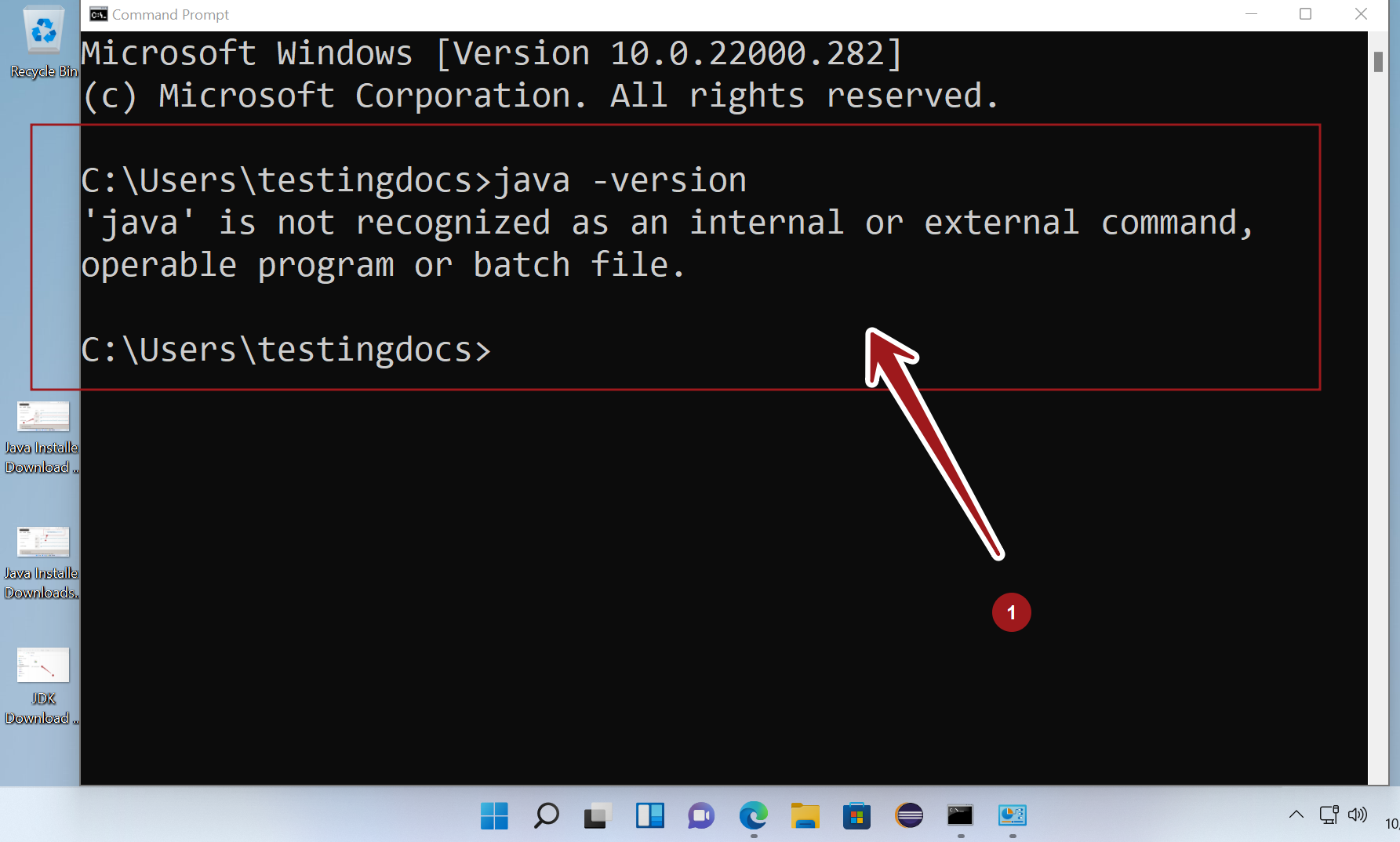 Install Jdk 11 Windows 7
https://www.testingdocs.com/wp-content/uploads/Java-Not-Installed-Windows-11.png
Go to the Oracle Java Archive page Thank you for downloading this release of the Java TM Platform Standard Edition Development Kit JDK TM The JDK is a development environment for building applications applets and components using the Java programming language
Templates are pre-designed documents or files that can be used for different functions. They can conserve time and effort by offering a ready-made format and layout for producing various sort of material. Templates can be utilized for personal or professional jobs, such as resumes, invitations, flyers, newsletters, reports, discussions, and more.
Install Jdk 11 Windows 7
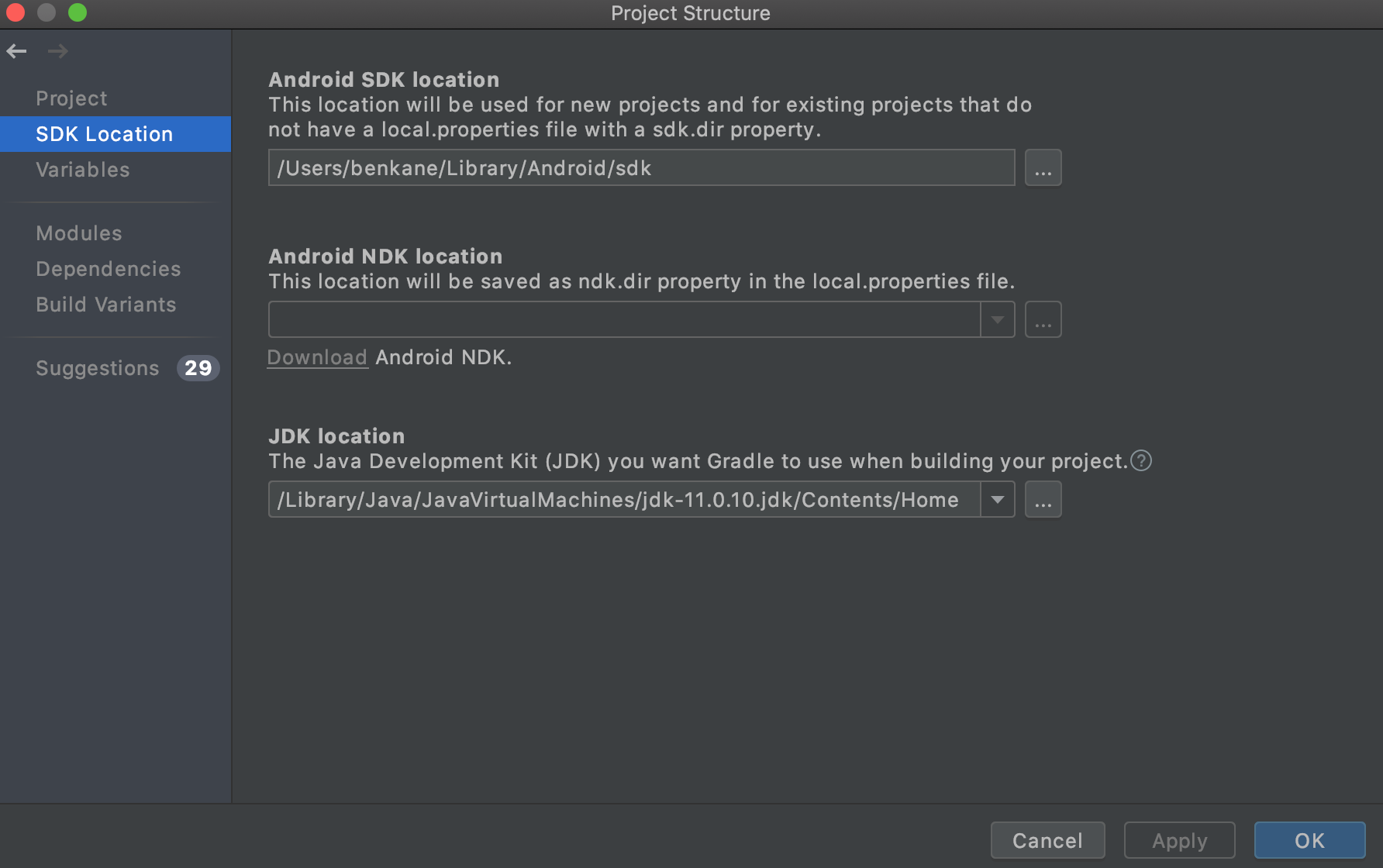
Android Studio JDK
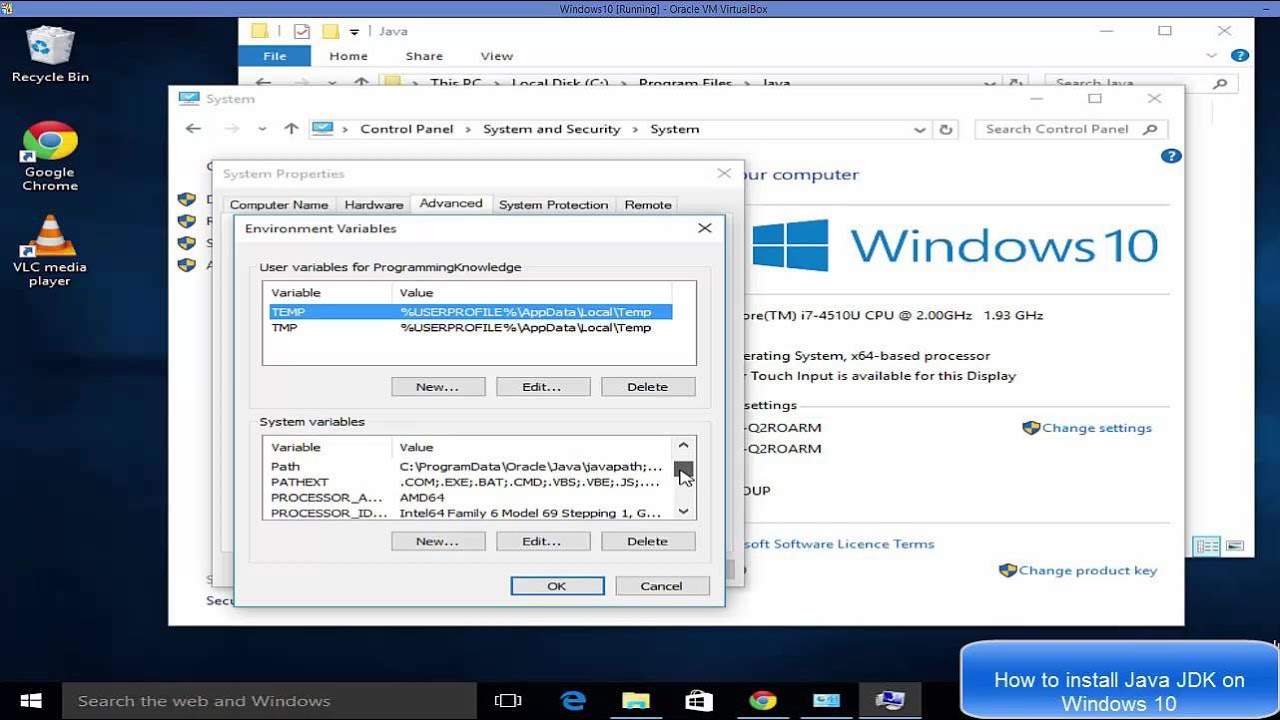
Java Downloads For Mac Peatix
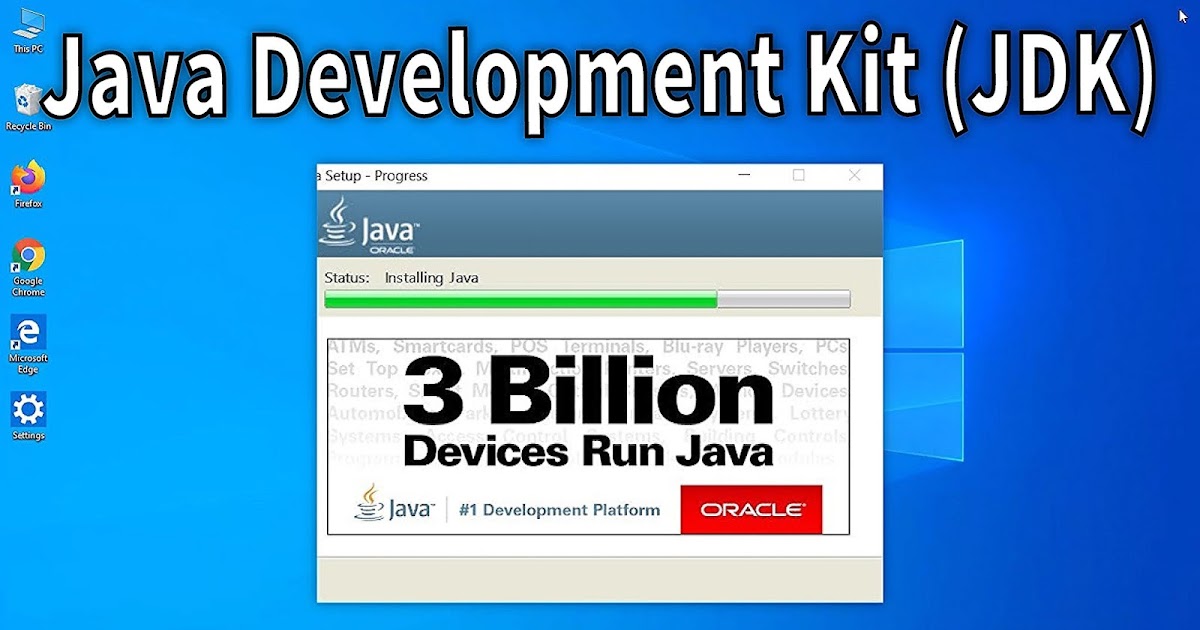
How To Install Java JDK On Windows 10 JAVA HOME 2021 Update Best
How To Install Netbeans 8 2 In Mac Youtube Java Download Windows 10 64

Java Download For Windows 11 Lasopaclassic

Windows Install Jdk 11 Komputer 11

Under the Download menu click the Download link that corresponds to the exe for your version of Windows Download the file jdk 11 interim update patch windows x64 bin exe Note Verify the successful completion of file download by comparing the file size on the download page and your local drive

1 Download and Install Oracle JDK 11 Oracle JDK 11 is the first LTS Long Term Support Java Development Kit since Oracle changed Java release cadence to every 6 months According to Oracle JDK 11 will be supported commercial support until September 2026

Java 11 JDK for Windows 7 32 bit system Ask Question Asked 2 years 1 month ago Modified 6 months ago Viewed 14k times 1 I wanted to install Java 11 on my Windows 32 bit System I ve searched this Official Java 11 Download Page doesn t contain any download for a 32 bit system But still I didn t lose my hope I saw this site

JDK Development Kit 21 0 1 downloads JDK 21 binaries are free to use in production and free to redistribute at no cost under the Oracle No Fee Terms and Conditions NFTC JDK 21 will receive updates under the NFTC until September 2026 a year after the release of the next LTS Subsequent JDK 21 updates will be licensed under the Java SE

Show 7 more This article provides links to download the Microsoft Build of OpenJDK For instructions on how to install using the graphical PKG and MSI installers or through package managers WinGet Homebrew apt and yum see the Install page
Java SE 16 Download Java SE 15 Download Java SE 11 Download LTS recommended Java SE 9 Download Java SE 8 Download LTS recommended Java 8 is the last free software public update Javac version As soon as you do that the Command prompt will check your PC for JDK If your Windows 11 doesn t have the JDK installed you should see something like this on your cmd screen Alternatively you can also check for the JDK through the Control Panel as well Here s how
Open the Window search menu and type cmd Open the Command Prompt and type java version command After that click on Enter button Now you can see the JDK version installed on your computer