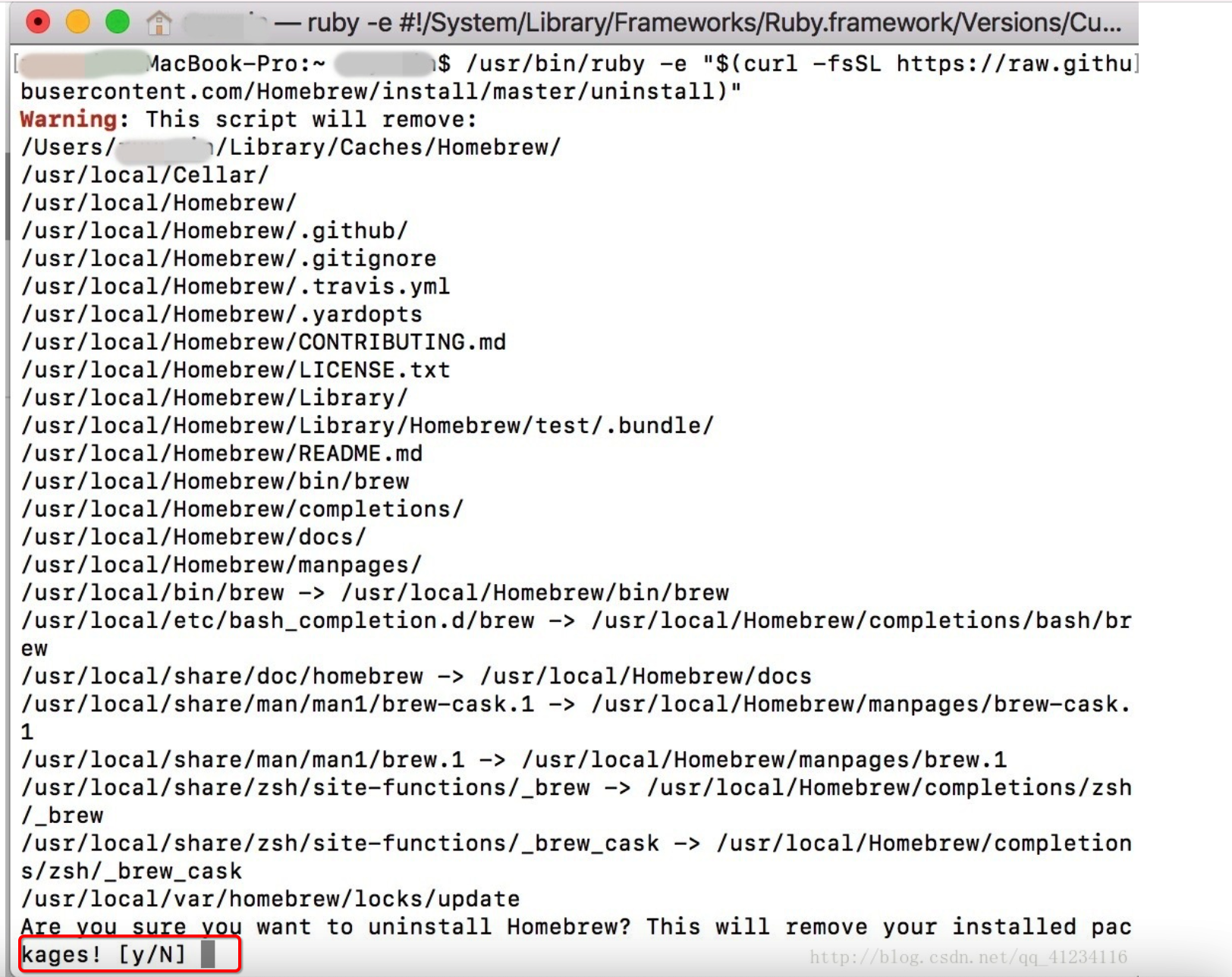
Install Java On Mac M1 Brew Javafx Java FX Error Initialiazing QuantumReader Mac M1 Stack Overflow Nerv s Werden Vorteilhaft Mach Es Gut Brew Install Java 8 Mac M1 Mac M1 brew nvm How To Install Java On Linux How To Download Install Java 17 On Mac TheBreakdown xyz Key Takeaways Install Homebrew on a Mac by running the following command in Terminal bin bash c curl fsSL https raw githubusercontent Homebrew install HEAD install sh You can then run brew install to install software
Installing Java on macOS using Homebrew Homebrew is a highly favored package manager in the macOS ecosystem It supports a vast library of software including Java and dramatically simplifies the Java installation process How do I install Java on Mac M1 Installing Java on Mac M1 is the same as installing it on any other Mac system Aug 5 2021 10 I know there is a post with the exact same title but since it s a little bit outdated I d like to post a slightly adjusted version for the people who is googling a updated
How To Download Install Java 17 On Mac TheBreakdown xyz How To Install Java On Mac M1 4K YouTube How To Install Java On Mac Install Java JDK On Macbook M1 YouTube MacOS Install Unity On Apple Silicon M1 Brew Visual Studio Code 1 How To Install Java On Linux And Path for LogAlyze YouTube Install Java On Mac And Set Classpath Stashokadventure How To Install Java On Mac Easily And Quickly How To Enable Java And JavaScript On A Mac Tutorial YouTube Nerv s Werden Vorteilhaft Mach Es Gut Brew Install Java 8 Mac M1
Install Java On Mac M1 Brew
 Install Java On Mac M1 Brew
https://i.stack.imgur.com/xX2g9.png
Installation FAQ for macOS System Requirements for Installing the JDK on macOS For supported processors and browsers see Oracle JDK Certified Systems Configurations JDK Installation Instruction Notation for macOS JDK installers now support only one version of any Java feature release
Templates are pre-designed documents or files that can be utilized for numerous purposes. They can save time and effort by supplying a ready-made format and layout for producing different sort of content. Templates can be utilized for individual or professional projects, such as resumes, invitations, leaflets, newsletters, reports, discussions, and more.
Install Java On Mac M1 Brew
Nerv s Werden Vorteilhaft Mach Es Gut Brew Install Java 8 Mac M1

How To Install Java On Mac M1 4K YouTube

How To Install Java On Mac Install Java JDK On Macbook M1 YouTube
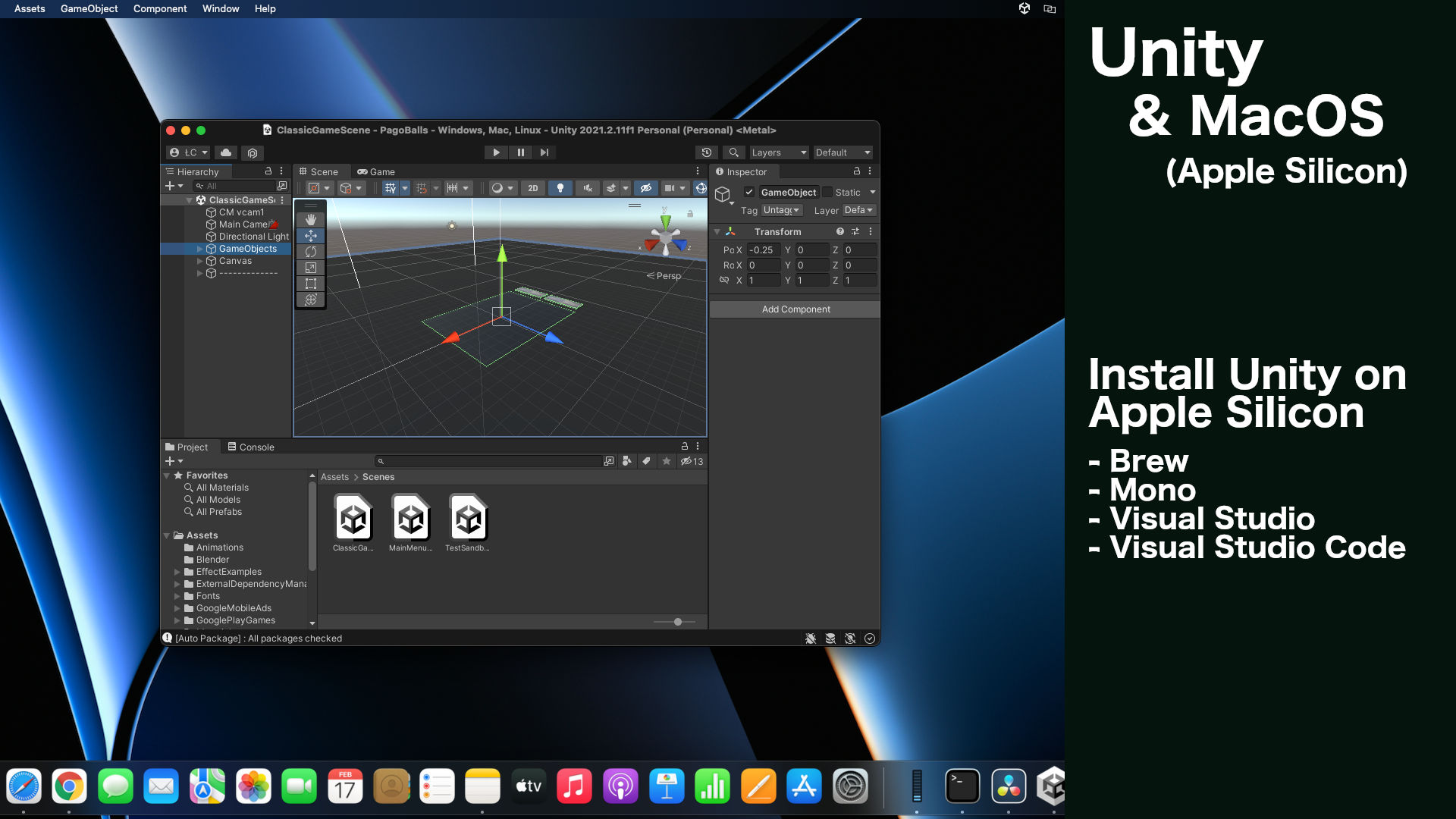
MacOS Install Unity On Apple Silicon M1 Brew Visual Studio Code
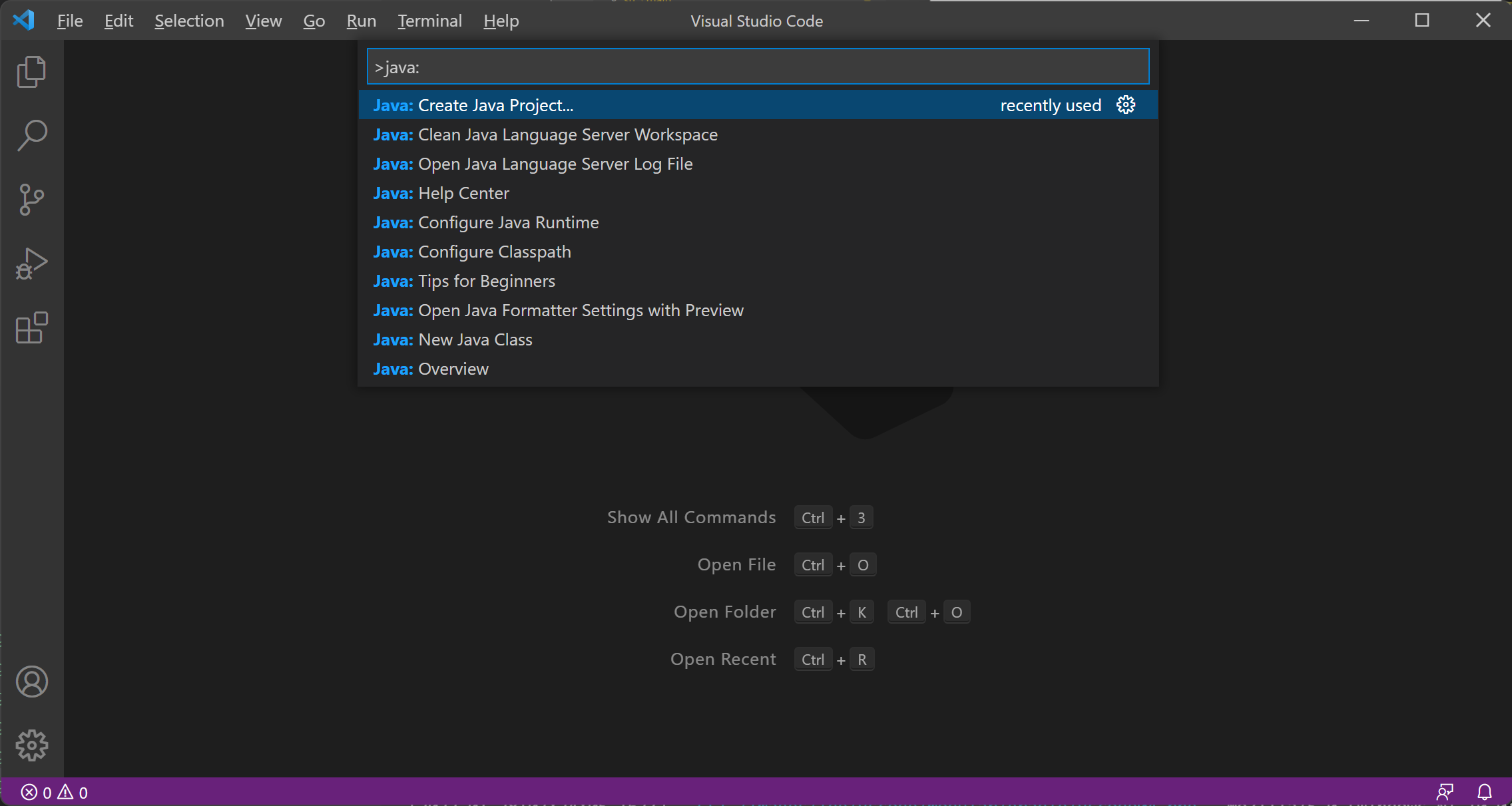
Install Java On Mac And Set Classpath Stashokadventure
How To Install Java On Mac Easily And Quickly

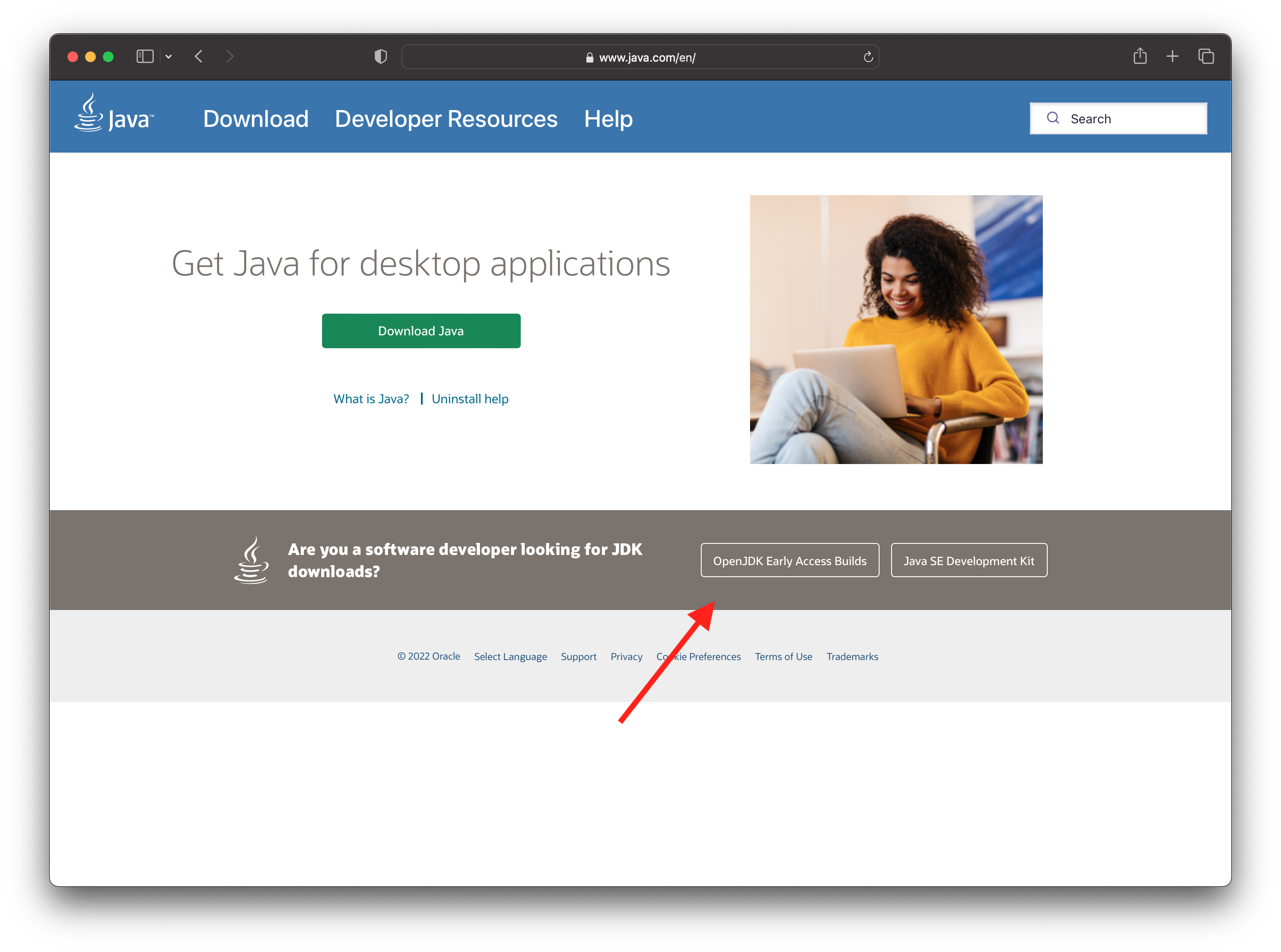
Option 1 Install Oracle JDK Oracle JDK is available for download on Oracle s website Follow the steps below to download and install it on Mac 1 Browse to Oracle s Java Downloads page 2 Select the macOS tab and download the DMG installer for your processor architecture If you have an M1 or M2 Mac choose the Arm 64 installer
Install Java using Homebrew brew tap adoptopenjdk openjdk brew install cask adoptopenjdk8 Install OpenJDK8 And finally you can install JDK8 Therefore go to
To install OpenJDK on Mac running on Intel or M1 M2 ARM Apple Silicon chip you can make use of the brew install openjdk command but if you use it without any version of the lasted Java JDK will get installed which is JDK 18 as of September 2022 Installing Specific Version of OpenJDK using Brew Installing Java JDK 8 ONLY WORKS FOR Intel x86 64
1 zulu You can then run java version to check that it worked the way you expected java version openjdk 16 0 1 2021 04 20 OpenJDK Runtime Environment Zulu 16 30 15 CA build 16 0 1 9 OpenJDK 64 Bit Server VM Zulu 16 30 15 CA build 16 0 1 9 mixed mode Gotchas

Here s how you can do it 1 Open Terminal on your Mac 2 Update Brew to ensure you have the latest version by running the following command brew update 3 Search for the available versions of AdoptOpenJDK by running the following command brew search adoptopenjdk
11 Answers Sorted by 524 Homebrew installation on apple silicon step by step Open a terminal window it should be zsh Run this command bin bash c curl fsSL https raw githubusercontent Homebrew install HEAD install sh Will installing JDK work for this on an M1 Mac Stack Overflow About Products For Teams With the latest version you can install temurin 17 directly with homebrew Share Improve this answer Follow answered Jun 2 at 8 08 Luca Foppiano Luca Foppiano 157 12 12 bronze badges How to install Java 8 on Mac 6
Before we start ensure that you have homebrew installed and that you have updated all dependencies ie run brew upgrade First we need to install JEnv using homebrew run the following command brew install jenv Next ensure that jenv is listed as a command on your shell if you are using bash then run