Install Java 1 8 On Mac M1 MacBook Air And Pro Tests With Apple M1 an IT Revolution Apple MacBook Pro M1 Review 13 inch 2020 G ne Topuk Kirac Macbook Pro 3 Saymak Buluntu dol MacBook Air M1 V MacBook Pro M1 MacBook N o T t Nh t D nh Cho B n MacBook Pro With M1 Processor Tech Specs Web May 23 2021 nbsp 0183 32 Run the following command in your terminal brew install maven Install ARM based JDK 8 from Azul We need to get a version of JDK 8 that works on the ARM based M1 Mac Azul provide just what we need At the link below enter the following if the link doesn t populate it for you Java Version Java 8 LTS Operating System macOS
Web Apr 18 2022 nbsp 0183 32 My co workers and I are working on a java project based on Eclipse 2020 03 jdk 1 8 spring 3 and I m having trouble installing the environment on my Macbook M1 First I ve tried installing the open jdk1 8 and have managed to set the PATH in zshrc Then I installed Eclipse 2020 03 and opened it using rosetta when it immediately crashed on me Web Jan 30 2021 nbsp 0183 32 Try it free This is a step by step walkthrough on how to install Java JDK on the new Apple M1Java download URL https www oracle java technologies javase download
MacBook Pro With M1 Processor Tech Specs M1 MacBook Air Thrashes A Core I9 Powered 16 inch MacBook Pro In The Everything You Need To Know About The M1 Chip Macworld MacBook Air With M1 Chip Beats 16 inch MacBook Pro Performance In How To Install Java 17 On Mac Tutorials24x7 MacBook Air M1 Review Faster Than Most PCs No Fan Required IFixit M1 MacBook Air Pro How To Download Install The Java SE Development Kit TheBreakdown xyz Apple Mac Mini Teardown Offers A Look At The New M1 Chip On The Smaller
Install Java 1 8 On Mac M1
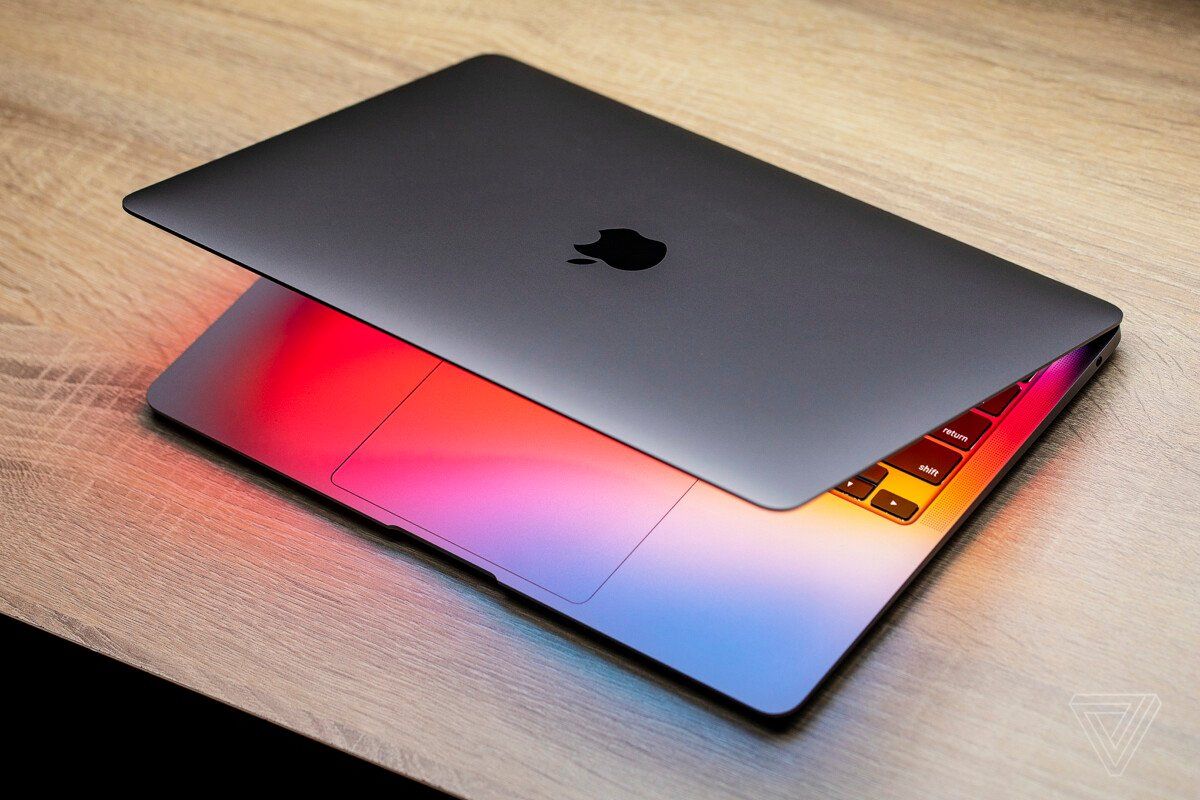 Install Java 1 8 On Mac M1
https://alkhaleejtoday.co/content/uploads/2020/11/18/1ee1f7688a.jpg
Web If you install an older version of a JDK when the newer version of the same feature family already exists an error is displayed prompting you to uninstall a newer JDK version if an older version has to be installed JDK is installed in Library Java JavaVirtualMachines jdk lt FEATURE gt jdk where lt FEATURE gt is the feature release number
Templates are pre-designed files or files that can be utilized for numerous purposes. They can conserve effort and time by supplying a ready-made format and design for producing different sort of content. Templates can be used for individual or expert jobs, such as resumes, invites, leaflets, newsletters, reports, discussions, and more.
Install Java 1 8 On Mac M1
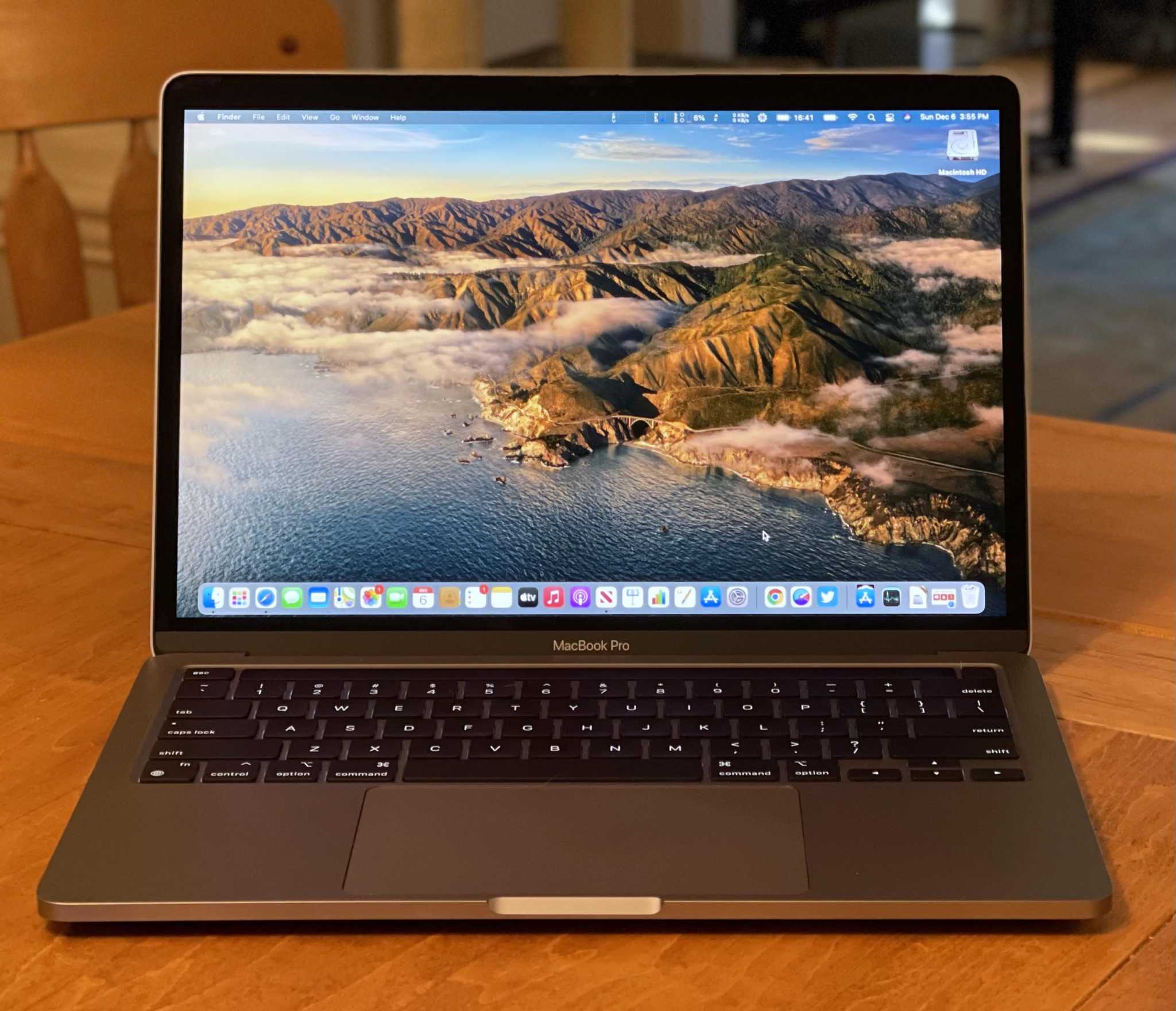
Apple s New M1 based MacBook Pro Has Promise And Pitfalls

M1 MacBook Air Thrashes A Core I9 Powered 16 inch MacBook Pro In The

Everything You Need To Know About The M1 Chip Macworld
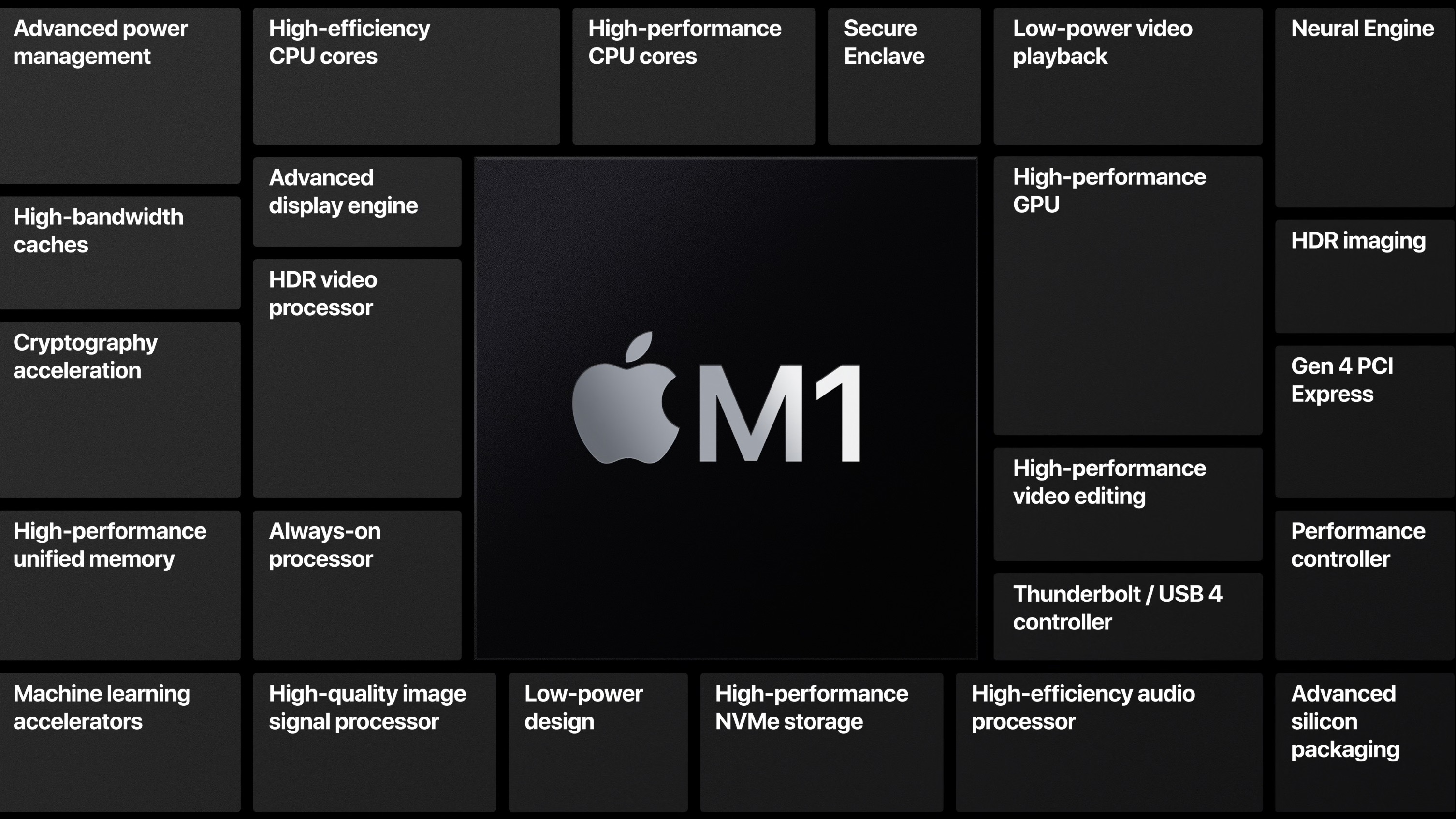
MacBook Air With M1 Chip Beats 16 inch MacBook Pro Performance In
MacBook Air M1 Review Faster Than Most PCs No Fan Required

IFixit M1 MacBook Air Pro

Web Sep 7 2022 nbsp 0183 32 Install Azul s M1 native JDK 8 You may obtain an installer for Java 8 LTS The current version is Azul Zulu 8 64 0 19 8u345b01 in dmg format Open the disk image and install Next you will need to set your JAVA HOME environment variable Open the Terminal app and run this command
Web Jun 27 2022 nbsp 0183 32 Homebrew does not support OpenJDK 8 on Apple Silicon M1 M2 but Zulu Community 8 is present as a cask You just have to enable cask versions repository and install zulu8 cask brew tap homebrew cask versions brew install cask zulu8
Web May 9 2021 nbsp 0183 32 sdk install java 16 0 1 zulu You can then run java version to check that it worked the way you expected java version openjdk 16 0 1 2021 04 20 OpenJDK Runtime Environment Zulu16 30 15 CA build 16 0 1 9 OpenJDK 64 Bit Server VM Zulu16 30 15 CA build 16 0 1 9 mixed mode
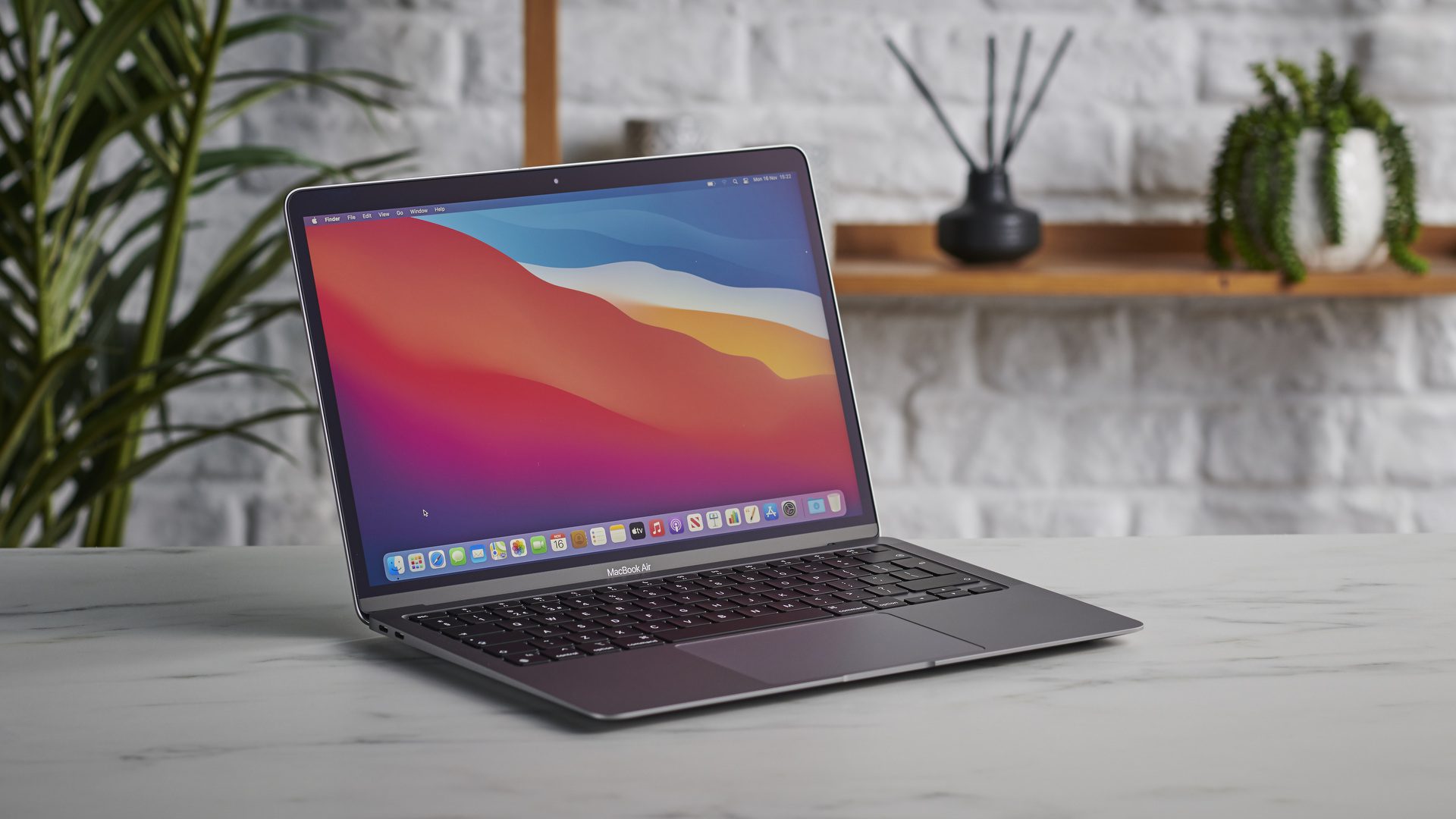
Web Sep 8 2022 nbsp 0183 32 Install Java JDK in Macbook with M1 Chip Last updated on 8 Sep 2022 In order to compile and run Java programs we need Java Development Kit JDK Mine is a Macbook with M1 chip Here is how I installed JDK

Web Jul 5 2022 nbsp 0183 32 Install JAVA Next of course you have to install Java if not already done Install Rosetta 2 sudo softwareupdate install rosetta Install Java using Homebrew brew tap
Web Sep 27 2022 nbsp 0183 32 In this short video tutorial I will show you how to install java on mac m1 and switch between older versions Watch the FIFA Women s World Cup on FOX All 64 matches also available in 4K Web Jan 24 2023 nbsp 0183 32 Why installing Java 8 on an M1 Mac is a little weird I needed to install Java 1 8 a k a OpenJDK v8 on my MacBook Pro and it was more annoying than it should be I believe this to be because OpenJDK v8 is fairly old and I m using an M1 mac Anyway Eclipse took over AdoptOpenJDK my normal provider of Java and renamed the
Web Jul 21 2022 nbsp 0183 32 Browse to Oracle s Java Downloads page 2 Select the macOS tab and download the DMG installer for your processor architecture If you have an M1 or M2 Mac choose the Arm 64 installer Intel based Mac owners should choose the x64 installer 3 Open the downloaded DMG file and run the PKG file inside 4