Install Integration Services Extension Visual Studio 2019 SQL Server Integration Services SQL Server Integration Find And Install Extensions Visual Studio Windows Microsoft Docs How To Use Live Share With Visual Studio Code DigitalOcean Regresa Sistem tico Sensor Instalar Plugin Visual Studio Code Censura Visual Studio Microsoft Learn Web Jan 2 2020 nbsp 0183 32 Prior to installing make sure you close all programs and services related to SQL Server and Visual Studio Press ctrl alt del and stop all services with a description containing SQL Server First this
Web In Visual Studio click New gt Project on the File menu In the Installed Templates area of the New Project window expand Business Intelligence and click Integration Services Select Integration Services Import Web Jul 15 2021 nbsp 0183 32 As we have seen in this version of the VS the tool for designing SSIS projects is installed as an extension of the Visual Studio We have also explored how to install Visual Studio 2019 and how to
Visual Studio Microsoft Learn How To Install SSIS In Visual Studio 2019 Integration Services Visual Studio 2019 Szoftvercenter Xaml I Mvvm W 2015 Jacek Matulewsk 56 Enable NET Core SDK Preview In Visual Studio 2019 Hashnode Key Visual Studio Professional 2019 Dzungmmo Visual Studio Installation Visual studio Tutorial How To Install Integration Services 2022 Under The Kover Of Business How To Install Integration Services 2022 Under The Kover Of Business C C Visual Studio Microsoft Learn
Install Integration Services Extension Visual Studio 2019
 Install Integration Services Extension Visual Studio 2019
https://learn.microsoft.com/ja-jp/sql/integration-services/install-windows/install-integration-services/sql-server-setup-feature-selection.png?view=sql-server-ver16
Web On 16 Aug 2021 the Microsoft SSIS Team released version 3 15 of the Integration Services extension for Visual Studio 2019 SQL Server Integration Services Projects
Templates are pre-designed documents or files that can be utilized for various functions. They can save time and effort by supplying a ready-made format and layout for producing various kinds of content. Templates can be used for individual or professional projects, such as resumes, invitations, leaflets, newsletters, reports, presentations, and more.
Install Integration Services Extension Visual Studio 2019

How To Write Visual Studio Extensions Nanaxportfolio

How To Install SSIS In Visual Studio 2019 Integration Services
Visual Studio 2019 Szoftvercenter Xaml I Mvvm W 2015 Jacek Matulewsk 56
Enable NET Core SDK Preview In Visual Studio 2019 Hashnode
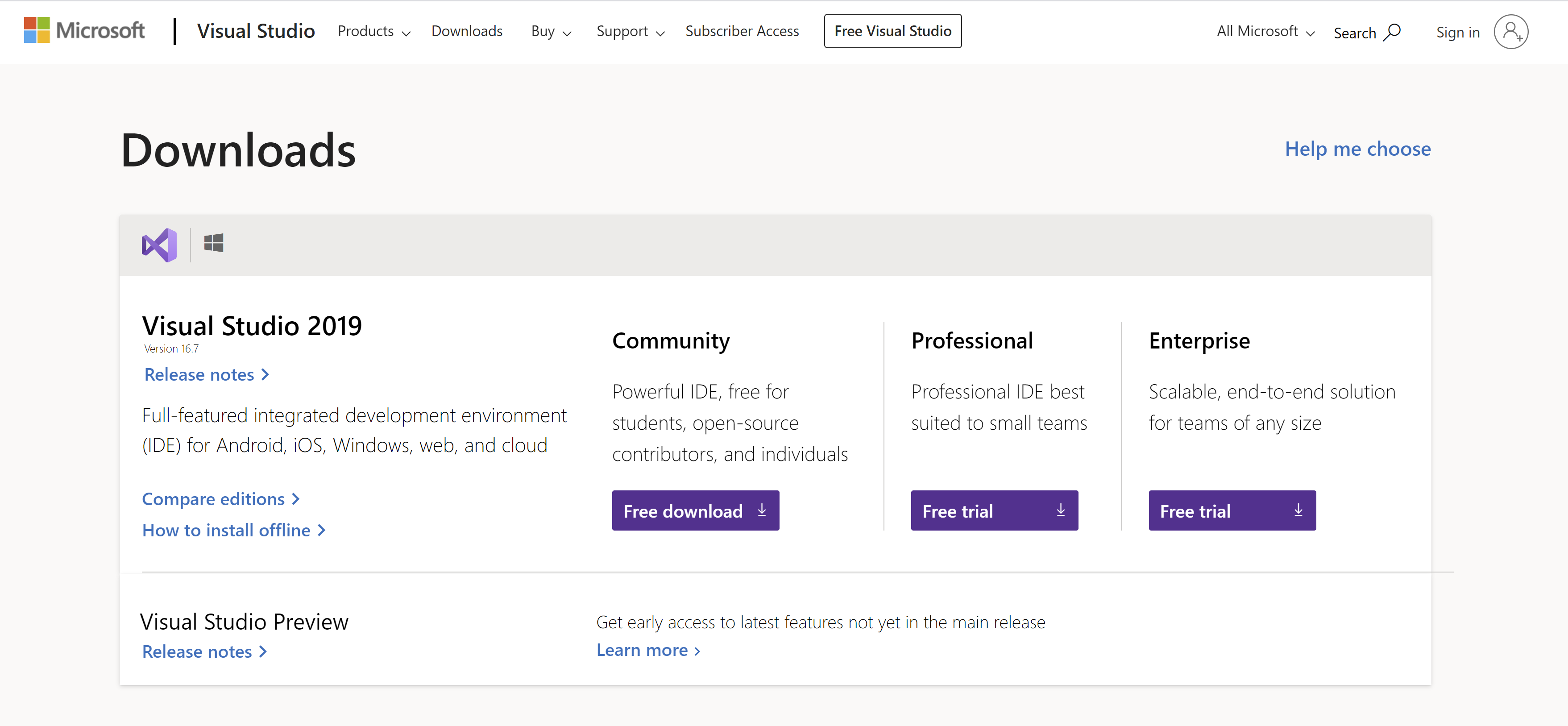
Visual Studio Installation Visual studio Tutorial
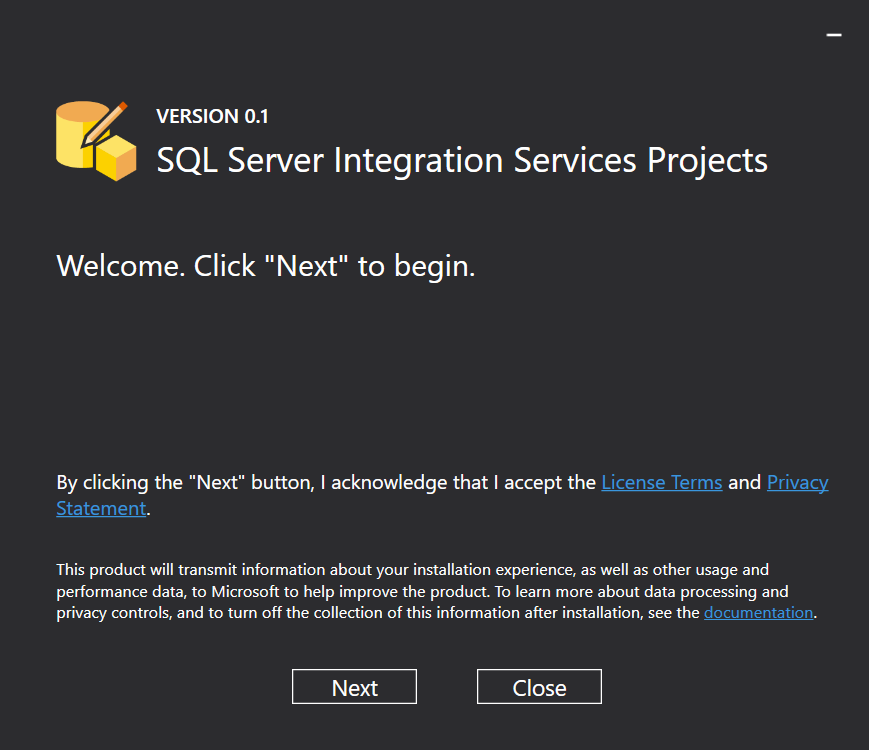
How To Install Integration Services 2022 Under The Kover Of Business

Web Mar 21 2024 nbsp 0183 32 Version 4 4 Release Date Jan 17th 2023 Download SQL Server Integration Services Projects 4 4 Build Version 16 0 5035 3 Tested against Visual

Web Aug 16 2023 nbsp 0183 32 SSIS isn t included with the Express edition of SQL Server In the SQL Server Setup Wizard select New SQL stand alone installation or add features to an
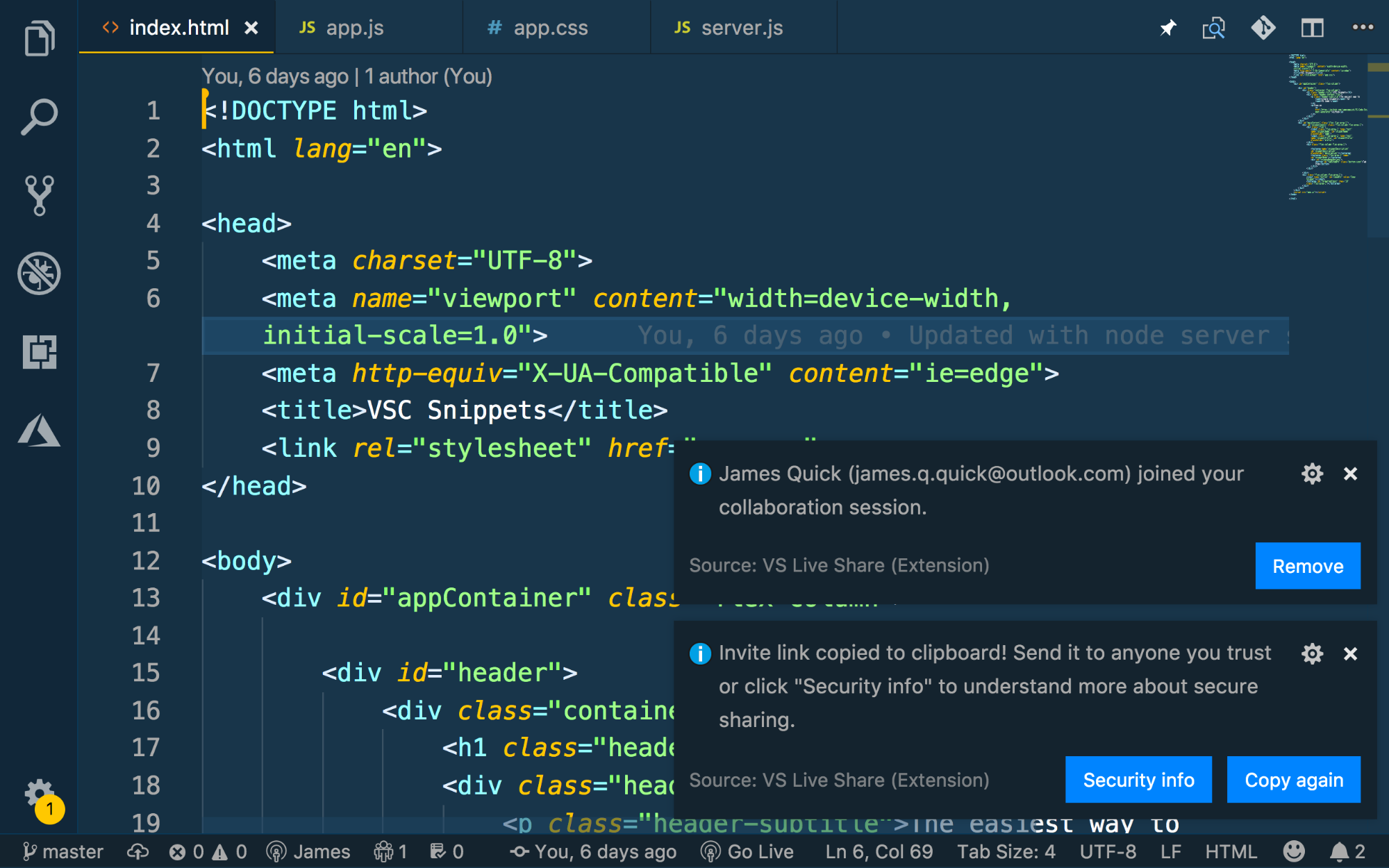
Web Nov 28 2023 nbsp 0183 32 Download SQL Server Integration Services Projects 2022 0 1 Build Version 16 0 5035 0 Tested against Visual Studio 2022 17 4 What s new Support

Web To install SSIS in Visual Studio 2019 follow these steps 1 Open the Visual Studio Installer 2 Click Add or Remove Features 3 Expand the SQL Server node 4

Web Jul 3 2023 nbsp 0183 32 Table of Contents Step by step SSIS installation tutorial in video Install SSIS in Visual Studio 2019 in 3 steps Step 1 Download SQL Server Integration Services Projects extension Step 2 Install the
Web May 22 2019 nbsp 0183 32 Here s one way to install SQL Server Integration Services SSIS templates 1 Open Visual Studio 2019 Once open click Extensions gt Manage Web Jun 22 2020 nbsp 0183 32 The Integration Services v3 8 extension for VS 2019 has been released From the SQL Server Integration Services Projects page lt ShamelessPlug gt Need Help
Web Sep 12 2022 nbsp 0183 32 When Visual Studio is opened we click on quot Continue without code quot to add the necessary extension In this window we click on quot Extensions quot gt quot Manage