Install Hackintosh On Flash Drive HOW TO INSTALL HACKINTOSH ON PC FOR BYPASS IPHONES AND CHANGE SERIAL How To INSTALL Hackintosh On ANY AMD PC Without Mac In 2020 Legacy Opencore Hackintosh 2021 Big Sur Install From Usb Drive Created In How To Install Hackintosh On Windows Any Pc MacOS Step by step How To Install MacOS Big Sur On PC Using Linux Hackintosh No Mac Web Feb 13 2019 nbsp 0183 32 How To How to install macOS on a PC Apple may not want you to install macOS on a PC but it can be done Here s our guide to building a Hackintosh By Kenny Hemphill Macworld FEB 12
Web Dec 10 2020 nbsp 0183 32 How to make a Catalina flash drive installer for macOS 10 15 Step 1 Introduce a Flash Drive of at least 8GB Open the disc utility Select your pendrive in the left column Click on delete And format it with these options Name HackintoshUSB Format Mac OS Plus With Registration Schedule GUID NOTE Web Oct 15 2018 nbsp 0183 32 98K views 4 years ago Beginners Hackintosh tutorial how to create a macOS Mojave up to latest macOS Monterey USB Installation Boot Flash Disk Also works for High Sierra Sierra and El
How To Install MacOS Big Sur On PC Using Linux Hackintosh No Mac How To Build A Hackintosh Laptop Pc And Update Youtube Vrogue How To Install Macos Catalina On Pc Hackintosh Step By Step Guide Vrogue How To Build A Hackintosh Laptop Pc And Update Youtube Vrogue How To Build A Gaming Hackintosh On The Cheap Software Cult Of Mac How To Install Hackintosh Niresh Mojave midgetechknowledge YouTube Hackintosh On Surface Pro 3 C n L u G Khi Mu n C i Macos hackintosh L n M y Windows How To How To Install MacOS 12 Monterey Hackintosh On PC Guide
Install Hackintosh On Flash Drive
 Install Hackintosh On Flash Drive
https://i.ytimg.com/vi/CPdw0nSrTzI/maxresdefault.jpg?sqp=-oaymwEmCIAKENAF8quKqQMa8AEB-AH-CYAC0AWKAgwIABABGGUgZChbMA8=&rs=AOn4CLAsuUlS_5YCPFhs6lr0gakZaVcggg
Web Jun 27 2023 nbsp 0183 32 Boot from the USB flash drive After macOS is installed you can boot into macOS using the USB flash drive and selecting the UEFI version of the flash drive After the installation is complete reboot your computer and boot into macOS Follow the on screen instructions to complete the setup process
Templates are pre-designed files or files that can be used for various purposes. They can conserve time and effort by providing a ready-made format and layout for producing various sort of content. Templates can be utilized for personal or expert jobs, such as resumes, invites, flyers, newsletters, reports, presentations, and more.
Install Hackintosh On Flash Drive

Install Hackintosh On VMWare Workstation 9 Windows Swapnil Bhatnagar

How To Build A Hackintosh Laptop Pc And Update Youtube Vrogue
How To Install Macos Catalina On Pc Hackintosh Step By Step Guide Vrogue

How To Build A Hackintosh Laptop Pc And Update Youtube Vrogue

How To Install Hackintosh Niresh Mojave midgetechknowledge YouTube
Hackintosh On Surface Pro 3

Web How to Make Hackintosh Bootable USB Drive From Windows Mac OS Sierra on Core2 duo Low Budget Hackintosh PC In this post I m gonna show you how to make Hackintosh Bootable USB Drive from Windows This method works on Yosemite El Capitan and Sierra

Web Nov 4 2022 nbsp 0183 32 What you need to do is to throw the EFI folder into the EFI partition created after writing the image to your USB memory I wish everyone a smooth hackintosh See you in healthy days Check your hardware compability Anti Hackintosh Buyers GPU Buyers Guide Wireless Buyers Guide My laptop specs Model Lenovo Thinkpad E570

Web Jun 3 2021 nbsp 0183 32 After the USB drive is prepared open the Terminal in MacOS You will use a command in the terminal to make the USB drive into a bootable installer for macOS If you are installing macOS Big Sur type the following command sudo Applications Install macOS Big Sur app Contents Resources createinstallmedia volume Volumes MyVolume

Web Jan 20 2011 nbsp 0183 32 Open quot First Aid quot In there you ll find a program called iPortable Bootfix Open it Continue through it normally but on the third page click quot Change Install Location quot this is very important
Web Jul 16 2022 nbsp 0183 32 Step 1 Download macOS Monterey Full Image First of all we will download the macOS Monterey Full Image A good internet connection is required here We will download around 14 GB from the internet Use the link below to download Save it to your PC MediaFire Link OneDrive
Web Jul 6 2021 nbsp 0183 32 Step 1 First up launch BalenaEtcher and click on Flash from file Select the macOS Monterey RAW file you downloaded earlier Step 2 Next plugin your USB drive and select that as Target in BalenaEtcher Step 3 Now click on Flash in BalenaEtcher and wait for it to prepare your USB drive This process might take a while so be patient Web I don t have access to an external DVD drive I do have a 16gb USB flash and a Windows 7 machine that I need for other things is it possible to install Mac OS X iDeneb 1 3 to a HP mini 110 from Stack Exchange Network
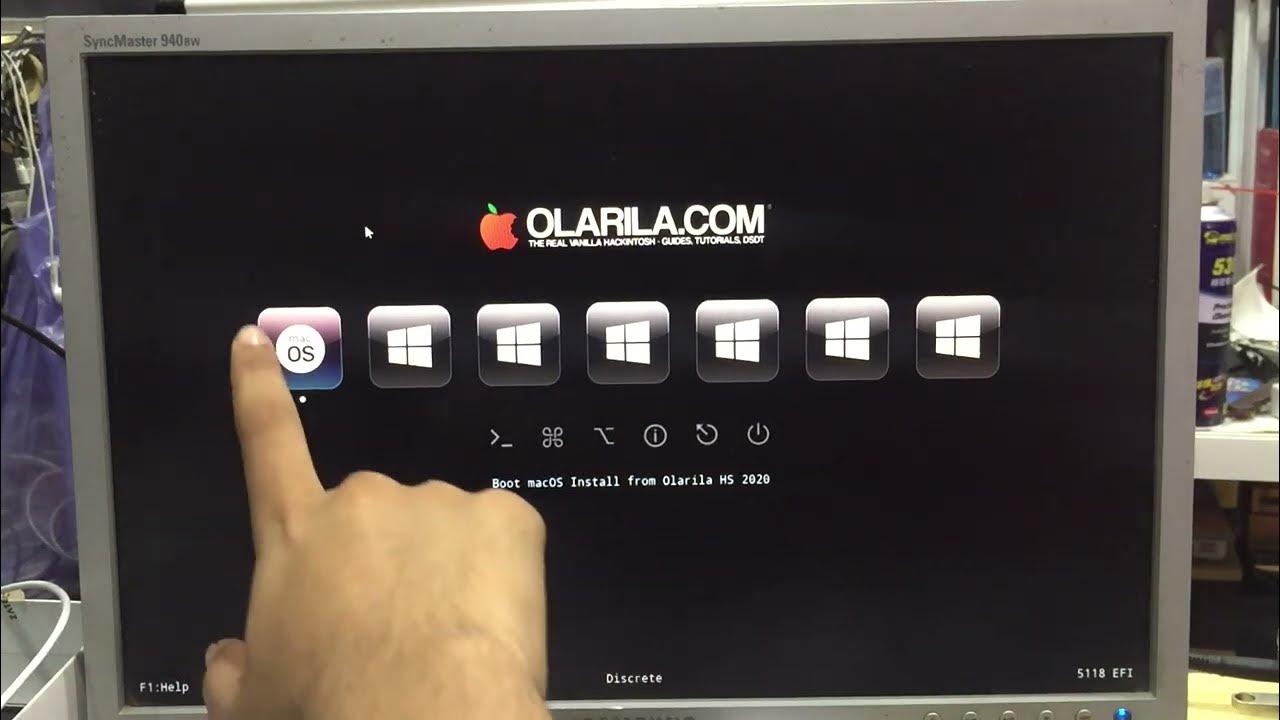
Web Nov 17 2023 nbsp 0183 32 First up plug in your bootable USB installer drive and boot from it When you see the boot menu choose UEFI mode if you get the option That ll launch the Clover bootloader From the Clover menu select the quot Boot macOS Install from Install macOS Big Sur quot option or whichever version you have