Install Google Chrome Ubuntu Sudo Apt Get Error On Linux Ubuntu 20 04 Sudo Apt Update Browser Support Brave Cara Instal Google Chrome Di Ubuntu IFaWorldCup How To Install Google Chrome On Ubuntu 20 04 Install Google Chrome On Ubuntu TestingDocs How To Install And Use Webmin In Ubuntu 22 04 Web To install Google Chrome run the following sudo apt get install libxss1 libappindicator1 libindicator7 wget https dl google linux direct google chrome stable current amd64 deb sudo apt install google chrome deb Installed this way the package has the name google chrome stable
Web Aug 4 2023 nbsp 0183 32 sudo apt install wget After installation let s use the wget command to download the latest package version of Chrome wget https dl google linux direct google chrome stable current amd64 deb We can then use the dpkg Linux tool to install Chrome from the downloaded package Web Dec 16 2020 nbsp 0183 32 1 Open terminal either by pressing Ctrl Alt T on keyboard or by searching for terminal from system application menu 2 When terminal opens run command to install the key wget q O https dl google linux linux signing key pub sudo apt key add Type user password no asterisk feedback for sudo prompts and hit Enter
How To Install And Use Webmin In Ubuntu 22 04 How To Install Google Chrome In Ubuntu 18 04 LTS How To Install Google Chrome On Ubuntu 22 04 TECH DHEE Cara Update Ubuntu Linux Dengan Mudah Matob How To Install Google Chrome In Ubuntu 14 04 LTS 2015 YouTube How To Install Google Chrome Web Browser On Ubuntu 19 04 Disco Dingo How To Install Google Chrome In Ubuntu 20 04 LTS Focal Fossa Linux 2020 How To Fix sudo Apt get Update On Ubuntu 16 04 YouTube How To Install Google Chrome In Ubuntu YouTube
Install Google Chrome Ubuntu Sudo Apt Get
 Install Google Chrome Ubuntu Sudo Apt Get
https://global.discourse-cdn.com/brave/original/3X/2/e/2e24b0a745b1d5e0e755aaa677fb3664f97466da.png
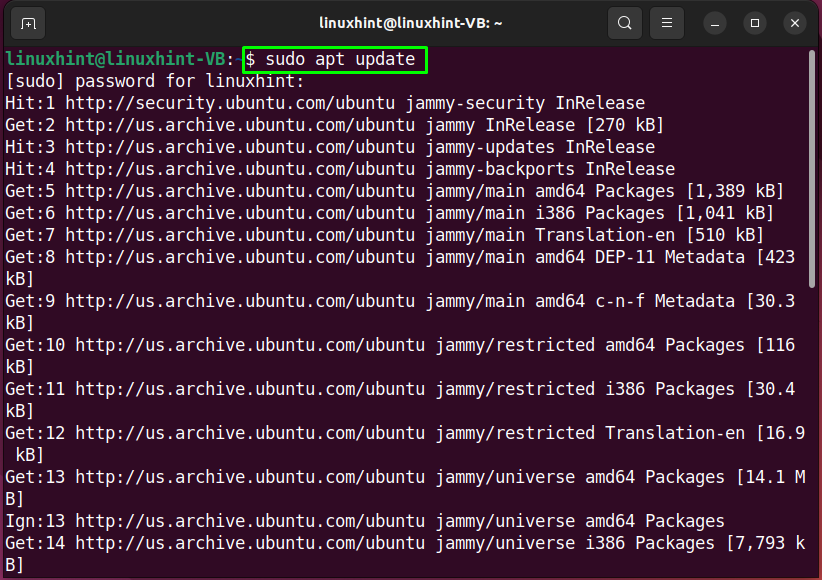
Web May 24 2022 nbsp 0183 32 Execute the following commands to update the apt cache and install the Google chrome stable package on a Ubuntu system sudo apt update sudo apt install google chrome stable Press y for all the confirmation asked by the installer That s it You have successfully installed the Google chrome web browser on your Ubuntu system
Pre-crafted templates use a time-saving option for producing a varied range of files and files. These pre-designed formats and layouts can be utilized for different personal and professional tasks, including resumes, invites, leaflets, newsletters, reports, presentations, and more, enhancing the material creation process.
Install Google Chrome Ubuntu Sudo Apt Get

How To Deploy Google Chrome Using Intune Mem Www vrogue co
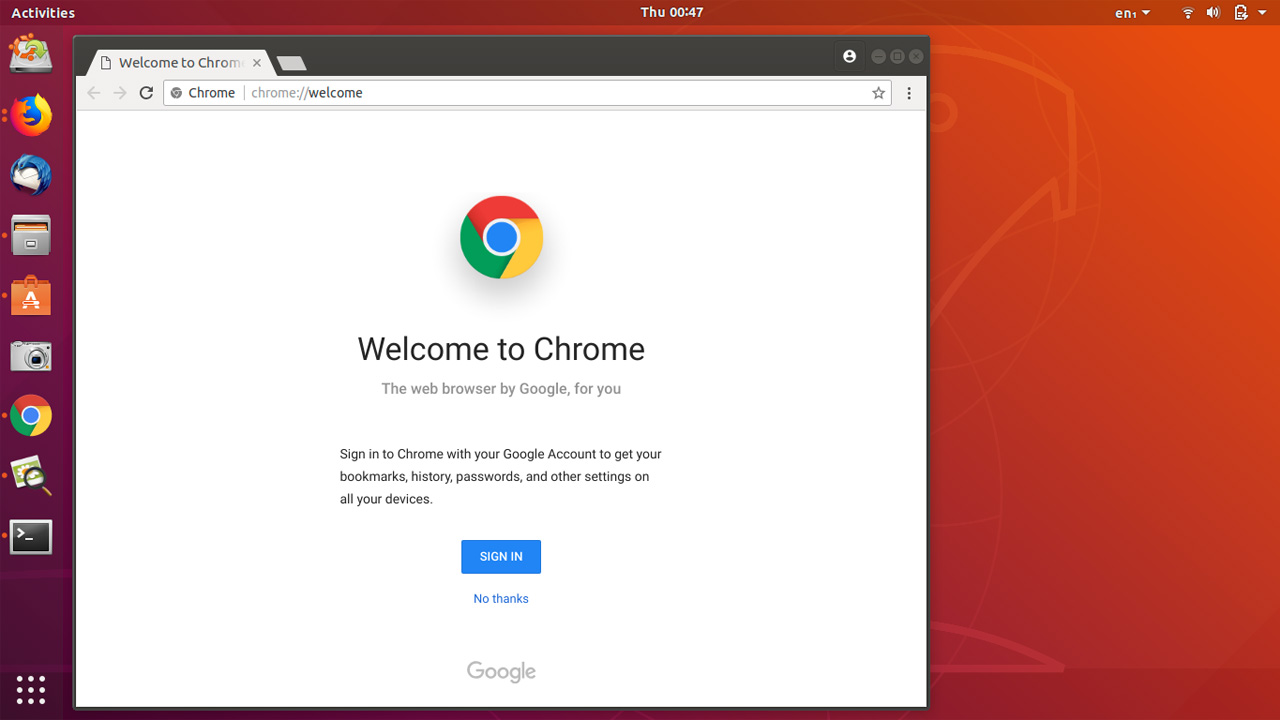
How To Install Google Chrome In Ubuntu 18 04 LTS

How To Install Google Chrome On Ubuntu 22 04 TECH DHEE
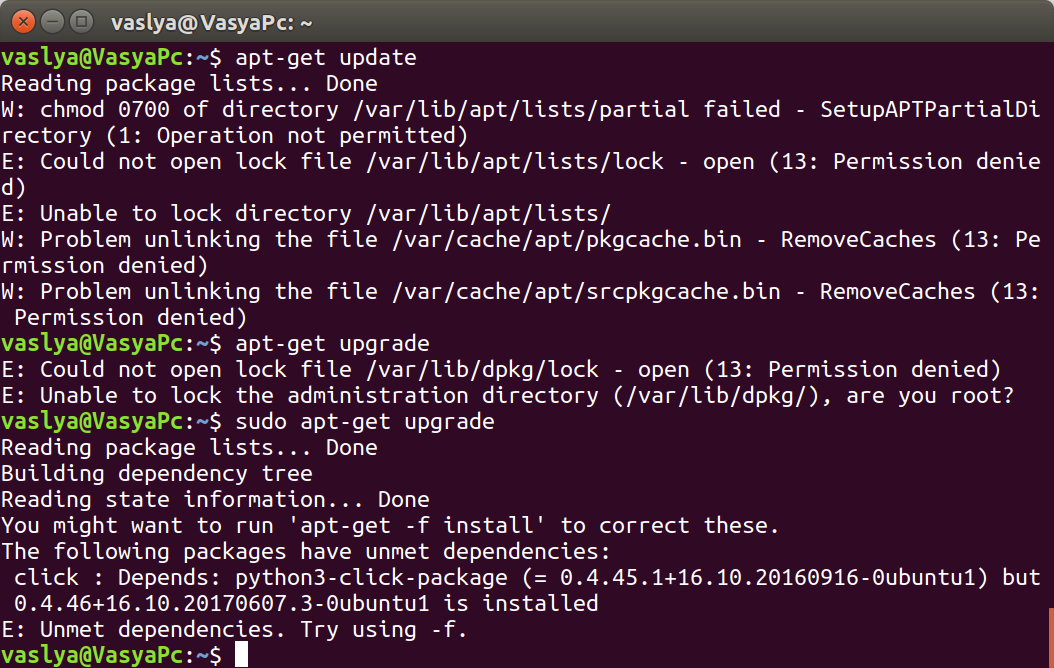
Cara Update Ubuntu Linux Dengan Mudah Matob

How To Install Google Chrome Web Browser On Ubuntu 19 04 Disco Dingo
How To Install Google Chrome In Ubuntu 20 04 LTS Focal Fossa Linux 2020
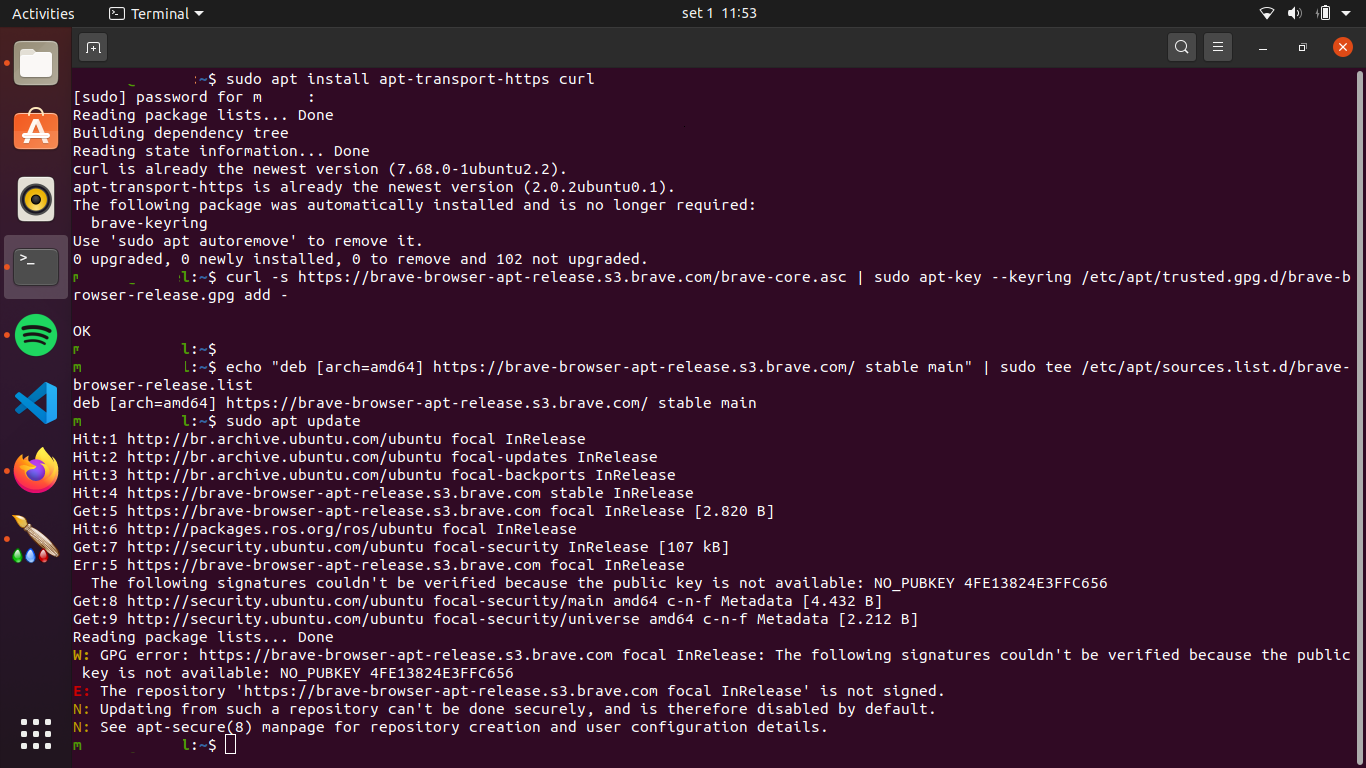
Web Jun 9 2021 nbsp 0183 32 Google Chrome adds a repository to the list of repositories that the apt command checks when it s looking for installation files So although Ubuntu doesn t have Google Chrome in any of the standard Ubuntu repositories you can still use apt to upgrade Chrome The command to use is sudo apt install google chrome stable

Web I use this to install google chrome on a remote server also works on your laptop wget https dl google linux direct google chrome stable current amd64 deb sudo dpkg i google chrome stable current amd64 deb sudo apt fix broken install sudo dpkg i google chrome stable current amd64 deb dpkg l grep chrome

Web May 5 2017 nbsp 0183 32 sudo apt install chromium browser And to install Google chrome you should download its deb installer from here which you already did then to install it run sudo dpkg i google chrome stable current amd64 deb If you encounter to any errors related to dependencies run sudo apt install google chrome stable current amd64 deb
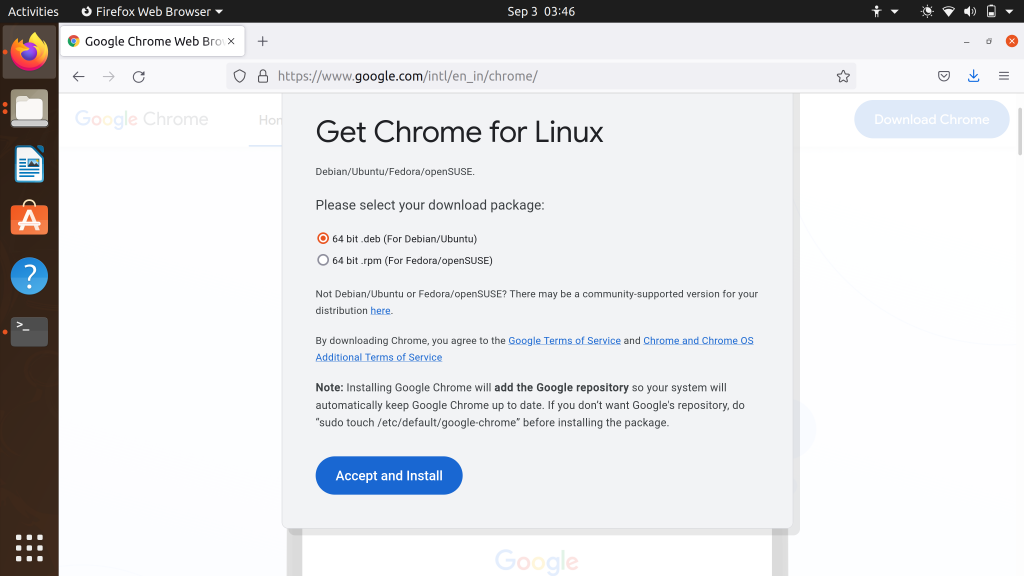
Web Apr 24 2020 nbsp 0183 32 Running the following command as a user with sudo privileges to install Chrome deb package on your system sudo apt install google chrome stable current amd64 deb When prompted enter your user password and the installation will start At this point you have Chrome installed on your Ubuntu system Starting
Web Jan 24 2019 nbsp 0183 32 It s not as straightforward as using apt get install chrome but it s not super complicated To install Google Chrome from the terminal get the DEB file using the wget command wget https dl google linux direct google chrome stable current amd64 deb
Web Dec 4 2023 nbsp 0183 32 Step 1 Update Ubuntu Before Google Chrome Installation Step 2 Install Initial Packages For Google Chrome on Ubuntu Step 3 Import Google Chrome APT Repository on Ubuntu Step 4 Update APT Cache After Google Repository Import on Ubuntu Step 5 Install Google Chrome on Ubuntu 22 04 or 20 04 via aPT Command Web Feb 25 2023 nbsp 0183 32 sudo apt get f install After installing Chrome you can launch it from the terminal by entering google chrome Managing Google Chrome When installing Chrome the official Google repo is added to your system s sources list Thanks to this Chrome will automatically be updated when you re updating the other packages in your
Web Oct 1 2019 nbsp 0183 32 1 Download Google Chrome Open your terminal either by using the Ctrl Alt T keyboard shortcut or by clicking on the terminal icon Download the latest Google Chrome deb package with wget wget https dl google linux direct google chrome stable current amd64 deb 2 Install Google Chrome