Install Git Osx Ventura Ventura California Wikipedia Git Guides Install Git GitHub GIT EBook StudyEasy Organisation MacOS Ventura 13 6 4 22G513 Download MacOS First Look At System Settings Redesign On MacOS 13 Ventura 9to5Mac To install or upgrade to the latest version of Google Earth Pro download the application System requirements In order for Google Earth Pro to run on your computer you must have all
Download the installation file again To install Chrome again use the new file If the installation still isn t working use an offline installer Computers with multiple user accounts Computers You can download and install the Chrome web browser at no charge and use it to browse the web
First Look At System Settings Redesign On MacOS 13 Ventura 9to5Mac Install Git Instalacja Git Windows Ubuntu Bash GUI StormIT pl Install Nextjs Global FrontEnd Web MT5 On Mac OSX Ventura Demo Account General MQL5 Programming Forum Coreboot Build Guide Protectli Download Git History Extension 0 6 19 For Visual Studio Code Download Git History Extension 0 6 19 For Visual Studio Code C mo Instalar Git En Termux Barcelona Geeks Git Git
Install Git Osx Ventura
 Install Git Osx Ventura
https://upload.wikimedia.org/wikipedia/commons/thumb/1/18/Ventura_Overlook.jpg/1200px-Ventura_Overlook.jpg
To fix most issues with your search engine pop ups or Chrome updates uninstall and reinstall Chrome On your iPhone or iPad learn how to make Chrome your default browser Learn how
Templates are pre-designed files or files that can be used for numerous functions. They can conserve effort and time by supplying a ready-made format and design for creating various type of material. Templates can be used for personal or expert jobs, such as resumes, invites, flyers, newsletters, reports, discussions, and more.
Install Git Osx Ventura

Install Gif Keyboard Retyheroes

Install Git Instalacja Git Windows Ubuntu Bash GUI StormIT pl

Install Nextjs Global FrontEnd Web

MT5 On Mac OSX Ventura Demo Account General MQL5 Programming Forum
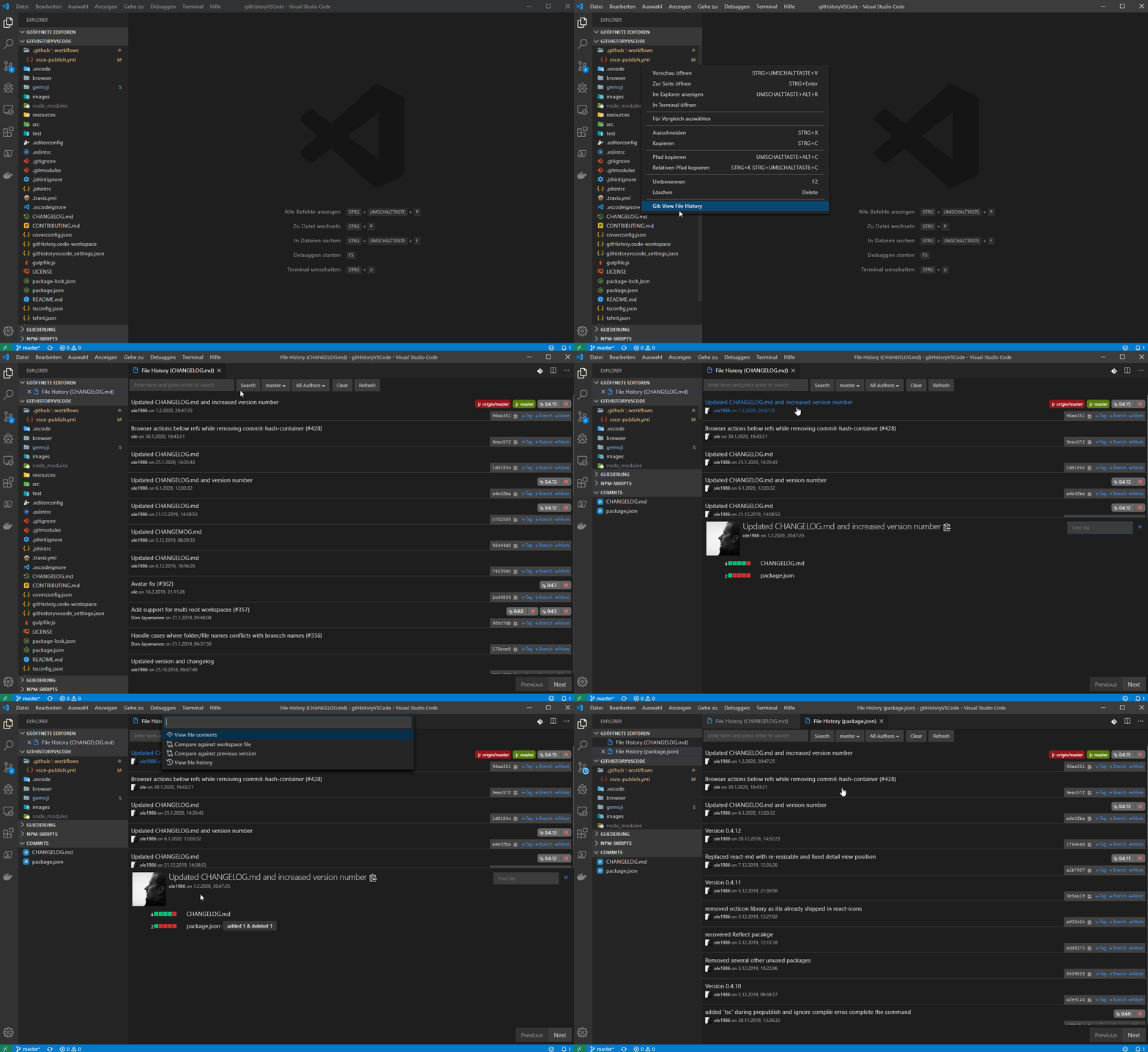
Download Git History Extension 0 6 19 For Visual Studio Code
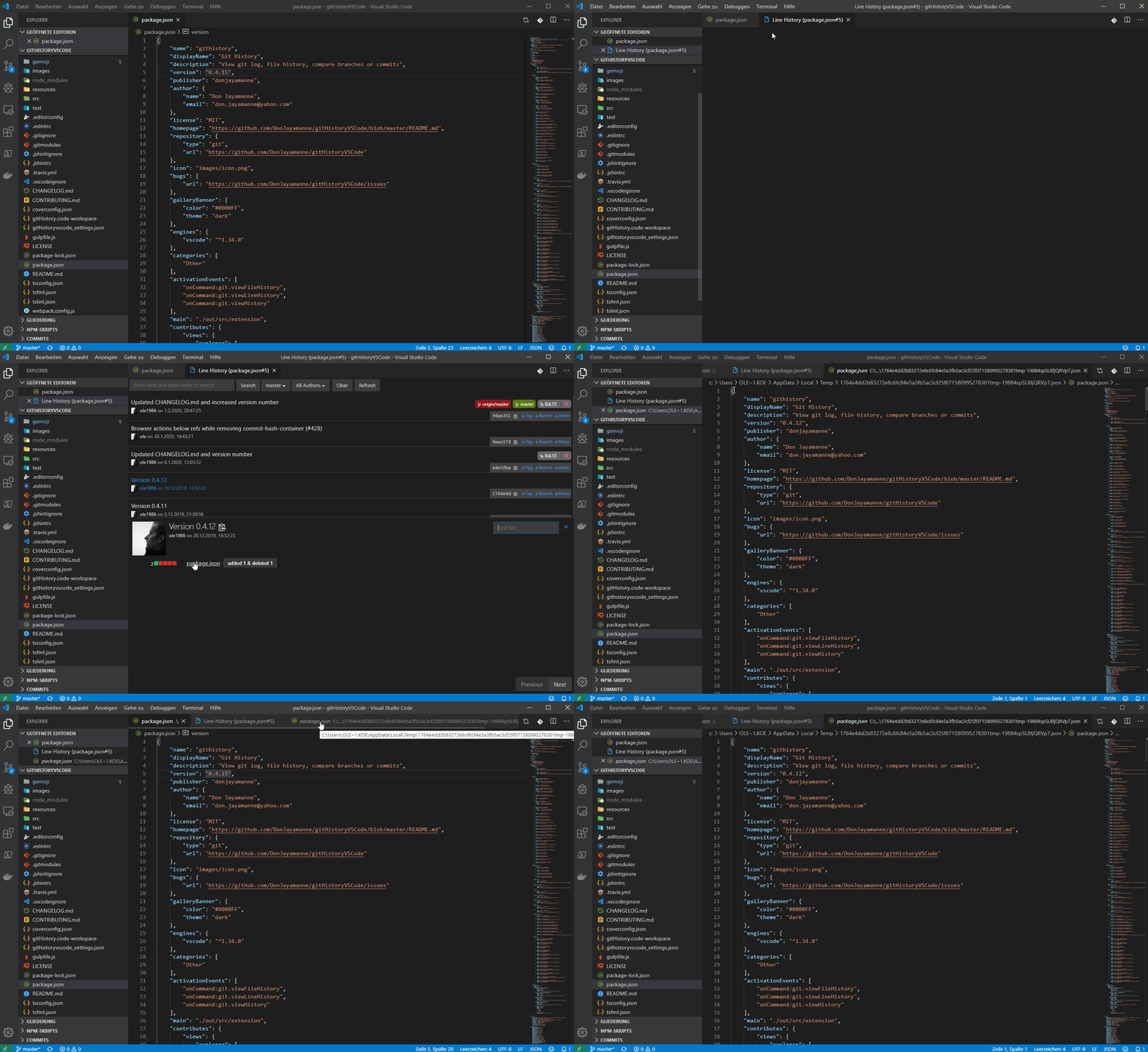
Download Git History Extension 0 6 19 For Visual Studio Code

On your iPhone or iPad open App Store In the search bar enter Chrome Tap Get To install follow the on screen instructions If prompted enter your Apple ID password To start

When you install Drive for desktop on your computer it creates a drive in My Computer or a location in Finder named Google Drive All of your Drive files appear here

Official Google Chrome Help Center where you can find tips and tutorials on using Google Chrome and other answers to frequently asked questions
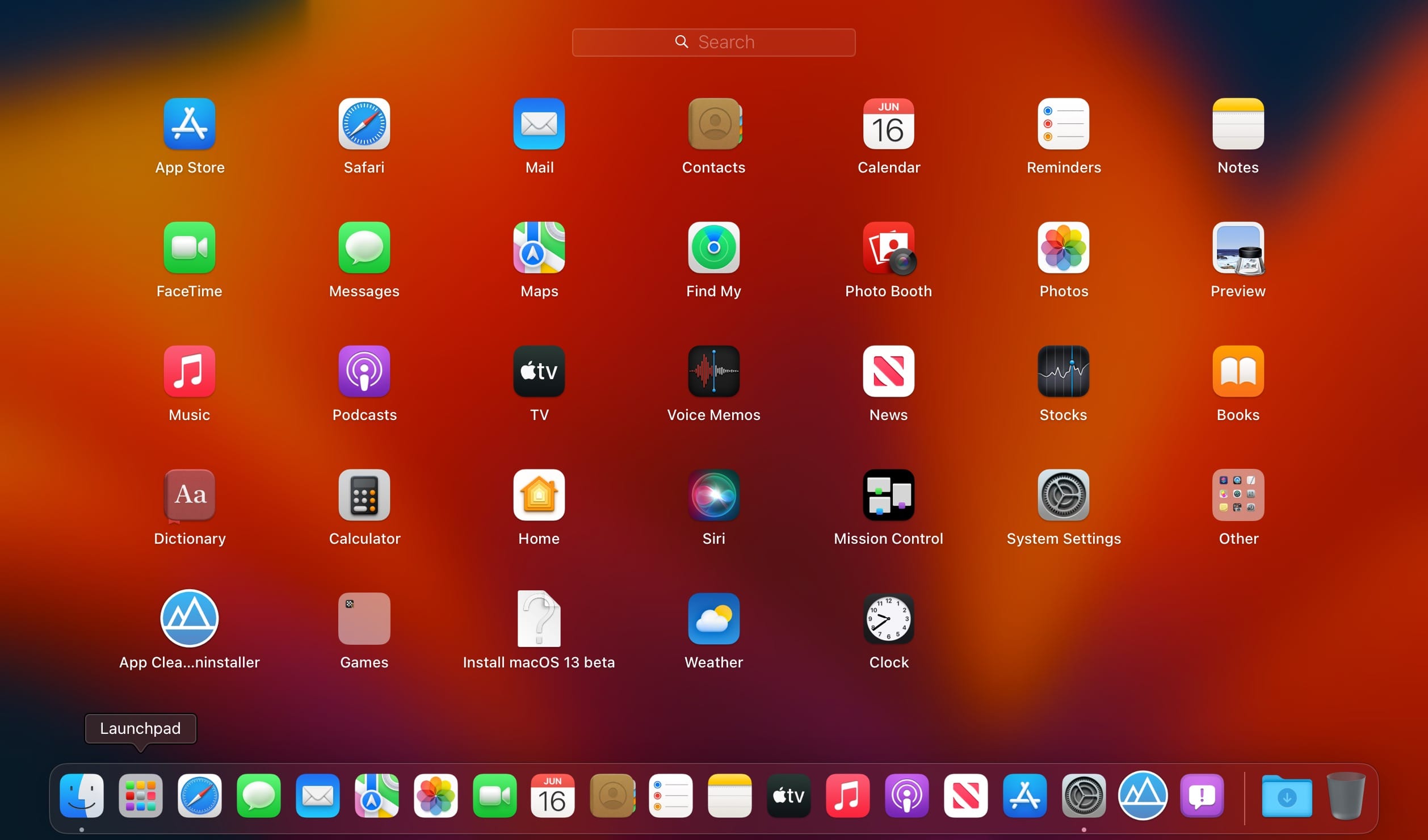
You can download and install the Chrome web browser at no charge and use it to browse the web Get Google Chrome Download Chrome for Android phones and tablets
Install and set up Drive for desktop Install amp set up Drive for desktop for Windows Important Before you start check that your operating system is compatible with Drive for desktop Tip If
[desc-11] [desc-12]
[desc-13]