Install Git On Ubuntu 20 04 How To Install GIT On Ubuntu 20 04 Linux Taste The Linux How To Install Git On Linux Cloudbooklet AI How To Install Git On Ubuntu 20 04 How To Install Git On Ubuntu 20 04 LTS Focal Fossa Linux LinuxConfig How To Install Git On Ubuntu 22 04 YouTube There are different ways to install the Git client on Ubuntu and the first is to use the APT package manager Here s how to do it step by step First connect to Ubuntu with OpenSSH or
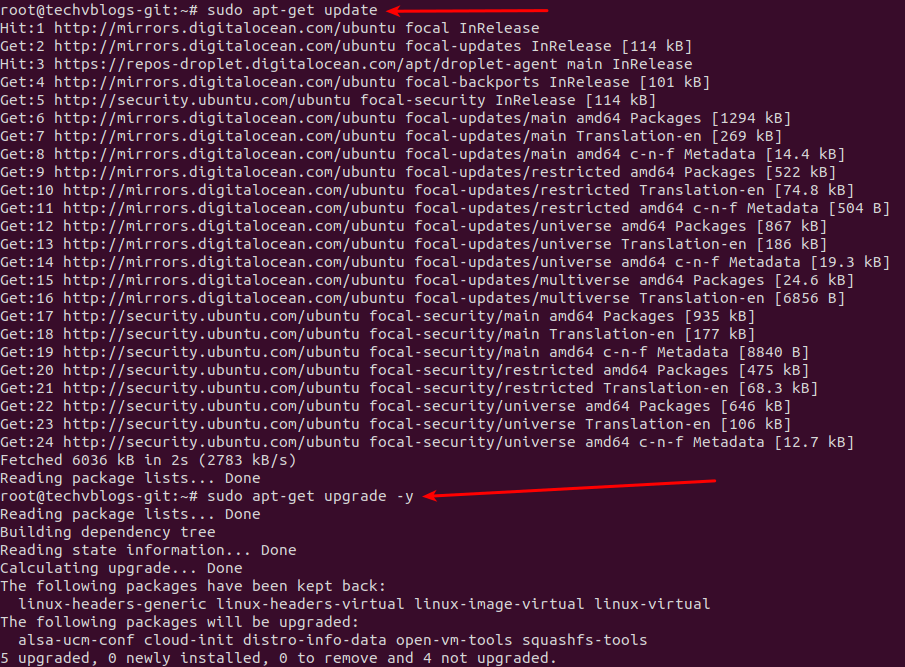
Install GIT on Ubuntu 22 04 or 20 04 via Ubuntu Git Maintainers PPA Sometimes it is desirable to work with the most up to date version of Git especially when newer features or essential bug fixes are needed The Ubuntu Git Maintainers team provides a Personal Package Archive PPA that regularly holds the latest stable version of Git Using Installing Git on Ubuntu 20 04 In this guide we will install GIT using the official Ubuntu packages The installation steps are done on the Linux command line the terminal Step 01 Update packages First of all you need to open a terminal by using Ctrl Alt T keys from the keyboard then update and upgrade the apt package lists
How To Install Git On Ubuntu 22 04 YouTube How To Install Git On Ubuntu 22 04 Technoracle How To Install Git On Ubuntu 18 04 Lts Tutorials24x7 Vrogue Ubuntu 20 04 Git Myfreax How To Install Git On Ubuntu YouTube Git Guides Install Git GitHub Install And Configure Git On Ubuntu 22 04 Example I Git It How To Install And Use Git On Windows 11 How To Install Git On Ubuntu
Install Git On Ubuntu 20 04
 Install Git On Ubuntu 20 04
https://i0.wp.com/tastethelinux.com/wp-content/uploads/2021/07/GU-1.webp?resize=707%2C500&ssl=1
Step 1 Install Git on Ubuntu There are two ways to install Git on Ubuntu We ll break them down one by one but you can choose which one works best for you It s worth noting that both require access to the terminal Installing Git With APT Ubuntu already has Git in the default repository
Templates are pre-designed documents or files that can be used for various purposes. They can save time and effort by providing a ready-made format and design for creating different kinds of material. Templates can be used for personal or expert jobs, such as resumes, invites, leaflets, newsletters, reports, presentations, and more.
Install Git On Ubuntu 20 04
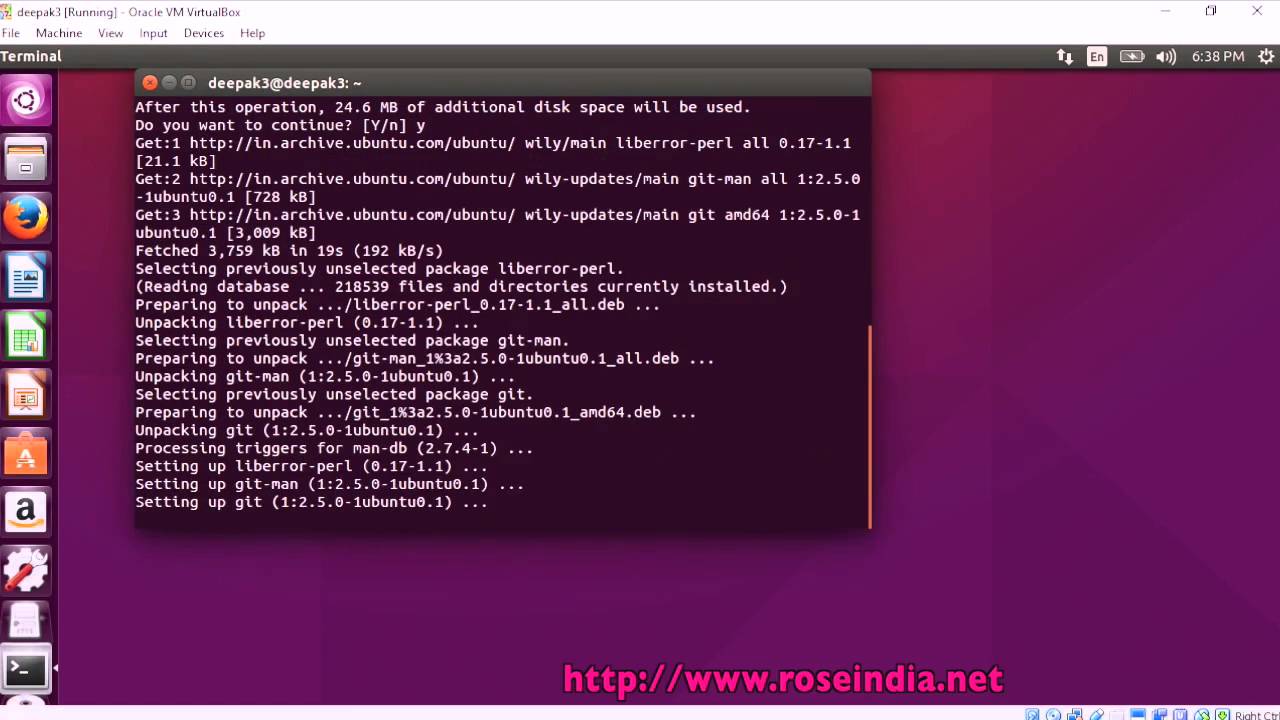
How To Install Git In Ubuntu YouTube
How To Install Git On Ubuntu 22 04 Technoracle
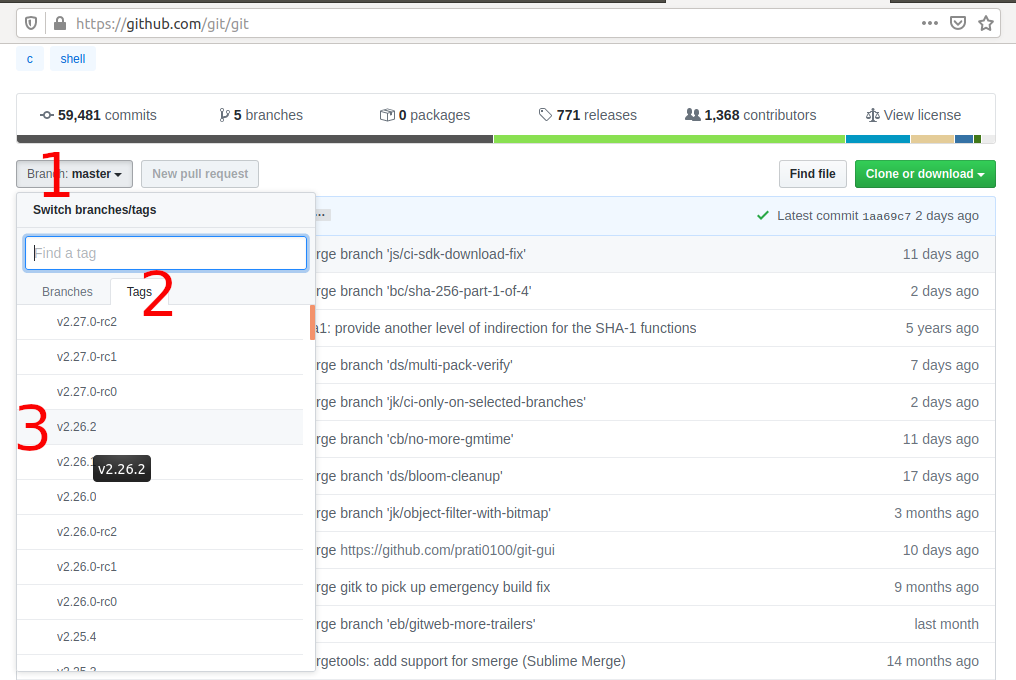
How To Install Git On Ubuntu 18 04 Lts Tutorials24x7 Vrogue
Ubuntu 20 04 Git Myfreax

Git Guides Install Git GitHub

Install And Configure Git On Ubuntu 22 04 Example

This guide describes how to install and configure Git on Ubuntu 20 04 Installing Git with Apt The Git package is included in Ubuntu s default repositories and can be installed using the apt package manager This is the most convenient and easiest way to install Git on Ubuntu

1 Start by updating the system package index Launch a terminal window Ctrl Alt T and run the following command sudo apt update Updating the package index ensures you re working with the latest software versions 2 Install Git from the default Ubuntu repository by running sudo apt install git Allow the process to complete 3
It is easiest to install Git on Linux using the preferred package manager of your Linux distribution If you prefer to build from source you can find tarballs on kernel The latest version is 2 43 0 Debian Ubuntu For the latest stable version for your release of Debian Ubuntu apt get install git

How to install Git on Ubuntu 20 04 in 3 simple steps Git is probably the most popular version control software out there Installing it on Ubuntu 20 04 using your package management tool takes just a few steps Contents What are the installation requirements What server options are there for installing Git on Ubuntu 20 04

This tutorial will walk you through installing and configuring Git from source on an Ubuntu 20 04 server For a more detailed version of this tutorial with more thorough explanations of each step please refer to How To Install Git on Ubuntu 20 04 Step 1 Confirm Git Preinstallation
Git is a popular version control system that is widely used for tracking file changes and coordinating work among multiple people In this tutorial we will show you how to install Git on Ubuntu 22 04 20 04 from a PPA Personal Package Archive and provide some after installation steps to set up your Git environment Installing Git from PPA Above command will download the git file and rename it to git tar gz Now to extract the tar gz file run below command tar zxf git tar gz Next move to the git directory cd git Install the packages by running the following commands make prefix usr local all sudo make prefix usr local install
Git is the most popular distributed version control and source code management system In addition Git was designed and developed by Linus Torvalds for Linux kernel development This guide explains how to install Git on Ubuntu 20 04 LTS using the APT package manager or by compiling it from a source Step 1 Installing Git Installing Git with Apt The Git package is included in Ubuntu s