Install Git On Macbook Air M1 MacBook Air M1 Taniej O Ponad P Tysi ca Z otych M1 MacBook Air Long term Review ILounge MacBook Air M1 Review An Absolutely Stunning Debut For Apple Silicon MacBook Air M2 Vs MacBook Air M1 Zap acimy Albo Du o Albo 1200 Z M1 MacBook Air Review Apple Unleashes An Instant Classic Cult Of Mac WEB Git via Git If you already have Git installed you can get the latest development version via Git itself git clone https github git git
WEB May 3 2021 nbsp 0183 32 Here are some easy methods to install Git on macOS and start coding or managing projects via GitHub like a pro WEB Feb 4 2020 nbsp 0183 32 Install Git on Mac in a couple of simple steps using the Git installer for Mac or terminal window Set up Git and get started with some basic commands
M1 MacBook Air Review Apple Unleashes An Instant Classic Cult Of Mac Install Git On MacOS Macbook M1 M1 Max M1 Pro M2 And Push Project Git Guides Install Git GitHub MacBook Air M2 Vs MacBook Air M1 Which To Buy Spotify Keeps Crashing On Macbook Air M1 Apple Community MacBook Air M2 Vs MacBook Air M1 In Pictures All The Key Design MacBook Air M1 Review Stunning Debut For Apple Silicon In A Mac Macworld Pin By MAGICSALES On MacBook Air 11 Macbook Case Macbook Air MacBook Air M1 Review Faster Than Most PCs No Fan Required
Install Git On Macbook Air M1
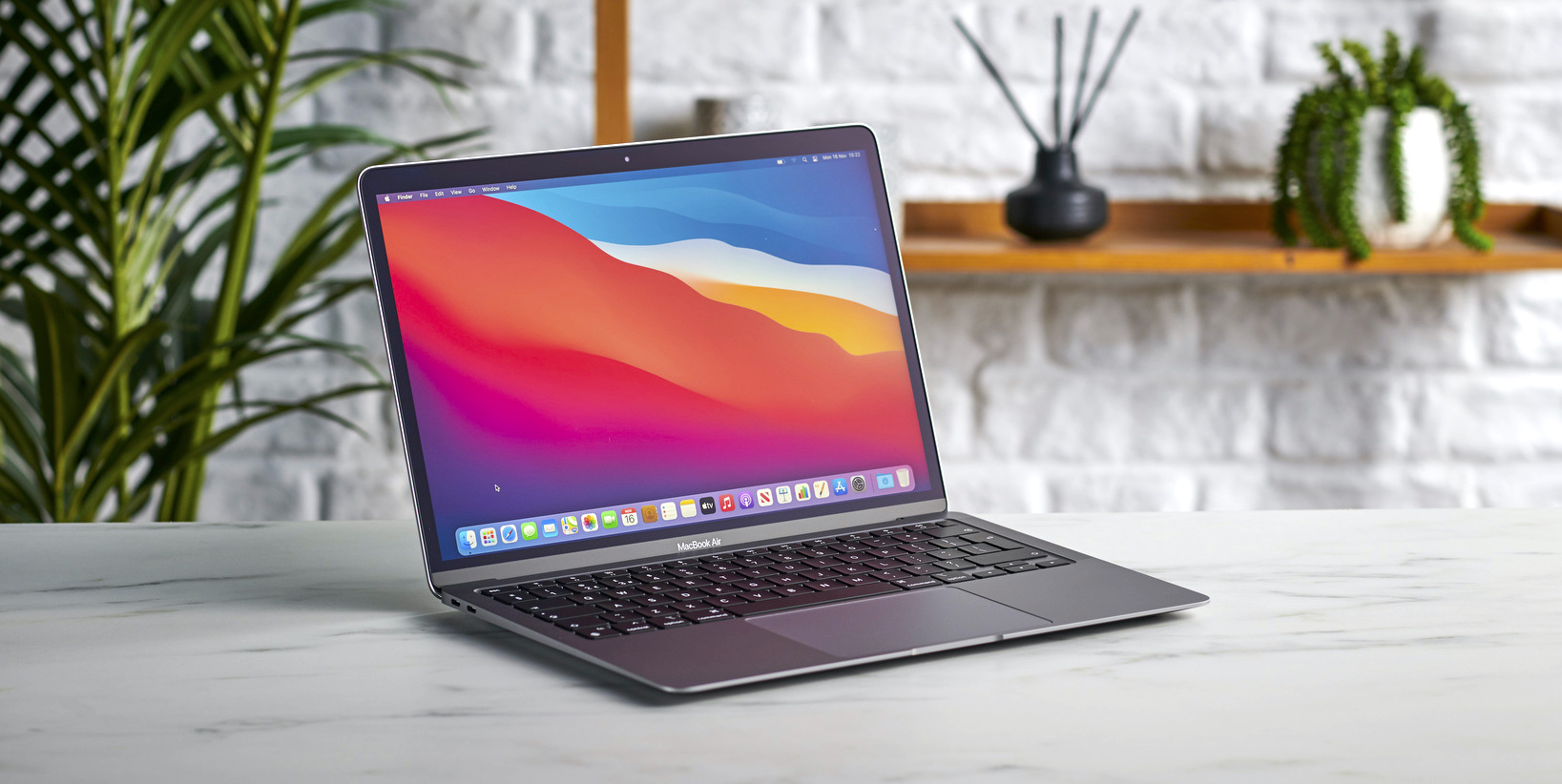 Install Git On Macbook Air M1
https://ocs-pl.oktawave.com/v1/AUTH_2887234e-384a-4873-8bc5-405211db13a2/spidersweb/2021/05/macbook-air-m1.jpg
WEB Apr 3 2022 nbsp 0183 32 44K views 1 year ago Metaplex Beginner Tutorials Solana Blockchain Watch step by step how to install Git on Mac Intel or M1 chip Full Git playlist Git Explained Must Know for All
Templates are pre-designed documents or files that can be used for various functions. They can save effort and time by supplying a ready-made format and design for creating different kinds of material. Templates can be used for individual or professional tasks, such as resumes, invites, flyers, newsletters, reports, discussions, and more.
Install Git On Macbook Air M1

M1 MacBook Air Thrashes A Core I9 Powered 16 inch MacBook Pro In The
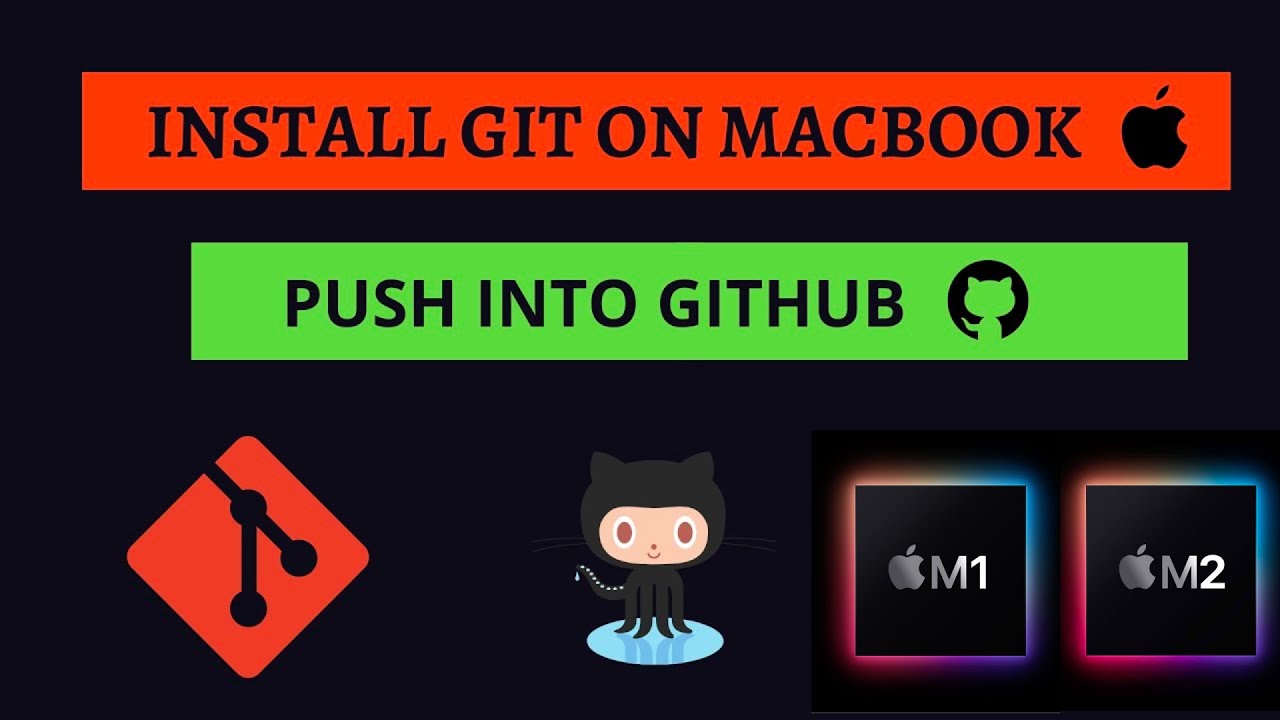
Install Git On MacOS Macbook M1 M1 Max M1 Pro M2 And Push Project

Git Guides Install Git GitHub
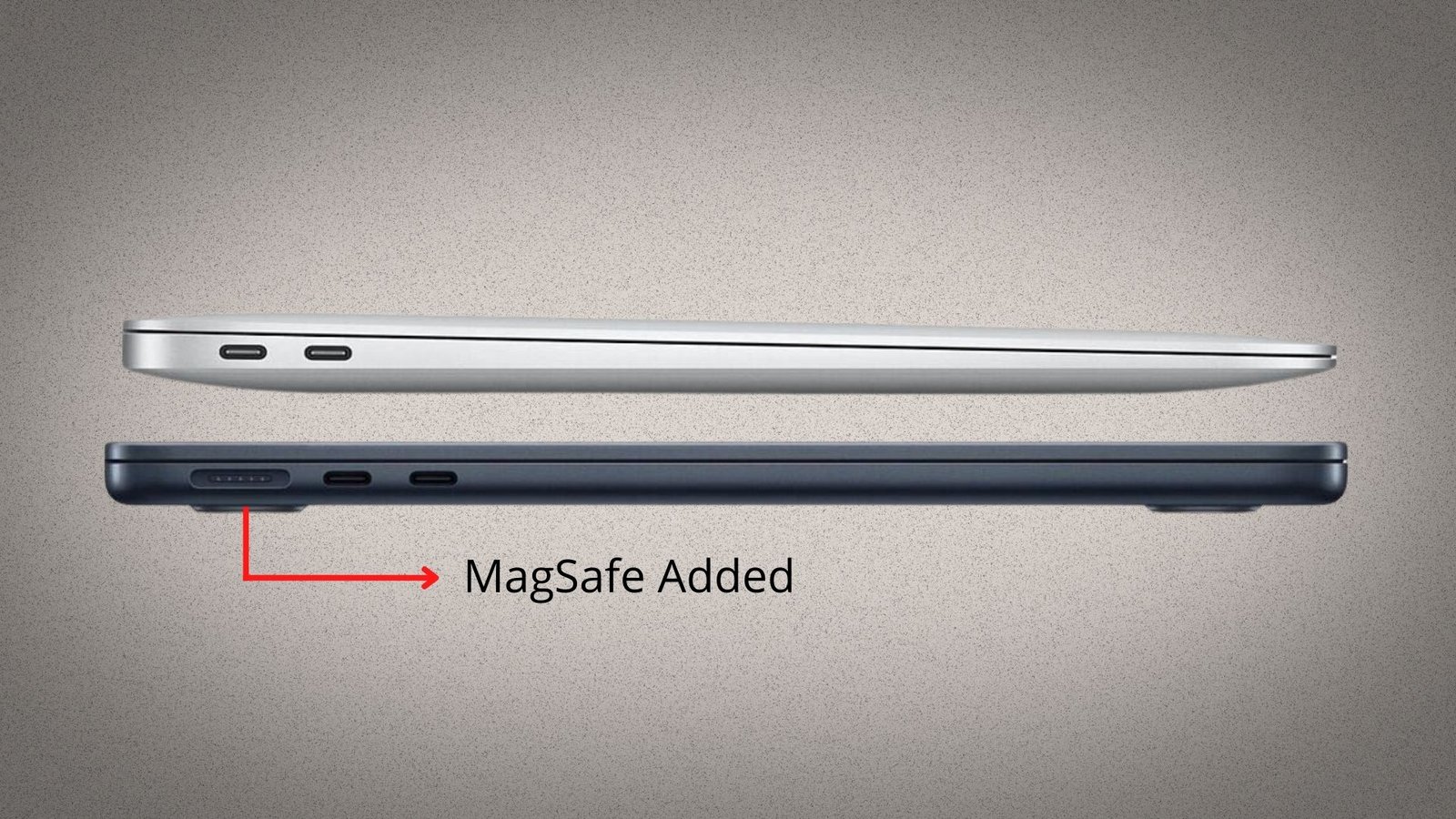
MacBook Air M2 Vs MacBook Air M1 Which To Buy
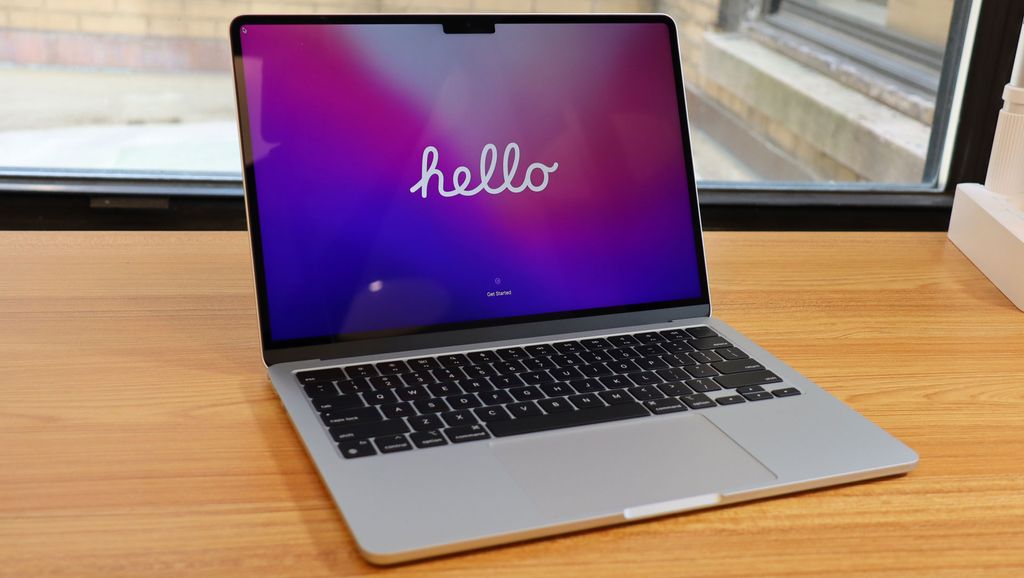
MacBook Air M2 Vs MacBook Air M1 In Pictures All The Key Design
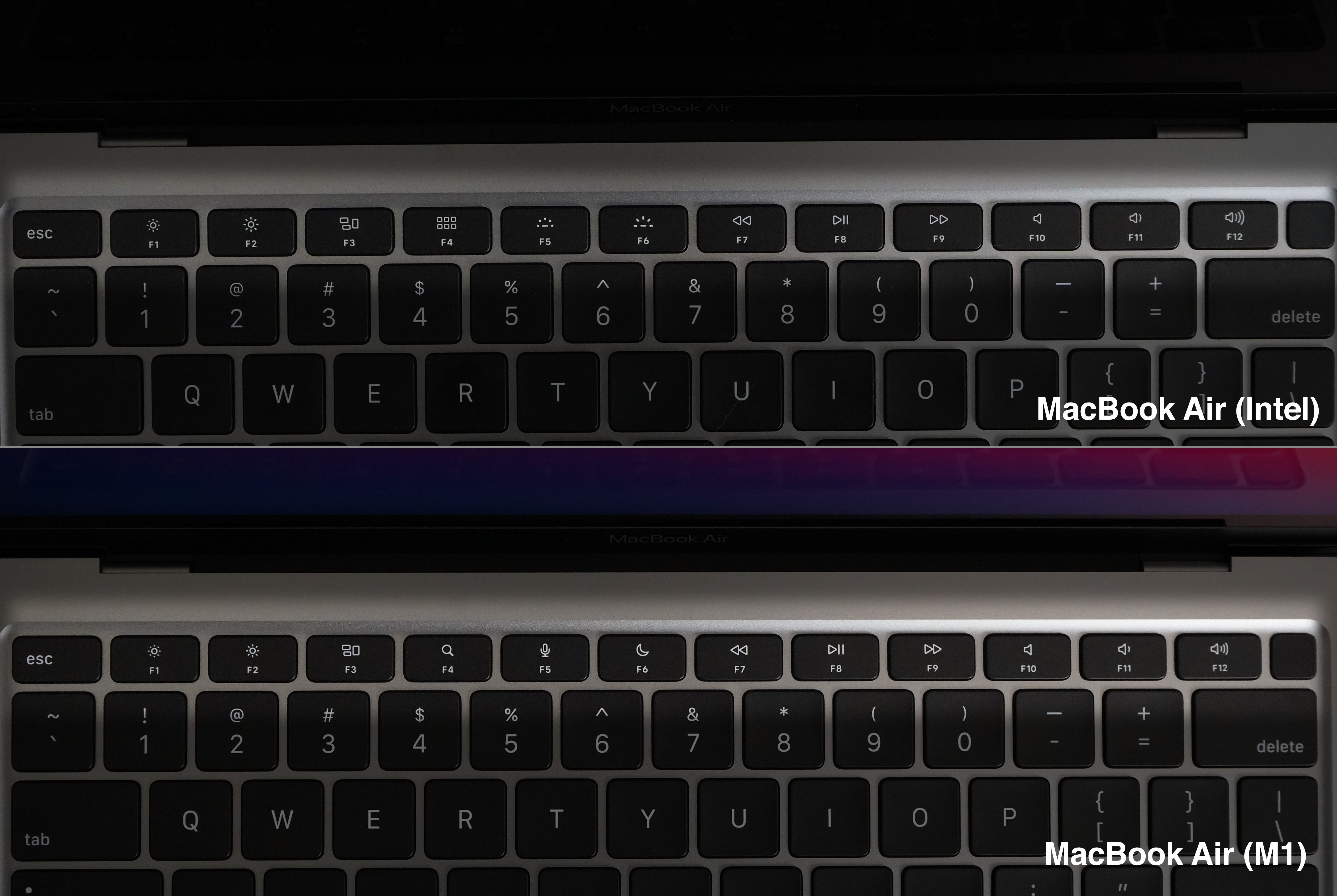
MacBook Air M1 Review Stunning Debut For Apple Silicon In A Mac Macworld
WEB Aug 8 2022 nbsp 0183 32 How to Configure Git in macOS So far you have learned how to install Git but installing Git alone doesn t just let you push pull and commit code and perform other Git operations from your Git Version Control To work with Git you must set up your Git environment using the git config command

WEB In this video i have shown how to install git on MacOS Macbook M1 Macbook Air Macbook Pro M1 Max M1 Pro M2 Apple Silicon using homebrew and also create github account and push your
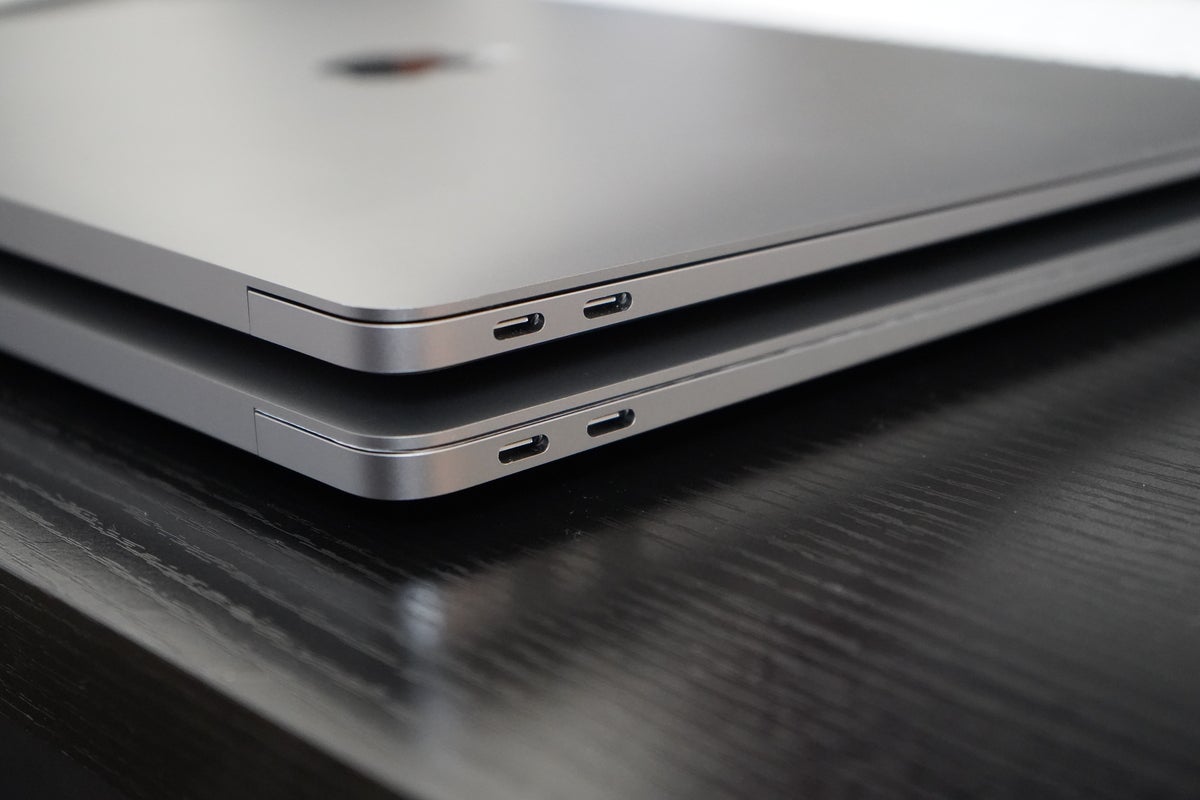
WEB May 4 2024 nbsp 0183 32 Step 01 Download and instal brew Copy the following command into your terminal and if you do not know how to open your terminal Click COMMAND SPACE on your keyboard then type Terminal and

WEB May 12 2022 nbsp 0183 32 On a Mac there are three ways to install Git You can do it using Homebrew MacPorts or the Git installer if you prefer a simple installation process Below are the instructions to install

WEB Mar 27 2023 nbsp 0183 32 Check out three quick ways to install and set up Git on your Mac from using the GitHub Desktop app to your Terminal
WEB Nov 5 2022 nbsp 0183 32 These are the terminal commands required to manually install Git and its dependencies on macOS These instructions have been verified on a MacBook Pro 13 inch M1 2020 with an Apple M1 chip running macOS 11 0 WEB Mar 17 2021 nbsp 0183 32 Homebrew installation on apple silicon step by step Open a terminal window it should be zsh Run this command bin bash c quot curl fsSL https raw githubusercontent Homebrew install HEAD install sh quot
WEB First Step In this video i have shown how to install git on MacOS Macbook M1 Macbook Air Macbook Pro M1 Max M1 Pro M2 Apple Silicon Second Step The de