Install Freebsd On Virtualbox VirtualBox How To Install Ubuntu As Virtual Machine On Windows 10 Install Nginx MariaDB And PHP In FreeBSD 10 2 Etwas Holperiger Start Bei FreeBSD 11 IX Heise Magazine Installing Freebsd 9 On Virtualbox Windows Strongdownloadintel Why We re Migrating many Of Our Servers From Linux To FreeBSD To begin we can simply visit FreeBSD on a working computer and look for the big Download FreeBSD button near the awesome beastie logo Once on that page you will need to select the proper image from the list of Installer Images We ll choose amd64 Next we ll pick the image called FreeBSD
VirtualBox is available as a FreeBSD package or port in emulators virtualbox ose To quickly install the package pkg install virtualbox ose The kernel module vboxdrv will need to be loaded before VirtualBox is started for the first time kldload vboxdrv To ensure the module is always loaded after a reboot add this line to boot loader conf 3980 Broadway Street STE 103 107 Boulder CO 80304 1 720 207 5142 info freebsdfoundation
Why We re Migrating many Of Our Servers From Linux To FreeBSD How To Install Latest VirtualBox And Extension Pack In Arch Linux FreeBSD 11 1 Installation GNOME Desktop Apps Guest Additions On How To Install FreeBSD Know Step By Step Guide To Install FreeBSD FreeBSD 9 Instalar Escritorio Gnome En FreeBSD 10 1 Corriendo En VirtualBox FreeBSD 11 VM Install Stuck After Bootloader TrueNAS Community FreeBSD MS DOS And Windows 2000 In VirtualBox FreeBSD 7 1 Flickr A Tryst With FreeBSD As VirtualBox Host Supratim Sanyal s Computing
Install Freebsd On Virtualbox
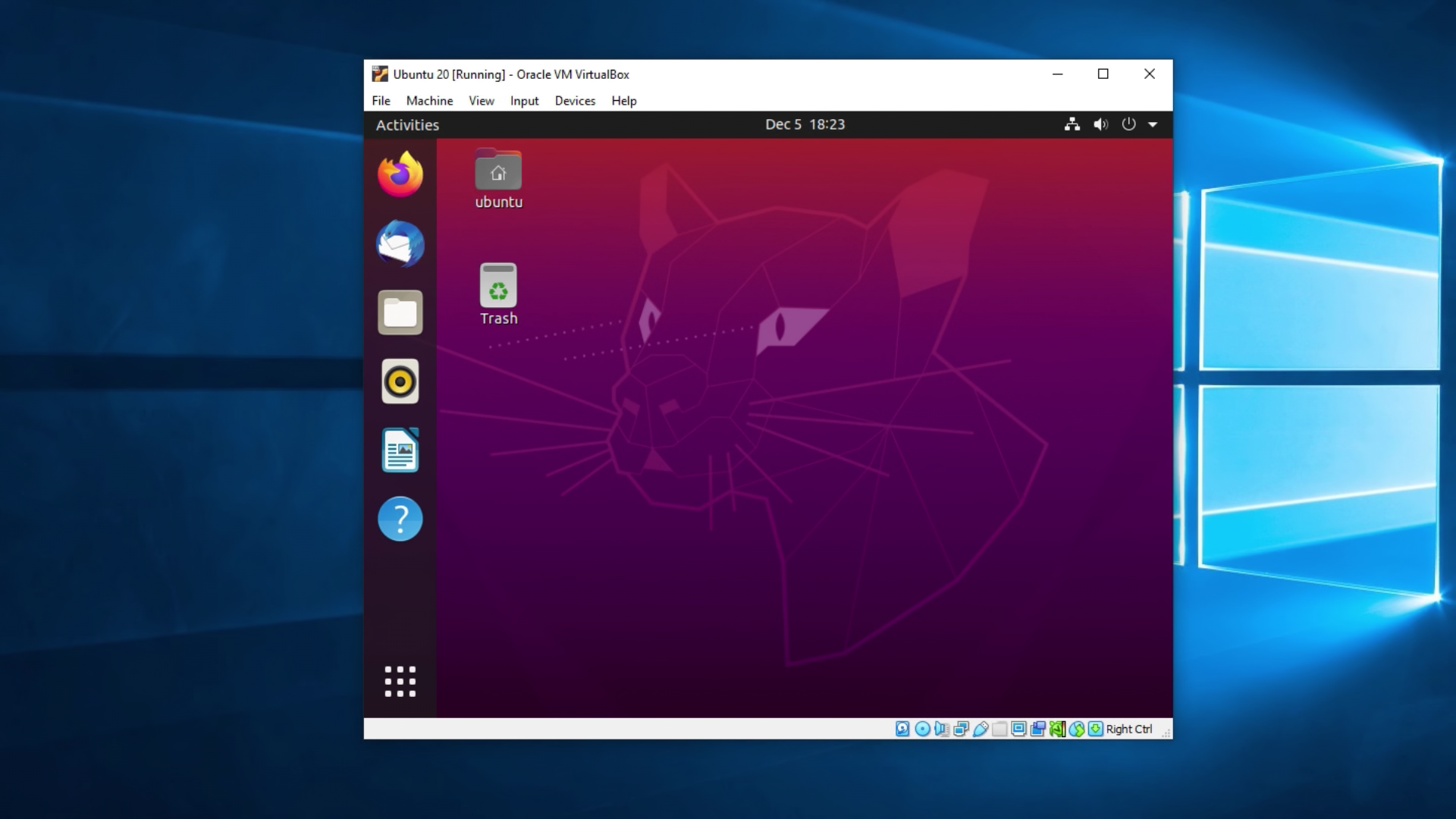 Install Freebsd On Virtualbox
https://tehnoblog.org/wp-content/uploads/2021/02/VirtualBox-How-To-Create-Ubuntu-Virtual-Machine-on-Windows-10-Host.png
In this video we ll install Oracle s VirtualBox on Windows 11 and then create a FreeBSD 13 2 Virtual Machine
Templates are pre-designed files or files that can be utilized for different purposes. They can conserve effort and time by supplying a ready-made format and design for developing different sort of content. Templates can be used for personal or expert jobs, such as resumes, invitations, flyers, newsletters, reports, presentations, and more.
Install Freebsd On Virtualbox
Solved How To Increase Vt Console Size In VirtualBox Image The

How To Install Latest VirtualBox And Extension Pack In Arch Linux

FreeBSD 11 1 Installation GNOME Desktop Apps Guest Additions On
How To Install FreeBSD Know Step By Step Guide To Install FreeBSD

Instalar Escritorio Gnome En FreeBSD 10 1 Corriendo En VirtualBox
FreeBSD 11 VM Install Stuck After Bootloader TrueNAS Community
Install FreeBSD following the general steps 24 2 2

Josphat Mutai November 13 2023 10555 0 FreeBSD is a free and open source Unix like operating system based on Berkeley Software Distribution BSD Unix It the most popular BSD based operating system designed for stability and performance

1 03K subscribers Subscribe Subscribed Share 17K views 1 year ago This brief video guide will serve as a detailed guide to set up FreeBSD on VirtualBox This guide will work for both Windows

Small little howto on installing FreeBSD on VirtualBox Check out the excellent FreeBSD Handbook https docs freebsd en books handbook Website https

Synopsis FreeBSD supports different architectures including amd64 ARM RISC V and PowerPC Depending on the architecture and platform different images can be downloaded to install or directly run FreeBSD The image types are Virtual Machine disk images such as qcow2 vmdk vhd and raw device images
The FreeBSD booting system will automatically start once VirtualBox starts the virtual machine Follow the FreeBSD handbook s installation guide to configure and setup your system When in doubt use the default options provided as they can be reconfigured later if necessary Once installation incomplete continue using FreeBSD handbook s post installation guide Recommended Settings and Tips Starting VirtualBox Services Development Team Members Contact VirtualBox Homepage Installation FreeBSD Handbook Virtualization FreeBSD as a VirtualBox Guest FreeBSD Handbook Virtualization FreeBSD as a VirtualBox Host Extra Features For guest access to FreeBSD Host USB Devices
1 Identifying Your Computer Determine if your computer has a 32 bit or 64 bit processor Finding this information will depend on your operating system so go to the relevant section below macOS Click the Apple symbol at the top left of your display Select About This Mac from the drop down menu