Install Forticlient Vpn Only Linux Forticlient Offline Installer X64 Genefasr How To Download The FortiClient VPN Offline Installer A Easy Way To Install FortiClient VPN Quick Tip How To Install Forticlient SSL VPN On Ubuntu Systran Box Configuraci n De Red Privada Virtual VPN En Kali Linux Barcelona Geeks FortiClient VPN Only The VPN only version of FortiClient offers SSL VPN and IPSec VPN but does not include any support On the Page hide Steps to install FortiClient VPN on Ubuntu 20 04 LTS 1 Add FortiClient GPG key 2 Add FortiClient repository 3 Update Ubuntu 20 04 package lists 4 Install FortiClient on Ubuntu 20 04 5 Run your VPN client 6
Installing FortiClient Linux using a downloaded installation file Starting FortiClient Linux Uninstalling FortiClient Linux on the following operating systems For supported versions see Product integration and support FortiClient Linux 7 2 3 features are only enabled when connected to EMS 7 2 Installation Guide Following are the steps involved in installing FortiClient VPN on our Ubuntu machine Step 1 Install gpg key The very first thing that we will start with is installing the gpg key To do that run the following command wget O https repo fortinet repo ubuntu DEB GPG KEY sudo apt key add
Configuraci n De Red Privada Virtual VPN En Kali Linux Barcelona Geeks How To Install FortiClient VPN On Ubuntu 20 04 LTS Linux Shout FortiClient VPN Cho Mac T i V How To Install Forticlient On Kali Linux Systran Box A Easy Way To Install FortiClient VPN Quick Tip 4 2 SSL VPN FortiGate Firewall Practical Guidance And Hands On Labs FortiClient VPN Configuration With Intune Scloud How To Install FortiClient VPN On Windows XpertsTec FortiClient Windows
Install Forticlient Vpn Only Linux
 Install Forticlient Vpn Only Linux
https://genefasr293.weebly.com/uploads/1/2/6/4/126427311/499945081.png
FortiClient VPN client can be installed on Ubuntu systems using the DEB binary or directly from the Fortinet Ubuntu repos Installing FortiClient VPN Client on Ubuntu 20 04 Ubuntu 18 04 using DEB file
Templates are pre-designed files or files that can be used for various functions. They can save effort and time by providing a ready-made format and layout for producing various kinds of material. Templates can be used for personal or expert jobs, such as resumes, invites, leaflets, newsletters, reports, discussions, and more.
Install Forticlient Vpn Only Linux

How To Install Forticlient SSL VPN In Ubuntu 20 04 Ubuntu 18 04 And
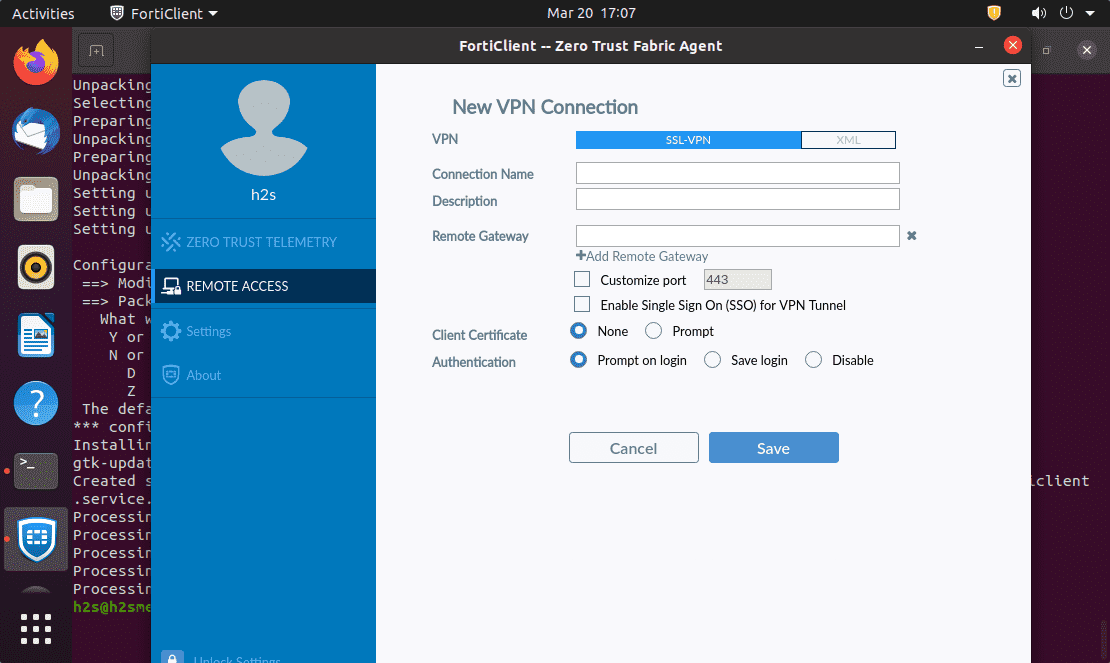
How To Install FortiClient VPN On Ubuntu 20 04 LTS Linux Shout
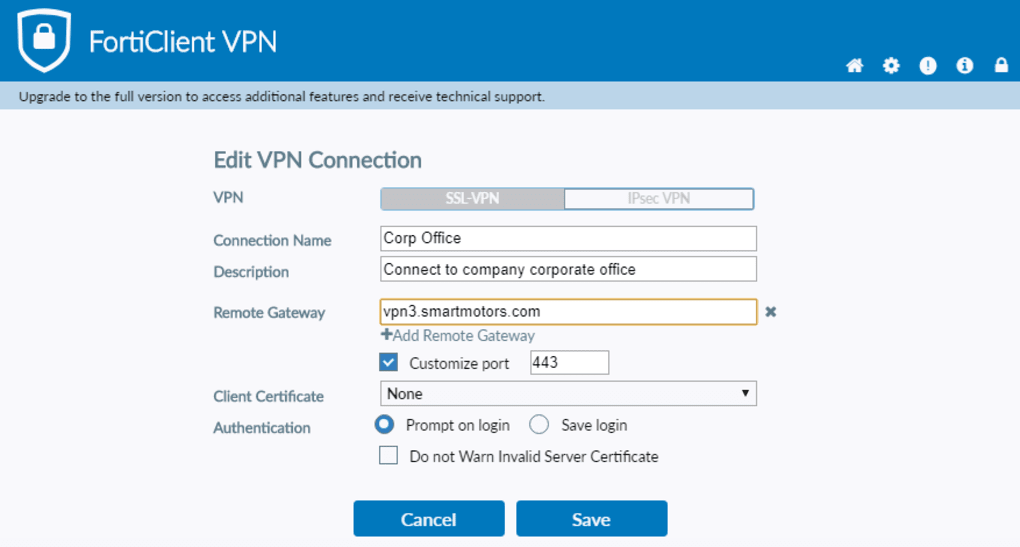
FortiClient VPN Cho Mac T i V

How To Install Forticlient On Kali Linux Systran Box
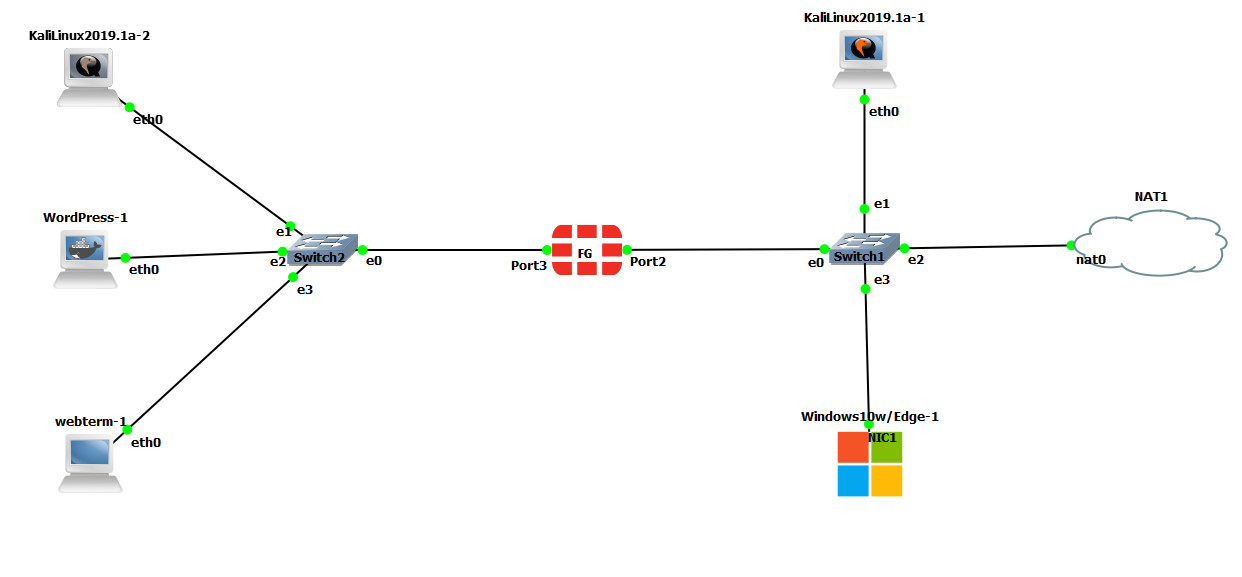
4 2 SSL VPN FortiGate Firewall Practical Guidance And Hands On Labs
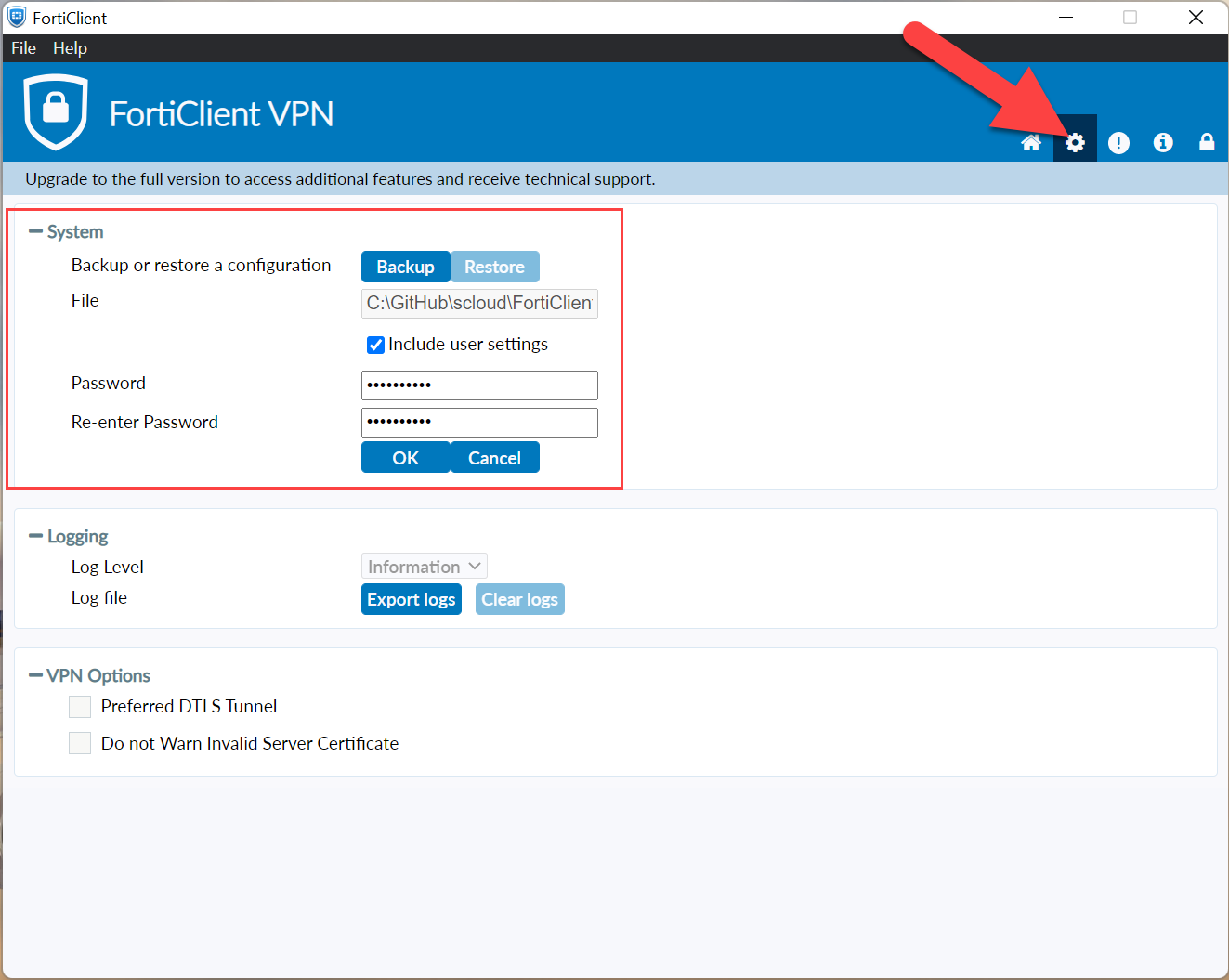
FortiClient VPN Configuration With Intune Scloud

sudo dnf install FortiClient installation rpm file y FortiClient installation rpm file is the full path to the downloaded rpm file If running Red Hat 7 or CentOS 7 replace dnf with yum in the command in step 2 To install on Ubuntu Obtain a FortiClient Linux installation deb file Install FortiClient using the following command
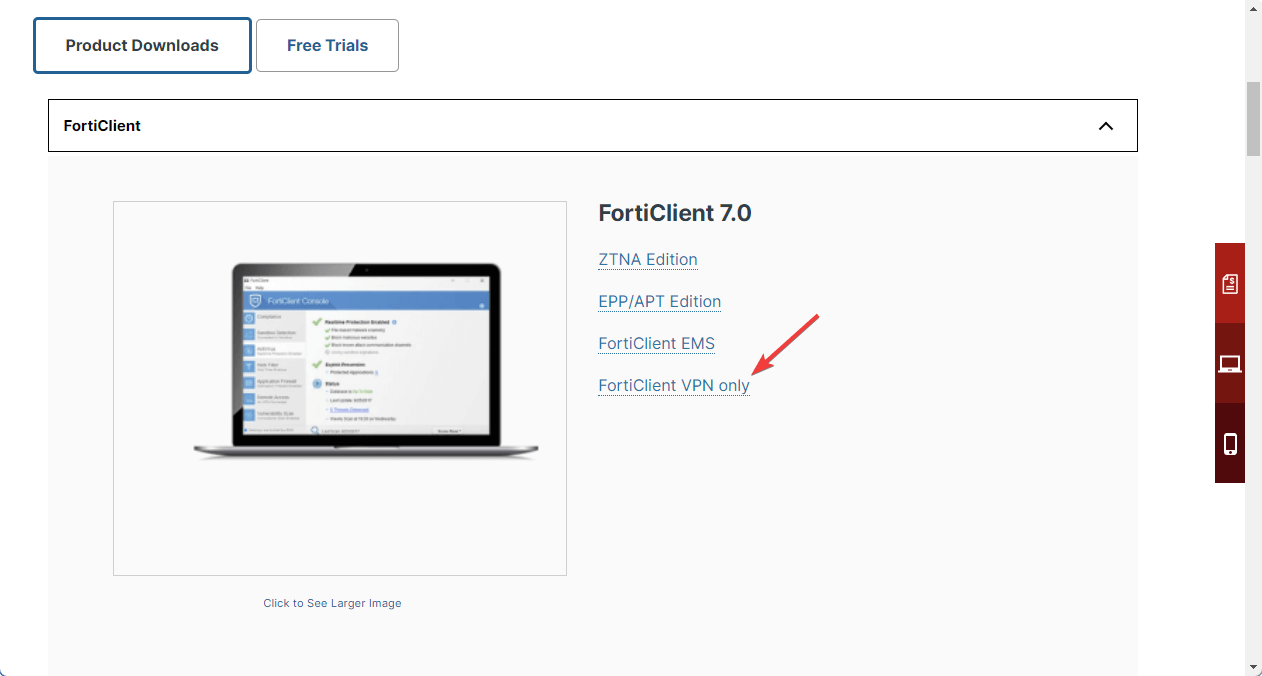
Solution 1 Ensure FortiClient is downloaded through the Fortinet Support Portal support fortinet Steps Once logged into support fortinet navigate here At the top of the webpage select Support Firmware Download Select Product FortiClient Download

With this option the FortiClient installer detects whatever version of FortiClient is installed and uninstalls it For example a FortiClient 7 0 3 installer can detect and uninstall an installed copy of FortiClient 7 0 0 log path to log file Creates a log file in the specified directory with the specified name

Learn how to install FortiClient Linux using a downloaded installation file from the official Fortinet website This guide covers the steps for different Linux distributions and provides troubleshooting tips FortiClient Linux is a comprehensive security solution for Linux users

FortiClient Linux is a powerful security solution for Linux users that provides VPN antivirus web filtering and more Learn how to install FortiClient Linux on various Linux distributions using the official release notes and installation guides FortiClient Linux supports multiple remote gateway profiles and connections
The wizard create a MOBILE IPSEC IKEv1 tunnel and Forticlient Linux do not provide an interface to connect an IPSEC VPN But Forticlient Windows does Forticlient Linux is only design to connect Fortigate SSL VPN which is a ppp VPN using SSL So if you need to connect a FortiGate VPN with cerdential AND a psk you re not connecting an SSL Terminal fortinet Share Improve this question Follow asked Jul 29 2012 at 4 52 Calua 131 1 1 4 ben where did you get the cli client i ve download 2 different versions from fortinet support but none of them have cli support forticlientsslvpn linux 4 2010 tar gz forticlientsslvpn linux 4 2012 tar gz gfa Mar 25 2013 at 15 29
These three editions of the FortiClient application can be bought only Whereas the VPN version is for free Installing FortiClient VPN The steps for installing the FortiClient application are pretty easy Follow these steps Open the Command Terminal Once opened the first thing you need to do is to update the system repositories sudo apt