Install Firefox Driver For Selenium Ubuntu Selenium Ubuntu 20 04 R0ma ru SilverLining Cloud Selenium Firefox Driver Download For Windows 64 Bit Twitter Selenium Window navigator webdriver Mitsubishi Ml3020d Service Manual Cooldfile Web Sep 10 2019 nbsp 0183 32 Step1 Install Selenium Type in Terminal in Ubuntu or in Command Prompt in Windows pip install selenium Step2 Download Geckodriver In order to work with Selenium there should be an executable called Gecko Driver installed Download Gecko Driver from the following page https github mozilla geckodriver releases
Web Startup hang with Firefox running in a container e g snap flatpak When Firefox is packaged inside a container like the default Firefox browser shipped with Ubuntu 22 04 it may see a different filesystem to the host This can affect access to the generated profile directory which may result in a hang when starting Firefox Web Sep 5 2023 nbsp 0183 32 Then run pip install from the command line pip install selenium Download the Gecko Chrome Internet Explorer driver and add the driver exe path to the PATH environment variable So the need to set up the path while running Selenium driver Firefox driver Chrome method
Mitsubishi Ml3020d Service Manual Cooldfile How To Download Chrome Driver For Selenium AutomationTestingHub Ubuntu 18 04 python Selenium python Selenium Ubuntu CSDN Using Selenium With Firefox Driver Kirelos Blog Issue With Python Package Folium How To Install GeckoDriver For Selenium Python BrowserStack Issue With Python Package Folium Ubuntu Snap Firefox geckodriver 0 31 0 Selenium Selenium Ubuntu 20 04 R0ma ru
Install Firefox Driver For Selenium Ubuntu
 Install Firefox Driver For Selenium Ubuntu
https://r0ma.ru/wp-content/uploads/2021/04/selenium-800x500.jpg
Web To set up Selenium for Firefox using the webdriver manager module follow these steps First Install both Selenium and webdriver manager using the following pip command pip install webdriver manager Next we need to make a few extra imports
Pre-crafted templates provide a time-saving service for developing a varied variety of documents and files. These pre-designed formats and designs can be utilized for numerous personal and professional tasks, including resumes, invitations, flyers, newsletters, reports, discussions, and more, streamlining the content production process.
Install Firefox Driver For Selenium Ubuntu

Setup Selenium With Python And Chrome Driver On Ubuntu Debian
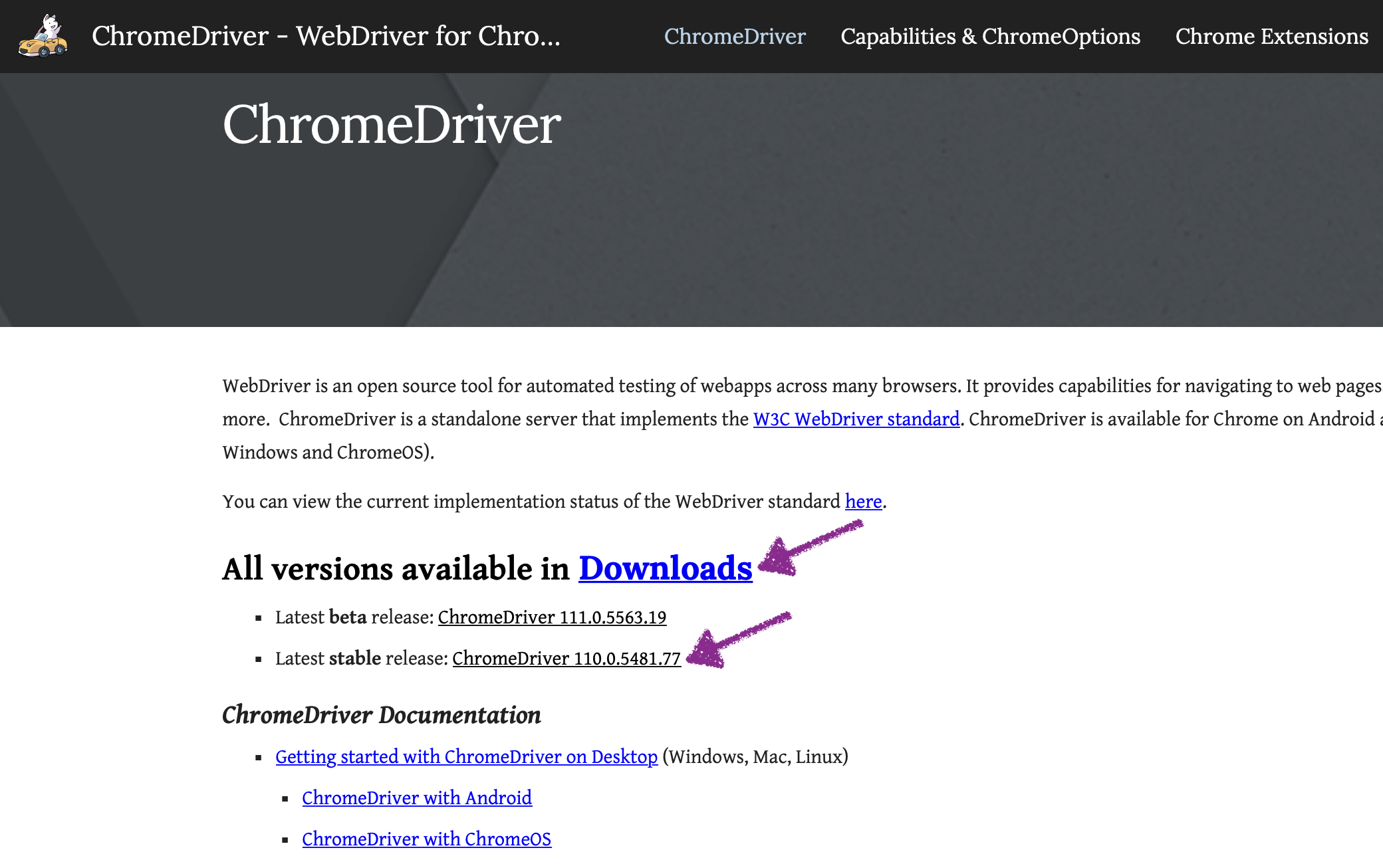
How To Download Chrome Driver For Selenium AutomationTestingHub

Ubuntu 18 04 python Selenium python Selenium Ubuntu CSDN
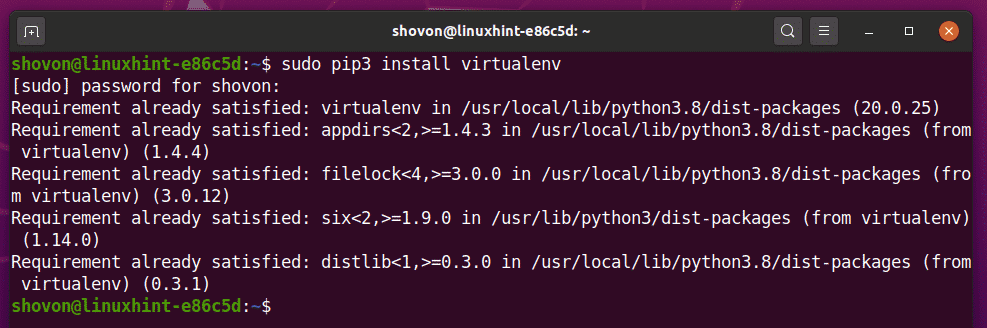
Using Selenium With Firefox Driver Kirelos Blog

How To Install GeckoDriver For Selenium Python BrowserStack
Issue With Python Package Folium

Web Oct 21 2020 nbsp 0183 32 You can install selenium by running pip install user selenium from the command line terminal Downloading the Firefox webdriver Go to https github mozilla geckodriver releases and scroll down to assets There you will find the gecko driver for the different operating systems Click on quot geckodriver v0 27 0
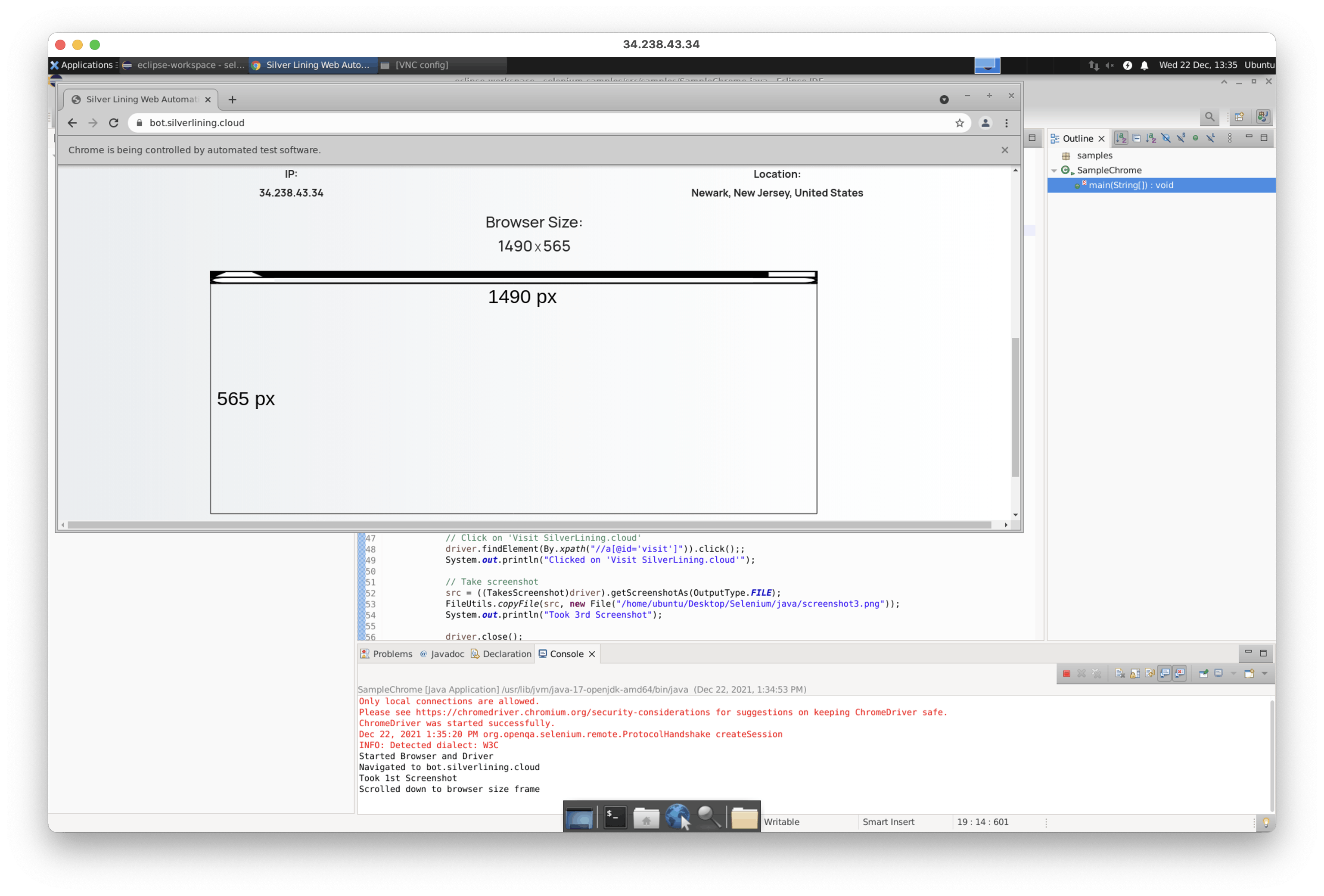
Web Aug 27 2016 nbsp 0183 32 Download and extract the driver Make sure that your OS can find the file in its systempath Modify your code to work with the new Marionette webdriver The specific step by step process for ubuntu can be found in this stackoverflow answer launch selenium from python on ubuntu selenium should be able to spawn firefox normally

Web Sep 21 2019 nbsp 0183 32 Step 2 Install Firefox with Driver Firefox is available under default apt repositories You can simply install it by running the following command from the command prompt sudo apt get y install firefox Also download the geckodriver for the firefox
Web Feb 14 2023 nbsp 0183 32 The snapshot below depicts all the available Selenium Firefox Driver releases Step 3 Once the zip file is downloaded open it to retrieve the geckodriver executable file Step 4 Copy the path of the GeckoDriver and set the properties to launch the browser and perform testing

Web Dec 17 2022 nbsp 0183 32 This tutorial will help you to set up Selenium with ChromeDriver on Ubuntu and LinuxMint systems This tutorial also includes an example of a Java program that uses a Selenium standalone server and ChromeDriver and runs a sample test case Read This Setup Selenium with Firefox on Ubuntu
Web Mar 23 2024 nbsp 0183 32 How to Download and Install GeckoDriver in Selenium Gecko Driver is available as an executable file that can be downloaded on the system The following are the list of steps to download gecko driver Step 1 Select the appropriate version Step 2 Extract the ZIP file Step 3 Note the location Web Aug 30 2023 nbsp 0183 32 How to install amp setup selenium webdriver firefox with python3 on ubuntu 20 04sample python script usr bin env python3from selenium import webdriverimpor
Web Mar 22 2024 nbsp 0183 32 There are 7 available log levels fatal error warn info config debug trace If logging is specified the level defaults to info Note that v is equivalent to log debug and vv is equivalent to log trace so this examples is just for setting the log level generically Selenium v4 10