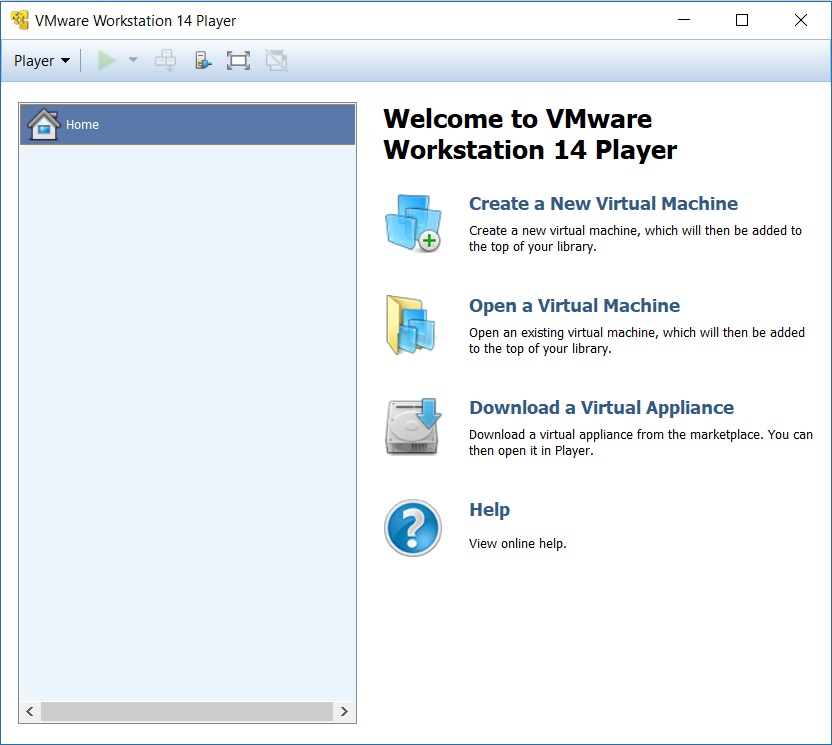
Install Esxi On Vmware Player How To Install ESXi In VMware Liquid Web How To Install Windows 10 On VMware Player YouTube How To Run ESXi On VMware Player VMware Player 14 Home Screen Install Esxi On Desktop Pc Urlstrongdownload VMware ESXi Installation and Setup is intended for experienced administrators who want to install and configure ESXi This information is written for experienced Windows or Linux system administrators who are familiar with virtual machine technology and data center operations
The VMware ESXi Installation and Setup guide is updated with each release of the product or when necessary This table provides the update history of the VMware ESXi Installation and Setup guide Revision Description 19 JUL 2021 n Updated procedure in Download the ESXi Installer n Updated procedure in Install PowerCLI 02 APR 2021 n ESXi Console Overview This walkthrough is designed to provide a step by step overview on how to manage the ESXi host using Direct Control User Interface Use arrow keys to navigate through the screens Connect to the host console Select Customize System View Logs to customize the system
Install Esxi On Desktop Pc Urlstrongdownload Install VMware Tools Grayed Out Fixed YouTube VMware Player How To Install Ubuntu 12 04 LTS YouTube Cloud Data Servers Install VMware ESXi On The Dedicated Server In Hetzner Installing ESXi 7 0 On VMware Workstation VInfrastructure Blog How To Install ESXI 7 0 On VMware YouTube How To Install Windows 10 On ESXi YouTube Basic ESXi Configuration VMware ESXi PART 3 ACCESSING STANDALONE ESXI SERVER IN HOME LAB USING VSPHERE
Install Esxi On Vmware Player
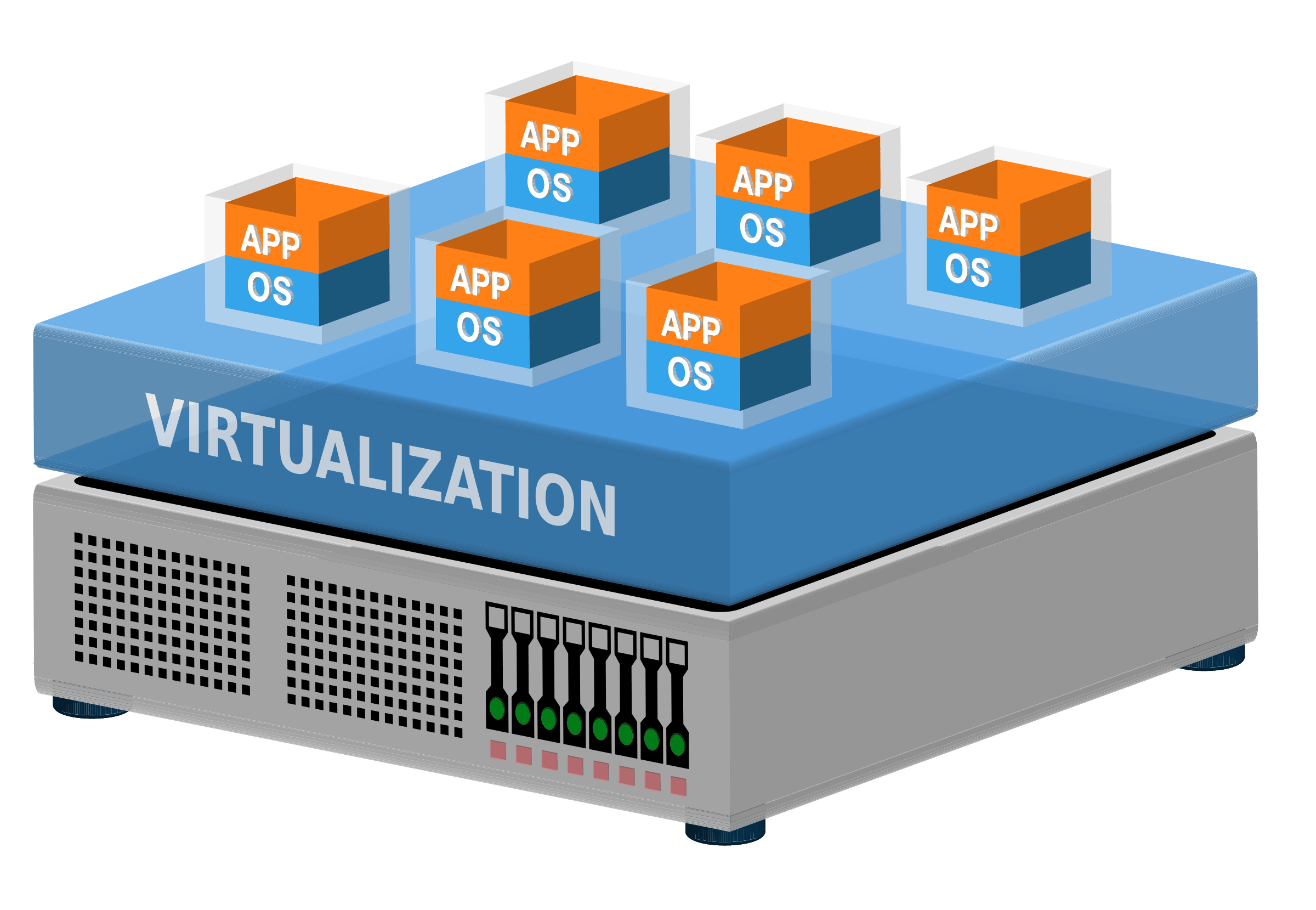 Install Esxi On Vmware Player
https://res.cloudinary.com/lwgatsby/f_auto/www/uploads/2021/02/install.esxi5_.021521-2.png
How to Install ESXi 5 x or 6 x in VMware Posted on December 1 2022 by Neil Golden Updated December 8 2023
Pre-crafted templates offer a time-saving option for creating a diverse variety of files and files. These pre-designed formats and layouts can be utilized for various personal and professional tasks, consisting of resumes, invitations, leaflets, newsletters, reports, discussions, and more, streamlining the material creation process.
Install Esxi On Vmware Player
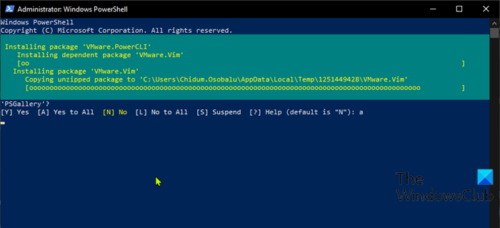
How To Install VMWare ESXi In A Hyper V Virtual Machine

Install VMware Tools Grayed Out Fixed YouTube
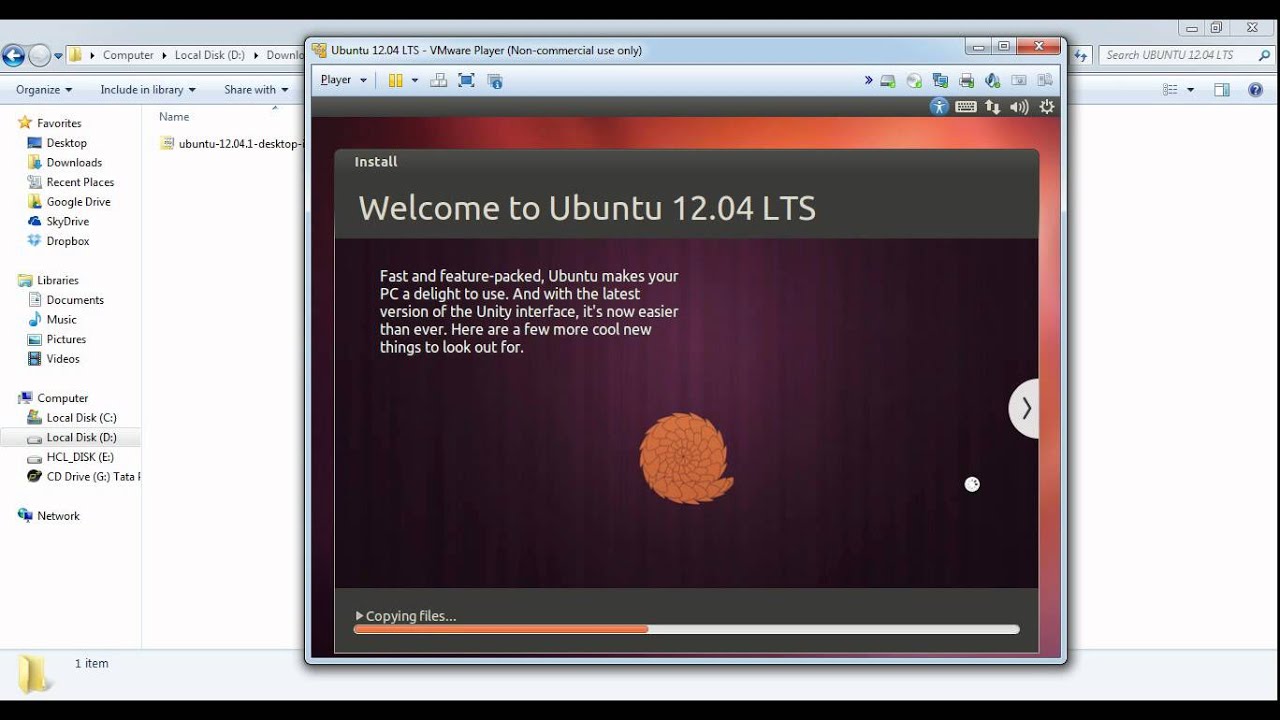
VMware Player How To Install Ubuntu 12 04 LTS YouTube

Cloud Data Servers Install VMware ESXi On The Dedicated Server In Hetzner

How To Install ESXI 7 0 On VMware YouTube

How To Install Windows 10 On ESXi YouTube
To install ESXi VSphere on a VMware Workstation Player you have to download and install the latest release of VMware Workstation Player for Windows hosts if it is not already installed How to Install VMware ESXi 6 x on VMware Workstation Player Host Step 1 Create a New Virtual Machine to install VMware ESXI 1

Updated on 05 31 2019 You can install and set up ESXi on your physical hardware so that it acts as a platform for virtual machines What to read next ESXi Requirements To install or upgrade ESXi your system must meet specific hardware and software requirements Read more Preparing for Installing ESXi
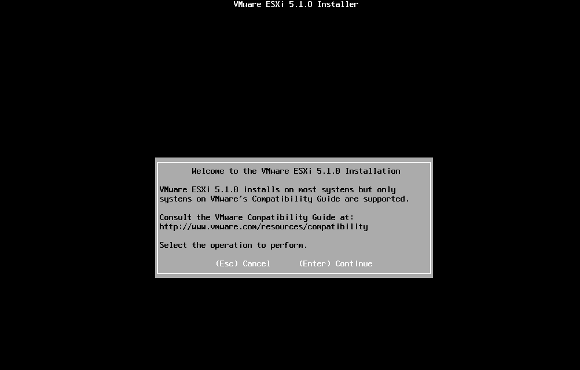
A step by step tutorial on how to install and configure vSphere ESXi 6 5 on Vmware Workstation Play 12 Then go to Part 2 of this video on how to use the W
Install or Upgrade ESXi from a USB Stick by Using a Script Network Boot the ESXi Installer for a Scripted Installation or Upgrade How to Boot an ESXi Host from a Network Device Network Booting the ESXi Installer Overview of the Network Boot Installation Process

Purpose This article explains how to install VMware ESXi in a virtual machine Installing ESXi in a virtual machine provides a way to try the product without dedicating hardware to it A virtual ESXi machine may be useful if you are studying to become a VCP VMware Certified Professional
Installation of Azure IoT Edge for Linux on Windows EFLOW For hosts with AMD processors vSphere requires ESXi 7 0 Update 3o ESXi 8 0 Update 1c or later releases Recommended guest operating systems are Windows 11 Windows Server 2022 or later releases for best performance Run Virtual Operating Systems on One PC Whether you need a streamlined virtualization interface for the classroom or a way to secure corporate desktops on BYO devices Workstation Player uses VMware vSphere Hypervisor technology to provide a simple and secure local virtualization solution Simple Powerful Local Virtualization
Latest VMware workstation or VMware Player A free VMware account to download the ESXi ISO file Install ESXi 7 on VMware Workstation Windows 10 11 Host 1 Go to the VMware official website to download the correct installation file You need to register and have an account