Install Docker With Wsl Run Docker container on Subsystem for Linux 2 (WSL 2) – 4sysops Get started with Docker containers on WSL | Microsoft Learn Get started with Docker containers on WSL | Microsoft Learn Docker Complete Setup on Windows (With WSL Ubuntu) - YouTube WSL with Docker installation on windows 11 | Docker Desktop WSL backend - YouTube To install or upgrade to the latest version of Google Earth Pro download the application System requirements In order for Google Earth Pro to run on your computer you must have all
Install and set up Drive for desktop Install amp set up Drive for desktop for Windows Important Before you start check that your operating system is compatible with Drive for desktop Tip If Apr 22 2013 nbsp 0183 32 I purchased the Professional Plus 2012 office and was not able to download it intially I would like to try again and I have my Product Key Code is there a link so that I can
WSL with Docker installation on windows 11 | Docker Desktop WSL backend - YouTube Install Docker in WSL 2 without Docker Desktop — Nick Janetakis Using Docker in Windows for Linux Subsystem (WSL) 2 Install Docker on Windows (WSL) without Docker Desktop - DEV Community 👩💻👨💻 Get started with Docker containers on WSL | Microsoft Learn How to install docker on windows - YouTube Docker for Window with Subsystem for Linux (WSL) Linux Development in Windows 10 with Docker and WSL 2 | End Point Dev Run Linux Containers with Docker Desktop and WSL 2 - Thomas Maurer
Install Docker With Wsl
 Install Docker With Wsl
https://4sysops.com/wp-content/uploads/2020/11/Installation-of-Docker-for-Windows%E2%80%94the-components-for-WSL-2-should-be-selected.png
On your iPhone or iPad open App Store In the search bar enter Chrome Tap Get To install follow the on screen instructions If prompted enter your Apple ID password To start
Pre-crafted templates provide a time-saving option for developing a varied range of files and files. These pre-designed formats and designs can be utilized for numerous personal and expert tasks, including resumes, invites, flyers, newsletters, reports, discussions, and more, streamlining the material creation procedure.
Install Docker With Wsl
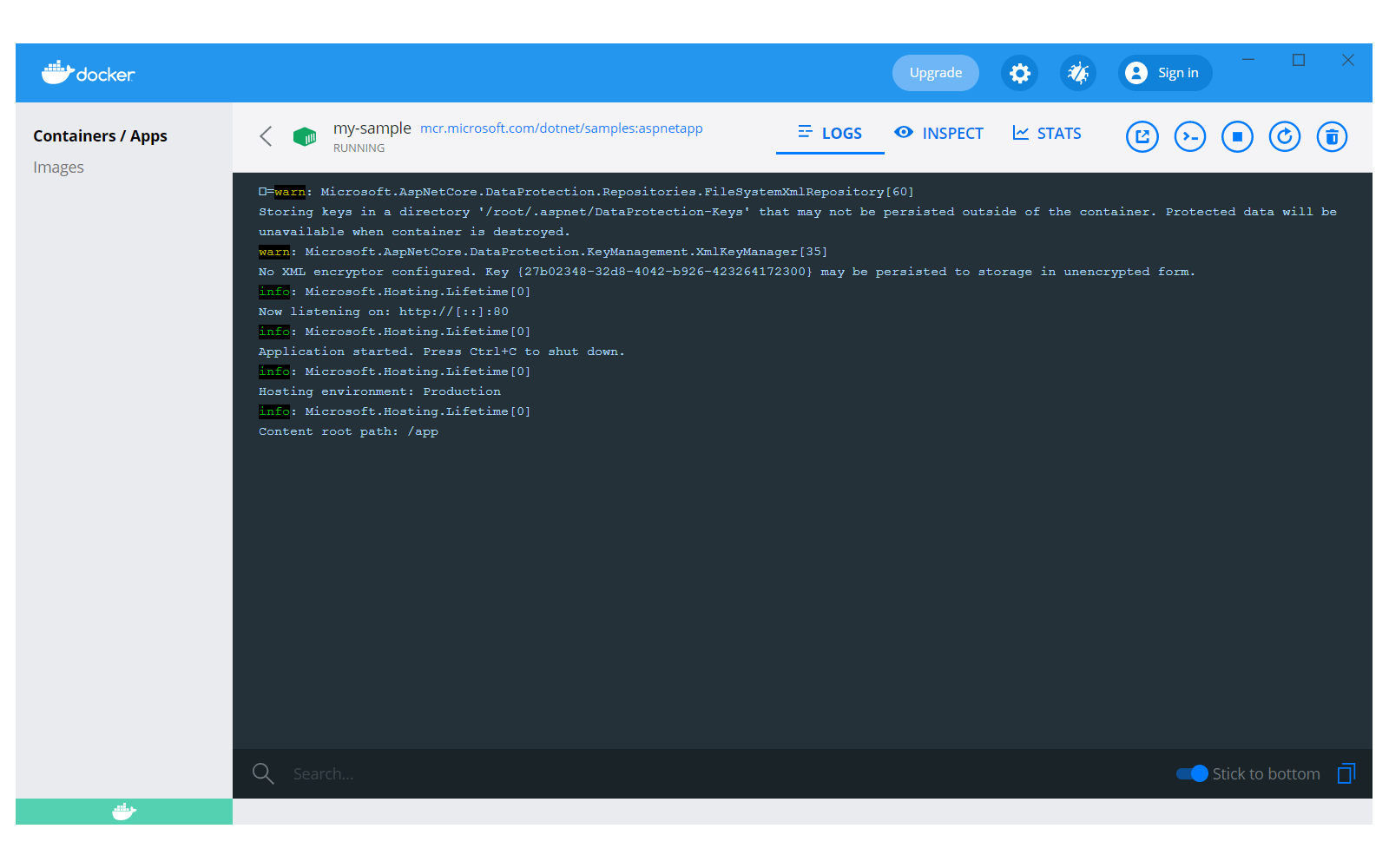
Installing Docker Desktop for Windows and WSL 2
Install Docker in WSL 2 without Docker Desktop — Nick Janetakis
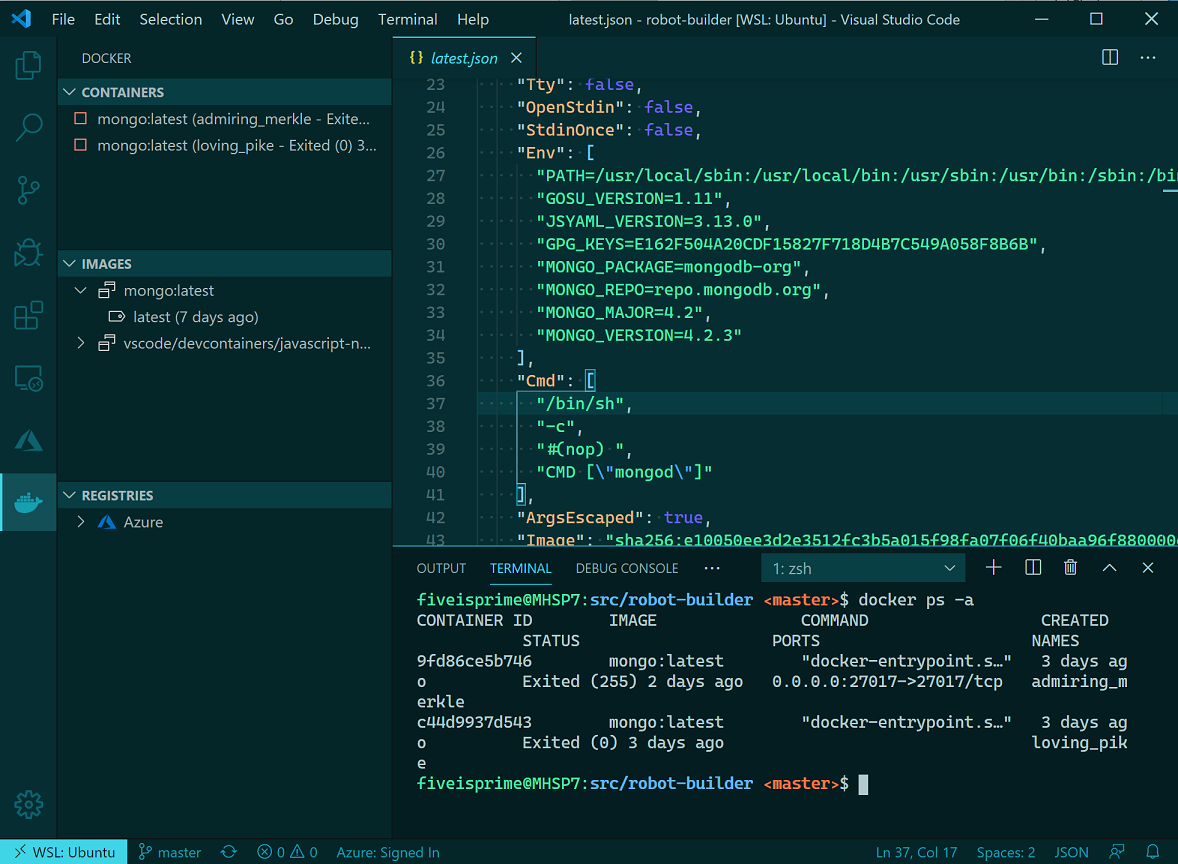
Using Docker in Windows for Linux Subsystem (WSL) 2

Install Docker on Windows (WSL) without Docker Desktop - DEV Community 👩💻👨💻

How to install docker on windows - YouTube
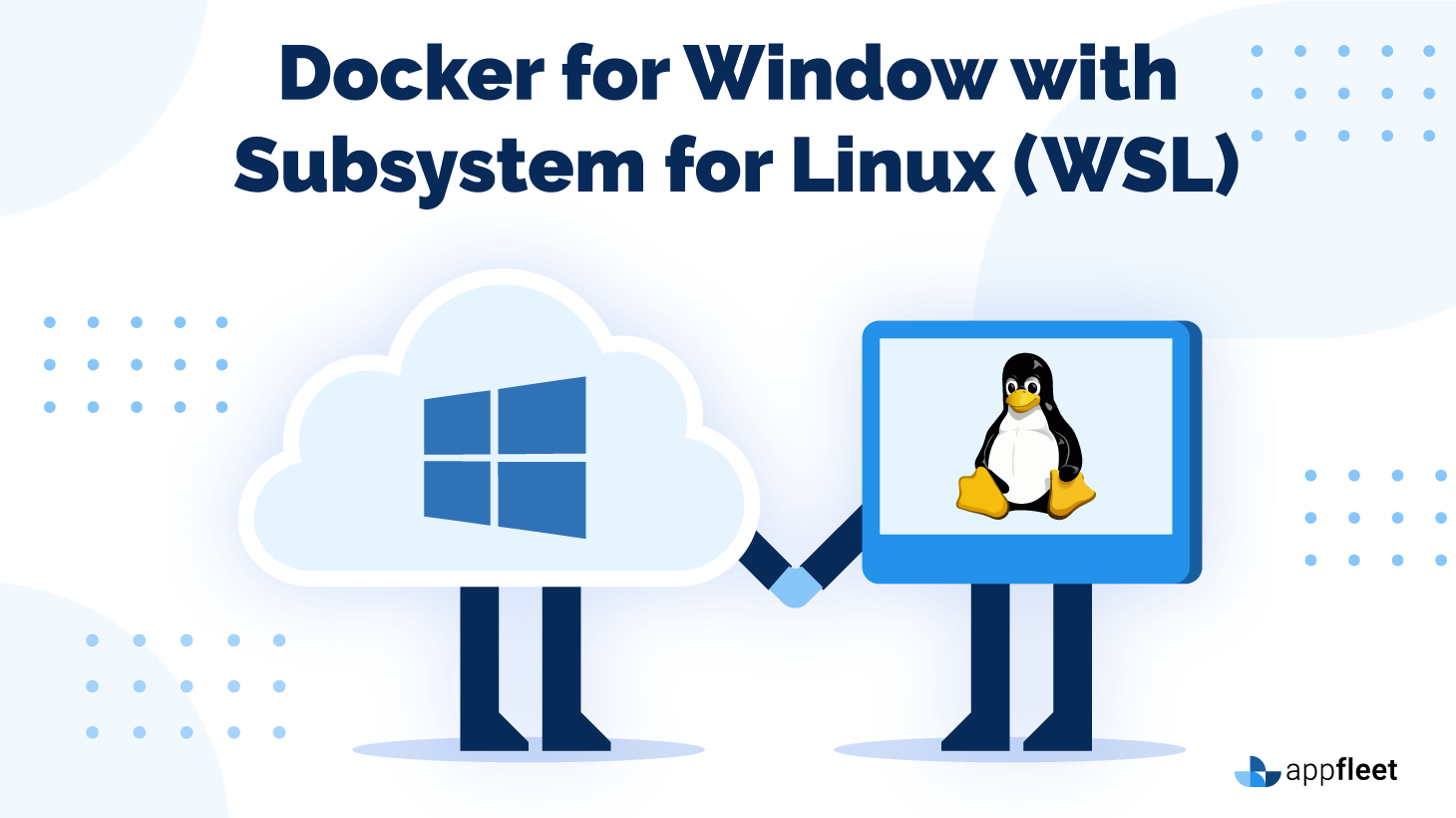
Docker for Window with Subsystem for Linux (WSL)

On your iPhone or iPad open App Store In the search bar enter Chrome Tap Get To install follow the on screen instructions If prompted enter your Apple ID password To start

Official Google Chrome Help Center where you can find tips and tutorials on using Google Chrome and other answers to frequently asked questions

You can download and install the Chrome web browser at no charge and use it to browse the web

On your device go to the Apps section Tap Google Play Store The app will open and you can search and browse for content to download

Dec 4 2024 nbsp 0183 32 Hi Felix see if this helps Download install or reinstall Microsoft 365 Office 2024 or Office 2021 on a PC or Mac Microsoft Support
[desc-11] [desc-12]
[desc-13]