Install Docker On Mac M1 Without Docker Desktop Install Docker On Mac M1 Without Docker Desktop DEV Community Running Windows And Linux Containers Without Docker Desktop How To Install Docker On Mac M1 HD 720p YouTube Install Docker On Mac OS Using Homebrew Ruby On Rails Install Docker In WSL 2 Without Docker Desktop Nick Janetakis Install and set up Drive for desktop Install amp set up Drive for desktop for Windows Important Before you start check that your operating system is compatible with Drive for desktop Tip If
When you install Drive for desktop on your computer it creates a drive in My Computer or a location in Finder named Google Drive All of your Drive files appear here Any new files or Jan 14 2025 nbsp 0183 32 Split from this thread I just purchased office home 2024 I need help to download and install
Install Docker In WSL 2 Without Docker Desktop Nick Janetakis How To Install Docker On Mac Compsmag Creating A Lightweight Windows Container Dev Environment Without Docker Desktop Docker EasyConnect Joloskinny Blog How To Run Docker On Mac M1 Evpaas Mac Install Docker Brew Blinkhrom Run Docker On Windows Easily Without Docker Desktop Alberto Corrales Garcia How To Install Docker On MacOS 2023 Updated Gide
Install Docker On Mac M1 Without Docker Desktop
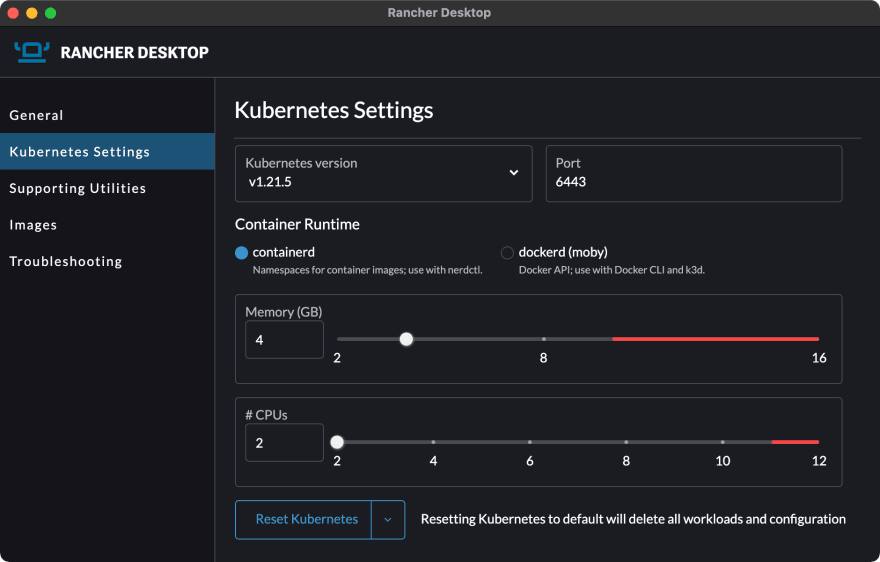 Install Docker On Mac M1 Without Docker Desktop
https://res.cloudinary.com/practicaldev/image/fetch/s--Reia__rZ--/c_limit%2Cf_auto%2Cfl_progressive%2Cq_auto%2Cw_880/https://blog.brazdeikis.io/_next/image%3Furl%3D%252Fuploads%252Francherdesktop.png%26w%3D1920%26q%3D75
On your iPhone or iPad open App Store In the search bar enter Chrome Tap Get To install follow the on screen instructions If prompted enter your Apple ID password To start
Templates are pre-designed documents or files that can be used for numerous functions. They can save time and effort by supplying a ready-made format and layout for creating various sort of material. Templates can be used for personal or professional jobs, such as resumes, invitations, leaflets, newsletters, reports, presentations, and more.
Install Docker On Mac M1 Without Docker Desktop

Best Way To Install Docker On A Mac

How To Install Docker On Mac Compsmag
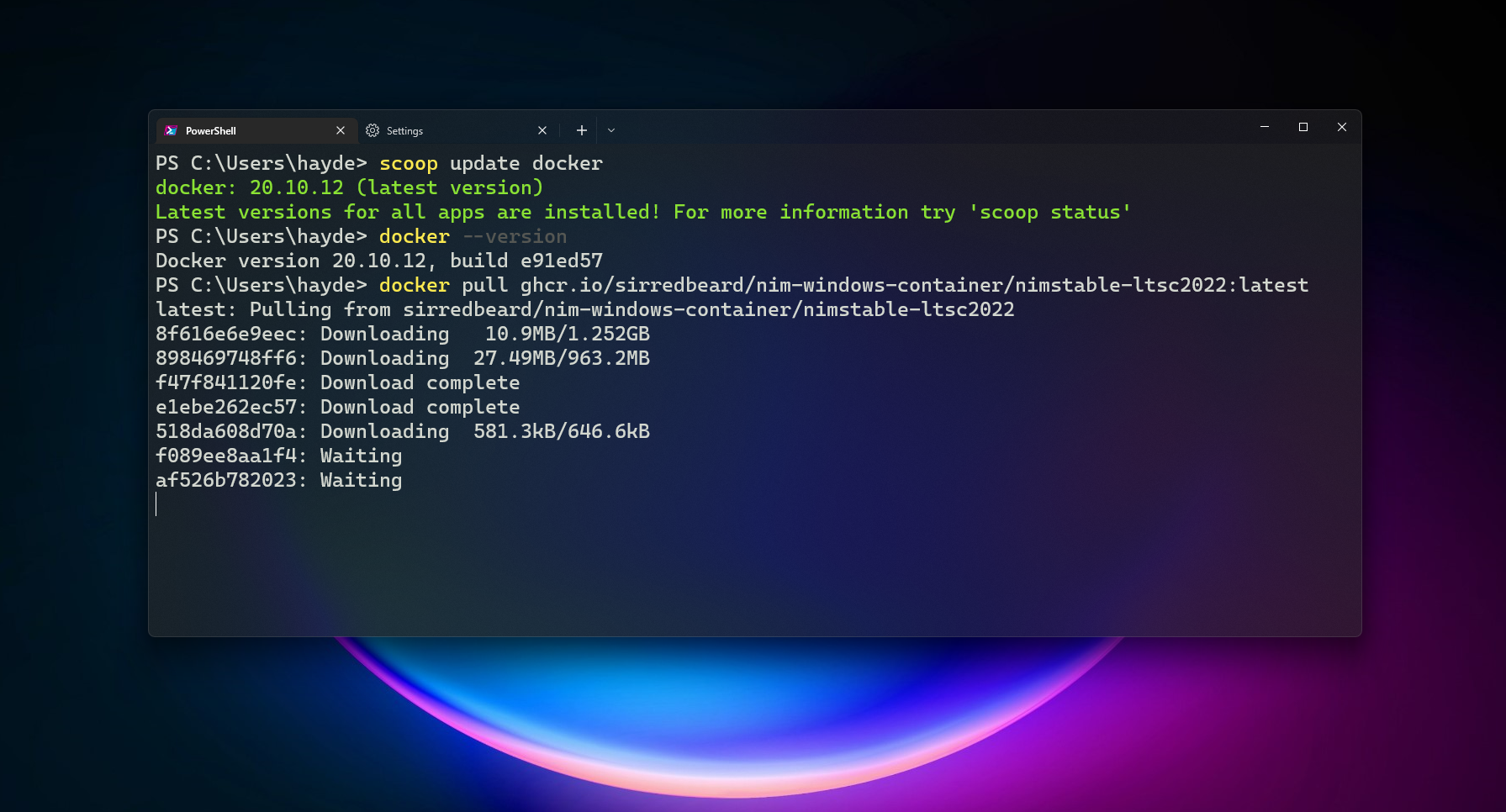
Creating A Lightweight Windows Container Dev Environment Without Docker Desktop
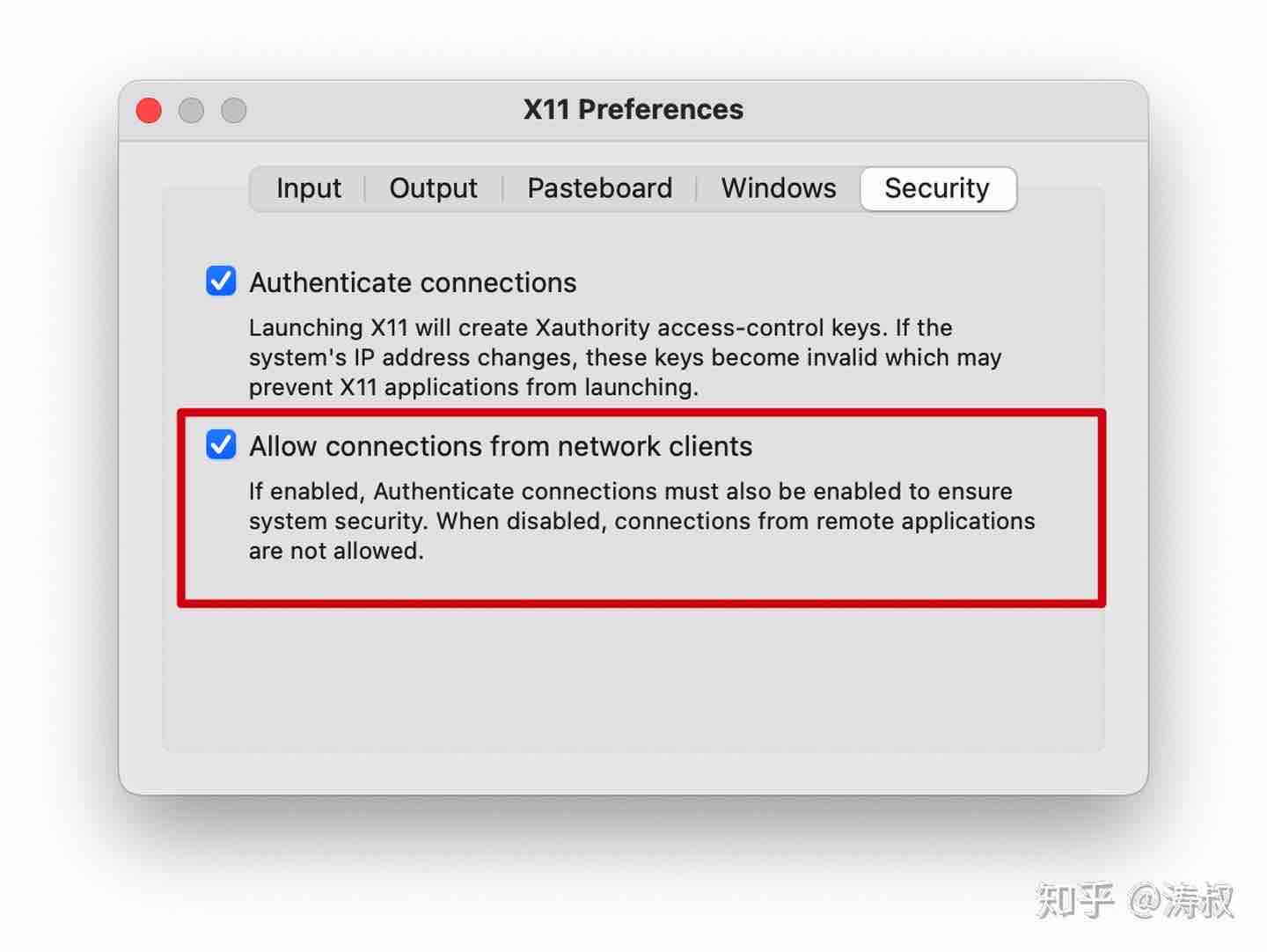
Docker EasyConnect
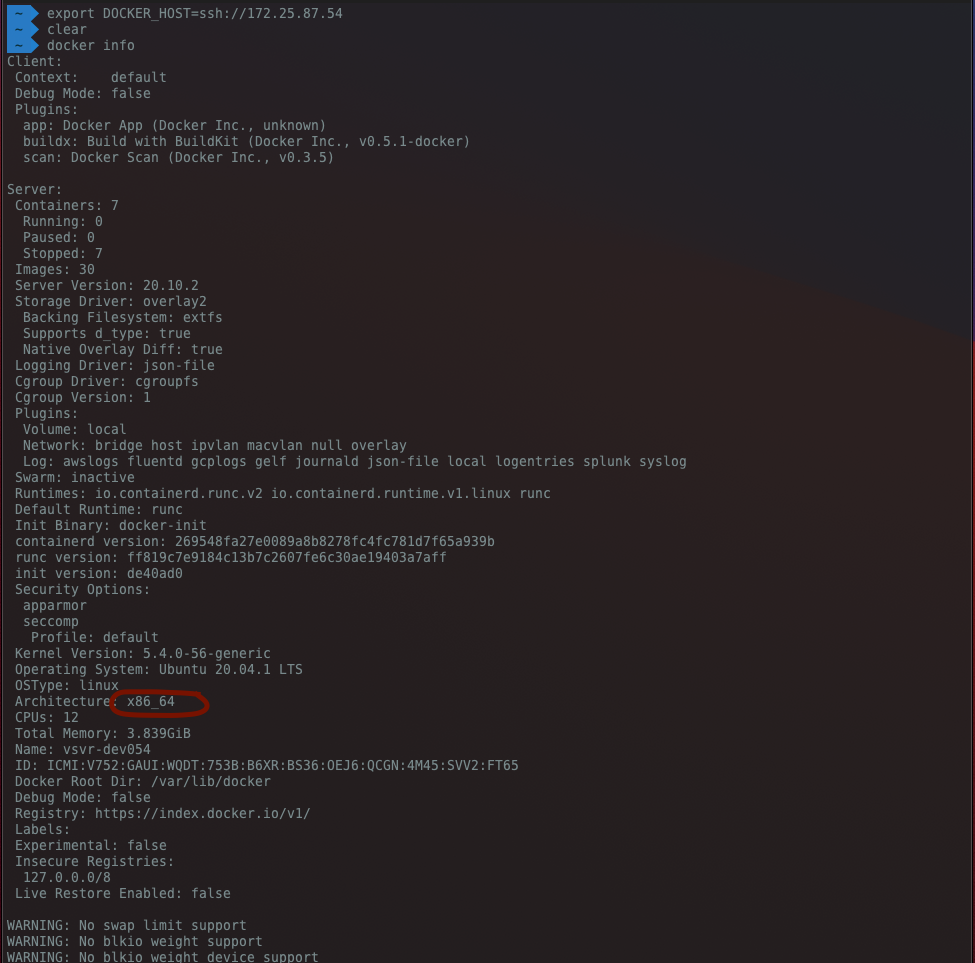
How To Run Docker On Mac M1 Evpaas
Mac Install Docker Brew Blinkhrom

Puedes descargar e instalar el navegador web Chrome sin coste econ 243 mico y usarlo para navegar por la Web

On your iPhone or iPad open App Store In the search bar enter Chrome Tap Get To install follow the on screen instructions If prompted enter your Apple ID password To start

Official Google Chrome Help Center where you can find tips and tutorials on using Google Chrome and other answers to frequently asked questions

Dec 4 2024 nbsp 0183 32 Hi Felix see if this helps Download install or reinstall Microsoft 365 Office 2024 or Office 2021 on a PC or Mac Microsoft Support
On your device go to the Apps section Tap Google Play Store The app will open and you can search and browse for content to download
[desc-11] [desc-12]
[desc-13]