Install Django In Virtual Environment How To Install Django In Virtual Environment django python Django Tutorial How To Install Django In Virtual Environment And How To Install Django In Virtual Environment And Setup Basic Django How To Install Django In Virtual Environment And Create Django Project Software Development Blog Install Django In Virtual Environment Web Oct 4 2023 nbsp 0183 32 This module assumes that you ve installed Django into a virtual environment and we ll show you how below Installing Python 3 In order to use Django you must have Python 3 on your operating system
Web Now you have installed Django in your new project running in a virtual environment Windows Mac or Unix You can run this project on either one There are some small differences like when writing commands in the command prompt Windows uses py as the first word in the command line while Unix and MacOS use python Windows py version Web How to Install Django and Set Up a Virtual Environment in 6 Steps Step 1 Installing Python 3 To run the Django Framework on your system you would need Python 3 installed on your system Step 2 Installing Virtualenv Virtualenv is a Python package that lets you create different virtual environments
Software Development Blog Install Django In Virtual Environment 1 How To Install And Setup Django Virtual Environment Django How To Install Django With Virtualenv On Windows 7 Django Tutorial Installing Django Virtual Environment Setup YouTube Install Django And Start Project YouTube Solved How To Activate Virtual Environment In DJango 9to5Answer How To Configure Django Webuzo Creating A Django Project The First Step PyCodeMates Solved Virtualenvironment Ubuntu 12 ImportError No 9to5Answer
Install Django In Virtual Environment
 Install Django In Virtual Environment
https://i.ytimg.com/vi/hFizwt2UZoc/maxresdefault.jpg
Web First install a virtual environment and then install Django in the virtual environment Installing a Virtual Environment In this walkthrough you ll go over how to install a virtual environment in Windows and MacOS The first step you ll need to take is to launch the command line interface On Windows it s called the Command Prompt
Pre-crafted templates offer a time-saving option for developing a diverse variety of documents and files. These pre-designed formats and layouts can be made use of for various personal and professional projects, including resumes, invitations, leaflets, newsletters, reports, discussions, and more, streamlining the material production procedure.
Install Django In Virtual Environment

How To Install Django In Virtual Environment And Create Django Project
1 How To Install And Setup Django Virtual Environment Django

How To Install Django With Virtualenv On Windows 7 Django Tutorial

Installing Django Virtual Environment Setup YouTube
Solved How To Activate Virtual Environment In DJango 9to5Answer
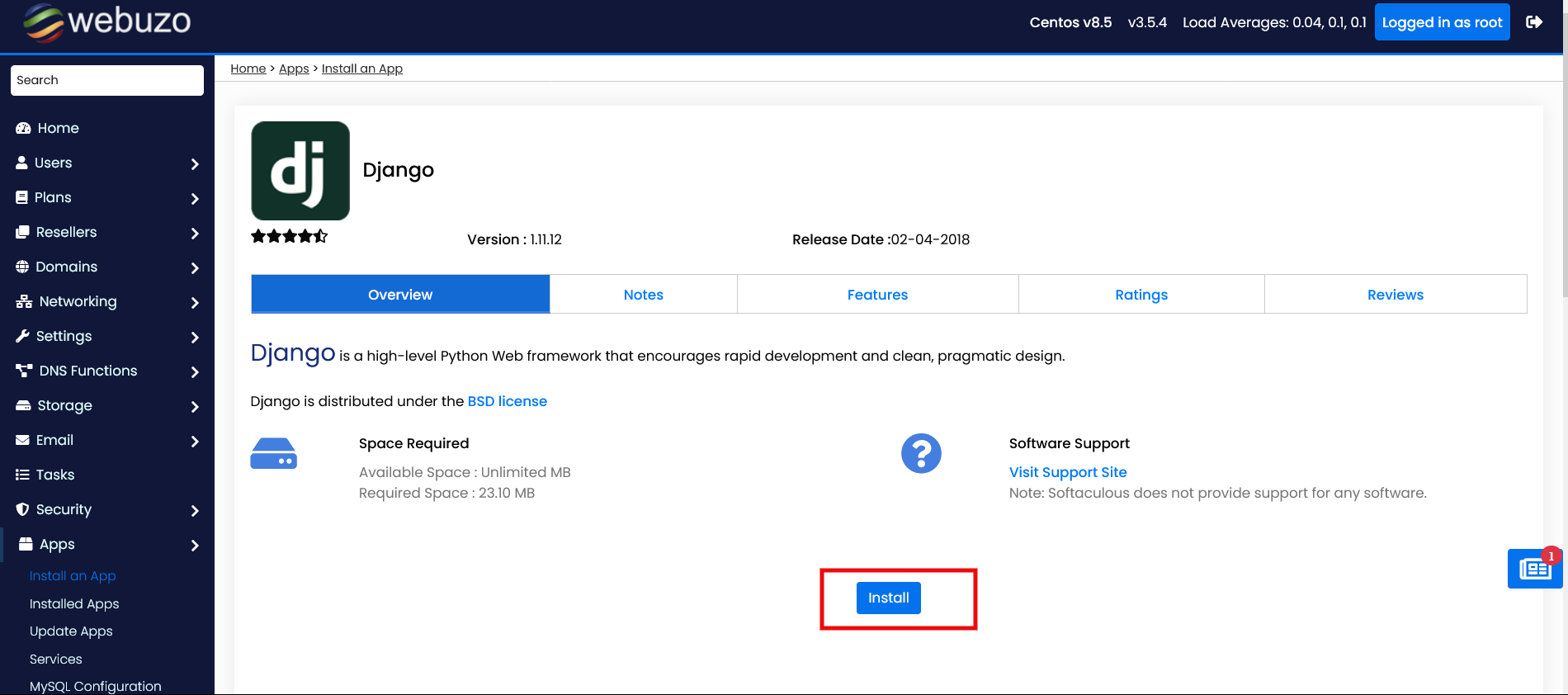
How To Configure Django Webuzo
Web The most convenient way to do this is to use a virtual environment and pip The contributing tutorial walks through how to create a virtual environment After setting up and activating the virtual environment run the following command python m pip install e django gt py m pip install e django

Web Django Development Environment can be set up by installing python a virtual environment and Django Package Installation Although Virtual Environment is not necessary it is recommended to install your Django Packages under a Virtual Environment if you will be dealing with different package versions

Web Virtual Environment It is suggested to have a dedicated virtual environment for each Django project and one way to manage a virtual environment is venv which is included in Python The name of the virtual environment is your

Web Dec 12 2023 nbsp 0183 32 Here s how you can install Django in your virtual environment for Linux and macOS Activate your virtual environment source myenv bin activate Install Django pip install django Or use this to specify the version pip install django 4 2 7

Web Jul 6 2020 nbsp 0183 32 A virtual environment allows you to install Django in a project directory without affecting the larger system along with other per project customizations and packages This is typically the most practical and recommended approach to
[desc-11] [desc-12]
[desc-13]