Install Debian With Xfce Debian 10 XFCE Review YouTube Como He Personalizando Mi Debian 10 Con Xfce 4 12 How To Install KDE GUI In Debian 9 Linux RootUsers Kali Linux s First Release In 2021 Ships With Xfce 4 16 Linux 5 10 LTS Linux Mint 20 2 Is Out Now With Upgrades From 20 And 20 1 Possible To install or upgrade to the latest version of Google Earth Pro download the application System requirements In order for Google Earth Pro to run on your computer you must have all
INSTALL GOOGLE AUTHENTICATOR Important To use Google Authenticator on your Android device you need Android version 5 0 or up Set up Google Authenticator for your Google Download the YouTube app for a richer viewing experience on your smartphone
Linux Mint 20 2 Is Out Now With Upgrades From 20 And 20 1 Possible Debian XFCE By Crownvictoria On DeviantArt First Look At Debian 9 Stable Xfce Desktop YouTube Debian Xfce Debianitalia Debian 8 7 0 Disponibile Al Download OCULUS IT Como He Personalizando Mi Debian 10 Con Xfce 4 12 Debian Xfce Xfce 4 18 Xubuntu 22 04 Debian Vs Ubuntu Two Main Distro But Which Is Best Simitech
Install Debian With Xfce
 Install Debian With Xfce
https://i.ytimg.com/vi/R9_-XbBwcDs/maxresdefault.jpg
Can t install because you re not an administrator on Windows If you re not an administrator follow the steps to download and install Google Chrome Learn more about how to fix most
Templates are pre-designed files or files that can be utilized for different functions. They can conserve time and effort by providing a ready-made format and layout for developing different kinds of material. Templates can be used for personal or professional projects, such as resumes, invitations, flyers, newsletters, reports, discussions, and more.
Install Debian With Xfce

Install Xfce On Debian 7 Wheezy BinaryTides

Debian XFCE By Crownvictoria On DeviantArt
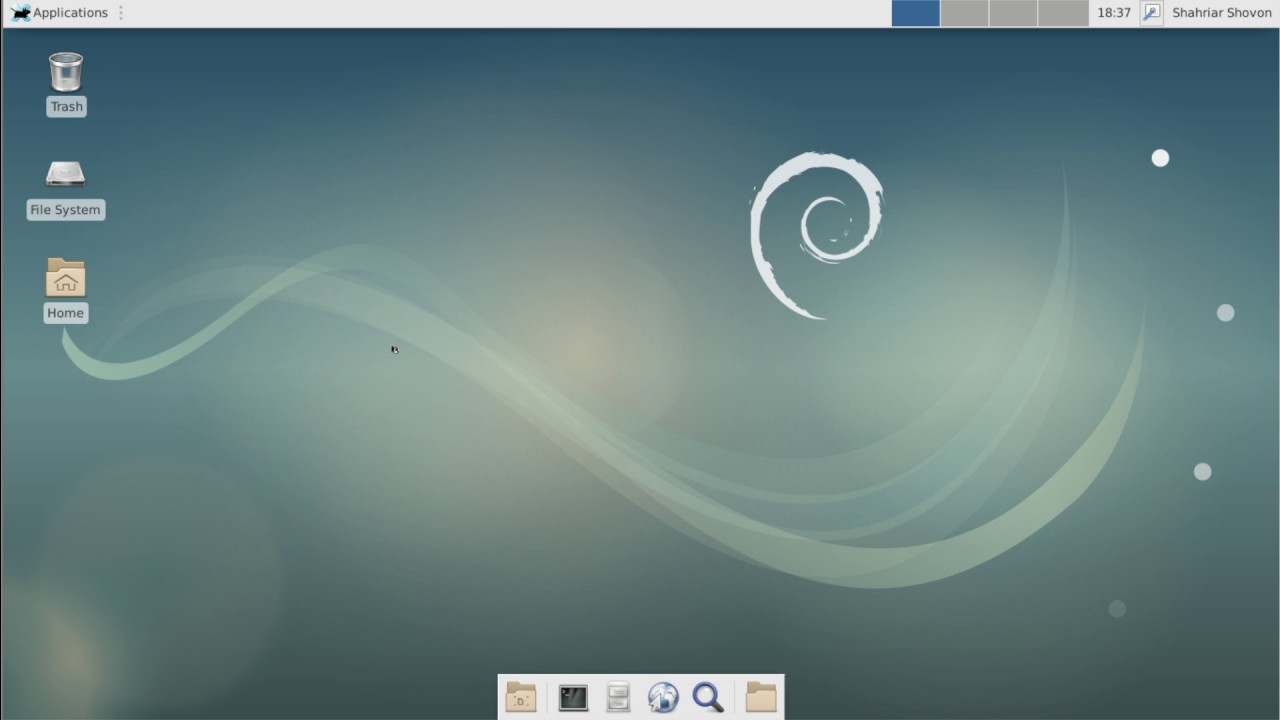
First Look At Debian 9 Stable Xfce Desktop YouTube

Debian Xfce Debianitalia

Como He Personalizando Mi Debian 10 Con Xfce 4 12

Debian Xfce

Official Google Chrome Help Center where you can find tips and tutorials on using Google Chrome and other answers to frequently asked questions

Install and set up Drive for desktop Install amp set up Drive for desktop for Windows Important Before you start check that your operating system is compatible with Drive for desktop Tip If
You can download and install the Chrome web browser at no charge and use it to browse the web

Help Download and install Google Chrome Create or manage your Google Account in Chrome Sign in and sync in Chrome Make Chrome your default browser
When you install Drive for desktop on your computer it creates a drive in My Computer or a location in Finder named Google Drive All of your Drive files appear here Any new files or
[desc-11] [desc-12]
[desc-13]