Install Chrome Linux Mint Terminal Install Google Chrome On Linux Mint 18 Easily YouTube Install Google Chrome On Linux Mint YouTube How To Install Google Chrome On Linux Mint 19 1 Cinnamon YouTube Install Chrome On Linux Mint Easy Step By Step Guide DigitalOcean Install Google Chrome Browser On Linux Mint 20 TechViewLeo Web Aug 4 2023 nbsp 0183 32 Installation on Ubuntu based Distros To install Chrome on Linux with the local package manager we need to first update the package index to make sure the system is up to date sudo apt update This updates the package cache Then we can upgrade the packages to the new version sudo apt upgrade To install Chrome we need to use
Web Dec 7 2023 nbsp 0183 32 Open a terminal and use the following commands to install Google Chrome on Debian based Linux distributions such as Ubuntu Debian Kali and Linux Mint wget https dl google linux direct google chrome stable current amd64 deb sudo apt install google chrome stable current amd64 deb Web Jan 30 2023 nbsp 0183 32 How to install Google Chrome in Linux via terminal You can set up Google Chrome on your Linux Mint distro via two terminal approaches Install Chrome by adding the Google Chrome repository Install Chrome using the deb package Section 1 Install Chrome by adding the Google Chrome repo
Install Google Chrome Browser On Linux Mint 20 TechViewLeo How To Install Or Upgrade Google Chrome 63 On Linux Mint 18 3 YouTube How To Install Google Chrome On Linux How To Update LinuxGUI How To Install Google Chrome On Linux Mint 21 Google Chrome Linux Mint YouTube How To Download And Install Google Chrome On Linux Mint 20 Ulyana How How To Install Google Chrome In Linux Mint 17 2 2016 YouTube How To Install Chrome In Linux Redhat8 Ninjasquad Cara Install Google Chrome Di Linux Mint Sebardi Blog
Install Chrome Linux Mint Terminal
 Install Chrome Linux Mint Terminal
https://i.ytimg.com/vi/BFITyjYqhXk/maxresdefault.jpg
Web Jul 1 2020 nbsp 0183 32 Install Google Chrome On Linux Mint Add Google Chrome Repository Open a terminal Ctrl Alt T First download the Google signing key and install it wget q O https dl google linux linux signing key pub sudo apt key add Set up the Google Chrome repository echo quot deb arch amd64
Templates are pre-designed files or files that can be used for numerous functions. They can save effort and time by providing a ready-made format and layout for creating different type of content. Templates can be utilized for personal or expert jobs, such as resumes, invites, flyers, newsletters, reports, presentations, and more.
Install Chrome Linux Mint Terminal
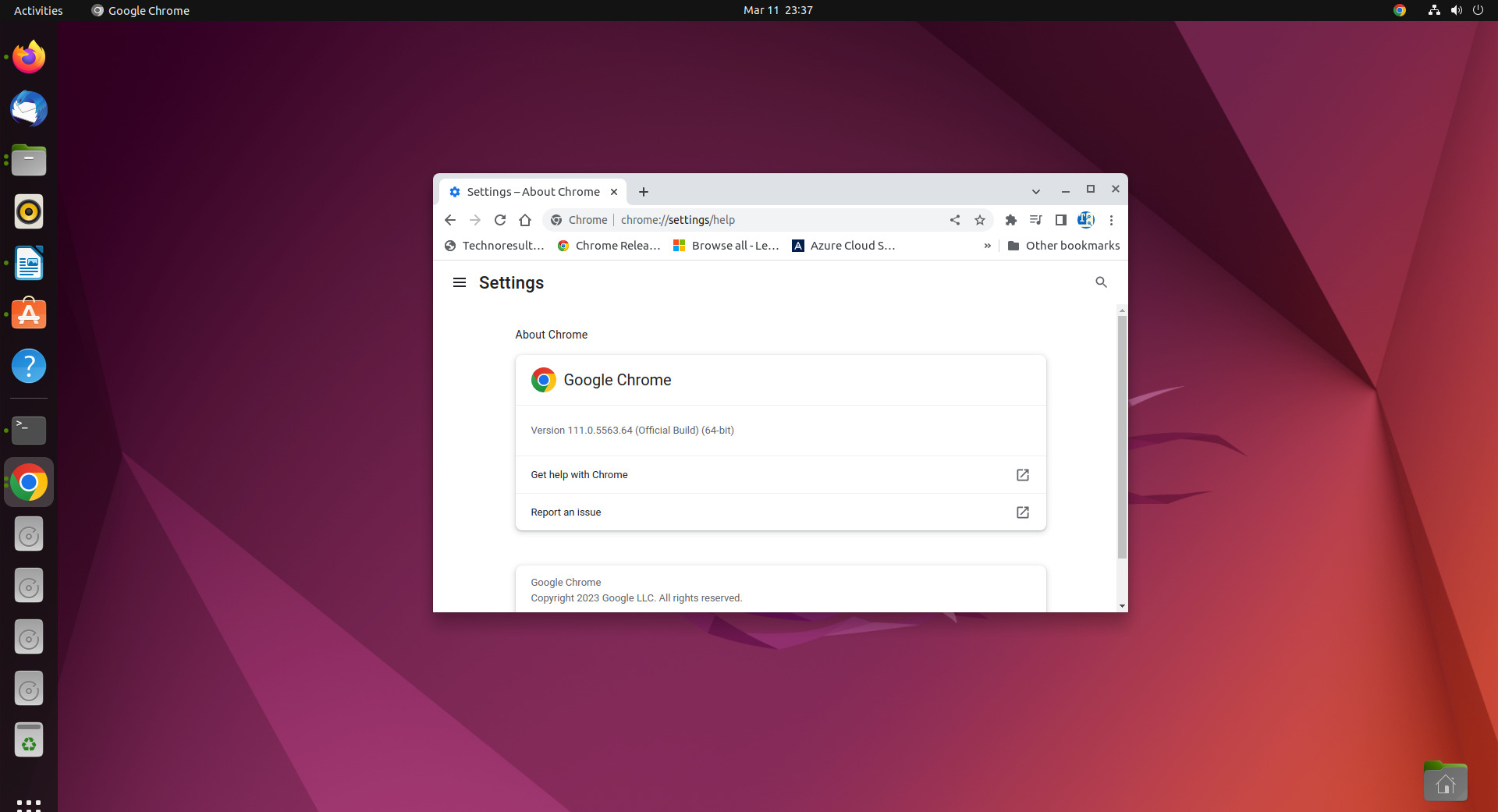
How To Install Google Chrome Using Terminal In Ubuntu Linux Technoresult

How To Install Or Upgrade Google Chrome 63 On Linux Mint 18 3 YouTube
How To Install Google Chrome On Linux How To Update LinuxGUI

How To Install Google Chrome On Linux Mint 21
How To Download And Install Google Chrome On Linux Mint 20 Ulyana How

How To Install Google Chrome In Linux Mint 17 2 2016 YouTube

Web Nov 26 2023 nbsp 0183 32 Download Article 1 Press Ctrl Alt T to open a terminal window 1 2 Update the package index To make sure your system is up to date run these two commands Type sudo apt update and press the Enter key 3 Type sudo apt upgrade and press the Enter key 3 Install wget if you don t already have it

Web Nov 21 2023 nbsp 0183 32 Step 1 Run System Update in Linux Mint 21 Step 2 Installing Required Packages For Chrome in Mint 21 Step 3 Add Chrome Repository To Linux Mint 21 From Terminal Step 4 Command for Installing Chrome in Mint 21 Step 5 Launch Chrome Browser in Linux Mint 21 Step 6 Start To Use Chrome in Linux Mint 21

Web Sep 6 2023 nbsp 0183 32 All you have to do is to go to Google Chrome s website and download the installer file for Ubuntu and install it Let me detail the steps for your understanding Installing Google Chrome on Linux Mint Go to the website of Google Chrome Google Chrome Website You ll see a Download Chrome button here Click on it Download

Web Dec 9 2023 nbsp 0183 32 Step 1 Update Linux Mint Before Google Chrome Installation Step 2 Install Initial Packages for Google Chrome Installation Step 3 Import Google Chrome APT Repository on Linux Mint Step 4 Refresh APT Index After Google Chrome Repository Import Install Google Chrome on Linux Mint 21 or 20 via APT Command

Web Jan 18 2023 nbsp 0183 32 Installing Google Chrome on Linux Mint Command Line Approach Step 1 Download and Import Google s Signed Key To ensure that the packages we receive to install the Chrome browser are genuine first we should download and import the Google signed key on your Linux Mint system
Web Jun 24 2021 nbsp 0183 32 Open a terminal Ctrl Alt T First download the Google signing key and install it wget q O https dl google linux linux signing key pub sudo apt key add Set up the Google Chrome repository echo quot deb arch amd64 http dl google linux chrome deb stable main quot sudo tee Web By following these pro tips you can easily Installing Chrome in Linux Mint 21 Using Terminal and maintain Google Chrome on your Linux Mint 21 system using the terminal Enjoy
Web Nov 1 2017 nbsp 0183 32 To install Google Chrome in Linux Mint 18 open the root terminal and type these commands one by one echo quot deb arch amd64 http dl google linux chrome deb stable main quot gt etc apt sources list d chrome list wget q O https dl ssl google linux linux signing key pub apt key add apt get