Install Brew Mac Zsh How To Install Oh My Zsh On MAC TechRechard How To Install Oh My Zsh On Mac Learn Zsh In 80 Minutes MacOS Oh My Zsh Command Line Power User ITerm2 Oh My Zsh Supercharge Your Mac Terminal Mac zsh Oh My Zsh Zplug Hyper Dev White Step 1 Installing xcode to install brew on Mac Xcode is Apple s IDE for macOS We can use Xcode to produce apps for macOS iOS iPadOS watchOS and tvOS We need Xcode for Homebrew for installation and compiling apps In other words open the terminal application and then type the following command at bash zsh prompt to install brew in Mac
Setup to use brew s Zsh instead of Mac default Zsh To use Brew s Zsh instead of the one installed inside of the Mac add homebrew Zsh to the shell list Open the file by using the below command sudo vi etc shells add usr local bin zsh to the list List of acceptable shells for chpass 1 Ftpd will not allow users to connect who are A delightful community driven with 2 200 contributors framework for managing your zsh configuration Includes 300 optional plugins rails git macOS hub docker homebrew node php python etc 140 themes to spice up your morning and an auto update tool so that makes it easy to keep up with the latest updates from the community ohmyzsh ohmyzsh
Mac zsh Oh My Zsh Zplug Hyper Dev White Top 28 Install Zsh Windows Git Bash Quick Answer How To Install Home Brew On Mac OS YouTube 4 Ways To Fix Zsh Permission Denied In Mac Terminal Remove MacOS Catalina Zsh Nagging Muffin Man Vorarbeiter Psychologisch Dempsey Mac Terminal Install Brew Knochen Und How To Install Apache Httpd On MacOS Via Homebrew Crunchify Cold Brew Ethiopia New Conte Cafe Install Parallel On Mac Brew Facescopax
Install Brew Mac Zsh
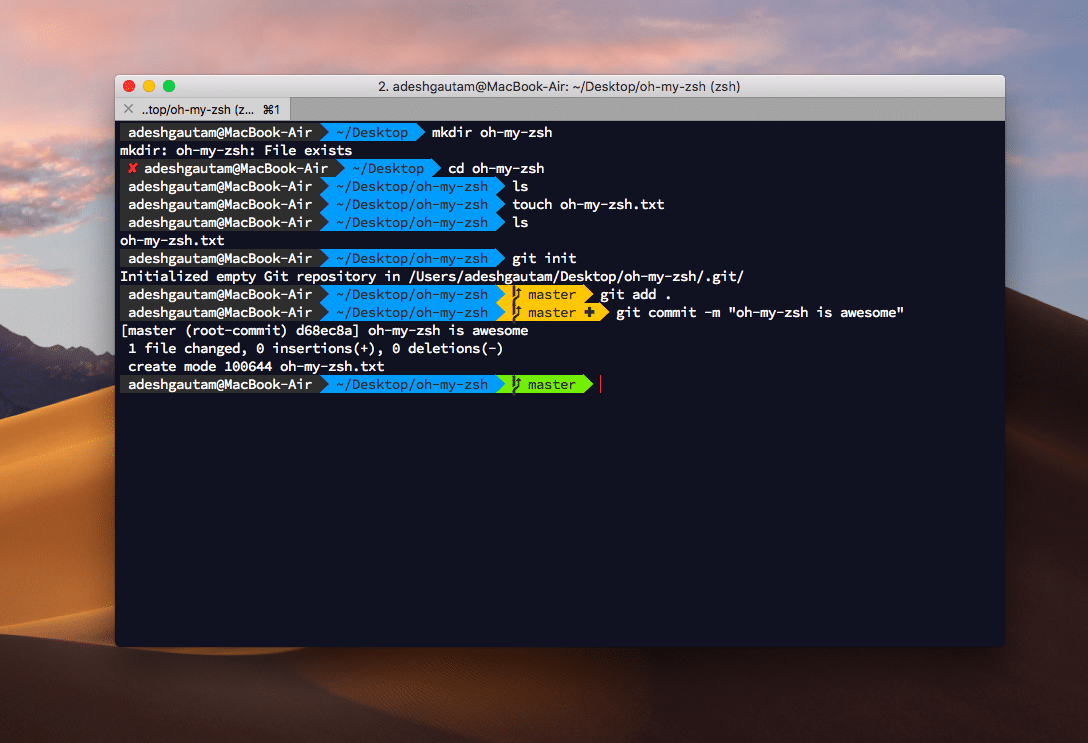 Install Brew Mac Zsh
https://techrechard.com/wp-content/uploads/2021/11/1_VWdXxjU4DXJNdqpxYVVVvw.png
Installing Homebrew on your Mac is a fantastic way to simplify package management and enhance your experience with additional software In this step by step
Pre-crafted templates provide a time-saving option for producing a diverse range of files and files. These pre-designed formats and layouts can be utilized for various individual and professional tasks, including resumes, invitations, flyers, newsletters, reports, discussions, and more, enhancing the material creation process.
Install Brew Mac Zsh

Install Python On Mac Brew Or Webside Gerasend
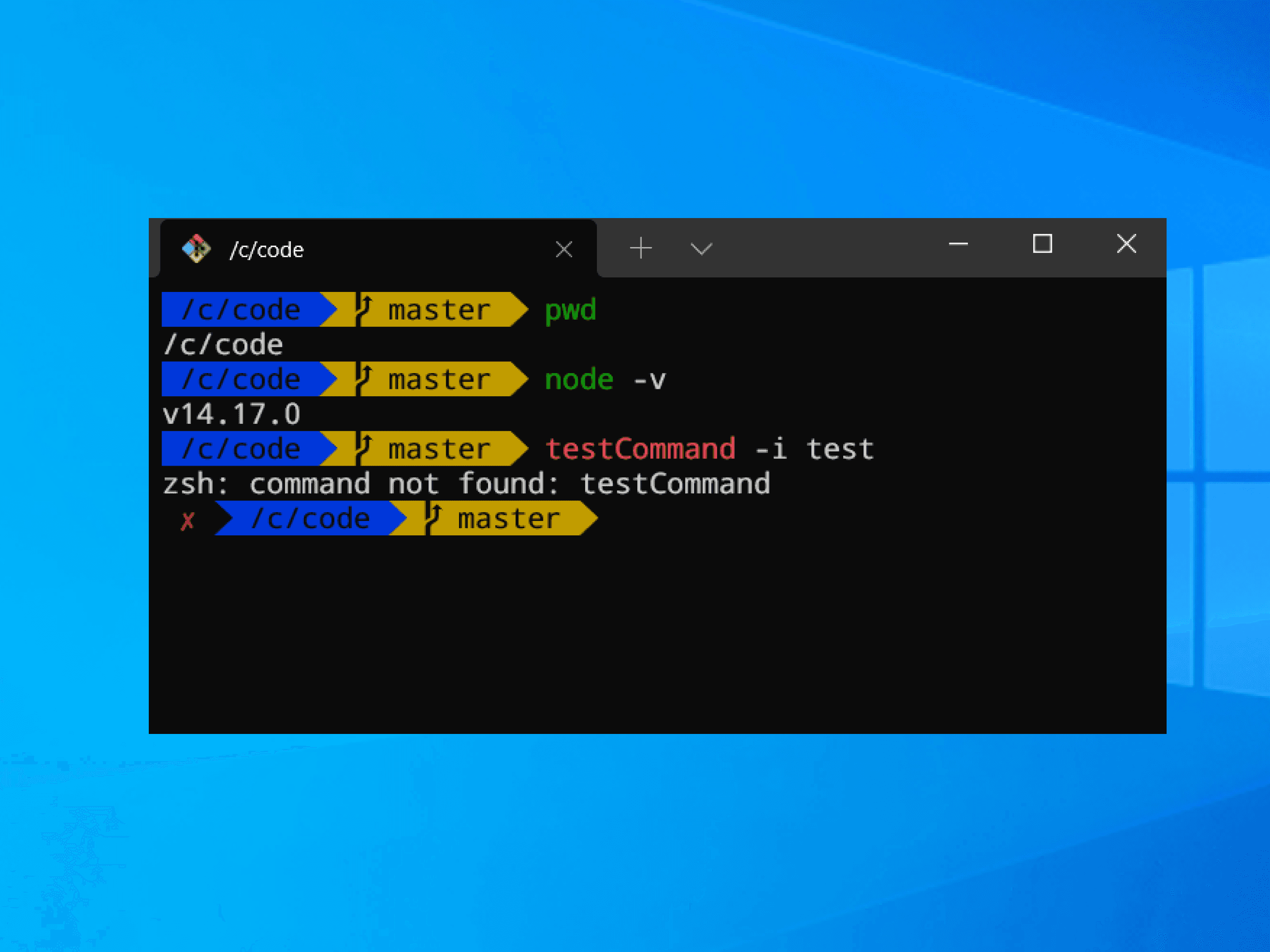
Top 28 Install Zsh Windows Git Bash Quick Answer
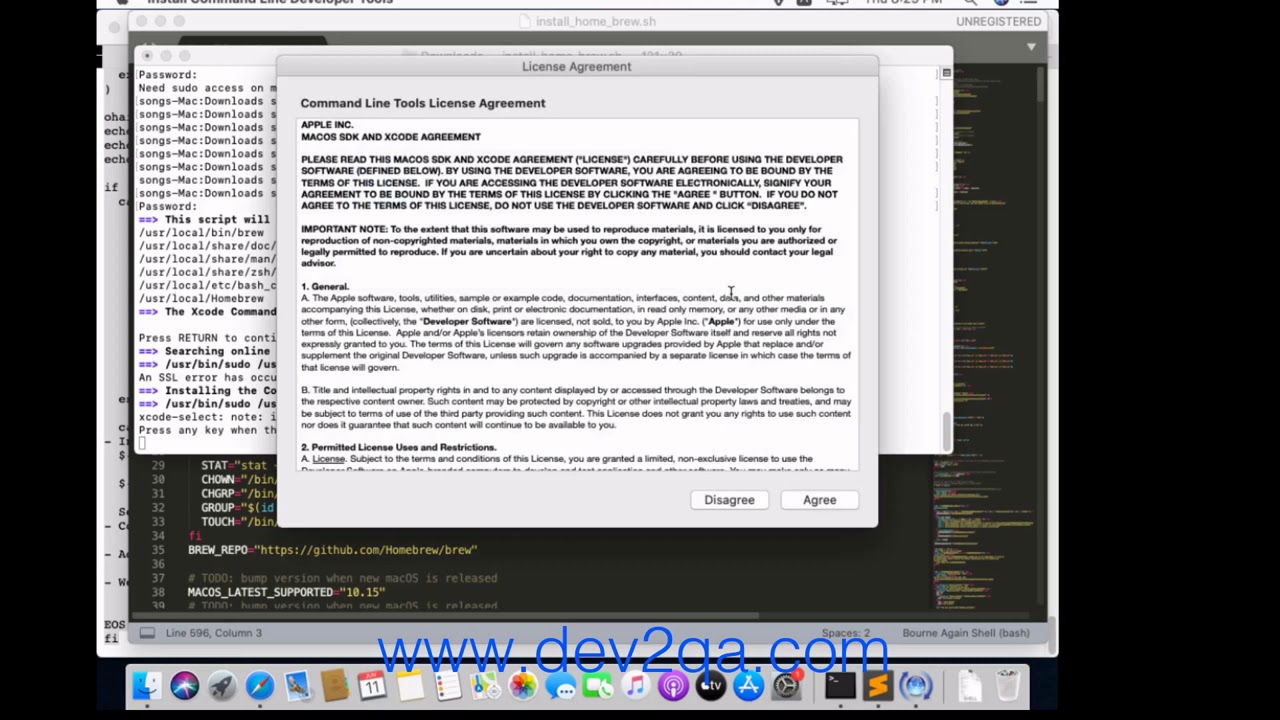
How To Install Home Brew On Mac OS YouTube
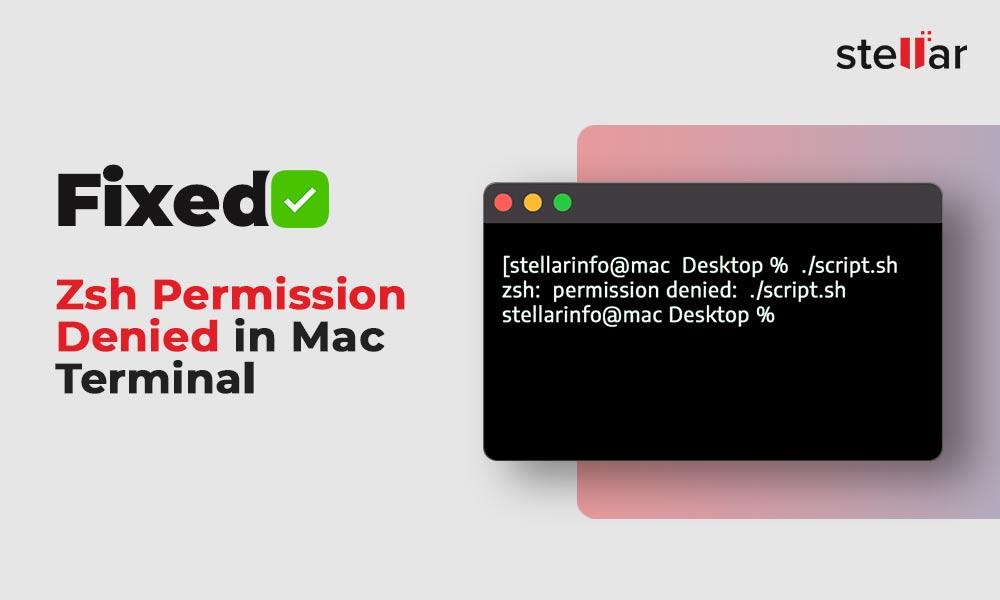
4 Ways To Fix Zsh Permission Denied In Mac Terminal
Vorarbeiter Psychologisch Dempsey Mac Terminal Install Brew Knochen Und
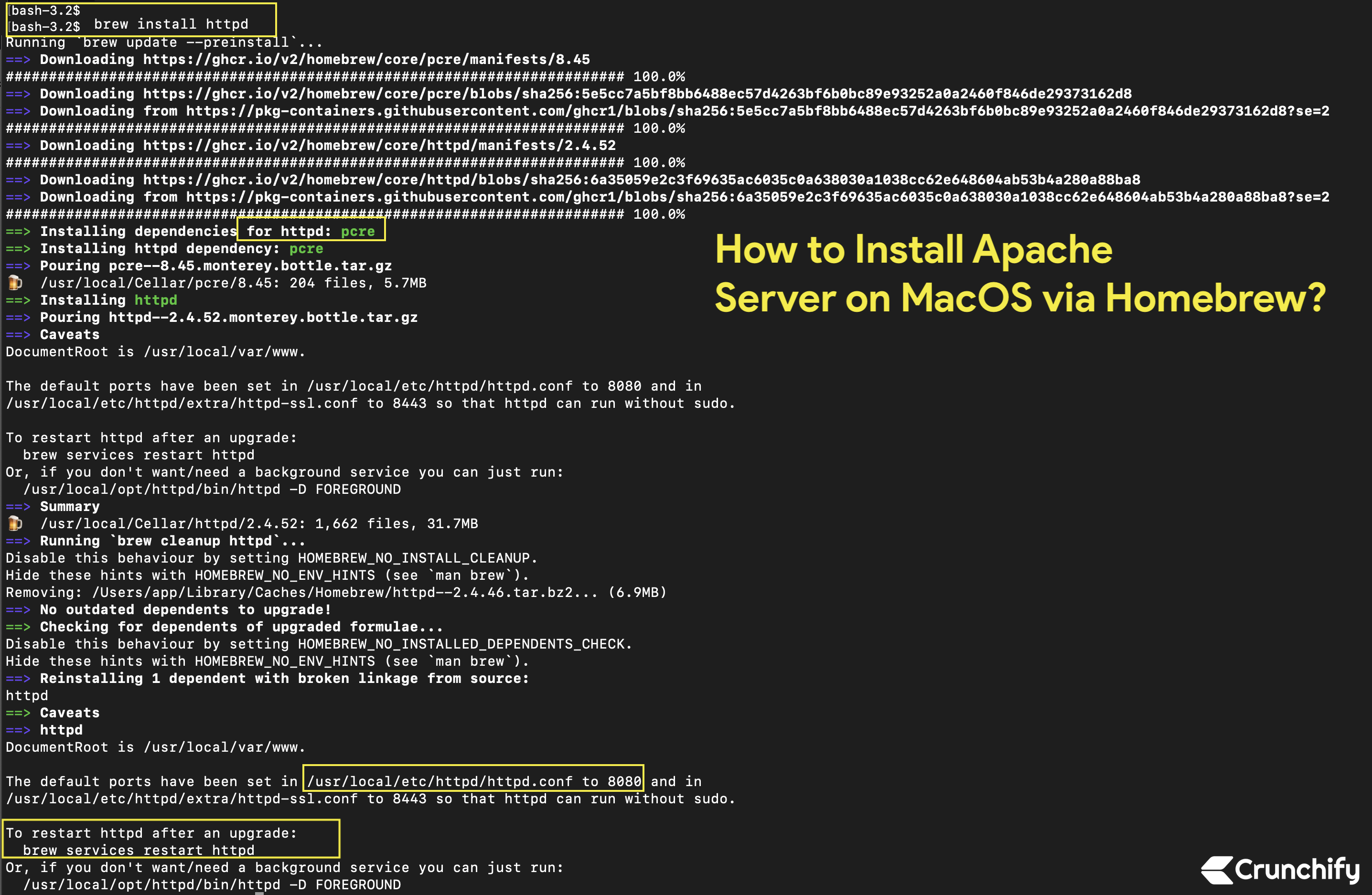
How To Install Apache Httpd On MacOS Via Homebrew Crunchify

A delightful community driven with 2 200 contributors framework for managing your zsh configuration Includes 300 optional plugins rails git macOS hub docker homebrew node php python etc 140 themes to spice up your morning and an auto update tool so that makes it easy to keep up with the latest updates from the community

Adding the same line to zprofile as suggested by the brew install did not work Sean DeNigris Dec 1 2021 at 12 47 1 SeanDeNigris Interestingly zprofile did work for me Jules zsh command not found brew in mac 1 zsh command not found python after running brew upgrade

Now that Homebrew is installed use it to download a package The tree command lets you see a graphical directory tree and is available via Homebrew Install tree with the brew install command brew install tree Homebrew will update its list of packages and then download and install the tree command

Step 1 Install Homebrew Homebrew is a free and open source software package management system that simplifies the installation of software on Apple s macOS Before installing Homebrew we need to install the CLI tools for Xcode Open your terminal and run the command xcode select install
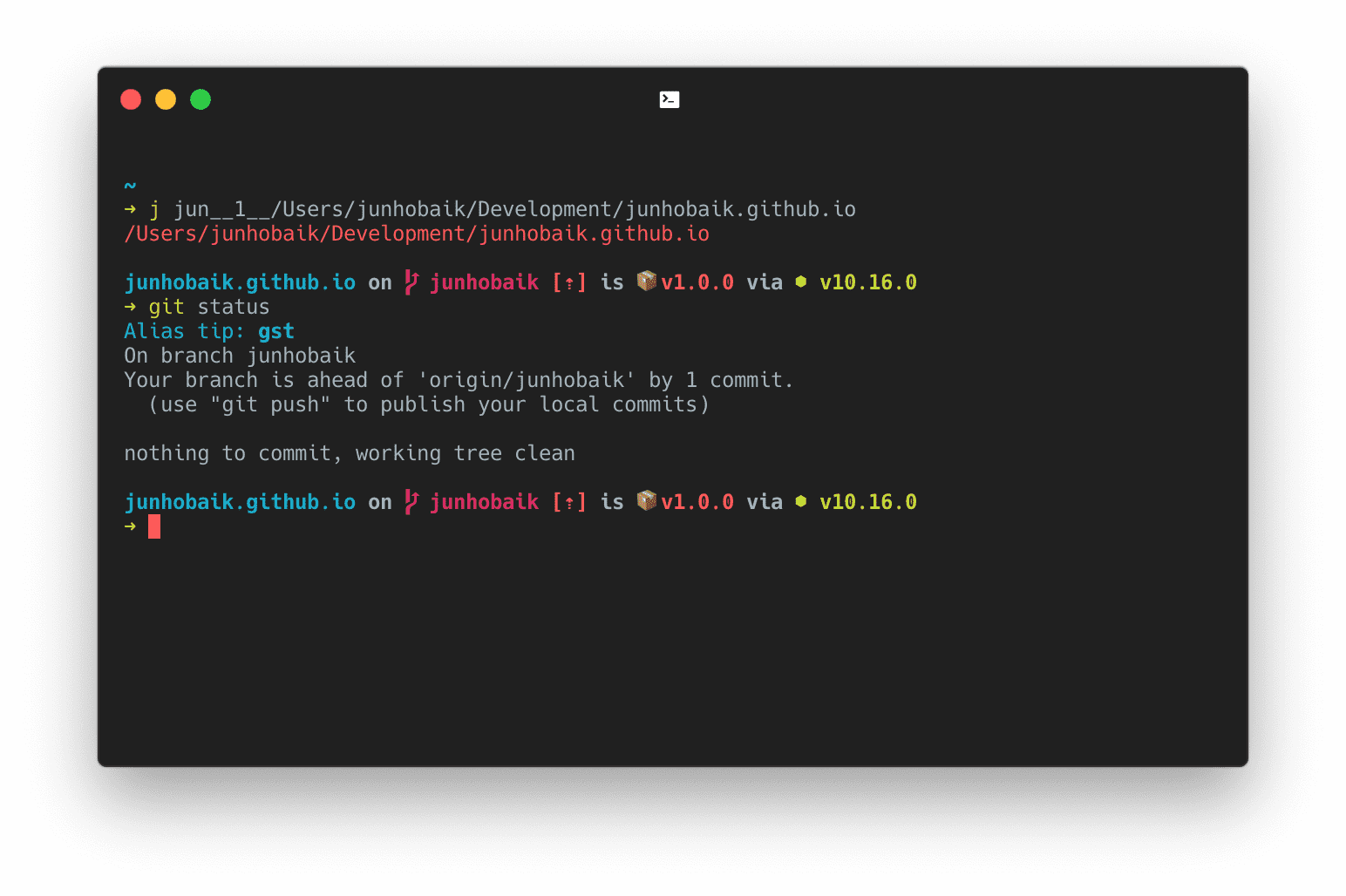
Homebrew installs the stuff you need that Apple or your Linux system didn t brew install wget Homebrew installs packages to their own directory and then symlinks their files into opt homebrew on Apple Silicon cd opt homebrew find Cellar
Homebrew s package index homebrew macos m2 zsh When you begin using a MacOS most life saving package manager will always be Homebrew As it is not installed by default on a Mac laptop the below documentation will go through simple steps to install and configure it
Use brew to install zsh brew install zsh Once the Zsh is installed we can switch our default shell from Bash to Zsh chsh s which zsh Changing shell for jkmutai Password for jkmutai chsh usr local bin zsh non standard shell Installed version can be checked with the following command zsh version zsh 5 8 x86 64 apple darwin20 1