Install Azure Ad Powershell Module Offline PowerShell-Module für Azure installieren, Verbindung herstellen | WindowsPro PowerShell-Module für Azure installieren, Verbindung herstellen | WindowsPro PowerShell-Module für Azure installieren, Verbindung herstellen | WindowsPro PowerShell-Module für Azure installieren, Verbindung herstellen | WindowsPro PowerShell-Module für Azure installieren, Verbindung herstellen | WindowsPro Web Install Module Name MSOnline Type Y to install and import the NuGet provider Type Y again to trust the provider Wait for the package to install then type the following to enter your Office 365 admin credentials and connect to Azure Active Directory via PowerShell 1 Connect MsolService
Web 2 0 2 140 Azure Active Directory V2 General Availability Module This is the General Availability release of Azure Active Directory V2 PowerShell Module For detailed information on how to install and run this module from the PowerShell Gallery including prerequisites please refer to https docs microsoft Web May 20 2020 nbsp 0183 32 Get Host Unfortunately you cannot use the AzureAD module with PowerShell Core 6 it will crash the powershell and also under Powershell 7 this module is not supported Get it Going Open an elevated PowerShell console Run as Administrator Then just use the Install Module cmdlet Install Module AzureAD
PowerShell-Module für Azure installieren, Verbindung herstellen | WindowsPro How To Install Exchange Online Powershell Module How To Install Exchange Online Powershell Module Windows-Features offline in einer virtuellen Maschine installieren | WindowsPro GitHub - MichaelGrafnetter/DSInternals: Directory Services Internals (DSInternals) PowerShell Module and Framework Installing a .nupkg on an offline machine | Nathan Manzi's Blog How to install the PowerShell Active Directory module – 4sysops Install Azure PowerShell - YouTube Install Windows features offline on a virtual machine – 4sysops
Install Azure Ad Powershell Module Offline
 Install Azure Ad Powershell Module Offline
https://www.windowspro.de/sites/windowspro.de/files/imagepicker/3/azure-ad-module-connect.png
Web The Azure AD module is distributed using the PowerShell Gallery Installing items from the gallery requires the latest version of the PowerShellGet module which is available in Windows 10 in Windows Management Framework WMF 5 0 or in the MSI based installer for PowerShell 3 and 4
Pre-crafted templates offer a time-saving solution for developing a diverse variety of files and files. These pre-designed formats and layouts can be utilized for different personal and professional tasks, including resumes, invitations, leaflets, newsletters, reports, presentations, and more, simplifying the material creation procedure.
Install Azure Ad Powershell Module Offline

how to Install Azure Powershell and run Powershell commands - YouTube
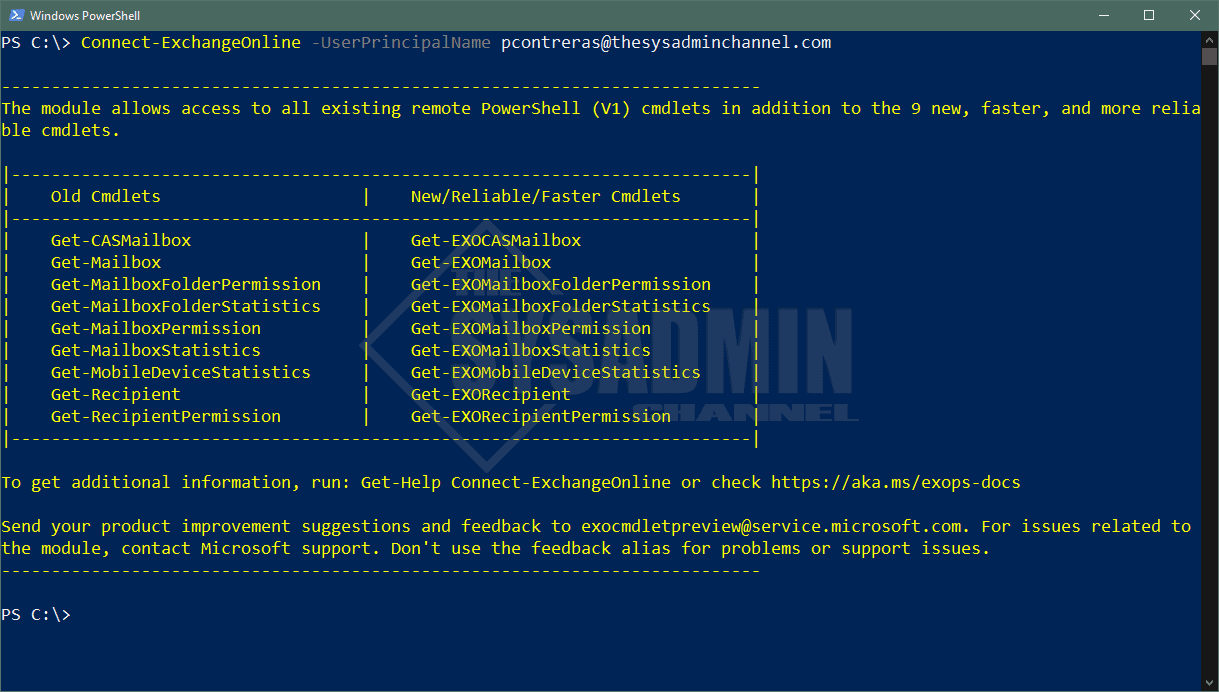
How To Install Exchange Online Powershell Module

How To Install Exchange Online Powershell Module

Windows-Features offline in einer virtuellen Maschine installieren | WindowsPro
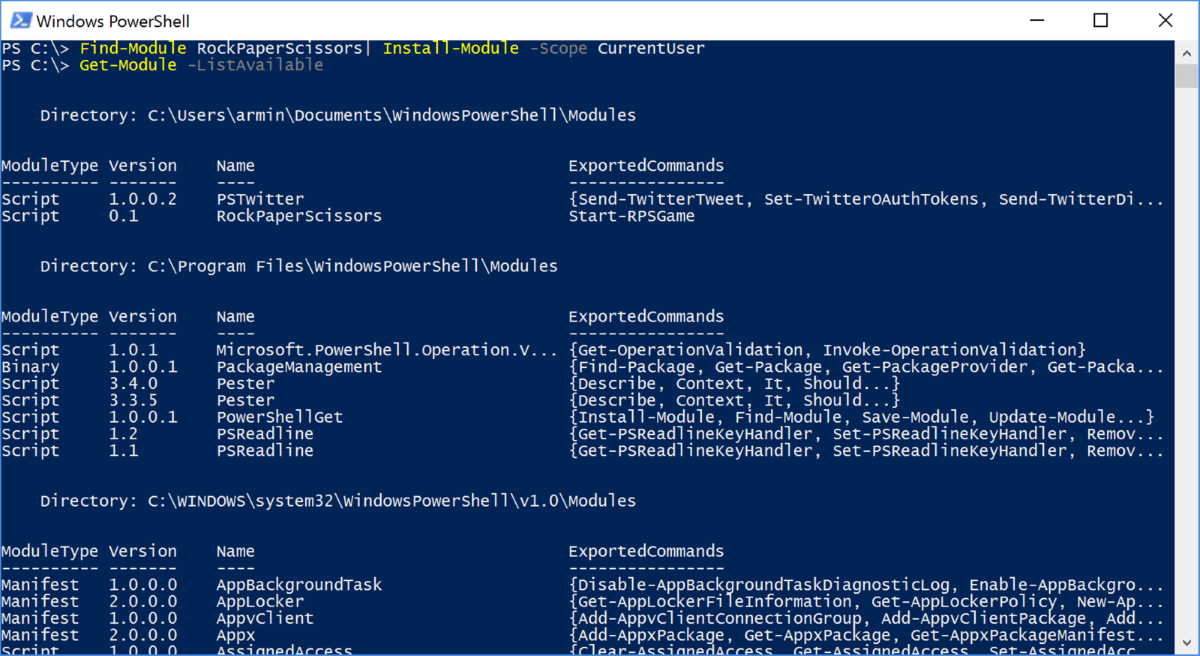
Installing a .nupkg on an offline machine | Nathan Manzi's Blog

How to install the PowerShell Active Directory module – 4sysops

Web Jan 9 2024 nbsp 0183 32 This article explains how to install the Az PowerShell module on Windows using an MSI installer The MSI installer is provided for environments where the PowerShell Gallery may be blocked by a firewall or an offline installer is needed

Web Feb 16 2022 nbsp 0183 32 Good to know up front is that the Azure AD Module isn t supported in PowerShell 7 Also Microsoft is planning to deprecate Azure AD Graph the endpoint that the Azure AD Module uses after June 30 2022 In this article I will explain how you can install and update the Azure AD Module in PowerShell

Web Jan 9 2024 nbsp 0183 32 Install on Linux Install on macOS Run in Azure Cloud Shell Run in Docker container A supported version of PowerShell version 7 or higher is the recommended version of PowerShell for use with the Az PowerShell module on all platforms including Windows Linux and macOS

Web Dec 19 2023 nbsp 0183 32 The Azure AD PowerShell for Graph module has two versions a Public Preview version and a General Availability GA version It isn t recommended to use the Public Preview version for production scenarios Download the modules from the PowerShell Gallery use the following AzureADPreview AzureAD

Web May 17 2021 Installing powershell modules is simple right Open a powershell window and use the Find Module cmdlet or if you know the name of the module go straight to Install Module This will connect to the powershell gallery and download and install the module for you
Web This is the General Availability release of Azure Active Directory V2 PowerShell Module For detailed information on how to install and run this module from the PowerShell Gallery including prerequisites please refer to https docs microsoft en us powershell scripting gallery overview Web Jul 29 2020 nbsp 0183 32 PowerShell Az module export and import offline I need to move PowerShell Az module from one machine to another offline both machines have the same windows 10 Pro 1809 powershell 5 1 etc versions I can t use either Private PowerShellGet Repositories or MSI installer
Web Feb 10 2020 nbsp 0183 32 Their recommendation is to install the Az module for PowerShell 7 or higher if you already have the AzureRM module installed for Windows PowerShell Install them both in Windows PowerShell at your own risk Clearly you can have them both installed at the same time as shown in the following example