Install Apache Tomcat 9 On Windows Server 2016 How To Install Apache Tomcat 9 On CentOS 8 RHEL 8 ITzGeek How To Install Apache Tomcat On Windows Server YouTube How To Install Tomcat 9 On Windows Server Knowledge Base Hyonix Install Apache Tomcat On Windows 10 Using Command Prompt How To Install Apache Tomcat 9 0 As Service In Windows 10 YouTube The safest way to manually install the service is to use the provided service bat script Administrator privileges are required to run this script If necessary you can use the user switch to specify a user to use for the installation of the service
1 Visit the below URL and odnwload the TOmcat 9 windows MSI Installer URL https downloads apache tomcat 2 Open Download location Click on MySQL MSI Installer to start the installation Click on Run 3 On welcome screen click on Next to get started with Tomcat 9 installtion 4 Read the terms properly Click on I Agree 5 Download 2023 12 12 Tomcat 10 1 17 Released The Apache Tomcat Project is proud to announce the release of version 10 1 17 of Apache Tomcat This release implements specifications that are part of the Jakarta EE 10 platform Applications that run on Tomcat 9 and earlier will not run on Tomcat 10 without changes
How To Install Apache Tomcat 9 0 As Service In Windows 10 YouTube How To Install Apache Tomcat 9 Java Web App Server On Windows YouTube How To Install Apache Tomcat 9 On CentOS 7 Geek Crunch Hosting Tomcat Server Install On Windows TestingDocs A Step By Step Guide To Installing Apache Tomcat 9 Linux Install Apache Tomcat Server On Windows And Run Sample Java Application Installing Apache Tomcat 9 On Ubuntu 20 04 CloudSigma Apache Tomcat 9 0 2 Oracle JDK 9 In Windows 10 YouTube Install Apache Tomcat 9 On Ubuntu 20 04 Step By Step Technoracle
Install Apache Tomcat 9 On Windows Server 2016
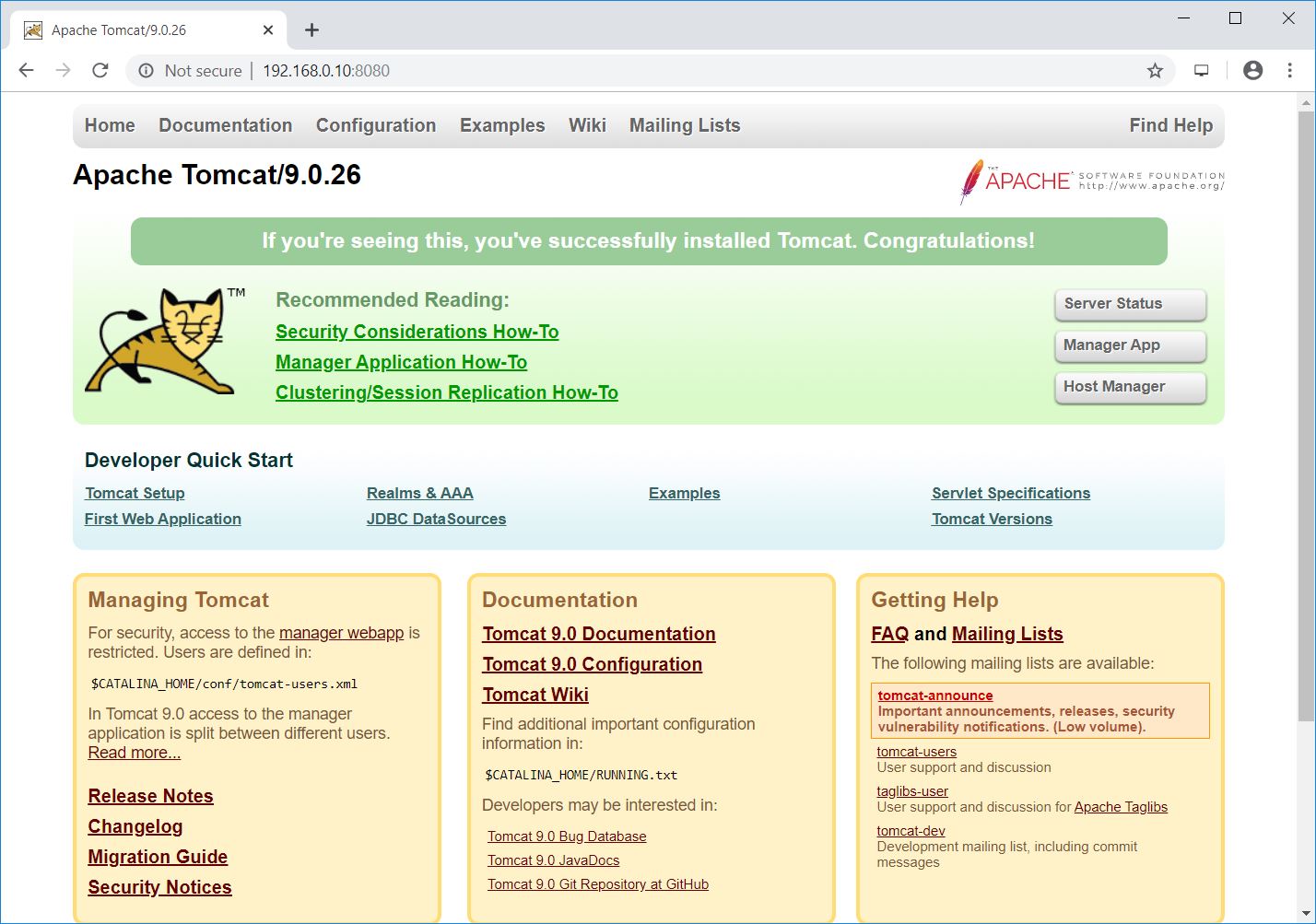 Install Apache Tomcat 9 On Windows Server 2016
https://www.itzgeek.com/wp-content/uploads/2019/07/Apache-Tomcat-Default-Page.jpg
Tomcat is an open source project under the Apache Software Foundation which also provides the most use open source industrial strength Apache HTTP Server The mother site for Tomcat is
Templates are pre-designed documents or files that can be used for different functions. They can conserve time and effort by providing a ready-made format and design for creating different type of material. Templates can be utilized for personal or expert tasks, such as resumes, invitations, flyers, newsletters, reports, discussions, and more.
Install Apache Tomcat 9 On Windows Server 2016

How To Install Apache Tomcat 9 On Windows 10 Using JAVA 11 YouTube

How To Install Apache Tomcat 9 Java Web App Server On Windows YouTube

How To Install Apache Tomcat 9 On CentOS 7 Geek Crunch Hosting
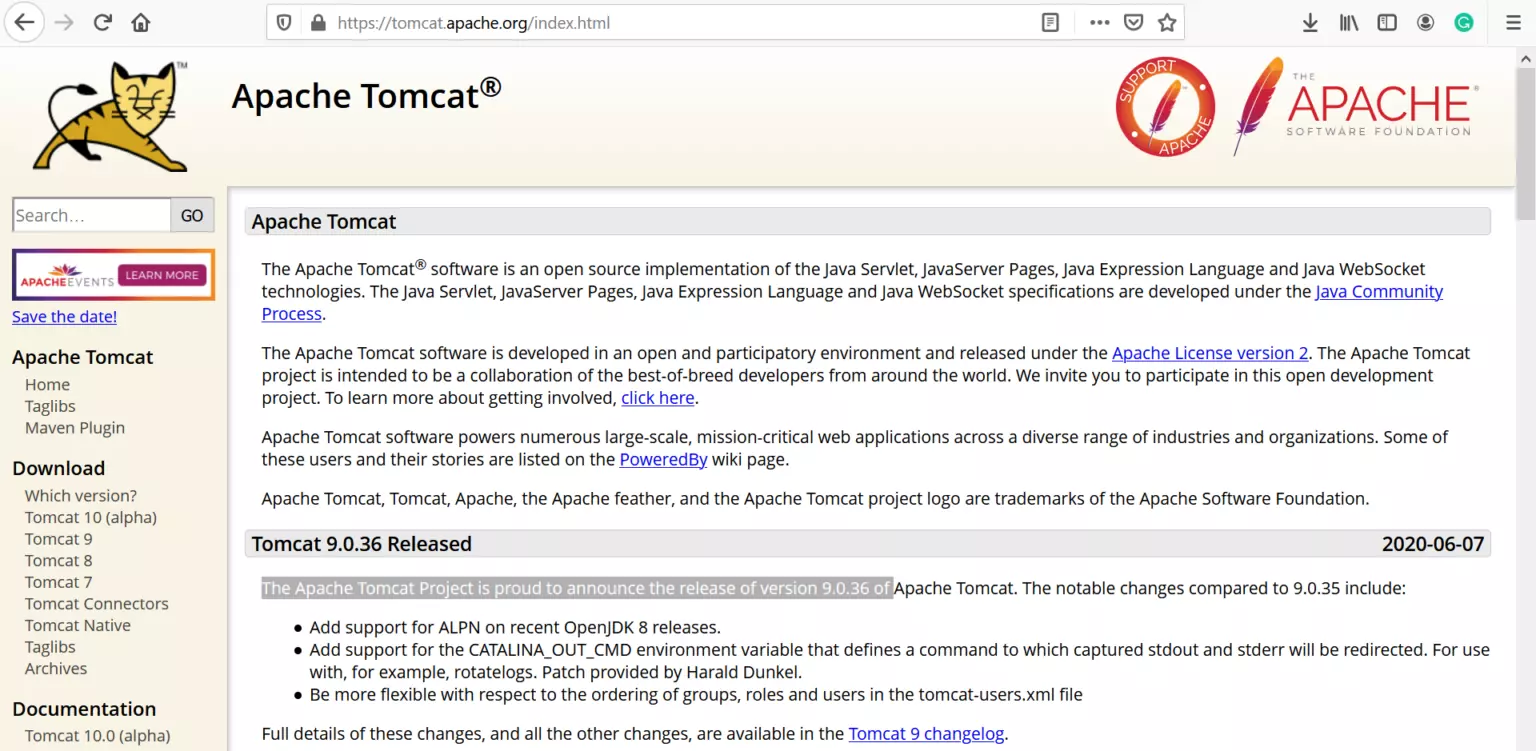
Tomcat Server Install On Windows TestingDocs

Install Apache Tomcat Server On Windows And Run Sample Java Application

Installing Apache Tomcat 9 On Ubuntu 20 04 CloudSigma
Tomcat 9 Software Downloads Welcome to the Apache Tomcat 9 x software download page This page provides download links for obtaining the latest version of Tomcat 9 0 x software as well as links to the archives of older releases Unsure which version you need

Is Apache Tomcat 9 0 8 supported on Windows Server 2016 Posted by adeshpande on Aug 17th 2018 at 12 40 AM Needs answer Apache I have installed Apache Tomcat 9 0 8 on Windows Server 2012 successfully and I can also use it successfully
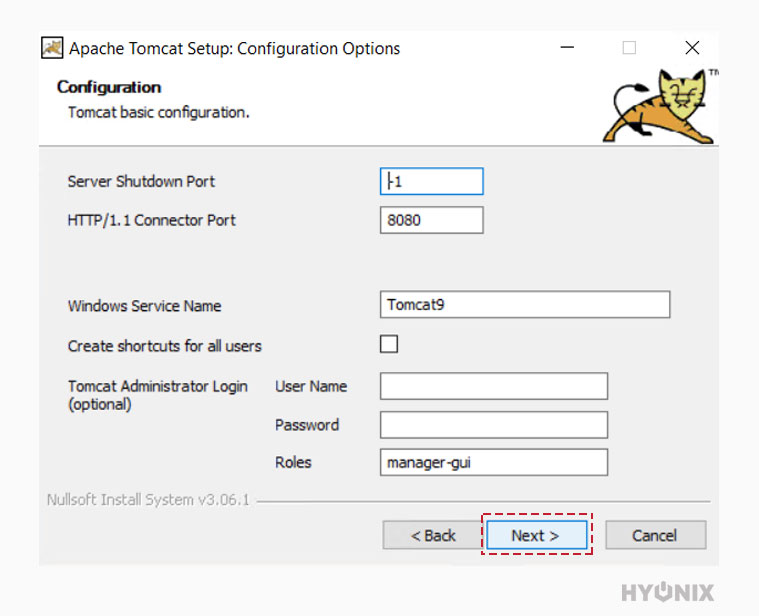
Tomcat 9 is the latest version of Apache s Tomcat service and can easily be installed on Windows to serve as a convenient way to run Java There are many features and tools that Tomcat 9 has to offer that can make the deployment of web pages more manageable including the use of JavaServer Pages Prerequisites

Step 1 Download Tomcat for Windows To download the Tomcat installation file follow the steps below 1 Browse to the official Apache Tomcat website Locate the Download section and click the latest Tomcat version available At the time of writing this article the latest Tomcat version was version 10 2

Step 1 Login to your winodws server Step 2 Double click on the setup media of JDK to begin installation Step 3 Click Next to start installation Set password for your Tomcat Manager Select the path as shown below Apache Tomcat 9 successfully installed Step 4 Launch Tomcat application It will launch in cmd
Prerequisite To install Tomcat you need to have java installed on your system Update the repository and install Java 8 sudo apt get update sudo apt get install openjdk 8 jdk y Choose Java 8 you just installed as the current Java version sudo update alternatives config java Check the Java version Step 1 We need to first install the Tomcat 10 zip file from this website On the website select the 64 bit Windows zip PGP sha512 in the Core section to start the download process for the Tomcat zip file Step 2 Check If JDK Is Installed Open Command Prompt and enter the following commands java version javac version
How to Install and Configure Apache Tomcat Windows See Apache Tips and Tricks for similar articles How to Check the Status of the Apache Tomcat Server Windows How to Deploy a Web Application Using the Apache Tomcat Manager Windows How to Check the Status of the Apache Tomcat Server Linux