Install Ansible Core 2 13 Ansible Architecture Ansible Automation Red Hat Expands Scope Reach Of Ansible Automation Framework DevOps Cara Install Ansible AWX Di Centos 8 Stream Eduidea Ansible Tower How To Install Ansible In RedHat Enterprise Linux RHEL 9 Beta On your iPhone or iPad open App Store In the search bar enter Chrome Tap Get To install follow the on screen instructions If prompted enter your Apple ID password To start
Install Google Earth Pro or fix a problem Install amp uninstall Google Earth Pro Update Google Earth Pro See notes on Google Earth releases pip install conda install anaconda prompt pip install conda install 1 098
How To Install Ansible In RedHat Enterprise Linux RHEL 9 Beta Ansible cfg Ansible config Init Ansible Galaxy Intel Core I7 3615QM Notebook Processor NotebookCheck Tech Running Ansible Ad Hoc Commands Techbeatly Intel Core I5 11400F Boxed Kopen Prijzen Tweakers How To Install Ansible On MacOS Using Homebrew Or Python Pip Crunchify Dbi Blog Summary List 3 Ansible Tower Vs Ansible You Should Use Top 10 Global
Install Ansible Core 2 13
 Install Ansible Core 2 13
https://network-insight.net/wp-content/uploads/2022/07/rsz_ansible_diagram11-900x506.png
Before you install Google Play Games Beta on your PC CPU virtualization must be turned on in your computer s BIOS settings Tip If you installed other emulators on your computer they
Templates are pre-designed documents or files that can be utilized for different purposes. They can save effort and time by offering a ready-made format and design for creating different sort of material. Templates can be utilized for individual or professional projects, such as resumes, invitations, leaflets, newsletters, reports, discussions, and more.
Install Ansible Core 2 13
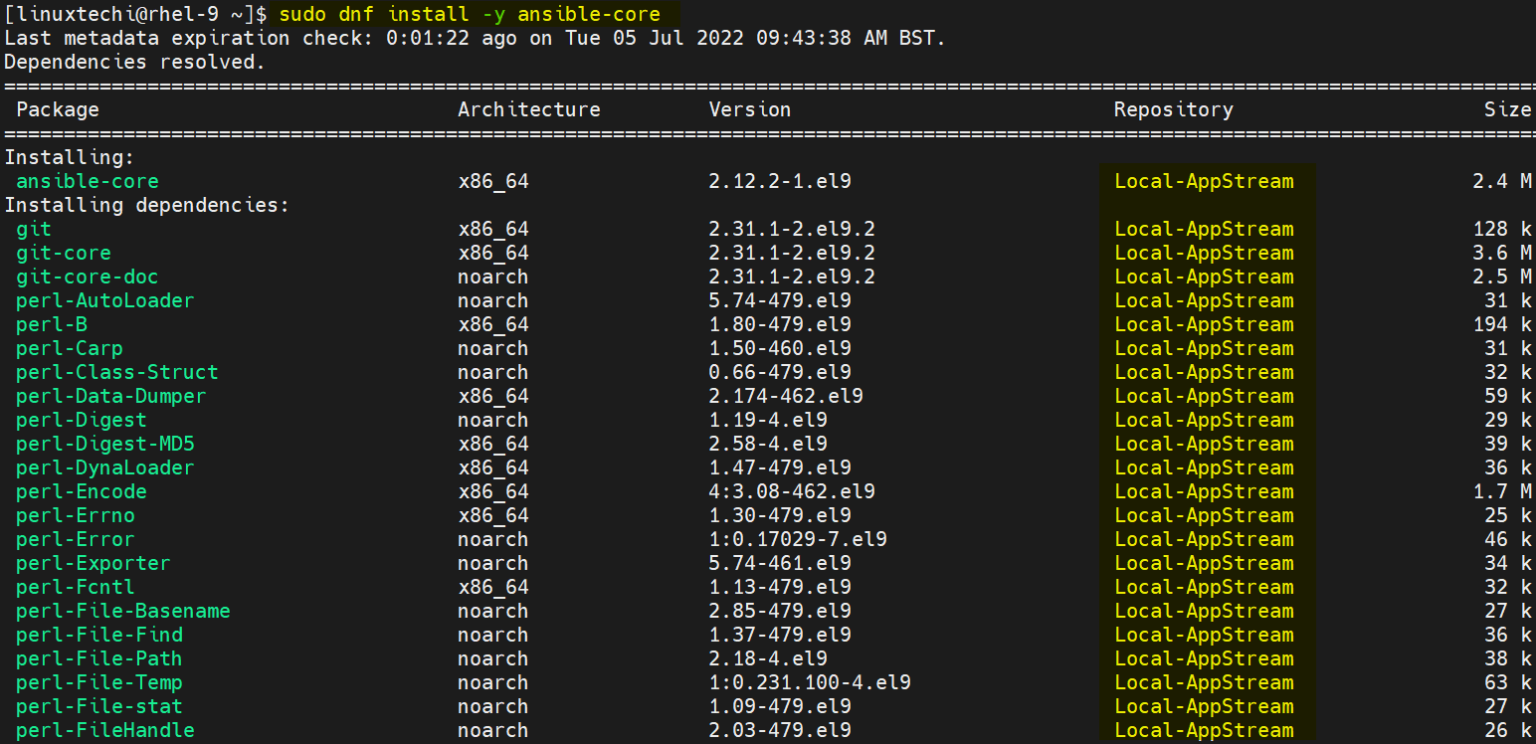
How To Install Ansible On RHEL 9 Step By Step

Ansible cfg Ansible config Init

Ansible Galaxy
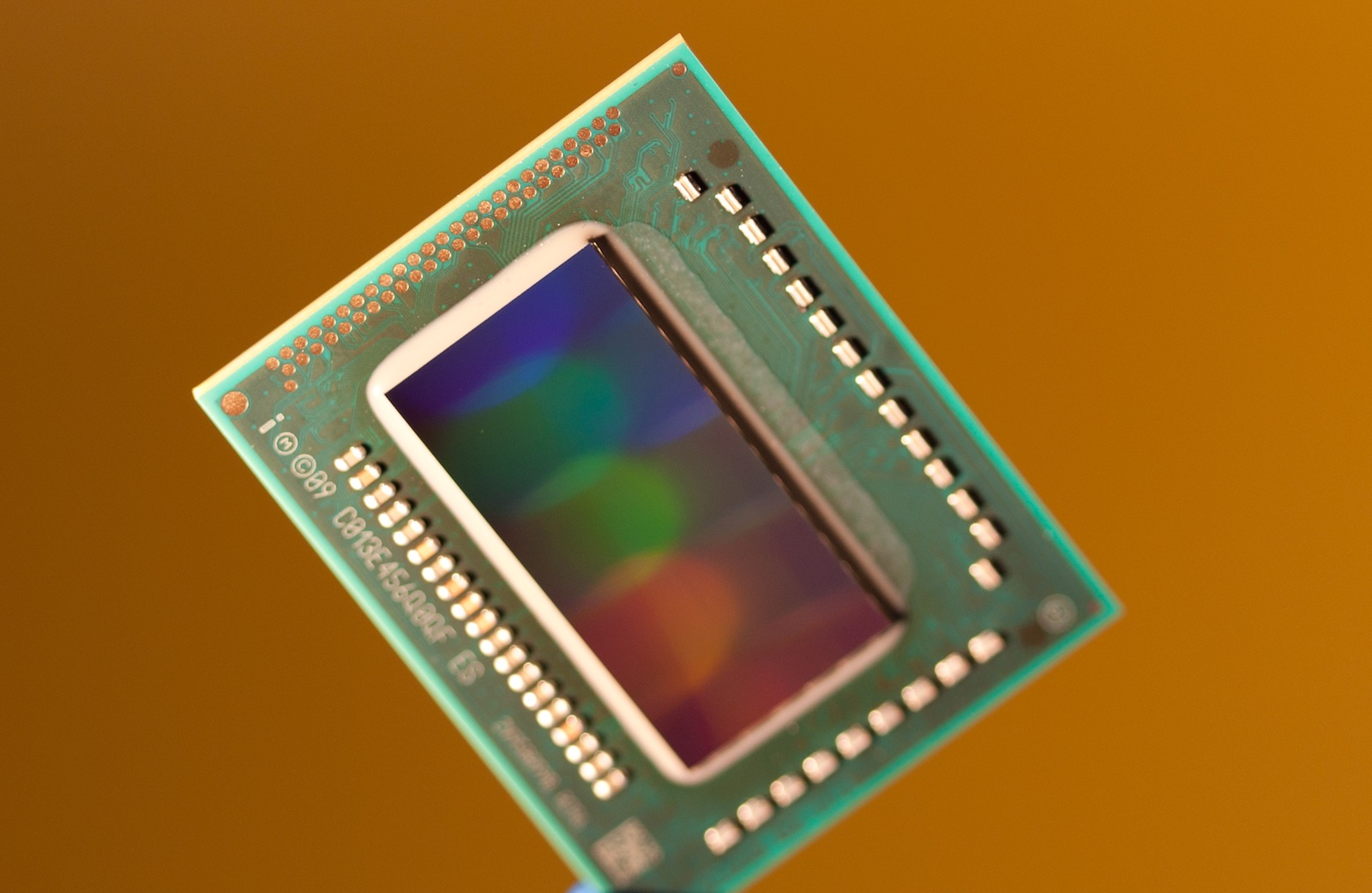
Intel Core I7 3615QM Notebook Processor NotebookCheck Tech

Intel Core I5 11400F Boxed Kopen Prijzen Tweakers
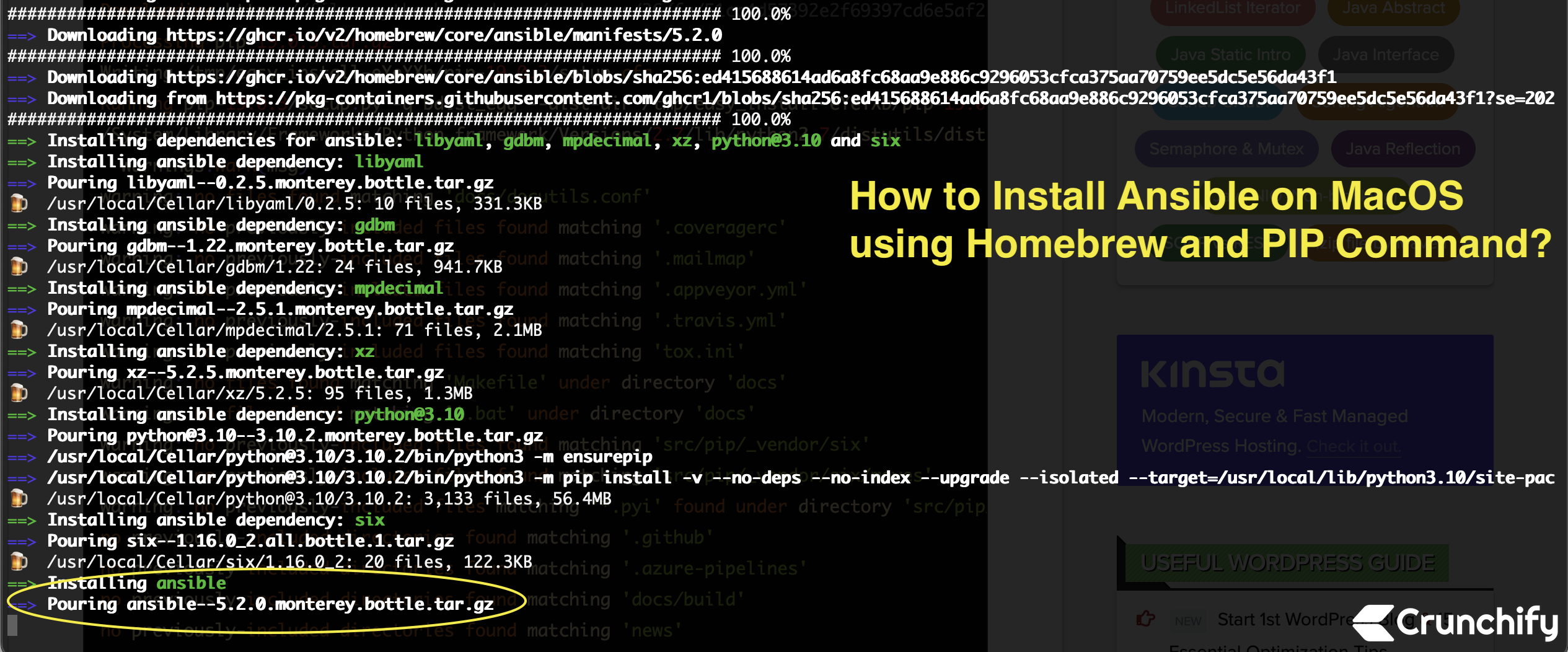
How To Install Ansible On MacOS Using Homebrew Or Python Pip Crunchify

Official Google Chrome Help Center where you can find tips and tutorials on using Google Chrome and other answers to frequently asked questions

You can download and install the Chrome web browser at no charge and use it to browse the web Get Google Chrome Download Chrome for Android phones and tablets

When you install Drive for desktop on your computer it creates a drive in My Computer or a location in Finder named Google Drive All of your Drive files appear here
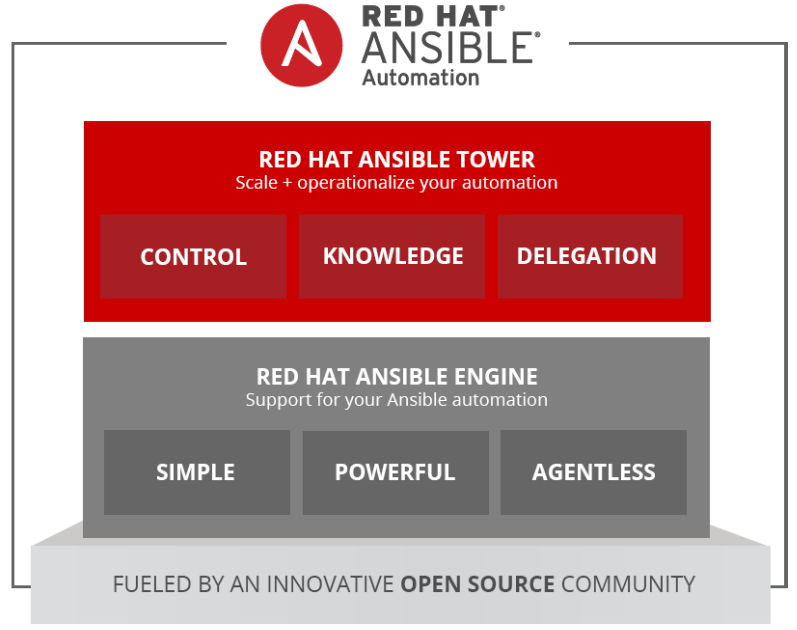
Install and set up Drive for desktop Install amp set up Drive for desktop for Windows Important Before you start check that your operating system is compatible with Drive for desktop Tip If

The device that you use to create your USB installer can be different to the device you plan to install ChromeOS Flex on How you create your installer depends on the device you re using
[desc-11] [desc-12]
[desc-13]