Install Android On Windows 10 Tablet How To Install Android Apps On Windows 10 Mobile These Tablets Are Ready For Windows 10 Windows Central Install Windows 10 On Android Devices No Root Computer Wikigain How To Turn Tablet Mode On And Off In Windows 10 YouTube Android Windows 10 Homecare24 Web Apr 8 2023 nbsp 0183 32 Frequently Asked Questions It s possible to install Android on a PC without using an emulator Learn how to run Android apps and access a full version of the mobile operating system on Windows Instructions in this article apply to desktops and laptops running Windows 10 8 and 7 Why Install Android on PC
Web Jun 16 2022 nbsp 0183 32 There are two main ways to run Android apps on a Windows 10 machine You can use an Android emulator This is an application which simulates an entire Android device including both hardware and software so the Android app will behave as if it s on an Android device Web Feb 1 2005 nbsp 0183 32 In addition the Your Phone Companion app for Android is now called Link to Windows For more information see Introducing Microsoft Phone Link and Link to Windows With the Phone Link app you can instantly access the Android apps installed on your mobile device right on your PC
Android Windows 10 Homecare24 Convert Windows Phone Into Android In Between 5 Minutes How To Install Install Android Apps On Pc Windows 10 2017 2018 YouTube How To Install Android On Windows 10 Youtube Gambaran How To Install Android Apps On PC YouTube Android Windows 10 Homecare24 How To Install And Run Android Apps On Windows 10 YouTube Turn On off Tablet Mode In Windows 10 Consuming Tech How To Install Android Apps On A Windows 10 Mobile Device YouTube
Install Android On Windows 10 Tablet
 Install Android On Windows 10 Tablet
http://i0.wp.com/www.windowskhmer.com/wp-content/uploads/2015/08/Android-Apps-on-Windows-10-Mobile.png?resize=1920,1080
Web May 1 2023 nbsp 0183 32 To install Android Studio on Windows follow these steps If you downloaded an exe file recommended double click to launch it If you downloaded a zip file Unpack the zip Copy the android studio folder into your Program Files folder Open the android studio gt bin folder
Pre-crafted templates offer a time-saving service for creating a diverse variety of documents and files. These pre-designed formats and layouts can be used for numerous personal and professional jobs, including resumes, invites, flyers, newsletters, reports, discussions, and more, improving the content production procedure.
Install Android On Windows 10 Tablet
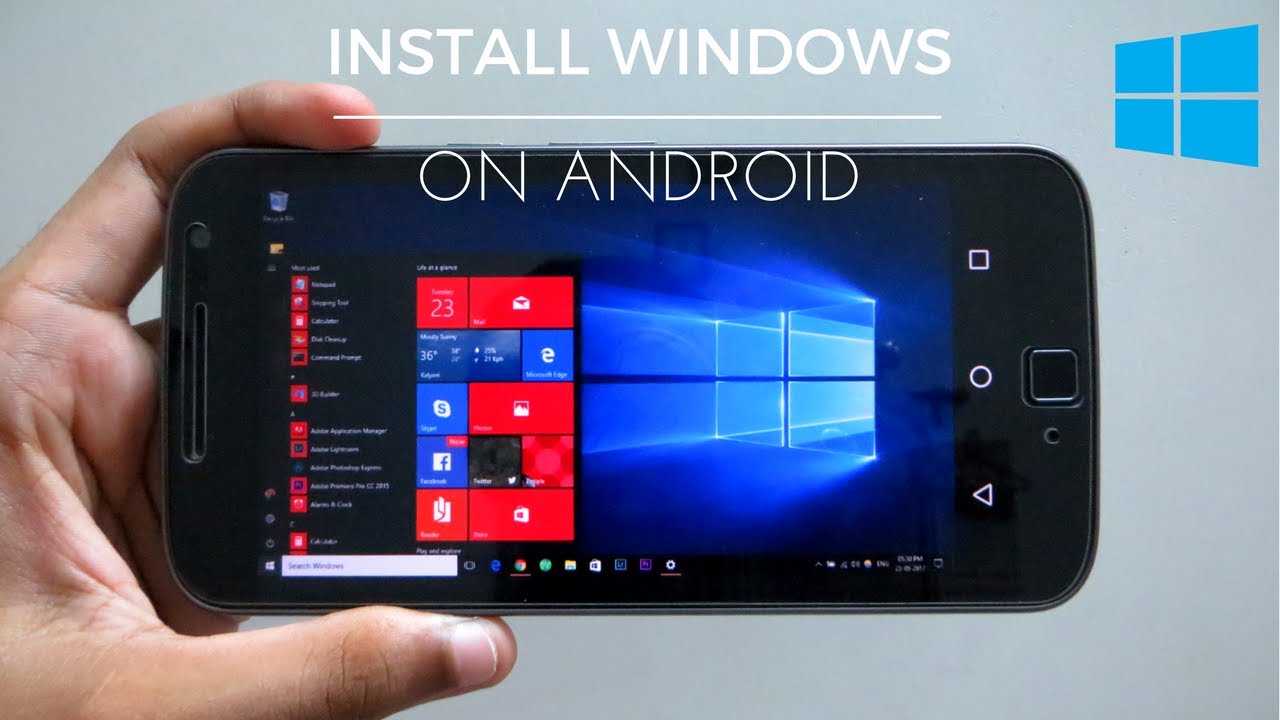
How To Install Run Windows 10 8 7 XP On Android Phone NO ROOT 2017

Convert Windows Phone Into Android In Between 5 Minutes How To Install
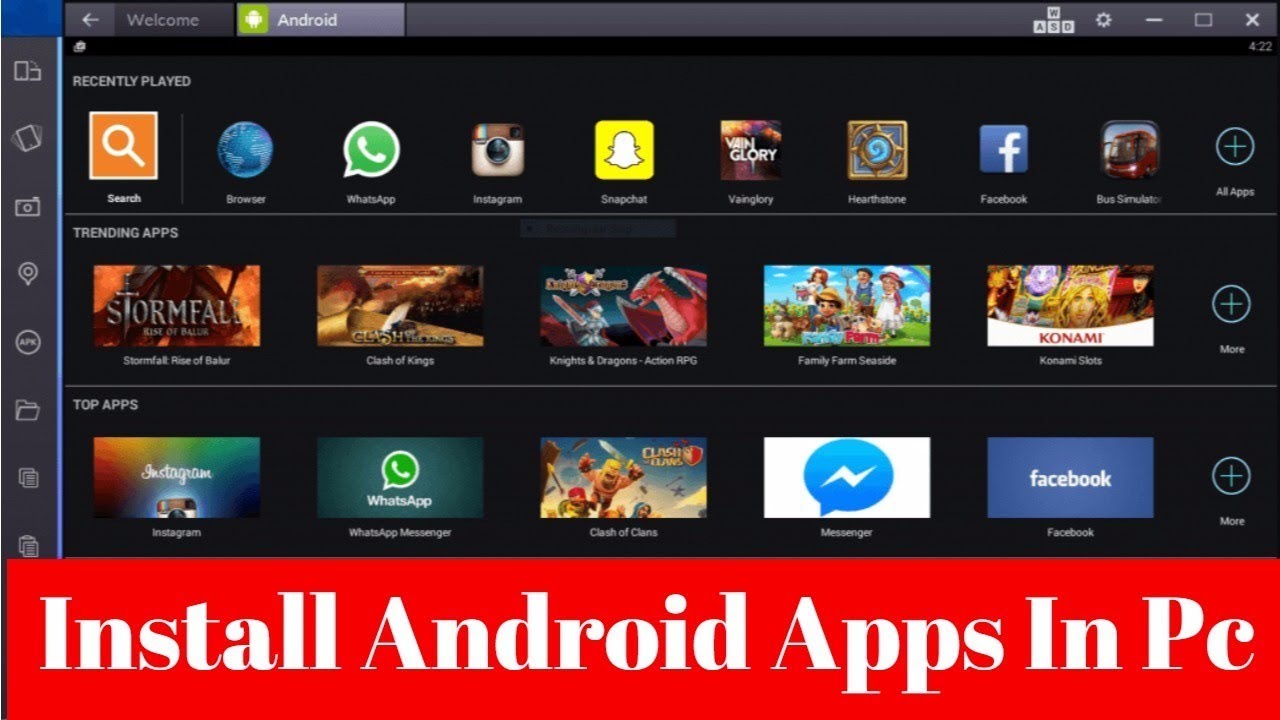
Install Android Apps On Pc Windows 10 2017 2018 YouTube
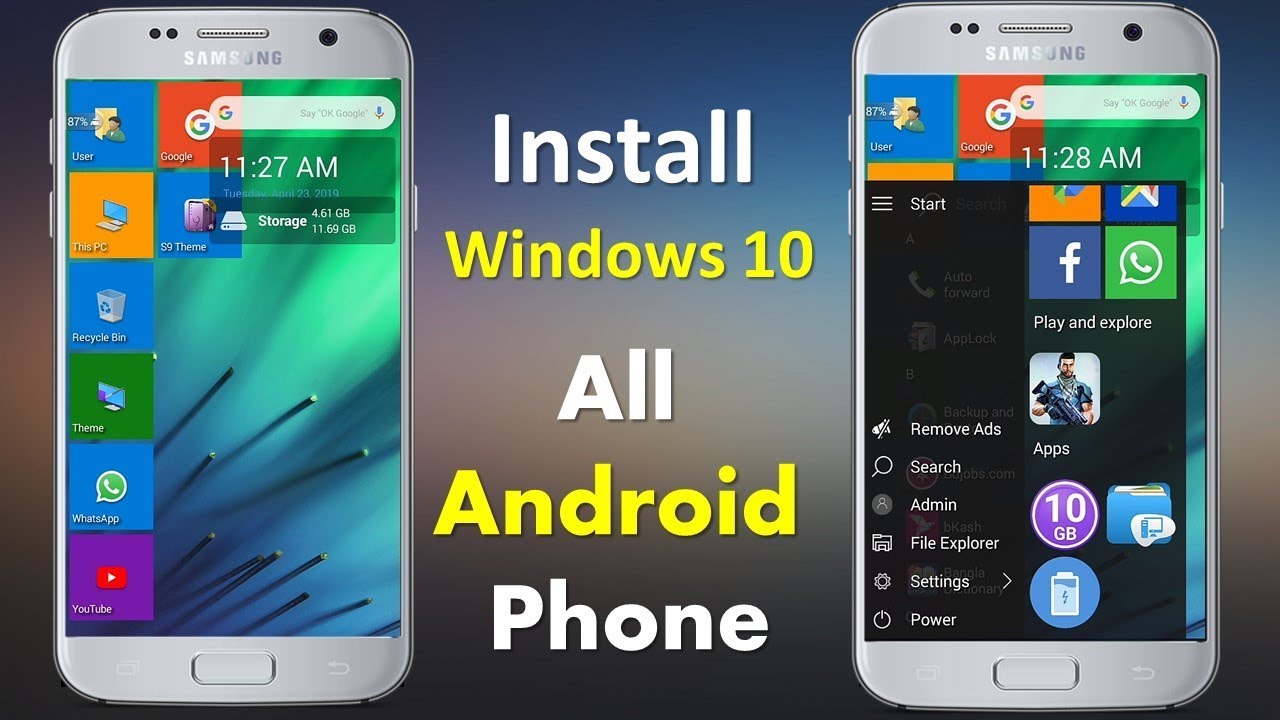
How To Install Android On Windows 10 Youtube Gambaran
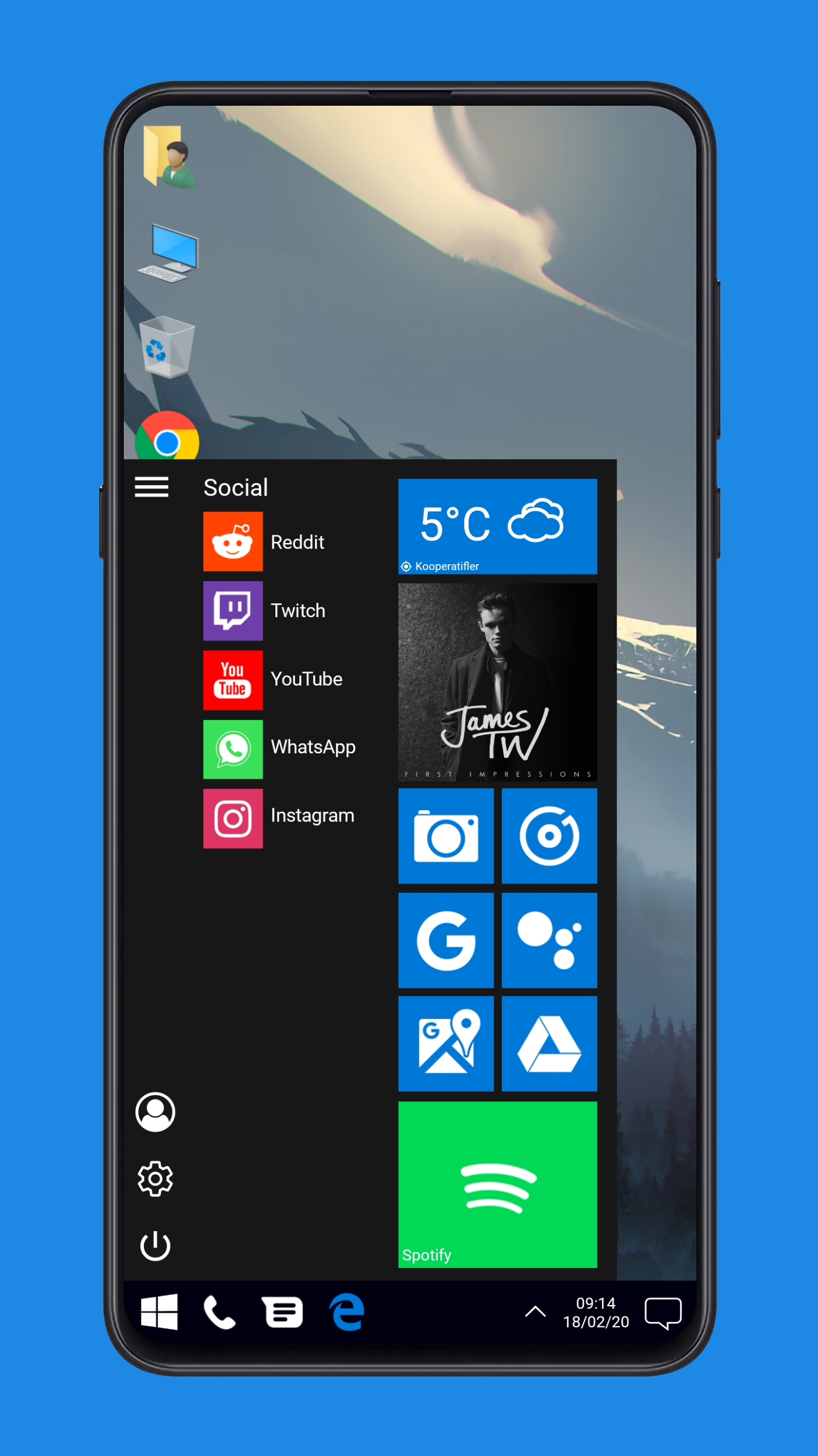
Android Windows 10 Homecare24

How To Install And Run Android Apps On Windows 10 YouTube

Web Jun 21 2023 nbsp 0183 32 Install the Windows Subsystem for Android The most seamless Android emulator BlueStacks Android on PC for the gamers MEmu Pure Android emulation with Genymotion Install

Web Mar 15 2020 nbsp 0183 32 How to install Android on any windows uefi Tablet 2020 In this pretty long video i m gonna upgrade a Windows 10 Tablet the GP Electronics AKA T701 to Android 9 Show more

Web Aug 28 2023 nbsp 0183 32 Developer GitHub Preview Program Set up your development environment Windows Subsystem for Android Settings Show 10 more Windows Subsystem for Android enables your Windows 11 device to run Android applications that are available in the Amazon Appstore Android is a trademark of Google LLC

Web Nov 6 2020 nbsp 0183 32 How to Install Android OS on Windows Tablet without Error Joynul Abadin Rasel 1 57K subscribers Subscribe 271 43K views 2 years ago Linux This video for you if you search for not

Web Sep 1 2023 nbsp 0183 32 221 The 9 Best Android Emulators for Windows 10 and Windows 11 Try out Android apps on your computer with these emulators By Tim Fisher Updated on September 1 2023 You can run Android apps in Windows 11 or Windows 10 with an Android emulator
Web Oct 20 2021 nbsp 0183 32 To enable these types of experiences we are introducing a new component on top of Windows 11 called Windows Subsystem for Android which powers the Amazon Appstore and its catalog The Subsystem includes the Linux kernel and the Android OS based on the Android Open Source Project AOSP version 11 Web Feb 15 2022 nbsp 0183 32 We ll show you how to set it up and install your first Android app or game What You ll Need As of February 2022 Android apps are available in the stable channel of Windows 11 but only in the US
Web Apr 13 2022 nbsp 0183 32 News Windows 10 can run Android apps on your PC here s how By Darragh Murphy last updated 13 April 2022 Microsoft s Windows 11 isn t the only way to run Android apps on PC Image