Install Android On Chromebook How To Install Ubuntu Linux On Any Chromebook Model Without Replacing Chrome OS Crouton Tutorial Install Ubuntu On A Chromebook Ubuntu Turn Your Old Laptop Into A Chromebook With Neverware s CloudReady TalkAndroid Chromebook App Store How To Install Android Apps On Chromebook From The Google Play Store Ready To Run Windows Programs On Android Tablets And Chromebooks Android Authority Web May 18 2020 nbsp 0183 32 The process of how to install Android apps on a Chromebook is quick and super easy so let s dive in Check your Chromebook has Google Play Store If not click Quick Settings then the Settings
Web May 4 2022 nbsp 0183 32 To run Android apps on your Chromebook ensure it is updated to the latest Chrome OS version If you have support Google Play Store will be available and installed Open it to install and run the Web Jan 21 2019 nbsp 0183 32 In this video we ll look at how to install Install Android 8 1 On Your Chromebook You ll need an Intel based Chromebook with a modified BIOS to make this work To learn how to modify your Chromebook s BIOS go watch this video https www youtube watch v MK8 cBJw6wg
Ready To Run Windows Programs On Android Tablets And Chromebooks Android Authority How To Install Windows 10 On A Chromebook Gtlt Il Play Store Arriva Ufficialmente Su Altri 10 Chromebook Incluso Toshiba Chromebook 2 2015 How To Install ANDROID On An IPhone YouTube How To Install Android On Lumia Windows Phone Step By Step Free Music Making Software Chromebook Cltide Install Android Apps On Chromebook Code Donut Here Is How To Download And Install Android Apps On Chromebook 4 Ways To Mirror Your Android Phone On Chromebook TechWiser
Install Android On Chromebook
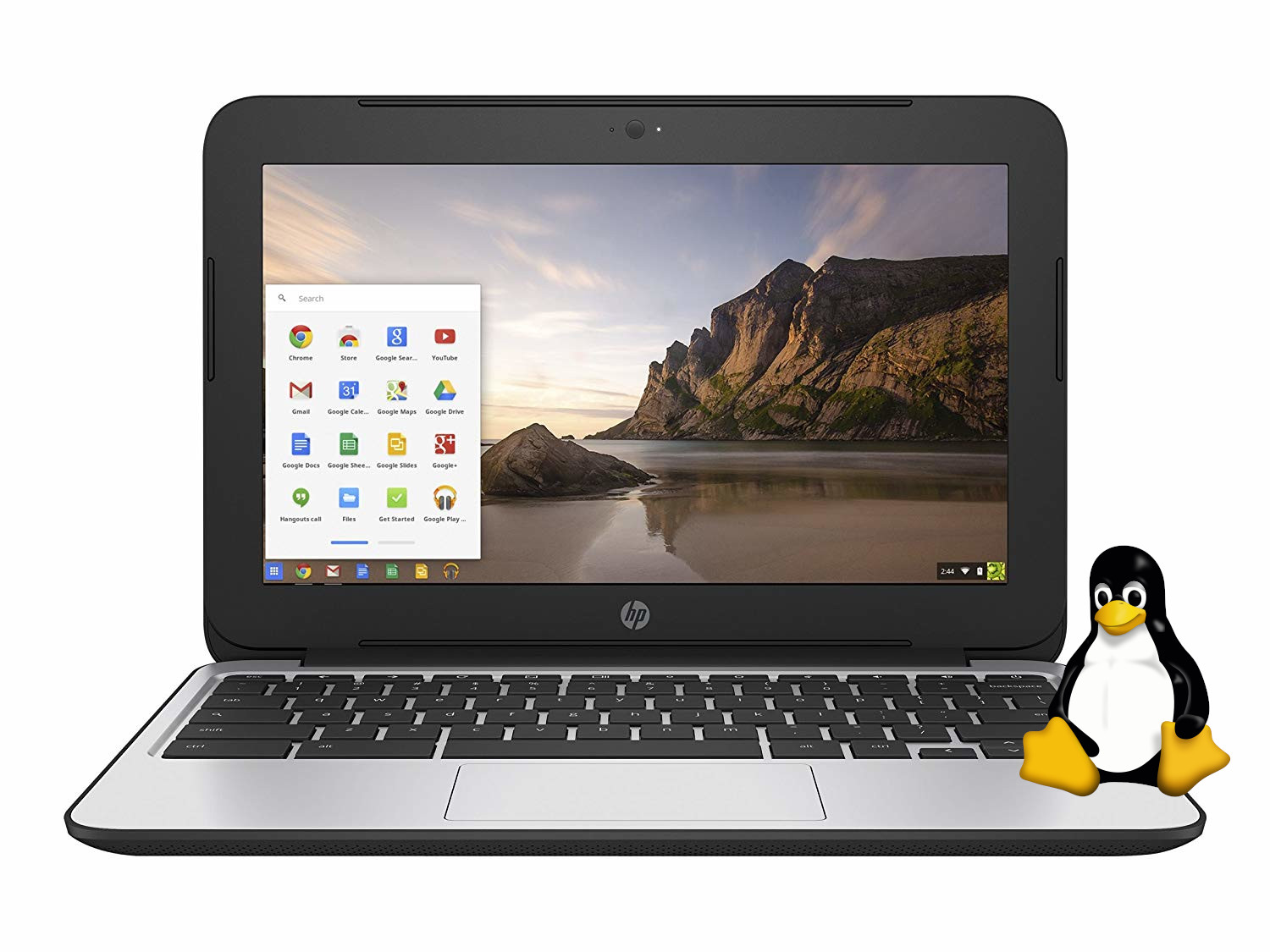 Install Android On Chromebook
https://3.bp.blogspot.com/-CoIB6hiFKoQ/XAVzrGKG7CI/AAAAAAAAB-E/k5Yk3LJsziYVjDytJVAyS4WZGDm4cQuPwCLcBGAs/s1600/chromebook-linux.jpg
Web May 30 2021 nbsp 0183 32 This video explains how to install and run Android apps on a Chromebook or Chrome OS device Supported Chrome OS Devices more more
Templates are pre-designed files or files that can be used for different functions. They can conserve time and effort by providing a ready-made format and layout for developing various kinds of material. Templates can be used for individual or expert tasks, such as resumes, invitations, leaflets, newsletters, reports, presentations, and more.
Install Android On Chromebook
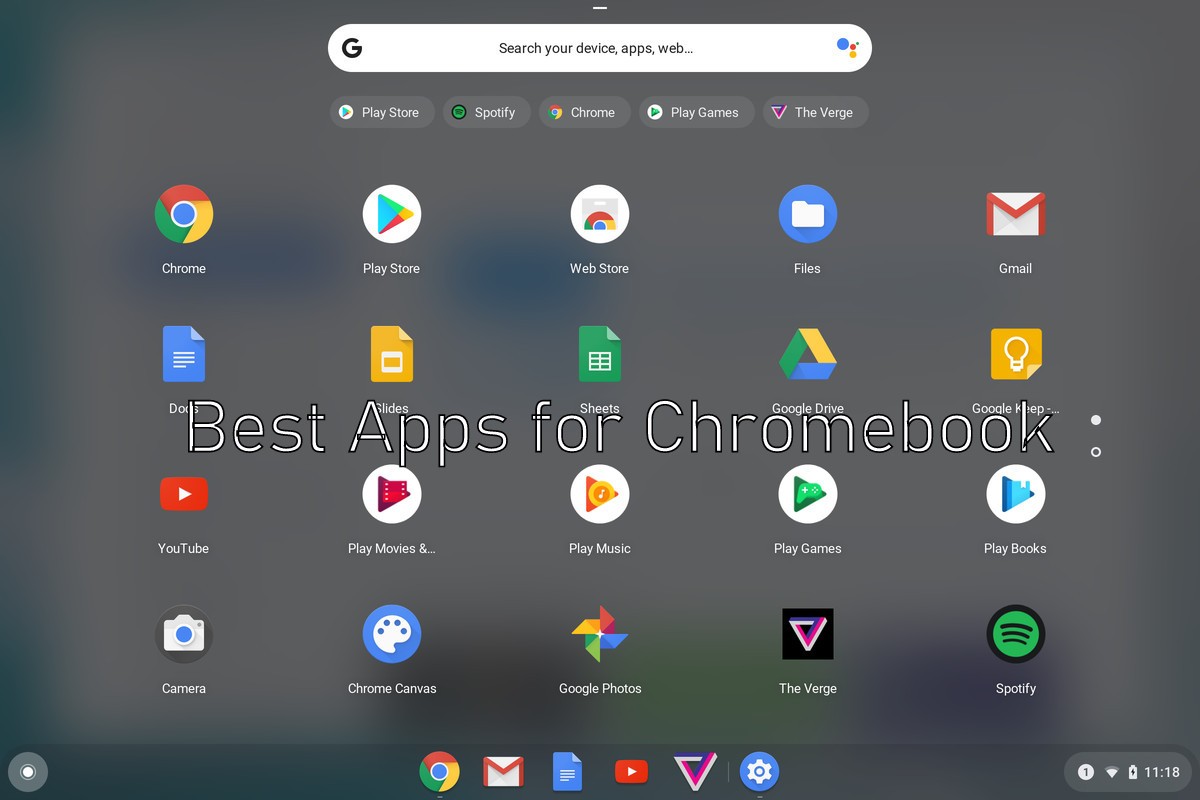
Best Apps For Chromebook Must Have Apps 2021 TechOwns
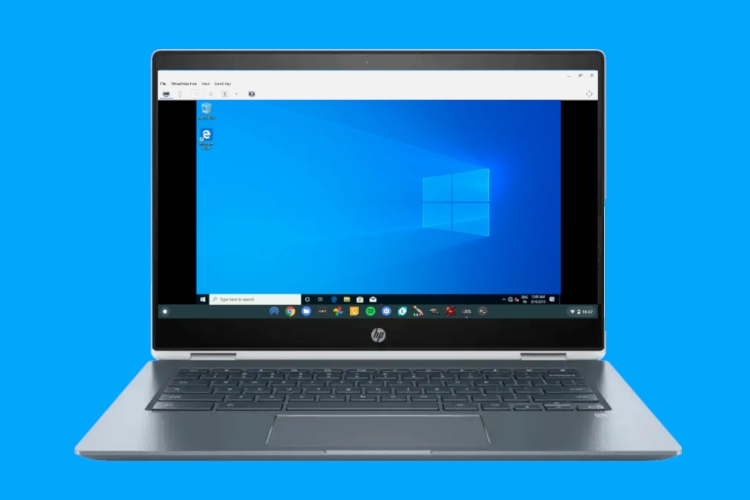
How To Install Windows 10 On A Chromebook Gtlt

Il Play Store Arriva Ufficialmente Su Altri 10 Chromebook Incluso Toshiba Chromebook 2 2015
How To Install ANDROID On An IPhone YouTube
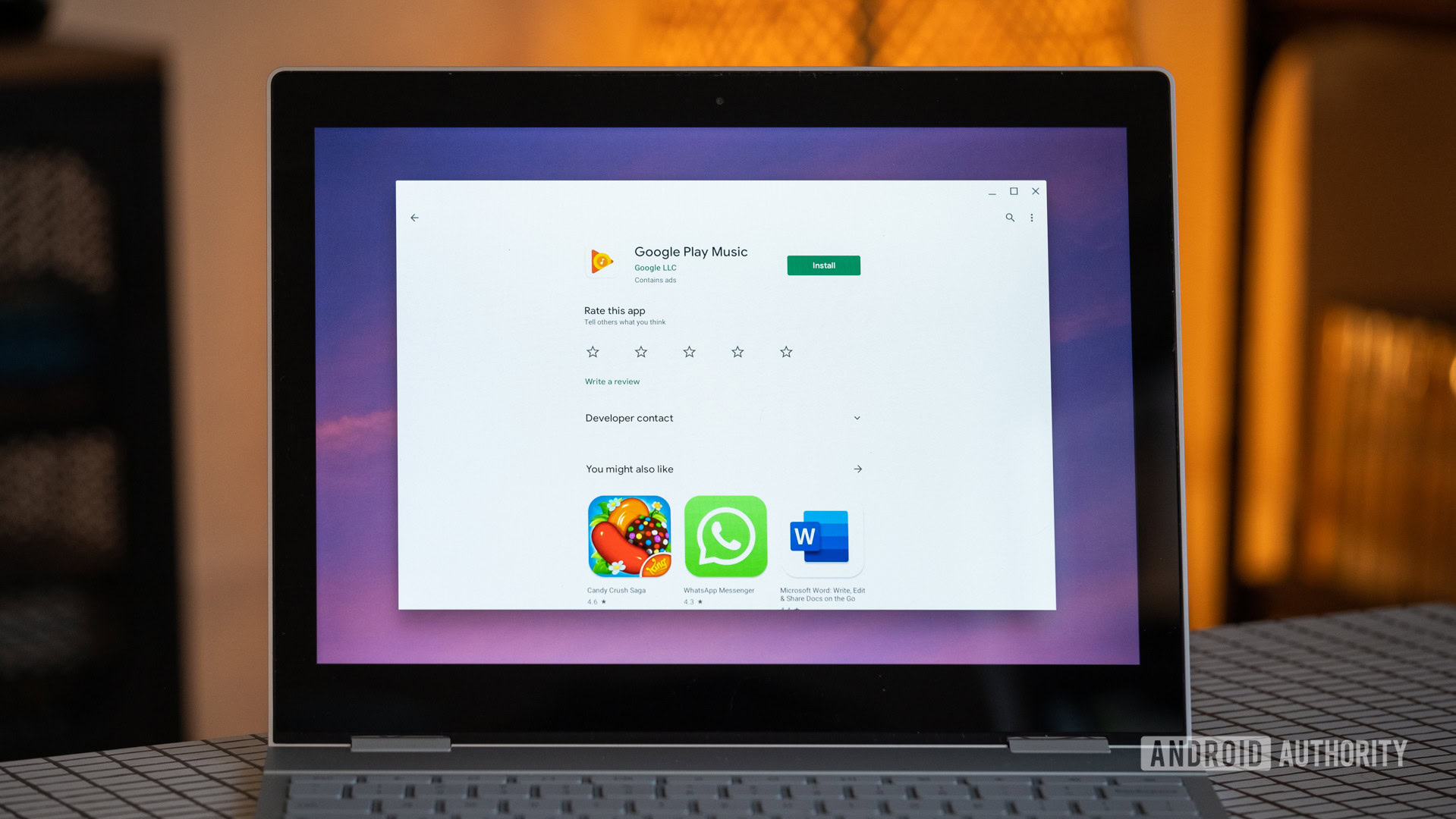
Free Music Making Software Chromebook Cltide

Install Android Apps On Chromebook Code Donut
Web Dec 22 2021 nbsp 0183 32 How to get Android apps on a Chromebook Update Chrome OS First let s make sure that your Chromebook is running Chrome OS version 53 or newer Since Chrome OS Enable the Google Play Store You probably already have the Google Play Store enabled but if it s not clearly visible Download and

Web Sep 29 2021 nbsp 0183 32 The APK needs to be located where the Linux subsystem can see it Open your file browser and drag the APK to the quot Linux files quot directory To install the APK on a Chromebook with an Intel or AMD CPU type this command Substitute quot firefox apk quot with the name of your APK adb s emulator 5554 install firefox apk

Web Aug 14 2019 nbsp 0183 32 Here s how to install Android apps on your Chromebook What Devices Support the Play Store While most new Chromebooks come with Google Play Store out of the box some devices still don t have support for the Play Store Check out the Chromium Projects page to see a full list of devices that support Android apps and ones that are

Web Jun 23 2021 nbsp 0183 32 Select Apps If your Chromebook supports the Google Play Store you will see a Google Play Store option This means you can run Android apps on your Chromebook Some older Chromebooks didn t
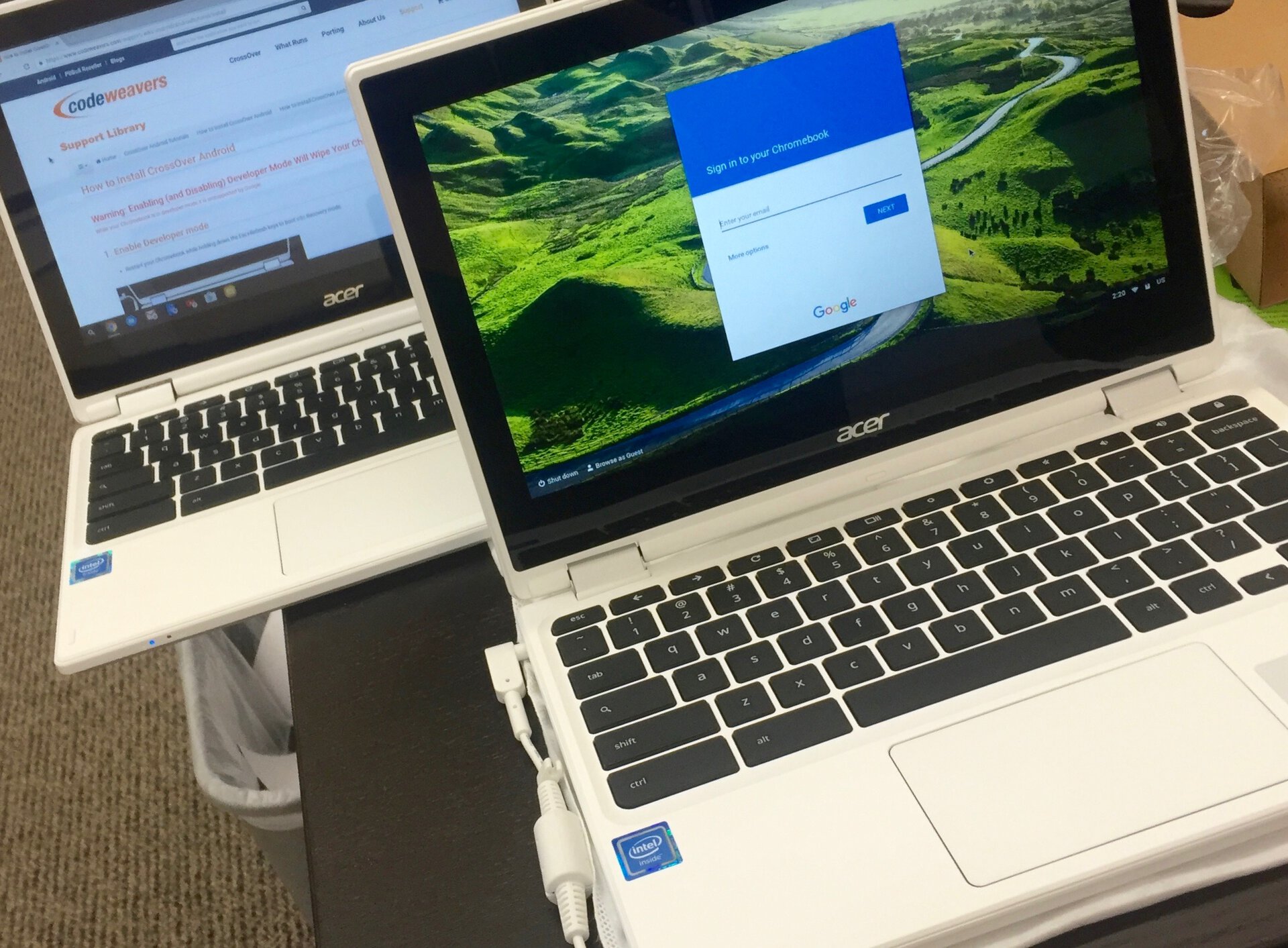
Web Jan 24 2018 nbsp 0183 32 News By Henry T Casey published 24 January 2018 Editor s Note This story has been updated to reflect the growing number of machines gaining support for Chrome OS in the Stable version that do not
[desc-11] [desc-12]
[desc-13]