Install A Plugin In Eclipse Manually How To Install TestNG Plugin In Eclipse Manually CODEDEC Install Pmd Plugin Eclipse Manually United States Guide Working Resin Eclipse Support Install Cucumber Plugin In Eclipse JD Bots Uninstall Eclipse On Mac Full Removal Guide Nektony Web May 29 2009 nbsp 0183 32 Simplest way just put in the Eclipse plugins folder You can start Eclipse with the clean option to make sure Eclipse cleans its plugins cache and sees the new plugin In general it is far more recommended to install plugins using proper update sites
Web Apr 21 2014 nbsp 0183 32 Open Help gt Install New Software and click Add top right In the Add Repository dialog that is shown click Archive and select the zip file you downloaded Also give the Repository a name Click OK The Available Software dialog should now show you the contents of the zip and you can choose what to install Share Improve this answer Web Your best approach is to use the Eclipse Update Manager More experienced plug in developers and sometimes lazy plug in publishers have learned to find the eclipse plugins directory and install their plug ins there manually
Uninstall Eclipse On Mac Full Removal Guide Nektony Effortlessly Manually Install WordPress Plugin Ultimate Guide 2023 How To Install TestNG Plugin In Eclipse Manually CODEDEC How To Install TestNG Plugin In Eclipse Manually CODEDEC Install Eclipse Plugin Manually Buxcopax Natural Plugin For Eclipse Manage Plugins WordPress Documentation How To Install Findbugs In Eclipse Manually How To Install Spring Plugin In Eclipse
Install A Plugin In Eclipse Manually
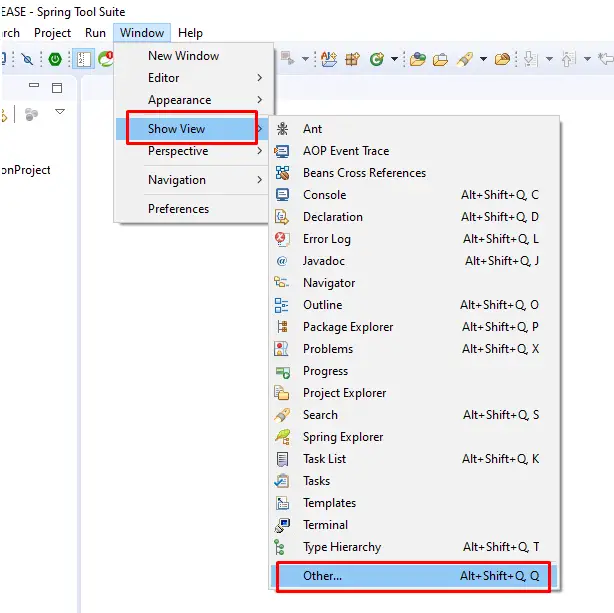 Install A Plugin In Eclipse Manually
http://codedec.com/wp-content/uploads/2020/02/Install-TestNG-in-Eclipse-5.png
Web Jan 17 2022 nbsp 0183 32 Sam 322 2 11 You can mirror only one or more so called install units of a p2 repo e g via Ant or Maven Tycho But the simplest way is to install the plugins into an Eclipse installation and use a copy of the installation as source for installing the plugins into your offline Eclipse via File gt Import Install gt From Existing Installation
Templates are pre-designed files or files that can be used for numerous functions. They can conserve effort and time by offering a ready-made format and design for producing different type of content. Templates can be utilized for personal or expert projects, such as resumes, invitations, leaflets, newsletters, reports, presentations, and more.
Install A Plugin In Eclipse Manually
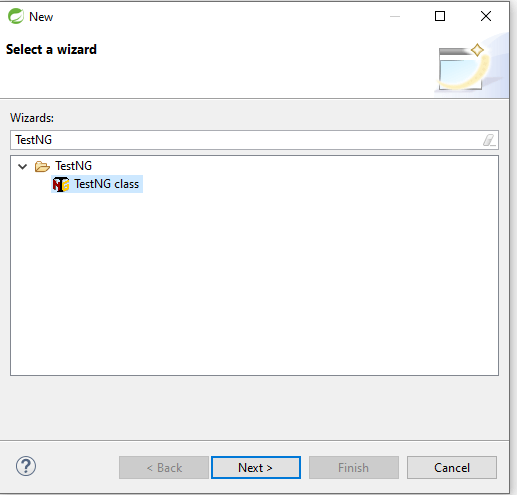
How To Install TestNG Plugin In Eclipse Manually CODEDEC
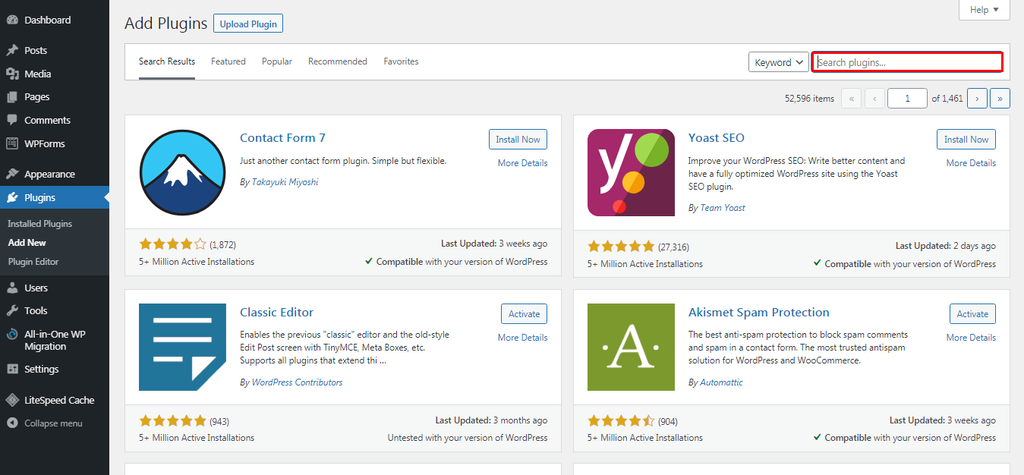
Effortlessly Manually Install WordPress Plugin Ultimate Guide 2023
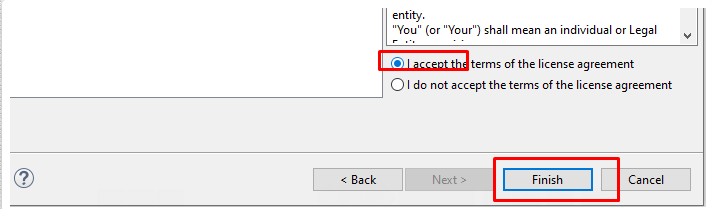
How To Install TestNG Plugin In Eclipse Manually CODEDEC
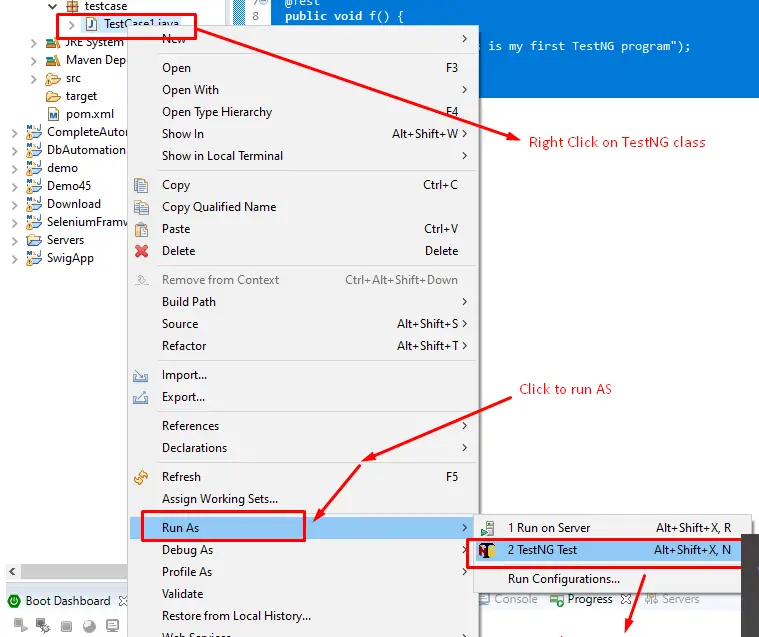
How To Install TestNG Plugin In Eclipse Manually CODEDEC

Natural Plugin For Eclipse
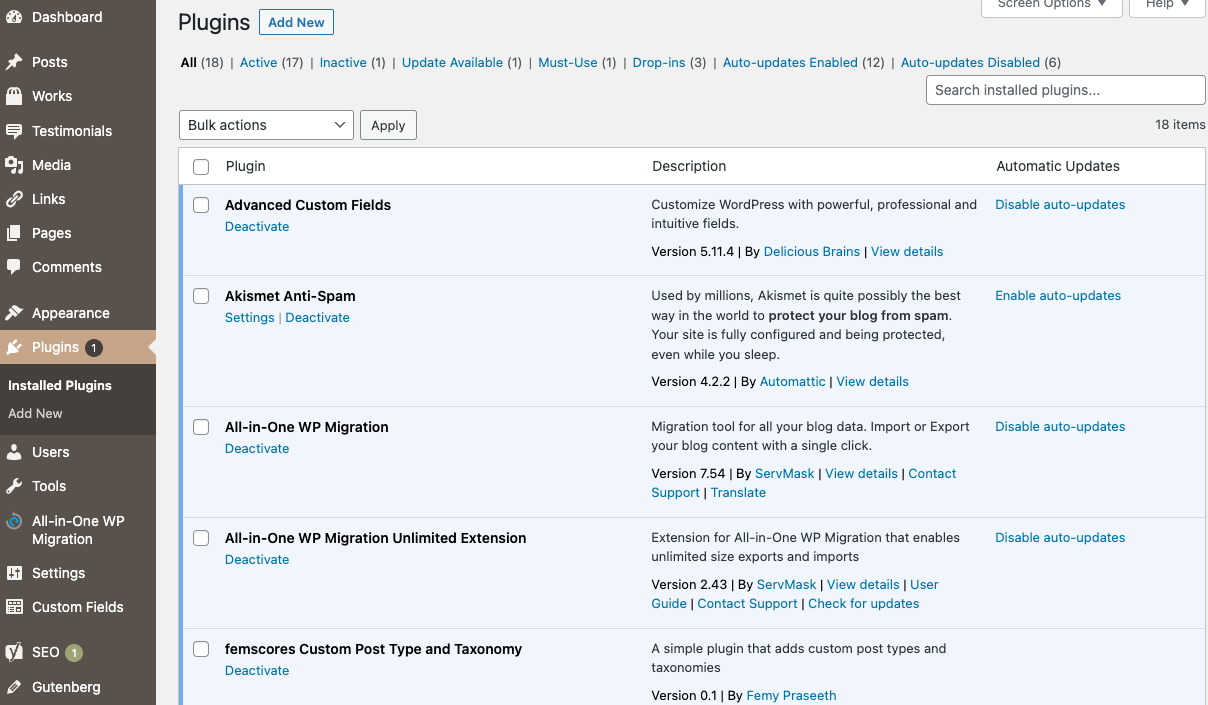
Manage Plugins WordPress Documentation

Web Nov 8 2014 nbsp 0183 32 You should uninstall the current version of the plug in before installing the older one go to About Eclipse gt Installation Details gt Installed Software and uninstall the plug in you want to downgrade then try again installing it going toInstall New Software gt Add gt Archive

Web Mar 12 2019 nbsp 0183 32 In Eclipse go to Help gt Install New Software Press the Add button This displays the Add Repository window In the Add Repository window press the Archive button to open a file browser In the file browser select your Eclipse plugin file that you created Click Open to return to the previous dialog The Add Repository window
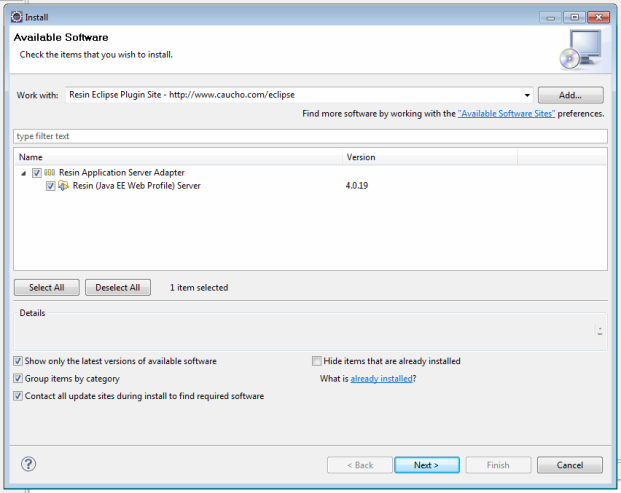
Web Jul 20 2011 nbsp 0183 32 Eclipse Plugin Download Download the Eclipse SQL Explorer plugin and extract the zip file in your eclipse directory requires Eclipse 3 3 or better After restarting eclipse with the clean option a new SQL Explorer perspective should be available Eclipse Update Site You can install and update Eclipse SQL Explorer via the

Web Jan 12 2017 nbsp 0183 32 2 For a valid Eclipse Plugin zip file you have two methods to install it 1 auto install Help gt Install New Software gt Add gt Archive then choose your zip file example 2 manual install uncompress zip file gt got folders features and plugins copy them into the root folder of Eclipse which already contains features and

Web Oct 10 2016 nbsp 0183 32 There are various ways to install a plugin in Eclipse 2 Plug it in The Eclipse platform is structured as a core runtime engine and a set of additional features that are installed as platform plug ins Plug ins contribute functionality to the platform by contributing to pre defined extension points
Web In the screenshot above to install PyDev Python IDE for Eclipse just click on the Install button Using the dialog box that comes up you can install the plug in You can also install a plug in by using the Install New Software menu item accessible from the Help menu Help Install New Software Web Installing Plugins and Configuring Eclipse Using the Eclipse integrated development environment you can create and test embedded applications using a graphical development environment The examples in this chapter use the Eclipse Indigo 3 7 platform the Oracle Java ME SDK Eclipse Plugin
Web Jul 27 2020 nbsp 0183 32 Step 1 Once Eclipse is launched click on Help and then Eclipse Marketplace Step 2 A new window would open up wherein you need to type TestNG in the Find text box and click on the Go button Step 3 You will now see the search results with TestNG for Eclipse at the top All you need to do now is click on the Install button