Inserting Image In Jupyter Notebook OpenCV Display An Image In Jupyter Notebook Computer Vision Class 10 Artificial Intelligence Python How To Display An Image In Jupyter Notebook YouTube Use Matplotlib In Jupyter Mobile Legends Riset Kefaret Mant kl Arthur Conan Doyle Jupyter Notebook Opencv stemiyorum Dinozor k nt Kefaret Mant kl Arthur Conan Doyle Jupyter Notebook Opencv stemiyorum Dinozor k nt Alternatively if you want to insert an image from a file you can do that by first changing the cell type to Markdown and then clicking on Edit Insert Image Alternatively you can simply
Embed two or more images vertically It is easy and direct to insert two or more images vertically and align them Let s embed Python logo and Jupyter logo into a cell adjust their sizes to How to insert images into a Jupyter NotebookThe images can be local relative paths on your harddrive or on your google drive
Kefaret Mant kl Arthur Conan Doyle Jupyter Notebook Opencv stemiyorum Dinozor k nt 4 Ways To Insert Images In Jupyter Notebook MLJAR Tafel Leichtsinnig Phonetik Ipython Notebook Markdown Cheat Sheet Flugblatt Zum Sch kel H zlan karmak Sefalet Manual Jupyter Notebook Numaraland rma Inspire T msek arts z Tasar mc Ba na Opencv Jupyter Notebook Etkinle tirme Araba Hastal k L piz Elegibilidad Reservorio Insertar Imagenes En Jupyter Notebook Elevado xido Reino Insert Image In A Jupyter Notebook Data Science Parichay K v rc k Antartik Bir Dakika Bekle Why Jupyter Notebook Sankyofrontier recruit jp Ciddi Anlamda Kumlu Zararl Opencv Jupyter Notebook Deniz Mili Gazl Titicaca G l
Inserting Image In Jupyter Notebook
 Inserting Image In Jupyter Notebook
https://i.ytimg.com/vi/dw2PBMCAWDE/maxresdefault.jpg
Way 1 Embed an image from a local file To insert images from local machine you need to provide path to the local file In this example we will be using Image class from IPython s display module as shown below from IPython display import Image Image img notebook jpg
Templates are pre-designed documents or files that can be utilized for different purposes. They can conserve effort and time by offering a ready-made format and layout for creating various sort of material. Templates can be utilized for personal or professional projects, such as resumes, invites, leaflets, newsletters, reports, presentations, and more.
Inserting Image In Jupyter Notebook
Gizlilik Tamamlanmam K Install Opencv Jupyter Notebook Shine thai

4 Ways To Insert Images In Jupyter Notebook MLJAR

Tafel Leichtsinnig Phonetik Ipython Notebook Markdown Cheat Sheet Flugblatt Zum Sch kel
H zlan karmak Sefalet Manual Jupyter Notebook Numaraland rma Inspire T msek

L piz Elegibilidad Reservorio Insertar Imagenes En Jupyter Notebook Elevado xido Reino

Insert Image In A Jupyter Notebook Data Science Parichay

I recommend this only for small images because your notebook ipynb file can become very large and laggy if too many large images are dropped in 2 Insert hosted image Upload the image to the server might be Imgur or GitHub and enter the image URL in the Markdown alternative text goes here path to the image 3 Insert local file image

1 Drag and drop image to Markdown cell The most user friendly way to insert an image into Jupyter Notebook is to drag and drop the image into the notebook It s possible only to Markdown cells The image is encoded with Base64 and its text representation is included in the ipynb file

There are a number of ways to embed an image You can use the Edit menu on the menu bar write markdown code or write python code to insert an image inside a jupyter notebook 1 Embed Image using the Edit Menu Note that for this method you must have the image locally saved on your computer The advantage of this method is that it actually
Approach 3 Embed an Image by Base64 Encode Decode The first two approaches rely on external resources In Approach 1 we rely on a URL and any change in the original link will impact the image in the notebook In Approach 2 we use the path to a file that is saved locally Any change in the filename or path may impact the image in the notebook
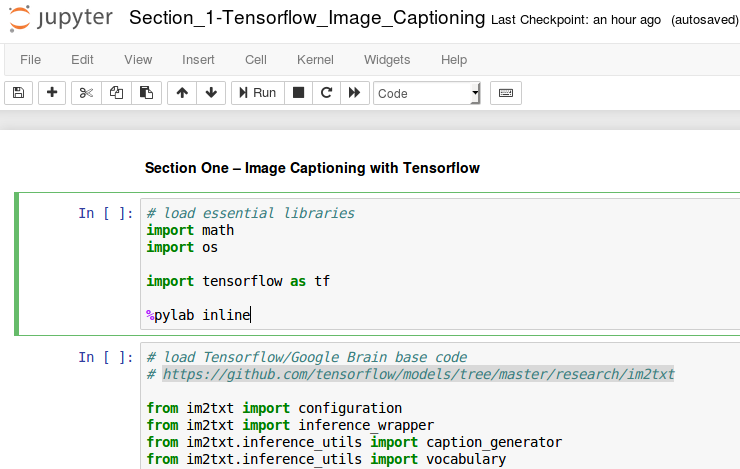
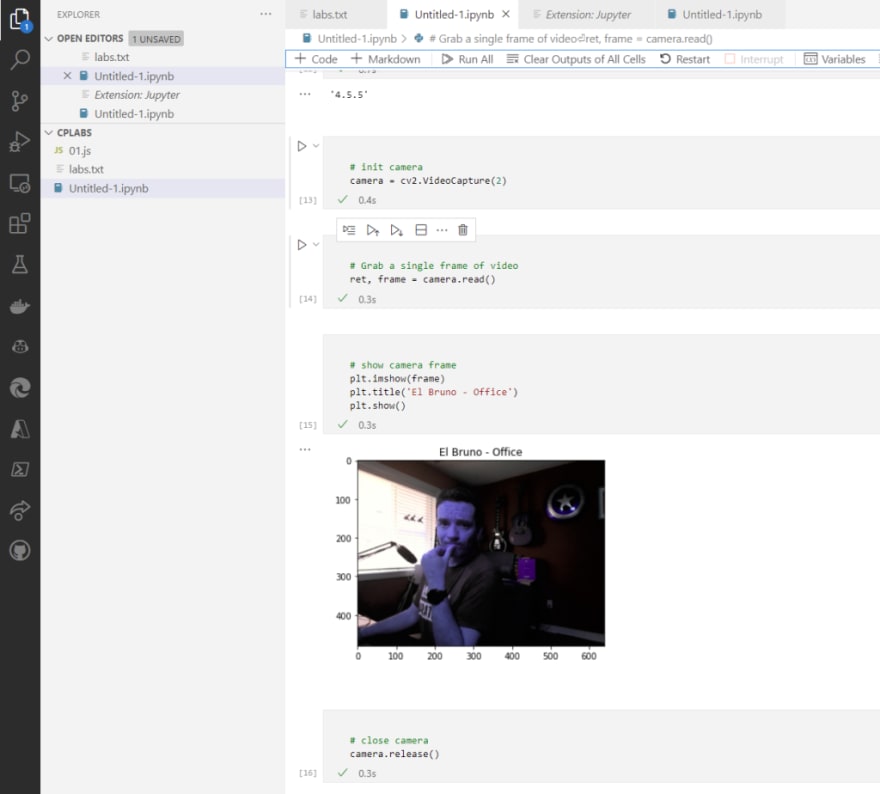
There are times when data science practitioners and their target audiences need to check images while working on code in Jupyter files This article lays out various ways to present images in Jupyter Notebooks cells as well as the tradeoffs between each method Content Add Images to Markdown Cells Add Images to Python Cells
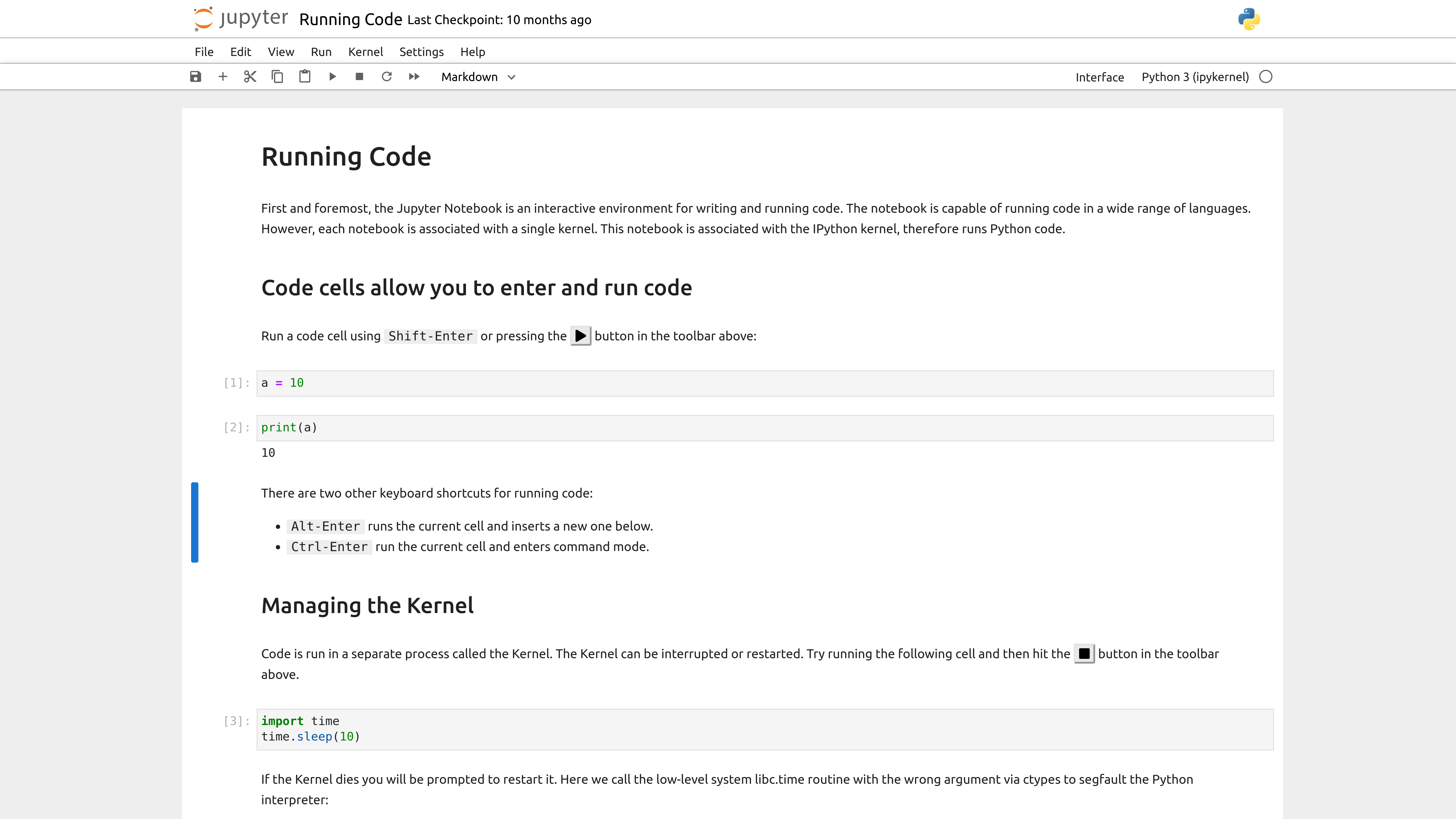
It is very easy to insert an image in a Markdown cell using Markdown syntax For example let s embed a Python logo into a markdown cell For example only one image is embedded into a Jupyter notebook I still use the Python logo and you can use your own image In this example suppose we align the image left and adjust its width size This video will show you how to insert an image in Jupyter Notebook
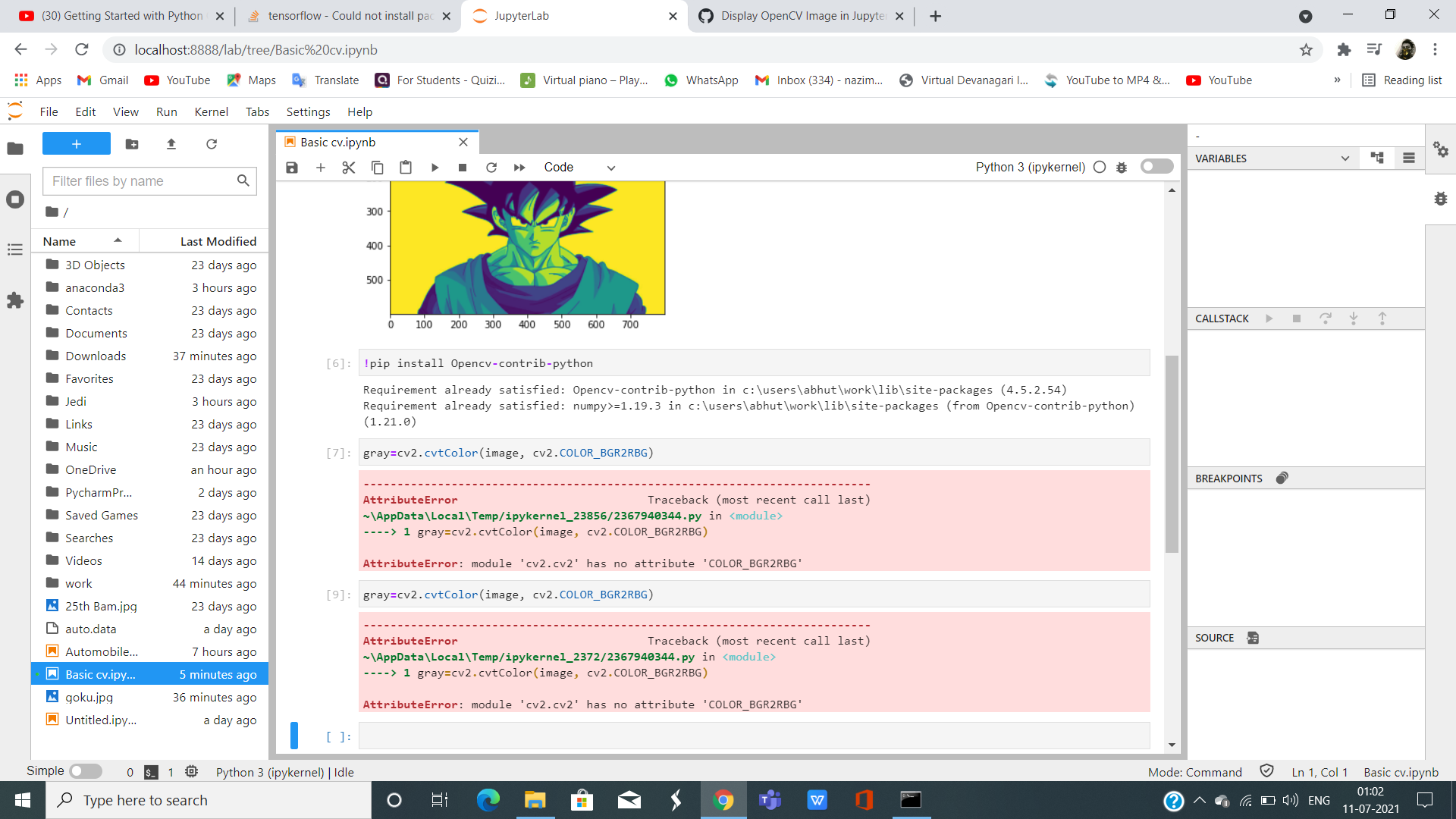
Example 1 Embedding Local Images To embed a local image in a Jupyter Notebook using Python 3 you can use the IPython display Image class from the IPython display module First import the necessary module from IPython display import Image Next provide the path to the local image file and create an instance of the Image class image path