Insert Word Root Joe Root Is Just UNSTOPPABLE Virat Kohli Kane Williamson Steve Just Got Word From The Publishing Company That My Newly Released Book Th Thu t Excel Word PowerPoint C ch T o ng G ch Ch o Cho D One Word For This Pic therahulsharmaa Wearing Clipart Word 2019 Infoupdate Here is how to add a square root symbol with the insert equation feature Click the Equation button in the Symbols group on the Insert tab or press Alt An equation
1 Insert the square root symbol using Insert Symbol To insert of square root symbol using Slide Symbol in the Ribbon in Word Position the cursor in the Word document where Press Alt on your keyboard These hotkeys will show the equation field Now type sqrt inside the equation field then hit the spacebar Word will convert the text
Clipart Word 2019 Infoupdate Birthday Wishes In Word Format Infoupdate Church Youth Conference Invitation Letter Infoupdate Fresh And Simple Carrot Root On Craiyon Is There Resume Template On Microsoft Word Infoupdate Resignation Letter Template Free Word Infoupdate Word Border Design Templates Free Infoupdate Rootmytv Editable Tombstone Unveiling Invitation Cards South Africa Infoupdate
Insert Word Root
 Insert Word Root
https://lookaside.fbsbx.com/lookaside/crawler/threads/C_VrD1aPd7s/0/image.jpg
5 Ways to Insert a Square Root Symbol in Word YouTube Layman Solution 4 71K subscribers 0 26 views 1 year ago Microsoft Word In this video we
Templates are pre-designed documents or files that can be utilized for different functions. They can save time and effort by supplying a ready-made format and layout for producing various type of material. Templates can be utilized for individual or expert projects, such as resumes, invites, leaflets, newsletters, reports, presentations, and more.
Insert Word Root

Doctor Job Offer Letter Infoupdate

Birthday Wishes In Word Format Infoupdate

Church Youth Conference Invitation Letter Infoupdate

Fresh And Simple Carrot Root On Craiyon
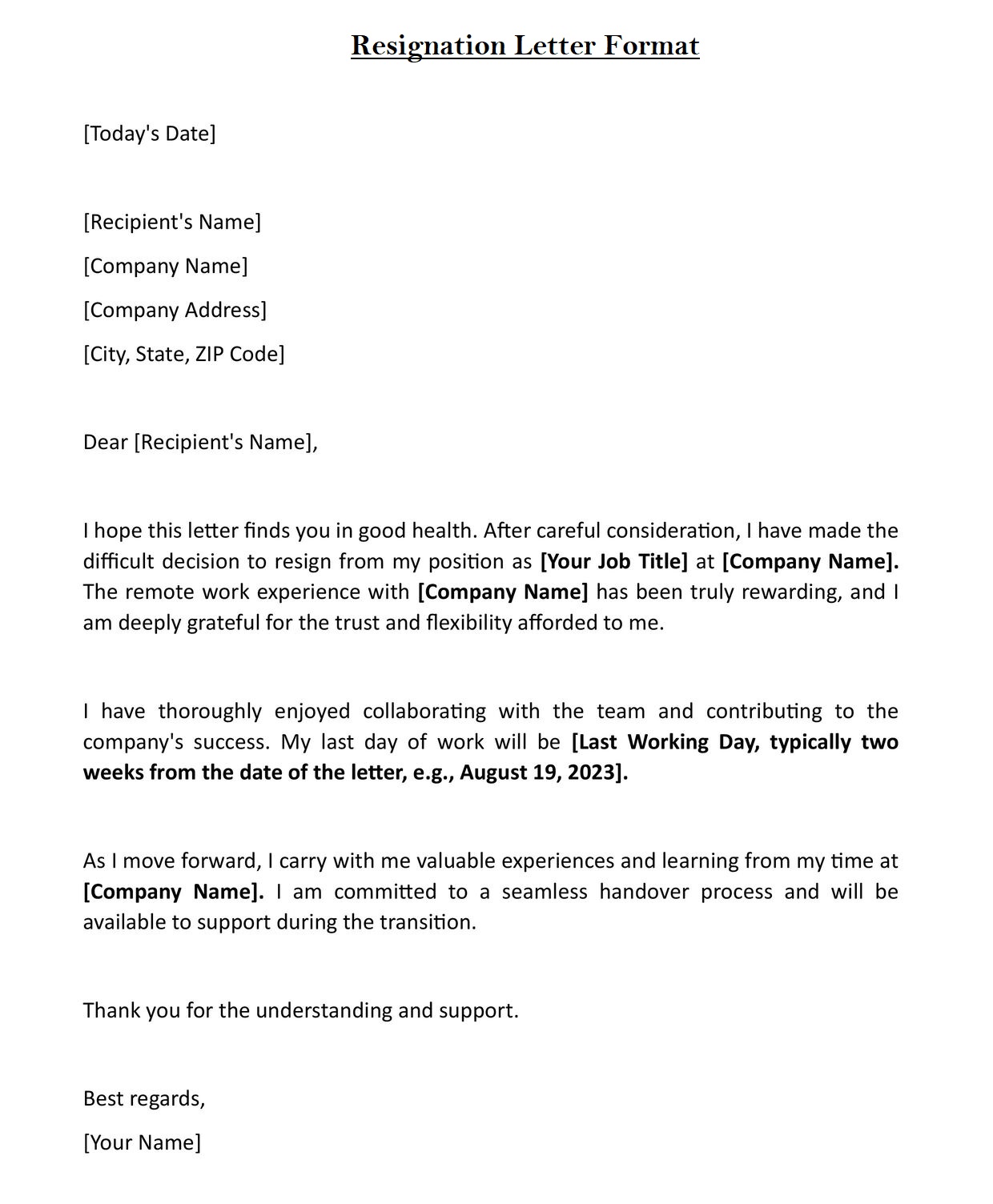
Resignation Letter Template Free Word Infoupdate

Word Border Design Templates Free Infoupdate

When it comes to inserting the square root symbol in Word there are a number of methods available We will walk you through the most common methods below Contents show 1 Using the

January 4 2024 by Matt Jacobs Inserting a square root symbol in Word is a breeze Simply navigate to the Insert tab click on Symbol and choose More Symbols From

Microsoft Word offers a pre defined shortcut key for popular symbols such as square root Type 221a or 221A does not matter uppercase or lowercase immediately after that

There are several different ways that you can insert a square root symbol in Word and we will cover three of those options below Option 1 How to Make a Square Root Symbol on Keyboard in Word This

Use the standard Word Alt X symbol shortcut 221A Alt X Once in a document you can copy it to AutoCorrect and make your own shortcut Word Excel
1 DELIVERY DESK 2 INSERT SQUARE ROOT SYMBOL IN MS WORD USING GOOGLE 3 INSERT SQUARE ROOT SYMBOL IN MS WORD USING SYMBOLS 1 Enter the square base symbol after Introduce Icon To include the square root symbol using Insert Symbol includes the Ribbon within Word Position to indicator
706 163K views 4 years ago MS Office Tutorial Ms word square root more Ms word square rootFor typing square root In MS Word 20161 Click on