Insert Numbered List In Excel Cell Excel de Bir H cre inde Liste Yapman n Yollar Cara Membuat Numbering Di Excel Caribes How To Remove Space In Excel Cell Trim Function In Excel With Data How To Create A Dynamic Numbered List In Excel shorts YouTube Excel How To Shift Enter In Excel Cell Serredt Web Apr 14 2022 nbsp 0183 32 4 Ways To Create Numbered Lists In Excel Dynamic And Professional Sign up for our Excel webinar times added weekly
Web Feb 28 2023 nbsp 0183 32 One way is to manually create the list using the autofill feature or the ROW function Another option is to utilize a text box to add a numbered list Method 1 Add a Web Jun 10 2016 nbsp 0183 32 Hold down the Alt key then press 0 then 1 then 4 then 9 Enter the information for the first bullet then hold down the Alt key on your keyboard and press
How To Shift Enter In Excel Cell Serredt How To Create A Bulleted Or Numbered List In Microsoft Excel ZOHAL Make A Checklist In Excel Excel Templates Understanding Lists In Excel Pixelated Works Drop Down List In Excel In Worksheet Cell YouTube How To Make A Numbered List In Excel 8 Methods ExcelDemy Convert Text Into Shape In Excel Cell Using VBA YouTube How To Create List Or Drop Indexes On Mysql Table Riset How To Go To The Next Line In Excel Cell Secret 2 Methods YouTube
Insert Numbered List In Excel Cell
 Insert Numbered List In Excel Cell
https://www.wikihow.com/images/f/f2/Make-a-List-Within-a-Cell-in-Excel-Step-23-Version-2.jpg
Web Select the cells Begin by selecting the cells in which you want to create the numbered list Click on the quot Numbering quot button Once the cells are selected navigate to the quot Home quot
Pre-crafted templates provide a time-saving solution for producing a varied series of documents and files. These pre-designed formats and layouts can be utilized for numerous individual and expert tasks, including resumes, invitations, flyers, newsletters, reports, presentations, and more, simplifying the material production procedure.
Insert Numbered List In Excel Cell
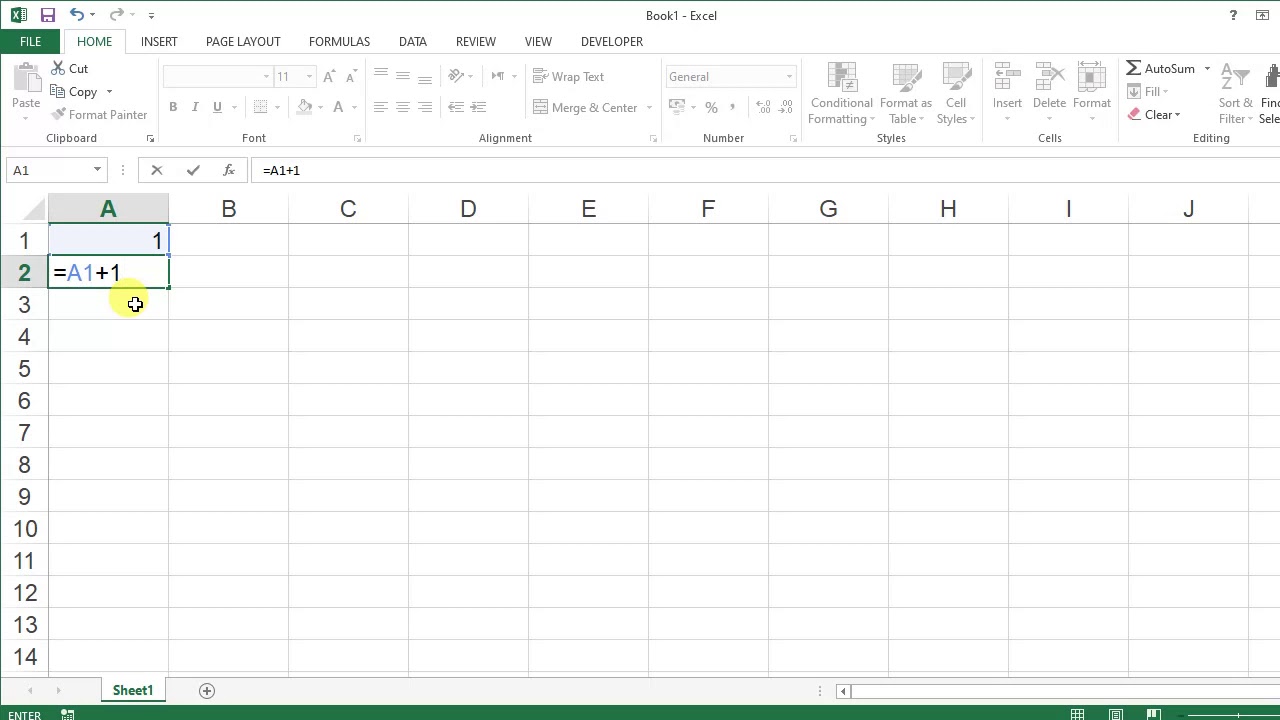
How To Automatically Create A Numbered List In Excel YouTube
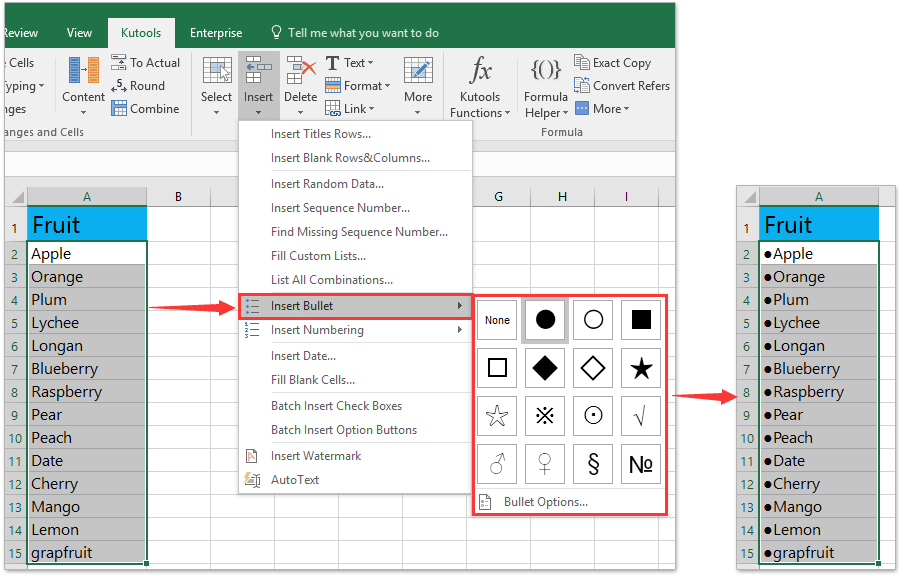
How To Create A Bulleted Or Numbered List In Microsoft Excel ZOHAL
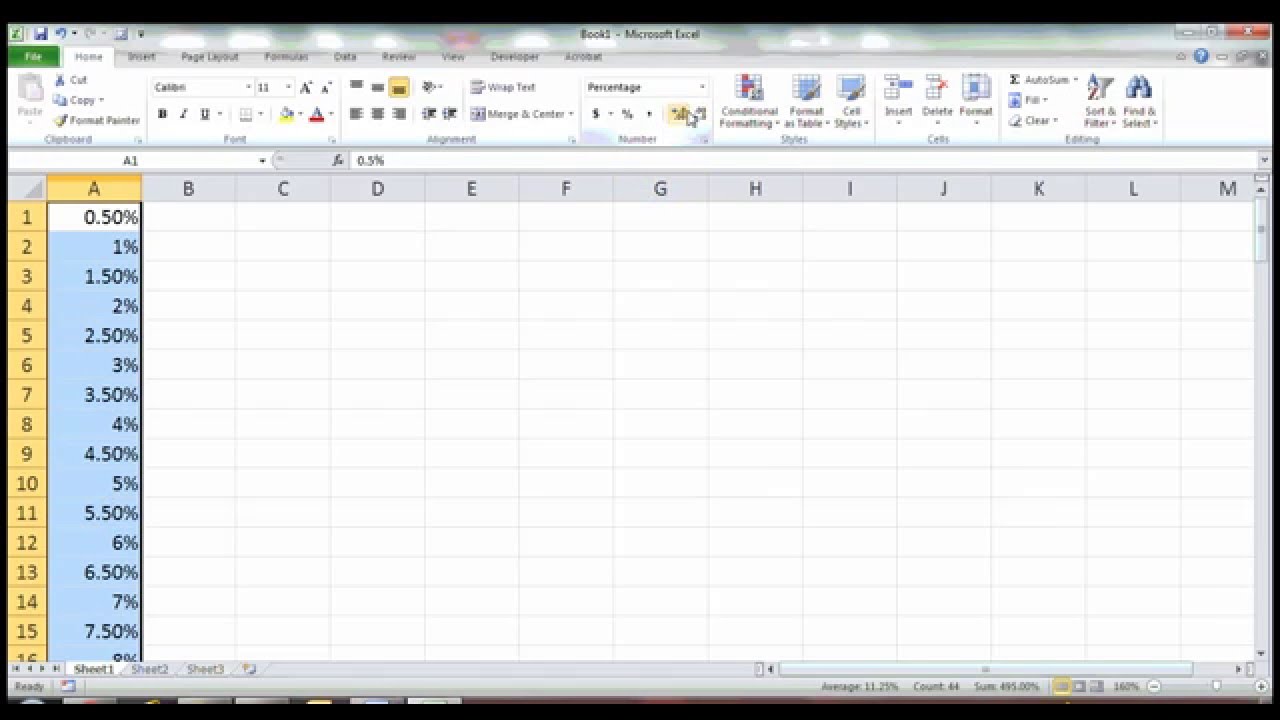
Make A Checklist In Excel Excel Templates

Understanding Lists In Excel Pixelated Works

How To Make A Numbered List In Excel 8 Methods ExcelDemy

Convert Text Into Shape In Excel Cell Using VBA YouTube

Web For example to start a numbered list by using 000 001 you enter the formula TEXT ROW A1 quot 000 000 quot in the first cell of the range that you want to number and then
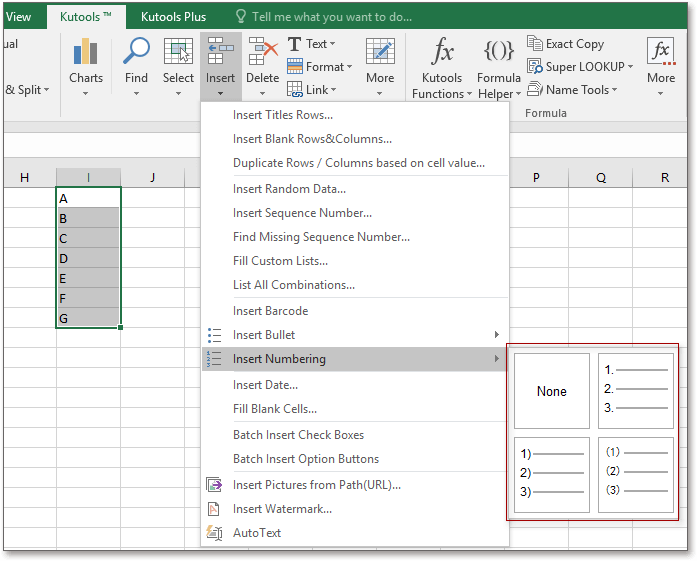
Web Feb 1 2021 nbsp 0183 32 Create a bulleted or numbered list in Excel Add bulleted and numbered list option to the Ribbon Open Microsoft Excel Click the File tab in the Ribbon Click Options

Web Dec 19 2023 nbsp 0183 32 1 By Creating a Bullet Or Number List within a Cell in Excel Now we ll learn how to make a bulleted list or numbered list within a cell in Excel So we ll have to make a line break in this method Double

Web Mar 18 2022 nbsp 0183 32 Open the Symbol dialog box from the Insert tab Choose Unicode hex from the dropdown list in the bottom right corner of the Symbol dialog box Type one of the codes shown in the image below into

Web Sep 24 2023 nbsp 0183 32 Bulleted and numbered lists aren t commonly used in Excel so you can manually add that option to the Ribbon before adding a text box Here are a few lists
Web Aug 14 2023 nbsp 0183 32 In order to go to a new line within a cell press Alt Enter hold down the Alt key while you press the Enter key Do this to add each new line within the cell as Web Select the values you want to insert bullets and click Kutools gt Insert gt Insert Bullet then select one type as you need in the sub menu With Kutools for Excel you also can
Web May 15 2022 nbsp 0183 32 Excel doesn t automatically number lists but there are at least six ways to add numbering depending on your needs and how the list appears Numbering is