Insert Multiple Blank Rows In Excel Shortcut How To Insert Rows In Excel Worksheet Images And Photos Finder Excel Delete Blank Rows Keyboard Shortcut Defensepasa Riset Learn New Things Shortcut Key To Delete Multiple Blank Rows Columns In How To Delete Blank Rows In Excel The Right Way 2021 Riset How To Remove Blank Rows In Excel 7 Methods Exceldemy Riset It is crucial to note that adding blank rows to large data can misrepresent data Therefore inserting rows should only be done when necessary The keyboard shortcut to insert
Inserting multiple rows in Excel can be done by selecting the number of rows to be inserted and then pressing Ctrl Shift Source ExcelJet Another Is there a keyboard shortcut to insert multiple rows in Excel Yes there are keyboard shortcuts to insert multiple rows in Excel Select the row s where you
How To Remove Blank Rows In Excel 7 Methods Exceldemy Riset Insert Or Replace Multiple Row With Where Condition In Sqlite Mobile How To Delete Blank Rows In Excel YouTube How To Delete Blank Cells In Excel Vba Printable Forms Free Online Shortcut Key To Delete Multiple Blank Rows Columns In MS Excel YouTube How To Delete Blank Rows In Excel 5 Fast Ways To Remove Empty Rows Riset Insert Multiple Rows Into Sql Table Using Excel As A Template Www How To Add Multiple Rows Or Columns On Microsoft Excel Sheet Tech How To Quickly Insert Multiple Blank Rows Or Columns In Excel At Once
Insert Multiple Blank Rows In Excel Shortcut
 Insert Multiple Blank Rows In Excel Shortcut
https://www.wikihow.com/images/d/dd/Insert-Rows-in-Excel-Using-a-Shortcut-on-PC-or-Mac-Step-11.jpg
The Excel keyboard shortcut for inserting multiple rows quickly and easily To select and insert multiple rows in Excel hold down the Shift key and then use the
Templates are pre-designed documents or files that can be utilized for various functions. They can save time and effort by supplying a ready-made format and layout for developing various sort of material. Templates can be used for personal or professional jobs, such as resumes, invitations, flyers, newsletters, reports, presentations, and more.
Insert Multiple Blank Rows In Excel Shortcut
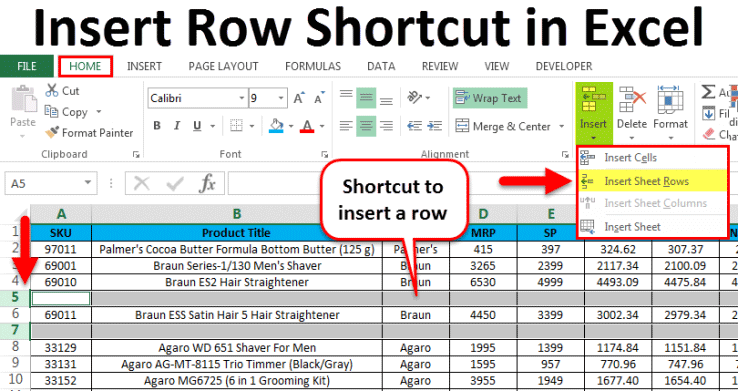
Insert Row Shortcut In Excel How To Insert Row Using Shortcut Method
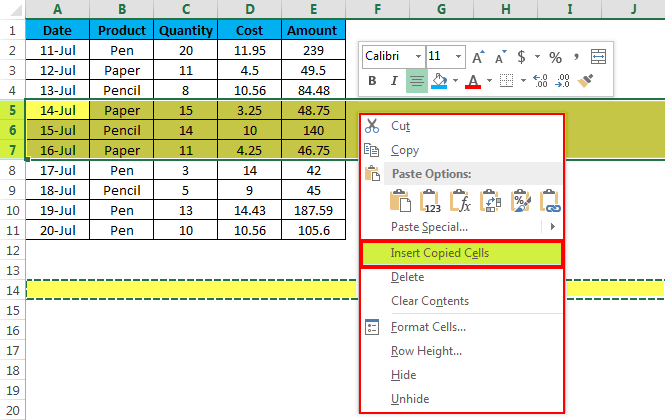
Insert Or Replace Multiple Row With Where Condition In Sqlite Mobile
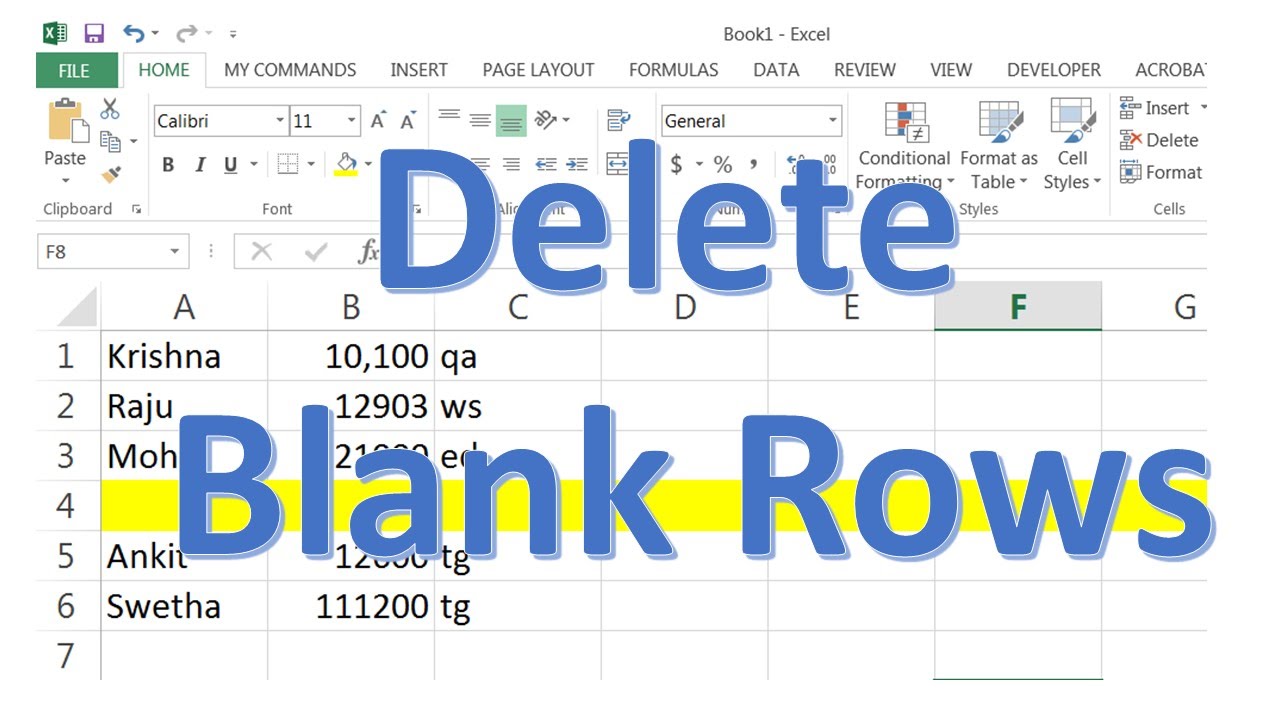
How To Delete Blank Rows In Excel YouTube
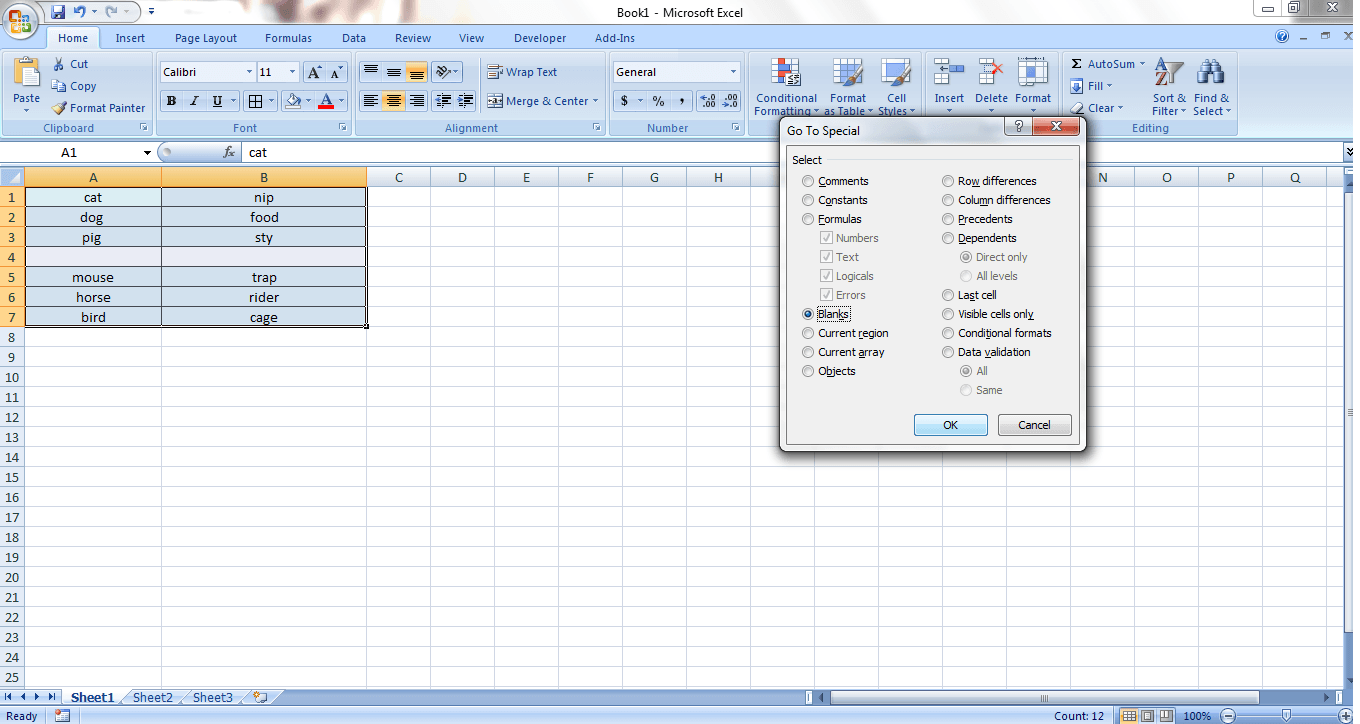
How To Delete Blank Cells In Excel Vba Printable Forms Free Online
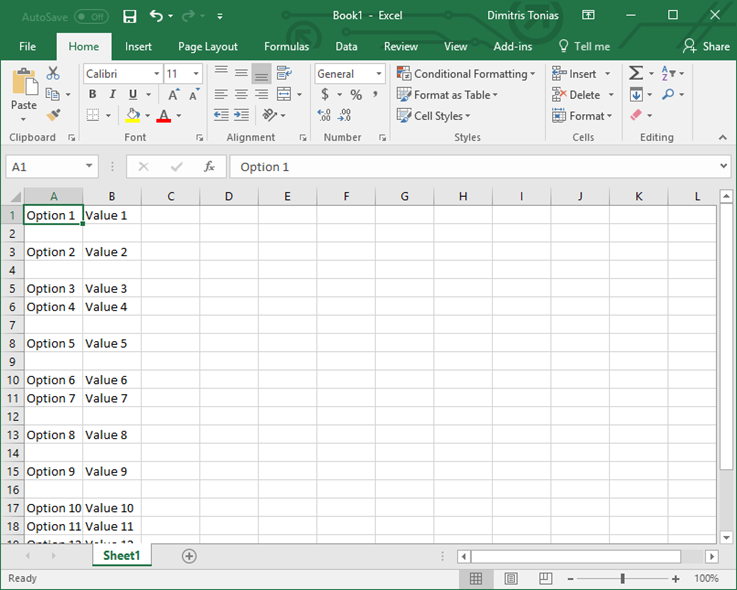
How To Delete Blank Rows In Excel 5 Fast Ways To Remove Empty Rows Riset
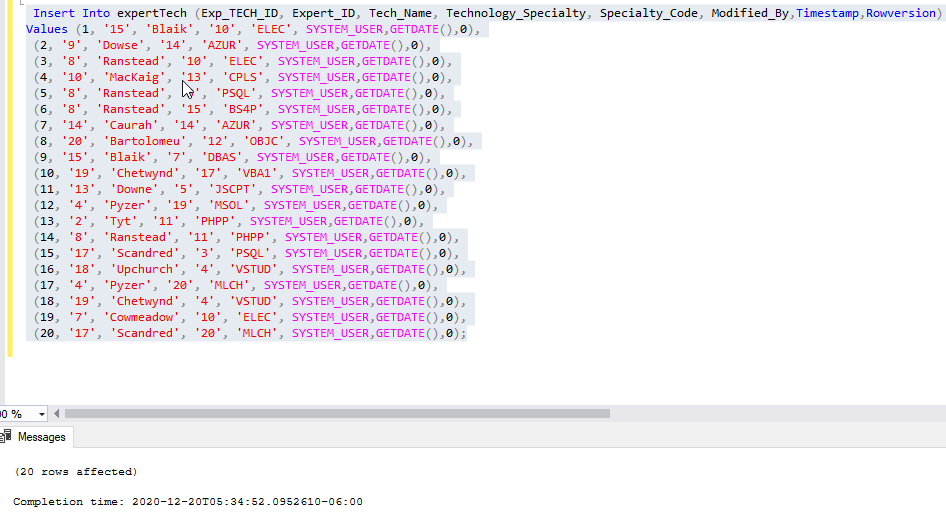
Insert Multiple Rows Into Sql Table Using Excel As A Template Www

The quickest way to insert multiple rows in Excel is to use the Excel insert row shortcut Ctrl or Cmd Shift and First you ll need to select the number of rows
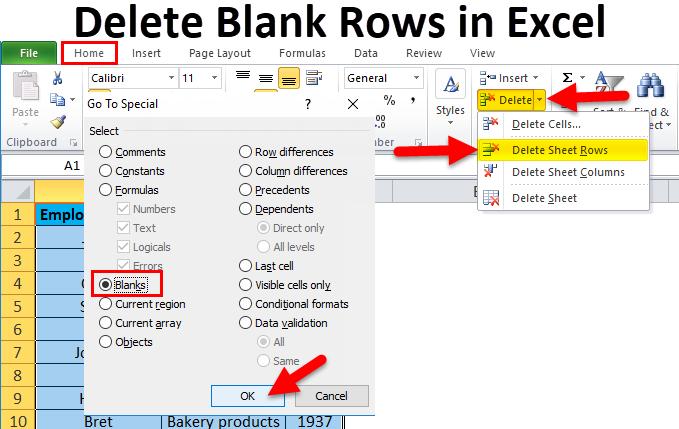
Insert multiple blank rows or columns quickly with hotkeys 1 Insert multiple blank rows or columns quickly with hotkeys 2 Insert multiple blank rows or columns quickly with
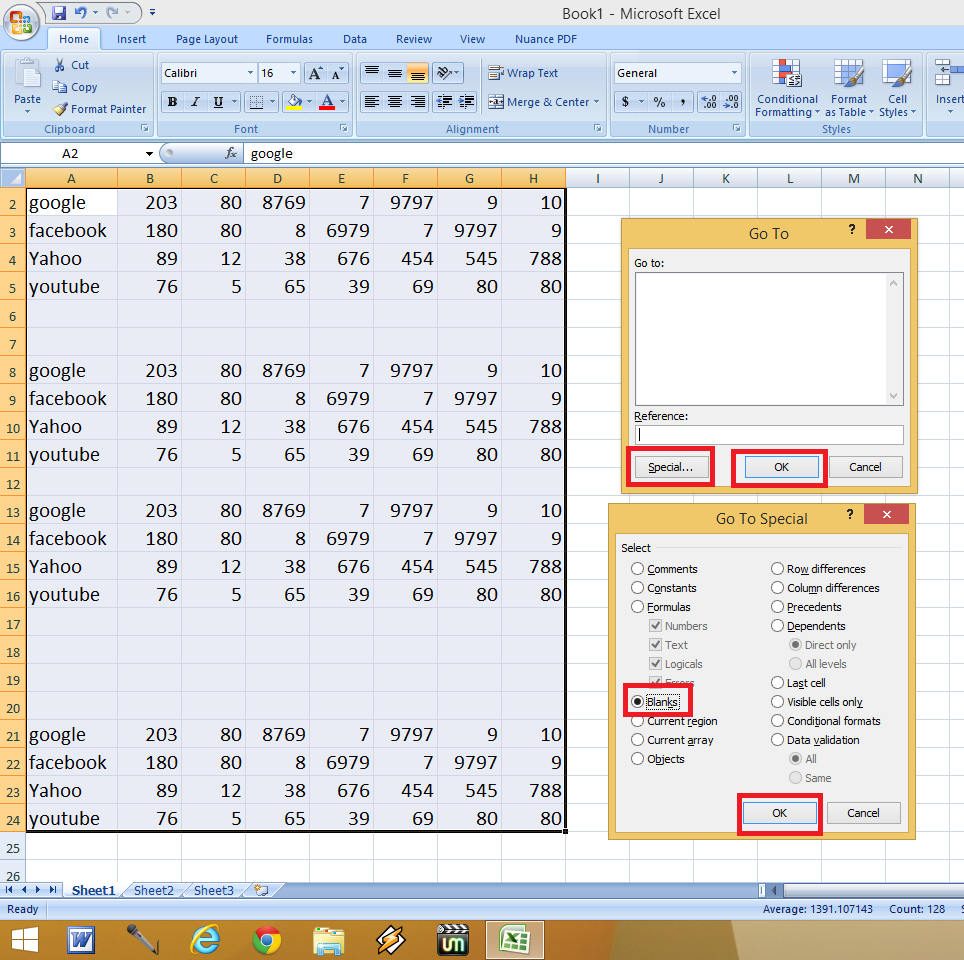
Insert Multiple Rows in Excel With a Keyboard Shortcut If you prefer using Excel keyboard shortcuts there s a shortcut you can use to quickly add multiple rows to your Excel spreadsheet Related

Insert row shortcut in Excel For those who prefer using keyboard shortcuts Excel offers a quick and efficient option to insert rows Select the desired number of rows below the insertion point Use one of

You could use one of the above shortcuts to add for instance 10 rows and subsequently press F4 10 times to add 100 blank rows How to Insert Multiple Copied
You can insert multiple rows in Excel at once by pressing the Ctrl Shift and keys altogether First select the number of rows that you want to insert After Top 3 Keyboard Shortcuts to Insert a Row in Excel The top three shortcuts to insert a row in Excel are listed as follows Ctrl plus sign or Ctrl Shift plus sign Insert
However for those looking for a quick and easy way to add multiple blank rows at once the Ctrl shortcut is definitely worth trying out Interestingly this shortcut has been