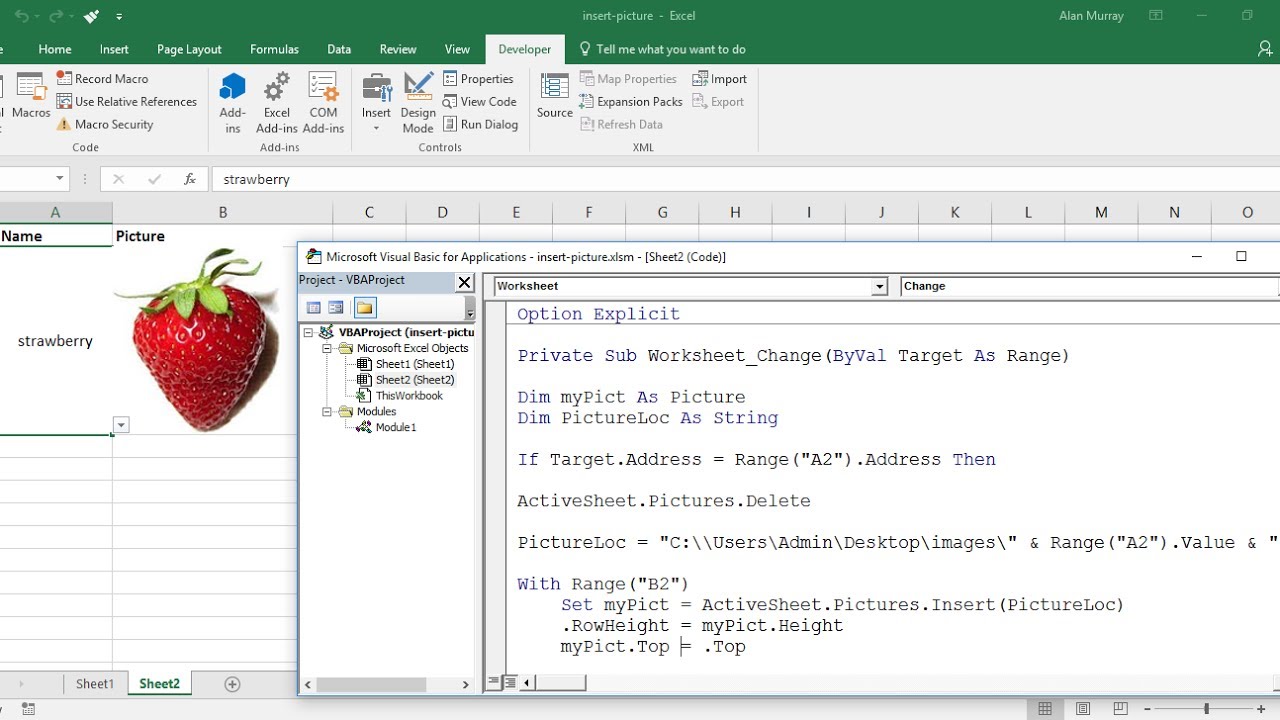
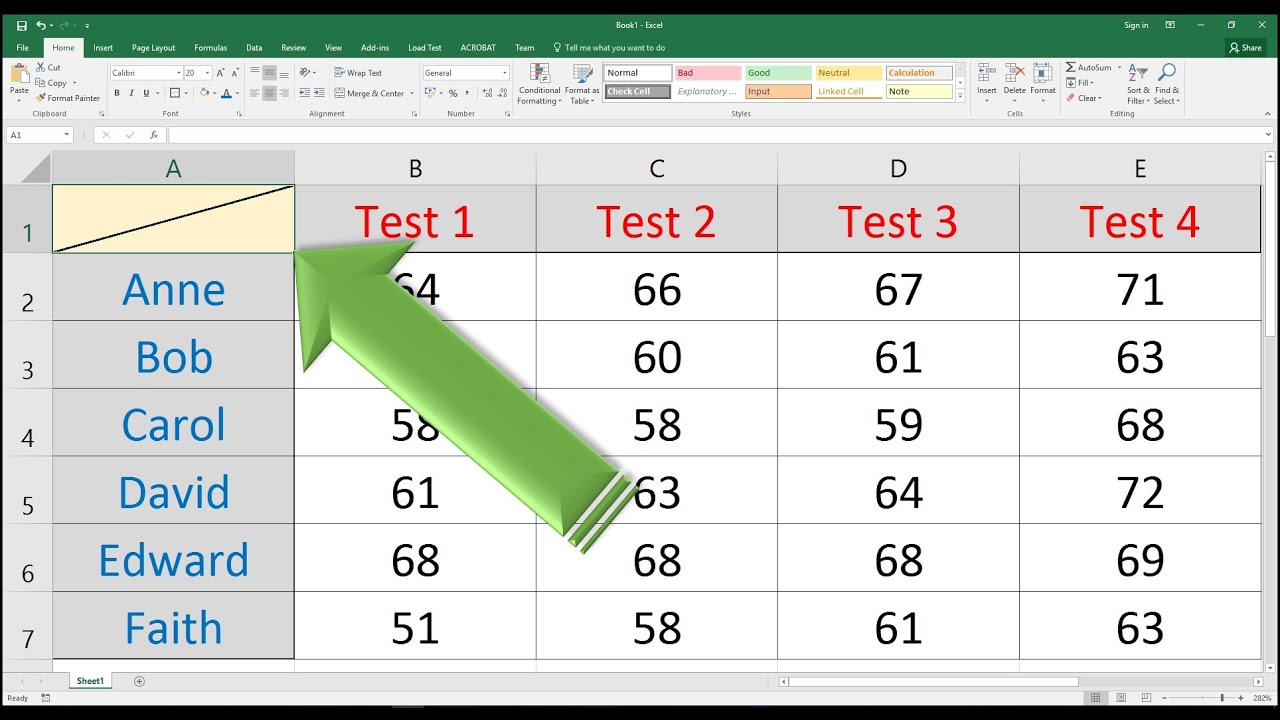
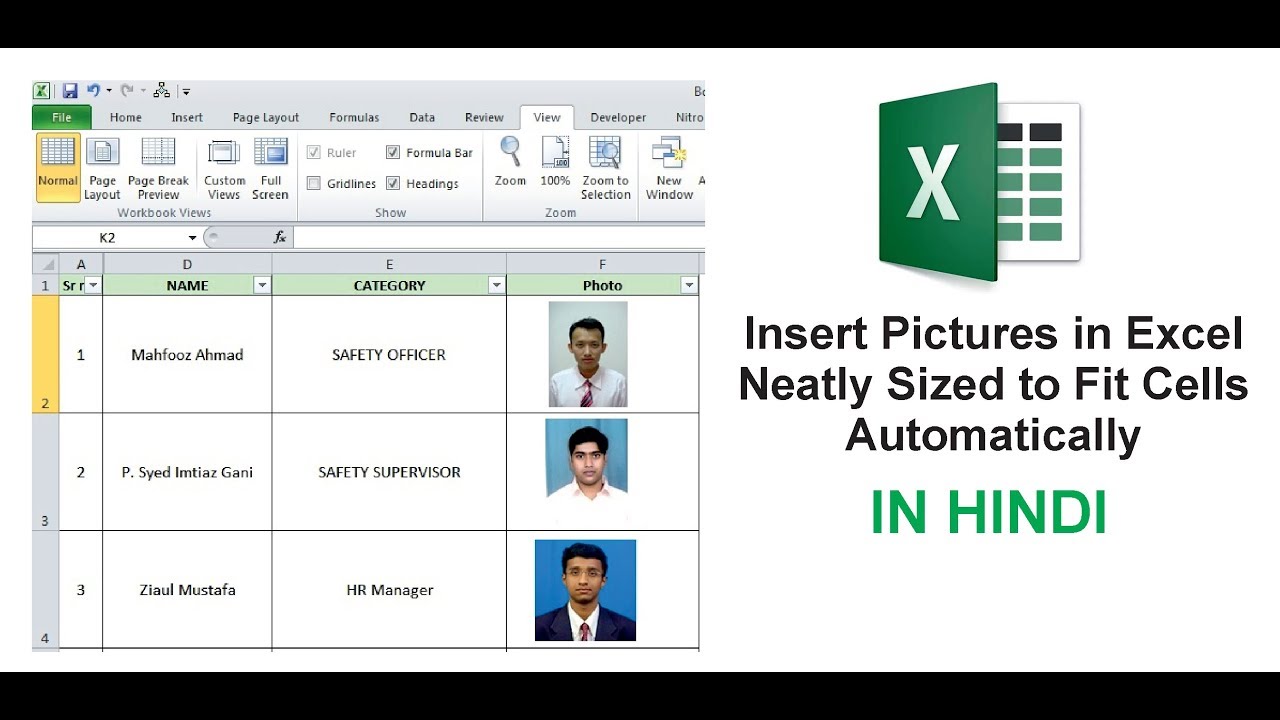
Insert Data To A Cell In Excel How To Insert Image In Excel Cell Correctly YouTube Download Using The Sumif Function In Excel Gantt Chart Excel Template Excel VBA Insert Picture From Directory On Cell Value Change YouTube How To Add A Diagonal Line To A Cell In Excel YouTube Insert Pictures In Excel Neatly Sized To Fit Cells Automatically YouTube Web Type CONCAT Select the cell you want to combine first Use commas to separate the cells you are combining and use quotation marks to add spaces commas or other text Close the formula with a parenthesis and press Enter An example formula might be CONCAT A2 quot Family quot See also TEXTJOIN function CONCAT function Merge and
Web Jul 13 2023 nbsp 0183 32 Click the location where you want to insert a new cell Right click the selected cell and select Insert in the right click menu To insert a cell and move the current one to the right choose the Shift cells right or Cells amp Shift Right option To insert a cell and move the current one down choose the Shift cells down or Cells amp Shift Down option Web May 20 2023 nbsp 0183 32 To insert cells between two non adjacent cells select both cells by holding down the Ctrl key while clicking on each cell Then right click anywhere in the selected cells and select Insert and the new cells will be inserted between the two cells you originally selected
Insert Pictures In Excel Neatly Sized To Fit Cells Automatically YouTube Excel Drop Down List For Cell Value Printable Forms Free Online MS Excel How To Combine Multiple Cells Text Into One Cell Easy YouTube How To Insert Multiple Pictures Into Excel Cells Insert Text In Certain Cell In Excel Based On Conditions YouTube How To Make A Drop Down List In Excel Bsuperior Hot Sex Picture Cell Referencing In Excel How To Insert Symbols And Special Characters In To A Cell In Excel Office 365 YouTube How To Insert Picture Excel Cell Sexitrader
Insert Data To A Cell In Excel
 Insert Data To A Cell In Excel
https://i.ytimg.com/vi/_lv7r8JVxW8/maxresdefault.jpg
Web Microsoft 365 training Microsoft security Accessibility center Add a label and text box to an Excel worksheet Labels identify a control and its purpose text boxes let you enter or view data
Templates are pre-designed documents or files that can be utilized for numerous purposes. They can save effort and time by supplying a ready-made format and design for producing different kinds of content. Templates can be utilized for personal or professional projects, such as resumes, invitations, leaflets, newsletters, reports, presentations, and more.
Insert Data To A Cell In Excel
How To Attach An Image To A Cell In An Excel Spreadsheet Healthy Food Near Me
Excel Drop Down List For Cell Value Printable Forms Free Online
MS Excel How To Combine Multiple Cells Text Into One Cell Easy YouTube
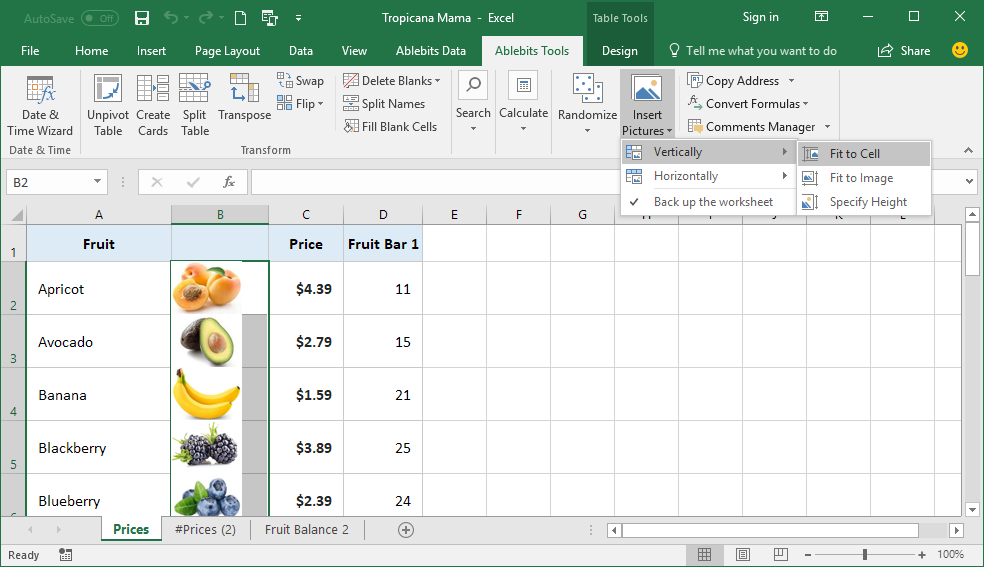
How To Insert Multiple Pictures Into Excel Cells
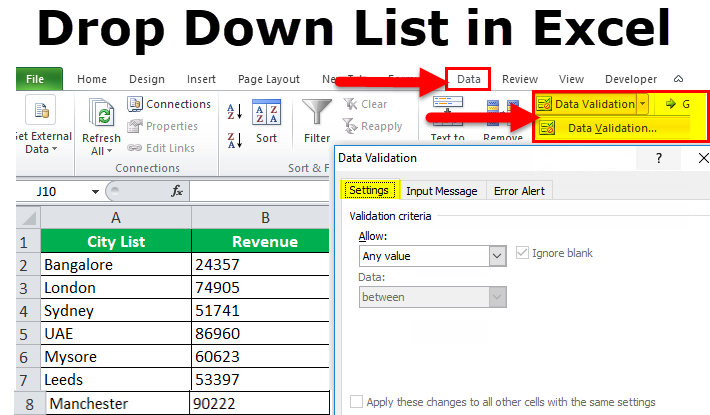
How To Make A Drop Down List In Excel Bsuperior Hot Sex Picture
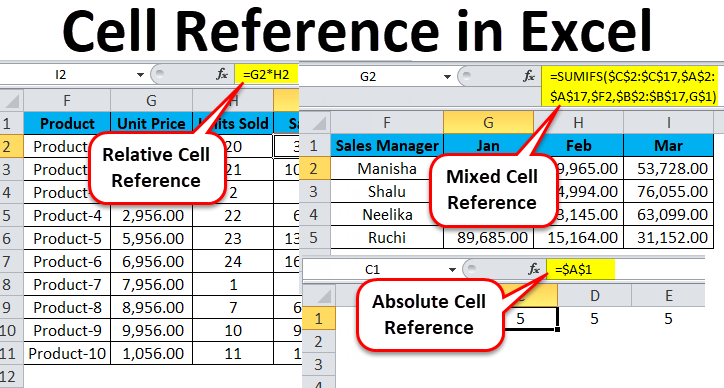
Cell Referencing In Excel
Web Jul 7 2023 nbsp 0183 32 First select the cell with the value you want to add here cell C2 right click and from the drop down menu choose Copy or use the shortcut CTRL C Select the cells where you want to subtract the value and right click on the data range here A2 A6 In the drop down click Paste Special
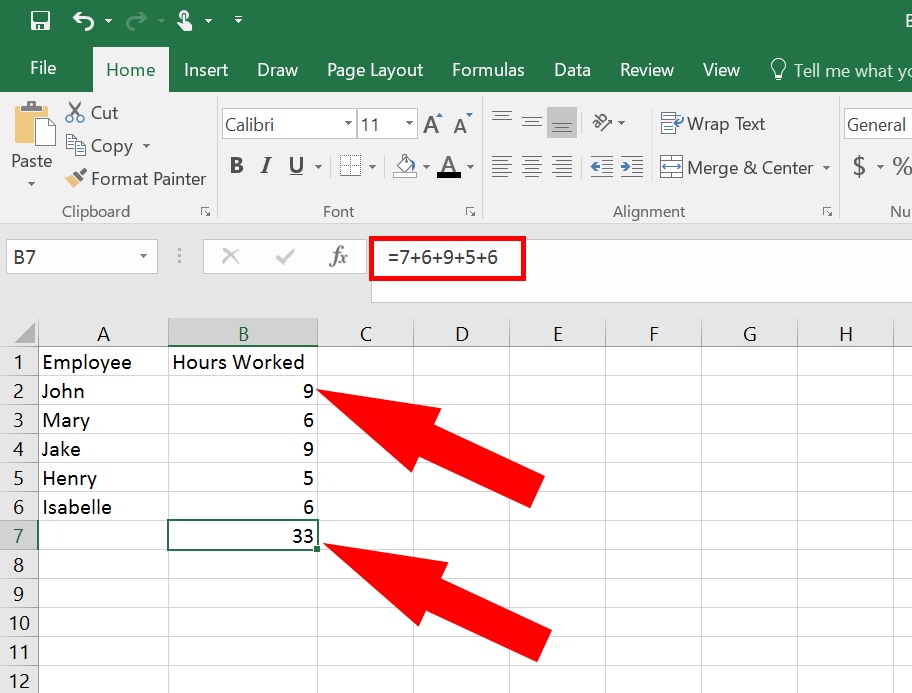
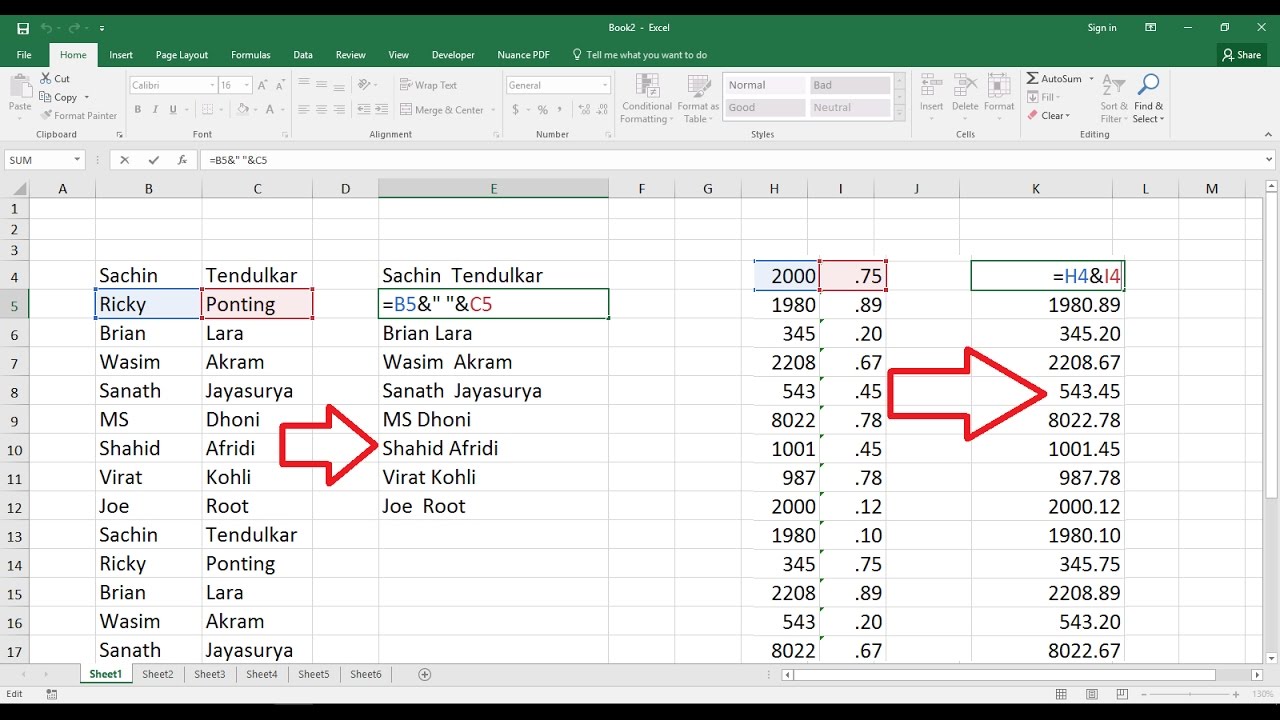
Web Feb 5 2023 nbsp 0183 32 Microsoft Excel has you covered You can use a formula or function to append text to your cells including finding a specific character and adding your text before or after it Here s how Add Text to the Beginning of a Cell To add some text before your existing text in a cell simply use the amp ampersand operator or the CONCAT function
Web Mar 31 2017 nbsp 0183 32 0 Without using VBA or formulas in column C you can t achieve this A simple solution using formulas In cell C1 paste the following formula and drag it down IF B1 1 A1 quot quot So if the content of cell B1 is equal to 1 your cell at column C will display the respective value of the same row at column A Share
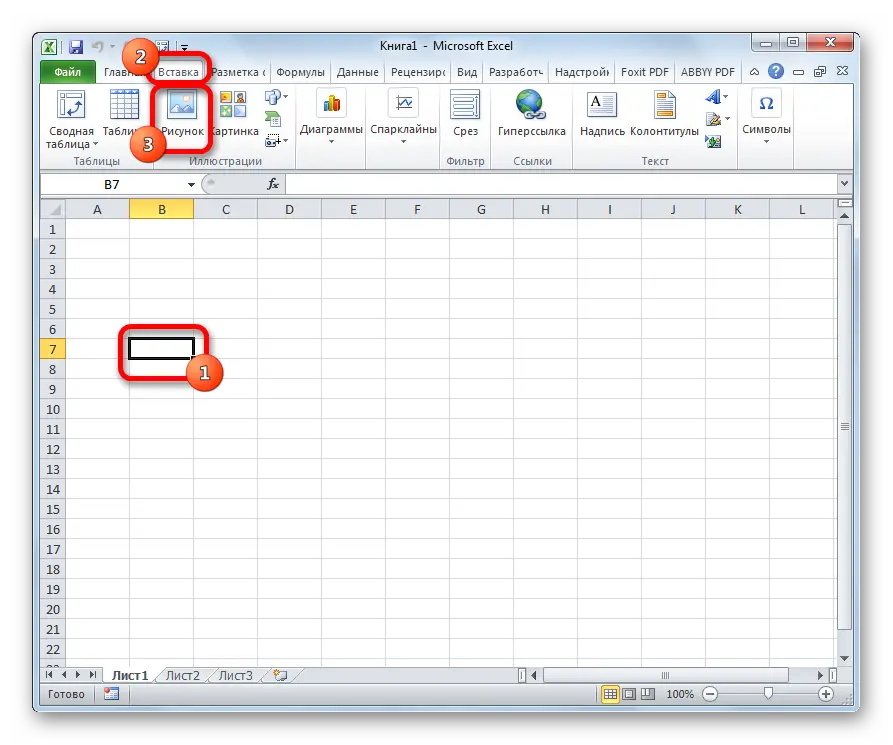
Web Click inside the cell of the spreadsheet where you want to insert the object On the Insert tab in the Text group click Object On the Create New tab select the type of object you want to insert from the list presented
Web Adding and removing cells in Microsoft Excel can be accomplished in two ways Learn how to insert and delete cells in Excel using the ribbon commands method and the right click method 6 Using
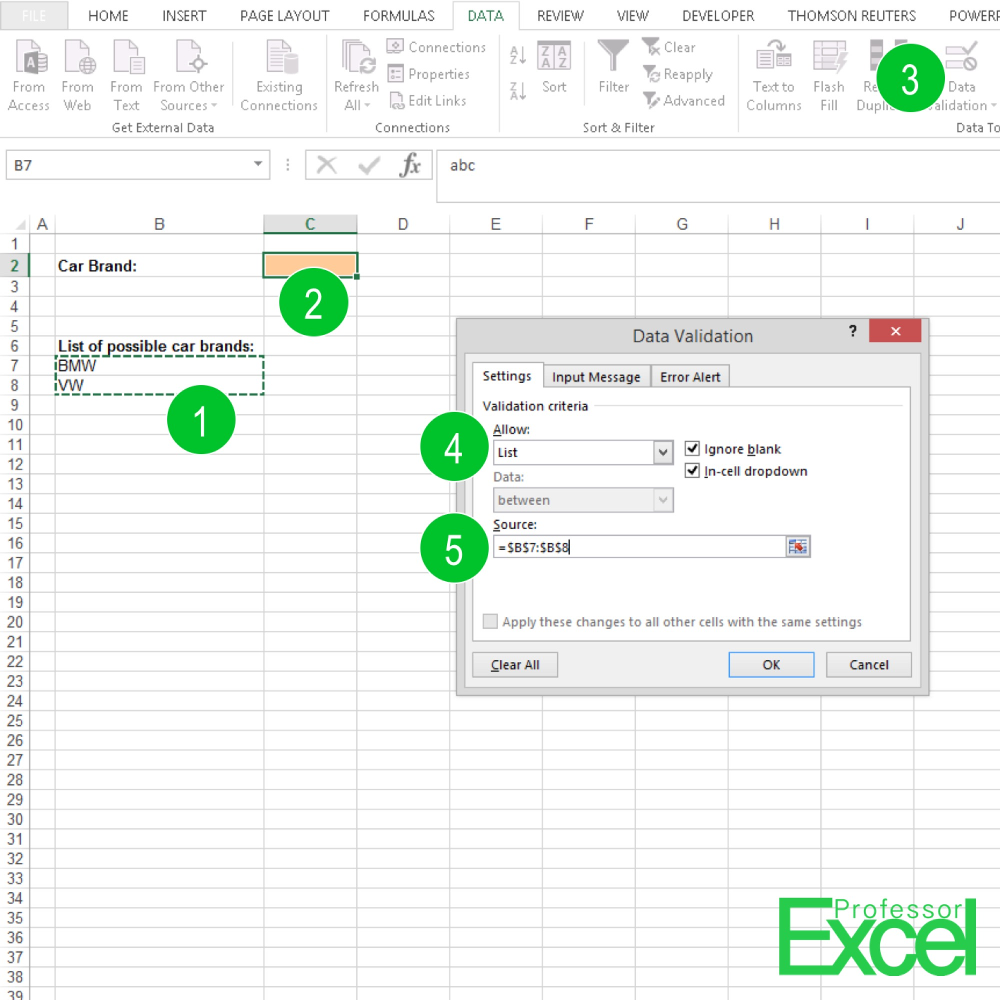
Web Tutorial Import Data into Excel and Create a Data Model Excel for Microsoft 365 Excel 2021 Excel 2019 Excel 2016 Excel 2013 Abstract This is the first tutorial in a series designed to get you acquainted and comfortable using Excel and its built in data mash up and analysis features Web Sep 6 2023 nbsp 0183 32 Drop down lists make it easier and more efficient to enter data into your spreadsheets You can add drop down lists to cells in Excel containing options such as quot Yes quot and quot No quot quot Male quot and quot Female quot or any other custom list of options including numbers or special characters
Web In one or several formulas you can use a cell reference to refer to Data from one or more contiguous cells on the worksheet Data contained in different areas of a worksheet Data on other worksheets in the same workbook For