Input Type Time 24 Hour Format Angular Php Input Time Datetime local To 24 Hr Format Stack Overflow Html Input Time 24 Hour Format Createx jp Designing A Time Input Adam Silver Designer London UK Text Pamflet Anacronic Form Type Date Betondorp HTML Input Type Time 24 Hour Format YouTube 1 How to Add Datepicker with Timepicker in Angular Material 2 Create a New Angular Application 3 Install Material Package 4 Install Material Datepicker Timepicker Package 5 Update App
Angular Material Timepicker Installation npm install mat timepicker yarn add mat timepicker Features Clock view dialog for selecting hour and minutes and options for Represents a time value with hours and minutes Angular package format Feature preview Built in control flow Signals Signal inputs Model inputs Timelink type alias
HTML Input Type Time 24 Hour Format YouTube Mandolyn Electronic Technology WS295 Weather Station Receiver User 24 Hour Clock Converter Printable Converter 24 Hour Conversion Chart Pin On Products LED Time Display 12 24 Hour Format Optional Alarm Clock And Snoring The Mandolyn Electronic Technology WD633 Weather Station Receiver User 24 Hour Daily Planner Printable PDF Half Hour Time Block Instant Round Digital Wall Clock With Date And Indoor Temperature Foldout Java Program To Display Time In 24 hour Format JavaProgramTo
Input Type Time 24 Hour Format Angular
 Input Type Time 24 Hour Format Angular
https://i.stack.imgur.com/gGh2Y.png
Js const timeControl document querySelector input type time timeControl value 15 30 Time value format The value of the time input is always in 24
Templates are pre-designed files or files that can be used for numerous purposes. They can conserve effort and time by providing a ready-made format and design for developing different sort of material. Templates can be used for individual or professional projects, such as resumes, invitations, leaflets, newsletters, reports, presentations, and more.
Input Type Time 24 Hour Format Angular
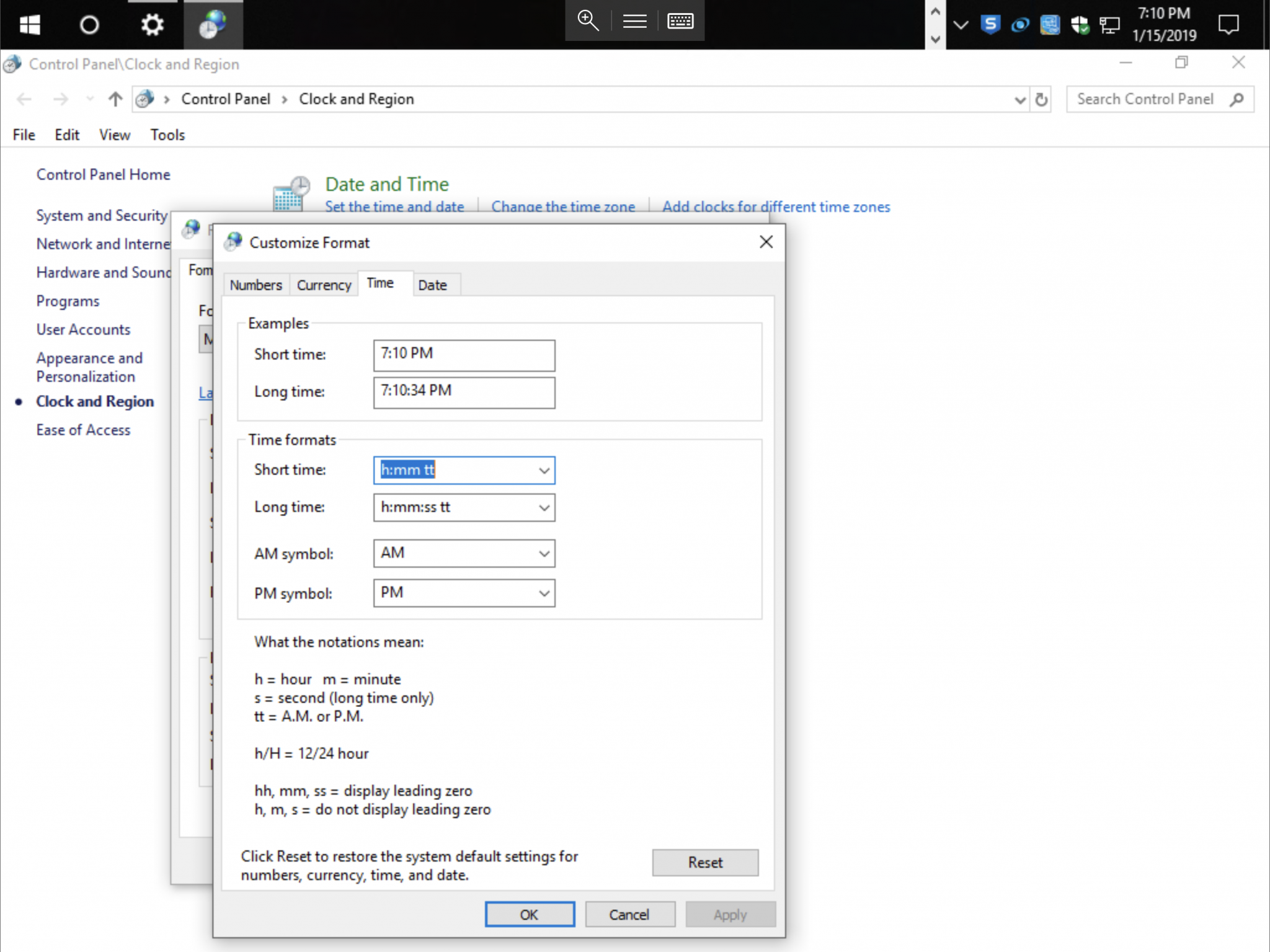
How To Change From 24 hour To 12 hour Clock In Windows 10 Windows
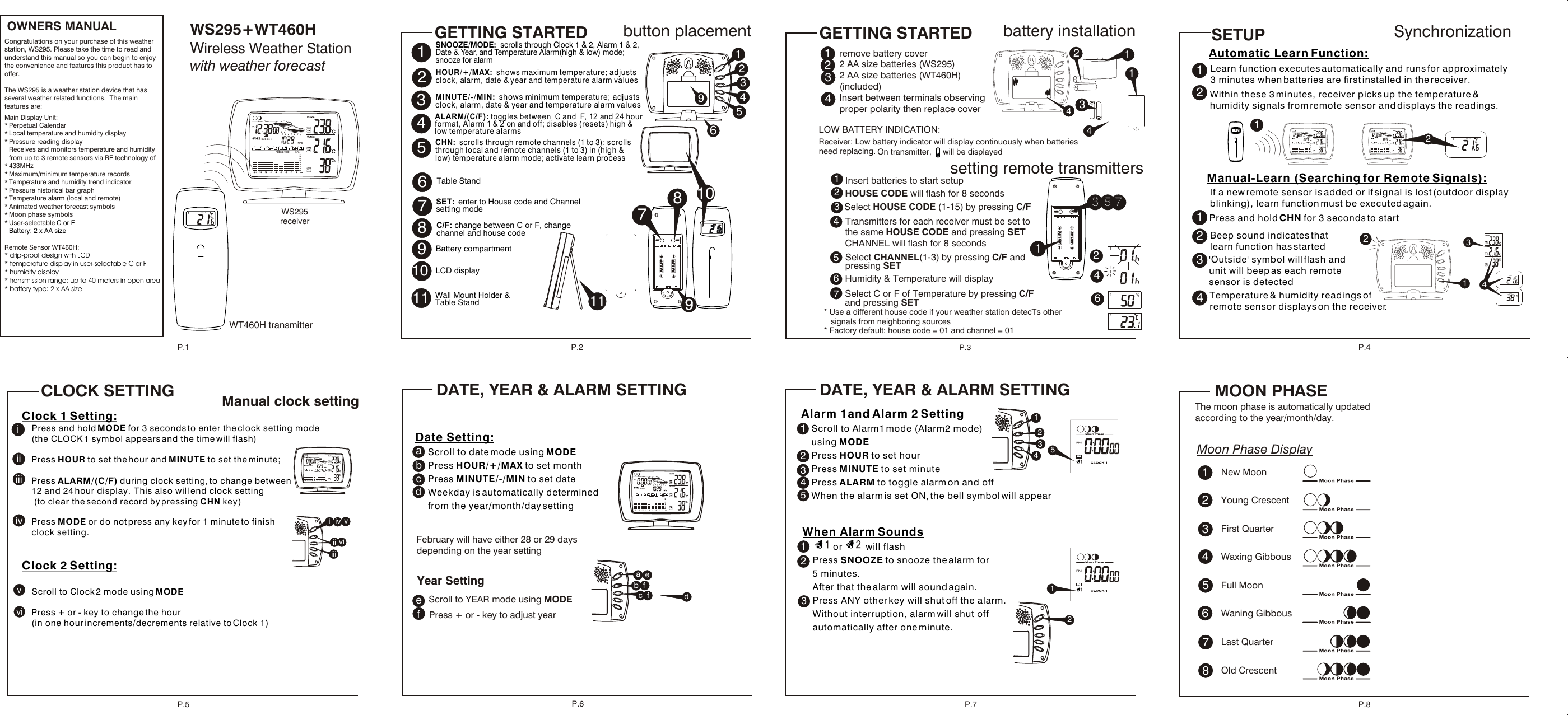
Mandolyn Electronic Technology WS295 Weather Station Receiver User

24 Hour Clock Converter Printable Converter 24 Hour Conversion Chart

Pin On Products
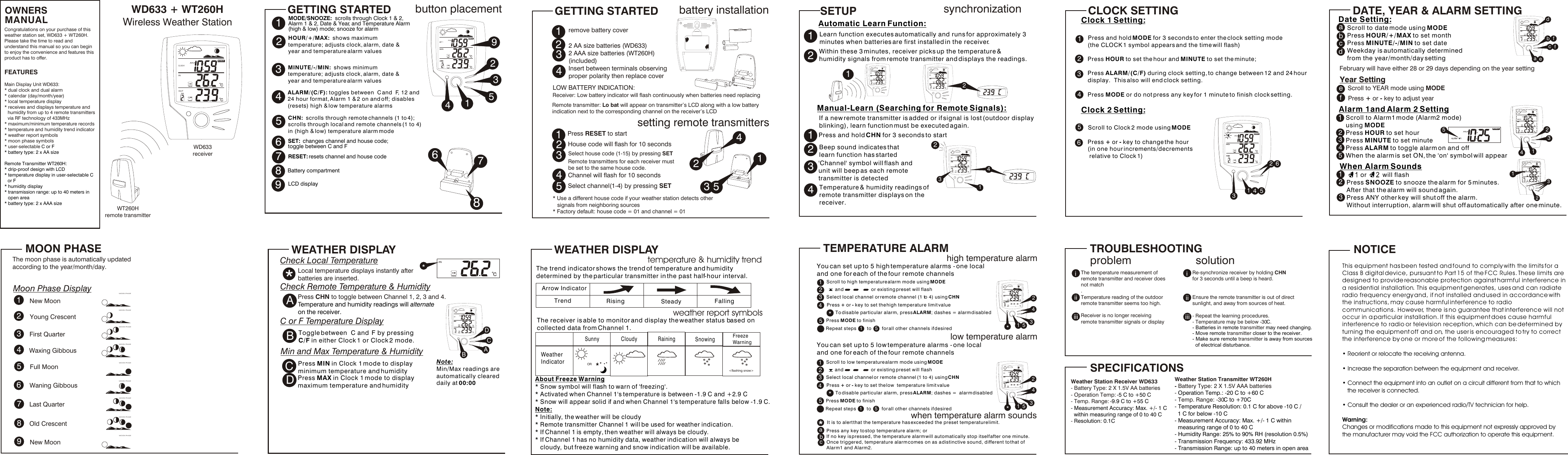
Mandolyn Electronic Technology WD633 Weather Station Receiver User
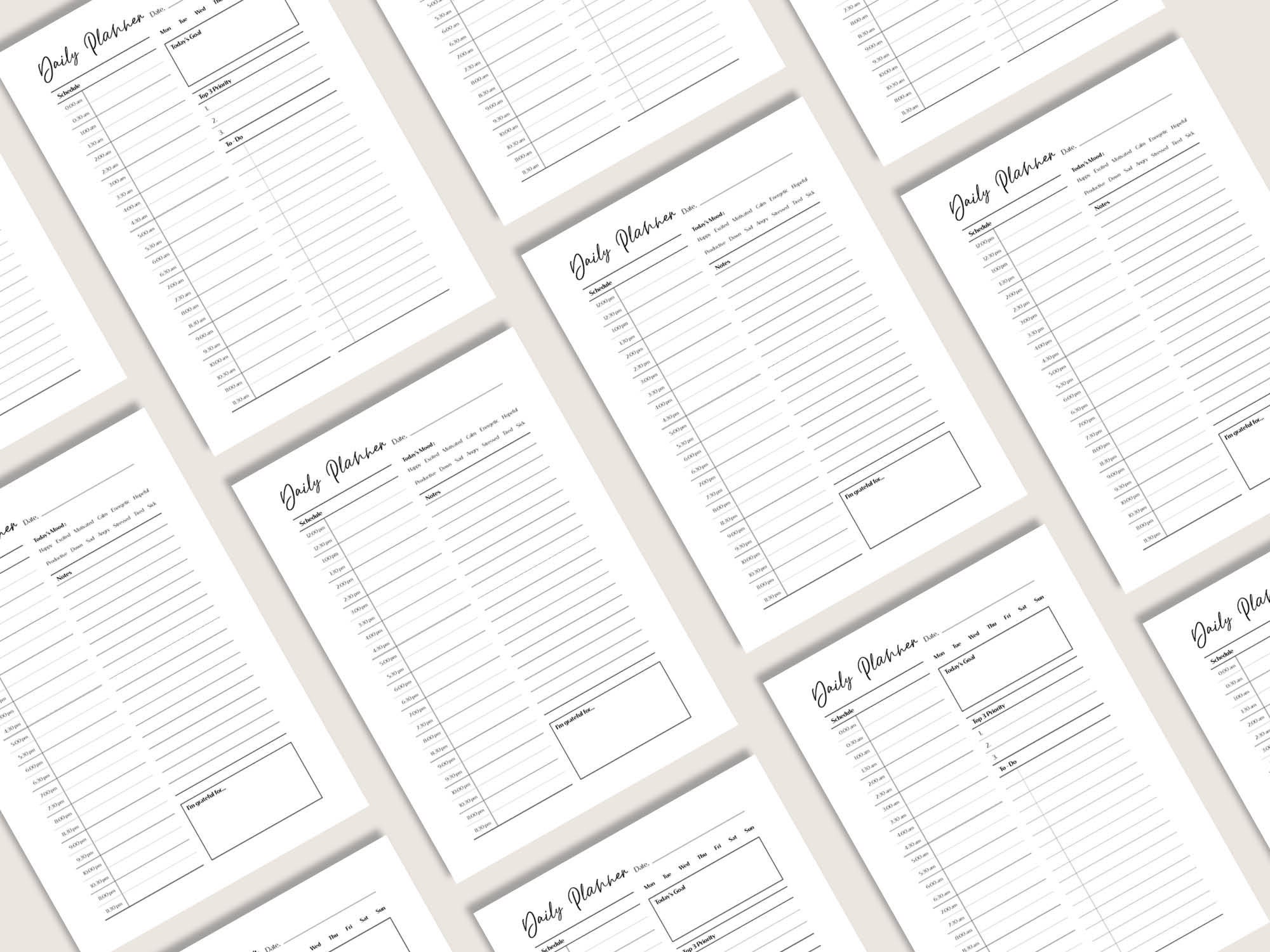
24 Hour Daily Planner Printable PDF Half Hour Time Block Instant

1 Answer Sorted by 5 Angular Material does not format the That s the browsers implementation presentation of the HTML5

If your computer s system prefs are set to use a 24 hour clock the browser will render the element as time range 00 00 23 59 If you change your

Set a default value and time for a timepicker The format of the time is in 12 hours notation 11 00 PM or in 24 hours notation 23 00 A Date string won t work Input format

Basic example Select a time Show code Inline Timepicker with 12h MDB Timepicker allows you to use a inline version timepicker Default version is with 12h Select a time
The angular directive for input type text which is designed to behave similarly to type time with a single feature displays time in a 24 hour format regardless of the
AngularJS support has officially ended as of January 2022 See what ending support means and read the end of life announcement Visit angular io for the actively 1 timepicker 2 border 1px solid rgb 163 175 251 3 text align center 4 display inline 5 border radius 4px 6 padding 2px 7 8 9 timepicker hh timepicker mm
03 12 1 2 3 4 5 6 7 8 9 10 11 00 13 14 15 16 17 18 19 20 21 22 23 This demonstrates 24 hours time format of the TimePicker