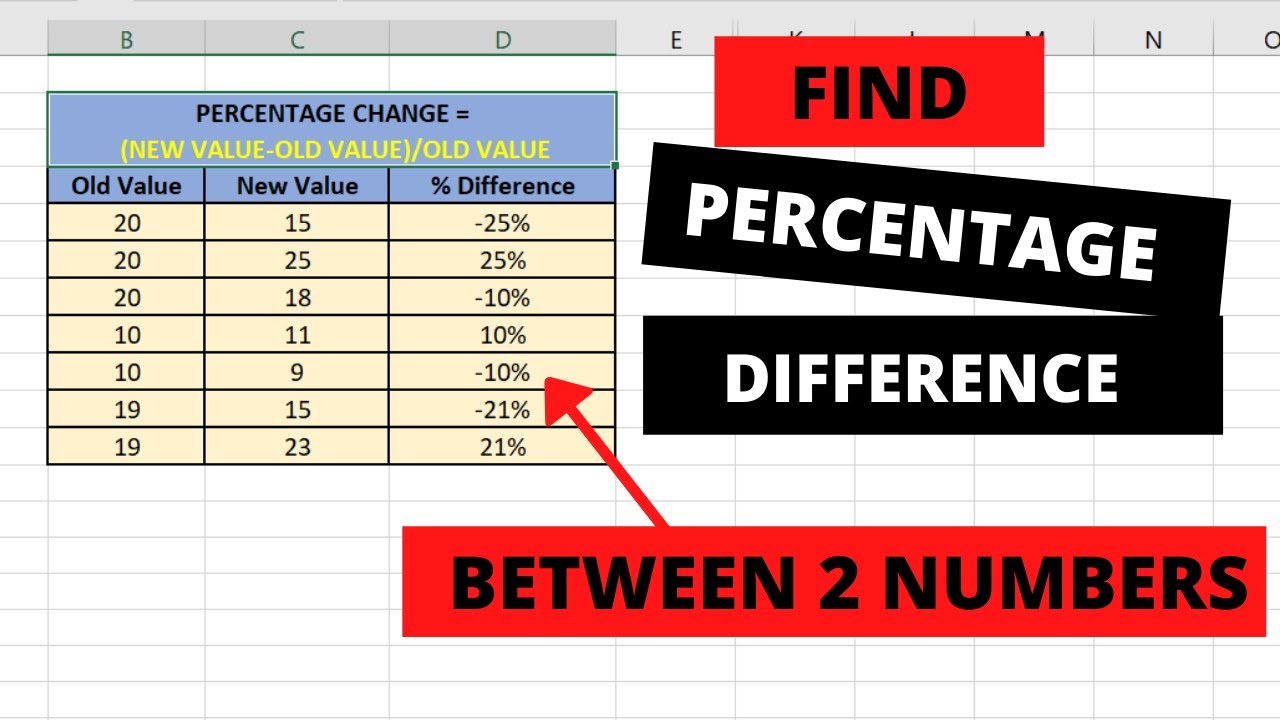
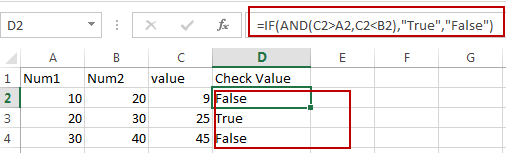
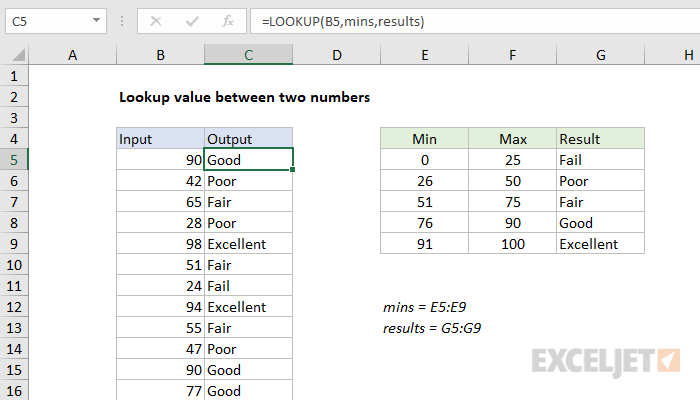
Increase Between Two Numbers Excel How To Calculate Percentage With Two Numbers Haiper How To Calculate Increase Percentage Between Two Numbers Haiper Riset How To Calculate Percentage With Two Numbers Haiper Riset If Between Two Numbers Excel Excelnays Lookup Value Between Two Numbers Excel Formula Exceljet The percentage between the two values is simply calculated by taking the difference between two numbers and dividing it with the original number new value original value original value
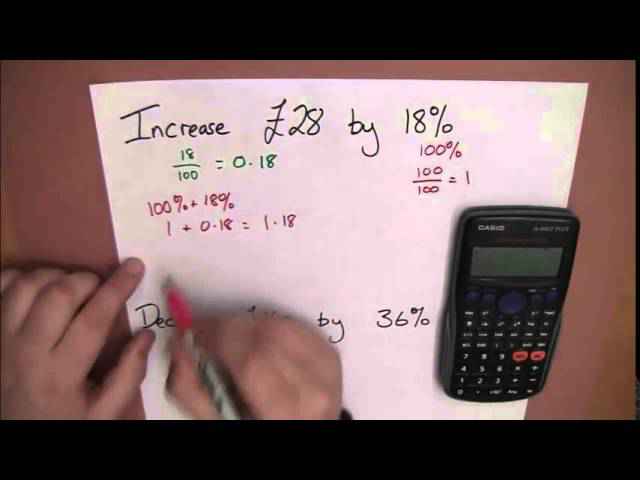
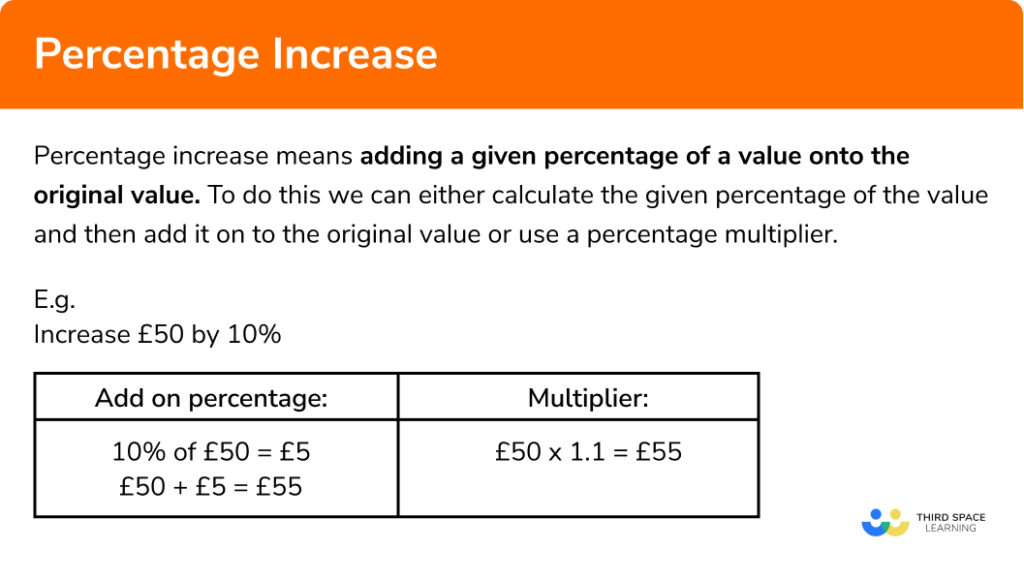
Here is the generally used formula to calculate the percent change new value old value old value In math you d normally perform 3 steps to calculate the percentage variance between any two numeric values Subtract the new value from the old one Divide the difference by the old number Multiply the result by 100 To increase a number by a certain percentage you can use a simple formula that multiplies the number times the percentage 1 In the example shown the formula in cell E5 is C5 1 D5 The results in column E are decimal values with the percentage number format applied Generic formula number 1 percent Explanation
Lookup Value Between Two Numbers Excel Formula Exceljet How To Calculate Percent Change In Excel Formula Count Cells Not Between Two Numbers Excel Formula Exceljet How To Show A Percentage Increase Between Two Numbers Sciencing Gambaran Count Cells Between Two Numbers Quick Guide Excelkid How To Calculate Percentage Increase Between Two Numbers Review At How To Www joeposnanski Count Cells Between Two Numbers Excel Formula Exceljet Value Is Between Two Numbers Excel Formula Exceljet Saki Yoshida Bios Pics
Increase Between Two Numbers Excel
 Increase Between Two Numbers Excel
https://i.ytimg.com/vi/B9LIARKlZTA/maxresdefault.jpg
January 23 2024 manycoders Key Takeaway Understanding Percentage Increase is crucial for analyzing data and making informed decisions It is the measure of the difference between two values expressed as a percentage of the first value
Templates are pre-designed files or files that can be utilized for different functions. They can save time and effort by providing a ready-made format and design for producing various type of content. Templates can be utilized for individual or expert projects, such as resumes, invites, leaflets, newsletters, reports, presentations, and more.
Increase Between Two Numbers Excel
Percent Increase Between Two Numbers Calculator Average Rate Of Change
How To Calculate Percent Change In Excel Formula
Count Cells Not Between Two Numbers Excel Formula Exceljet

How To Show A Percentage Increase Between Two Numbers Sciencing Gambaran

How To Calculate Percentage Increase Between Two Numbers Review At How To Www joeposnanski
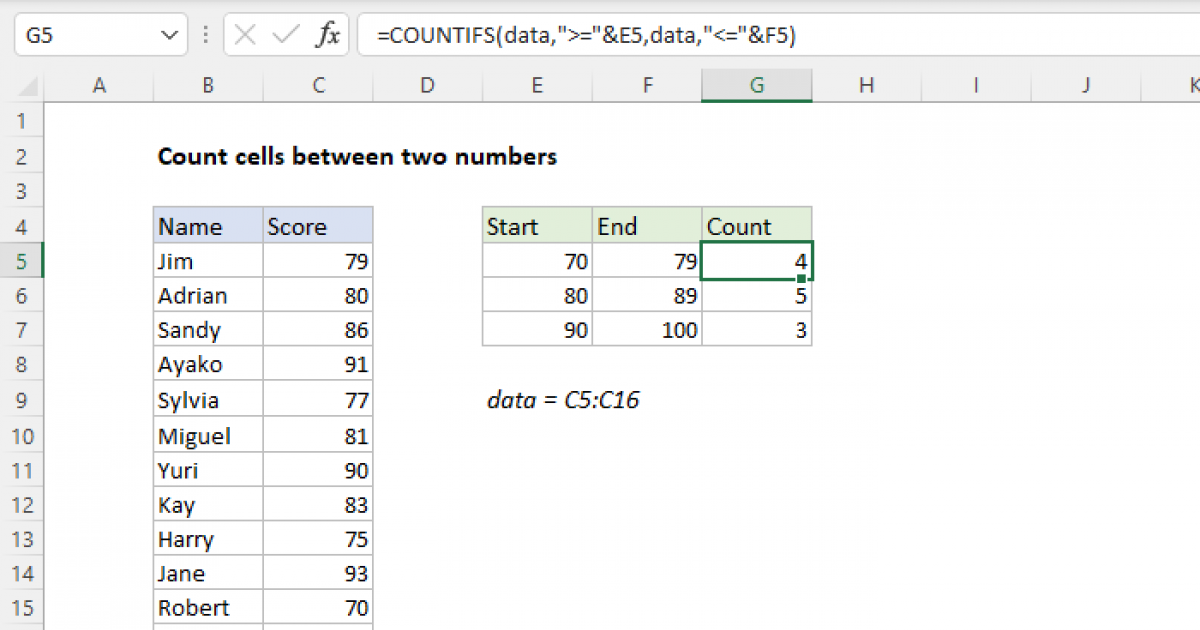
Count Cells Between Two Numbers Excel Formula Exceljet
B3 105 These formulas simply multiply the value by five percent more than the whole of itself 100 percent As a result a 20 percent increase would be multiplied by 120 percent and a 15 percent increase would be 115 percent or 1 15 The Best Tech Newsletter Around
On the Home tab click The result is 6 75 which is the percentage of increase in earnings Note To change the number of decimal places that appear in the result click Increase Decimal or Decrease Decimal Calculate a percentage of decrease Click any blank cell Type 2425 2500 2500 and then press RETURN The result is 0 03000
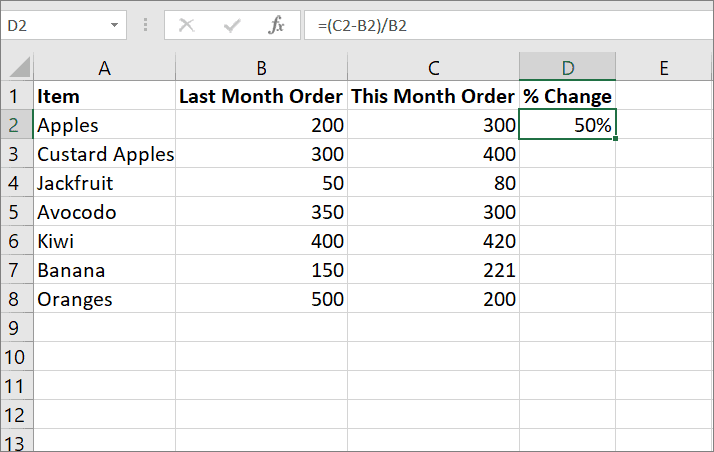
Here are the steps you must follow Create a column header named Percent Increase in column D Put the following formula into D2 and press Enter C2 B2 B2 100 Now drag the fill handle down the column D rows until there are parallel values in columns A and B Percent increase final dataset
Percentage increase is a measure of how much a value has grown in relation to its original size It is often used to compare financial data such as sales or investment returns over a period of time Format the cells as percentages
Step 1 Select the cell Select the cell where you wish to calculate the increment in percentage Step 2 Write and implement the formula Write the following formula in the selected cell C3 B3 B3 Here is the breakdown of the formula C3 B3 This represents the subtraction of the value in cell B3 from the value in cell C3
Excel formula for percent increase decrease To calculate the percentage of difference between two values A and B the generic formula is Percent Change B A A To calculate the percent difference between two numbers correctly carry out these steps Enter the formula in any blank cell in row 2 say D2 This will output the result To calculate this you divide 50 by 100 In Excel the formula to calculate this example would be 50 100 Using cell references where 100 is in cell B3 and 50 is in cell B4 the excel
Go to Home Tab Go to the Number section and select the option Increase or decrease the decimal places by clicking that option 2 Calculating Growth Percentage Increased by a Specific Percentage in Excel Here I will show the same growth percentage techniques where a specific percentage will increase it