Import Azure Ad Connect Powershell Module How To Install And Configure The Azure Active Directory Module For Identitas Hibrid Diperlukan Port Dan Protokol Azure Microsoft Entra No1 Azure AD Connect Azure AD PowerShell Module With Support For PowerShell Core Blog Azure AD Connect SQL Server Express SQL Server Verkko 14 marrask 2023 nbsp 0183 32 Run in Azure Cloud Shell Run in Docker container A supported version of PowerShell version 7 or higher is the recommended version of PowerShell for use with the Az PowerShell module on all platforms including Windows Linux and macOS The Az PowerShell module is preinstalled in Azure Cloud Shell and in
Verkko 19 syysk 2023 nbsp 0183 32 The Azure AD PowerShell module allows you to manage your Azure Active Directory with PowerShell The first step to use this module is to use the Connect AzureAD cmdlet After you are connected you can get update create or remove objects in your Azure AD environment Verkko 15 helmik 2022 nbsp 0183 32 Installing the Azure AD Module Updating the Azure AD Module Connect to Azure AD Next steps You can use the Azure Active Directory PowerShell module version for Graph for Azure AD administrative tasks such as user management domain management and for configuring single sign on
Azure AD Connect SQL Server Express SQL Server Step by Step Managing Users Via The Azure Active Directory PowerShell Microsoft Azure Ad Connect Force Password Sync Azure AD Connect Pass through Authentication Upgrade Auth Agents Azure AD Connect 2 0 Vs 1 0 Diferen as Wtsnet Upgrading Azure AD Connect To Latest Version LaptrinhX How To Connect To Azure AD Using PowerShell SharePoint Diary Import PowerShell Active Directory Module Step by Step Guide Can Azure AD Connect Sync And Azure AD Connect Cloud Sync Exist In
Import Azure Ad Connect Powershell Module
 Import Azure Ad Connect Powershell Module
https://gcits.com/wp-content/uploads/AcceptTermsandInstallAzureActiveDirectoryModule-1030x334.png
Verkko 8 kes 228 k 2020 nbsp 0183 32 The core PowerShell functionality for Azure AD Connect can be found in the ADSync Windows PowerShell module It offers the following Windows PowerShell cmdlets Add ADSyncAADServiceAccount Add ADSyncAttributeFlowMapping Add ADSyncConnector Add ADSyncConnectorAnchorConstructionSettings Add
Templates are pre-designed files or files that can be used for different purposes. They can save effort and time by supplying a ready-made format and layout for developing various type of content. Templates can be used for individual or expert tasks, such as resumes, invitations, flyers, newsletters, reports, presentations, and more.
Import Azure Ad Connect Powershell Module

Azure AD Connect Synchronization Service Manager Microsoft Entra

Step by Step Managing Users Via The Azure Active Directory PowerShell

Microsoft Azure Ad Connect Force Password Sync
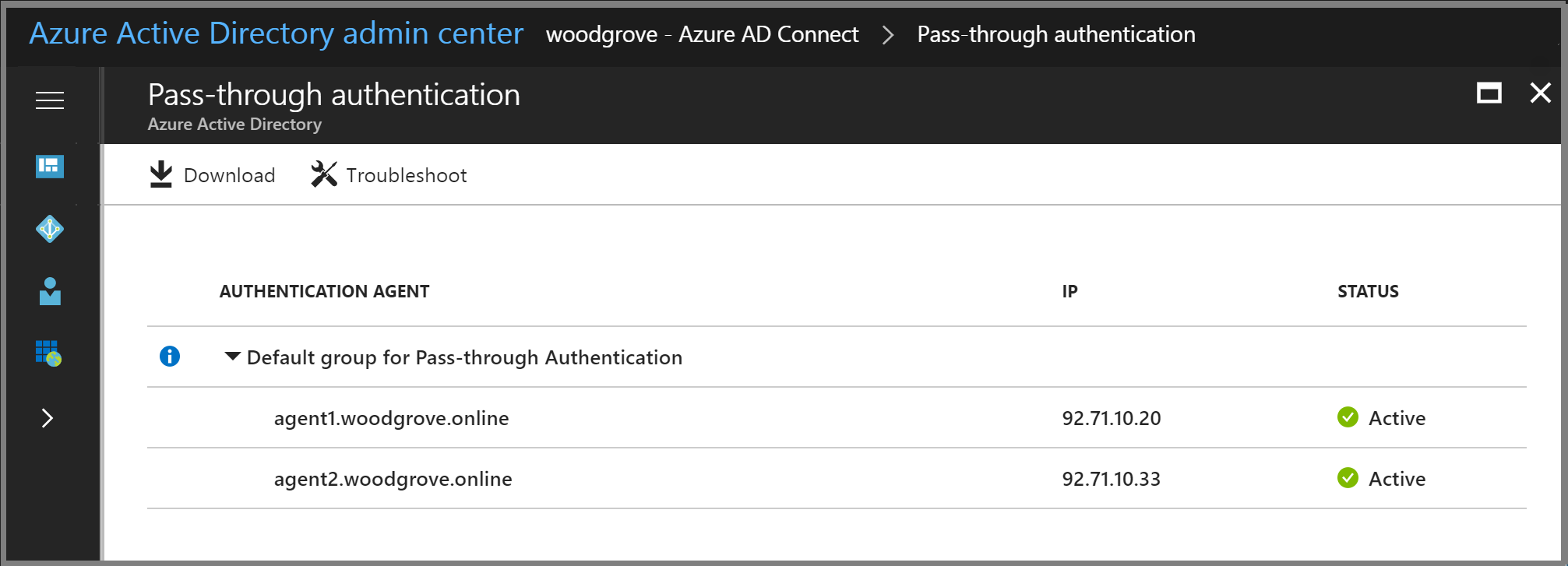
Azure AD Connect Pass through Authentication Upgrade Auth Agents
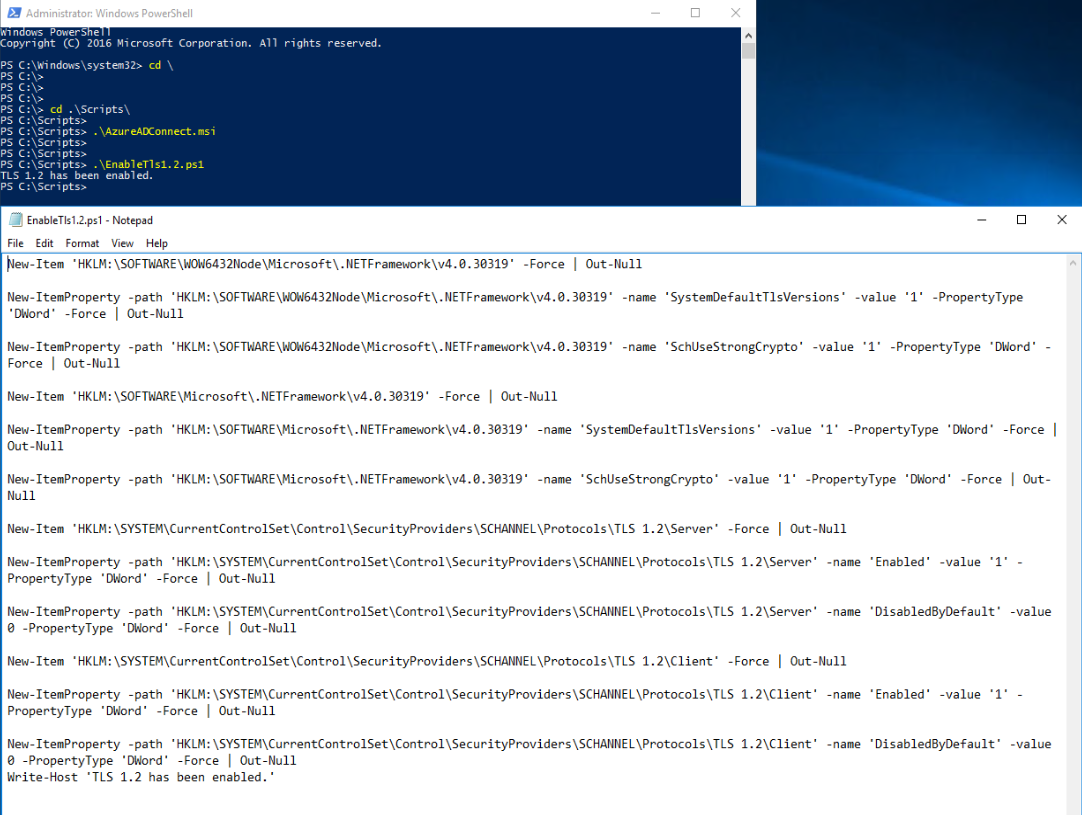
Upgrading Azure AD Connect To Latest Version LaptrinhX
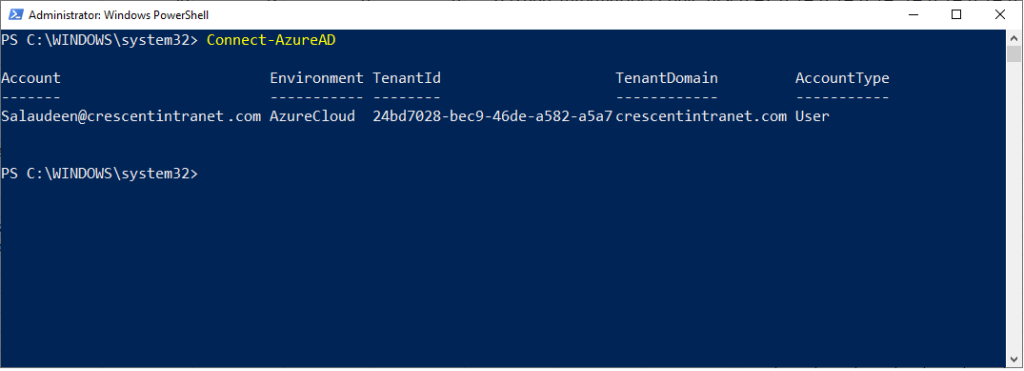
How To Connect To Azure AD Using PowerShell SharePoint Diary

Verkko 16 helmik 2022 nbsp 0183 32 Last updated February 15 2022 by Rudy Mens 1 Comment When you want to use PowerShell to interact with your Azure AD environment you will need to install the Azure AD Module This module allows you to manage your whole Azure Active Directory with PowerShell

Verkko Install the ADSyncTools PowerShell module To install the ADSyncTools PowerShell module do the following Open Windows PowerShell with administrative privileges Type or copy and paste the following Net ServicePointManager SecurityProtocol Net SecurityProtocolType Tls12 Install PackageProvider Name NuGet
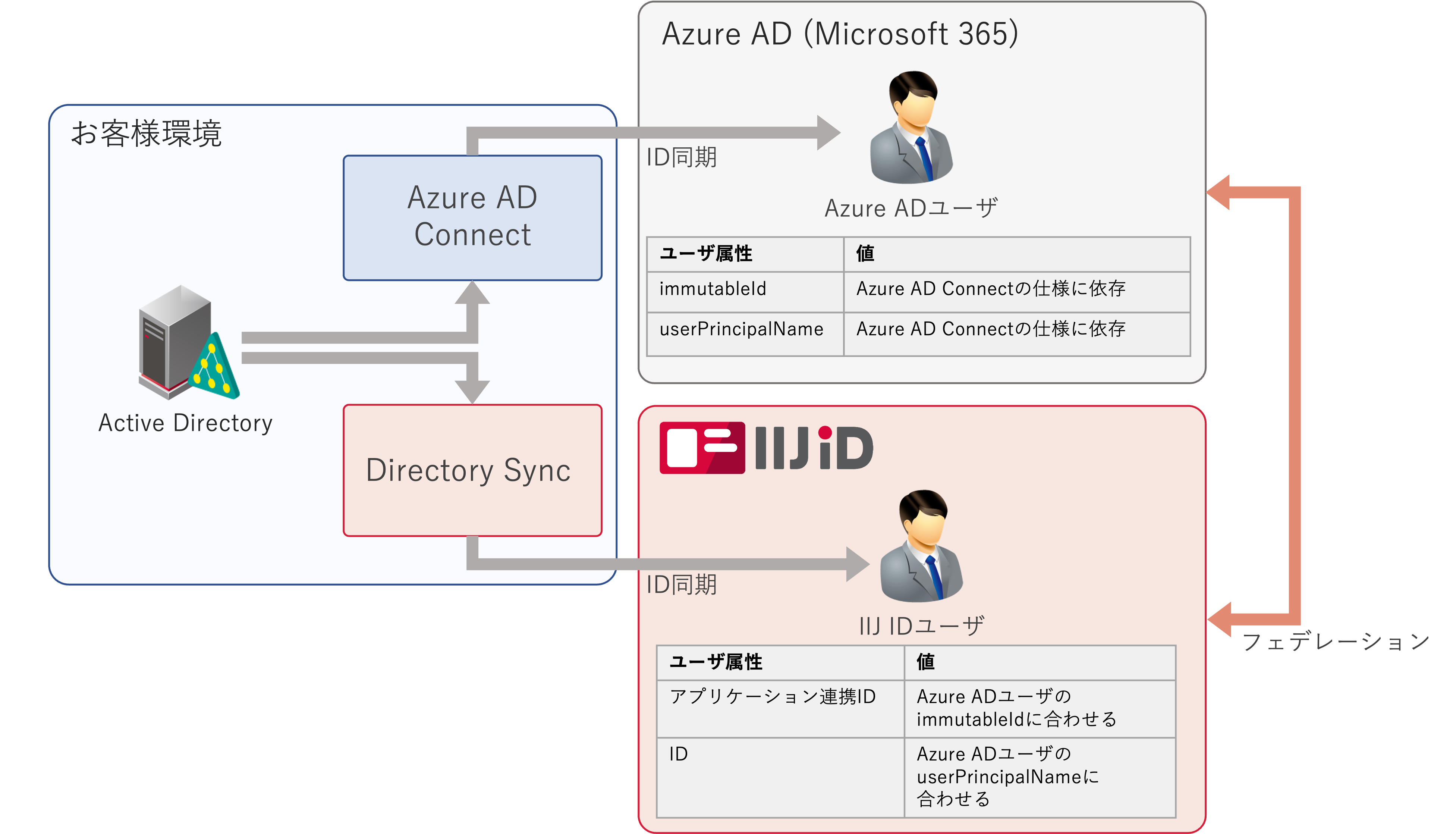
Verkko 14 marrask 2023 nbsp 0183 32 Installing the Az PowerShell module downloads the generally available modules and makes their cmdlets available for use The recommended installation method and PowerShell version for the Az PowerShell module Install from the PowerShell Gallery Use with PowerShell version 7 or higher

Verkko The Connect AzureAD cmdlet connects an authenticated account to use for Azure Active Directory cmdlet requests You can use this authenticated account only with Azure Active Directory cmdlets Examples Example 1 Connect a PowerShell session to a tenant PS C gt Connect AzureAD Confirm

Verkko 14 marrask 2023 nbsp 0183 32 The Az PowerShell module is a set of cmdlets for managing Azure resources directly from PowerShell PowerShell provides powerful features for automation that can be leveraged for managing your Azure resources for example in the context of a CI CD pipeline
Verkko 12 hein 228 k 2019 nbsp 0183 32 Import Module is the cmdlet used to load a module that has already been installed on your system You should read up on Find Module and Install Module You can get some more info on both installing modules and this very module in question here lt powershellgallery packages AzureAD 2 0 2 26 gt notjustme Jul 12 2019 Verkko 25 hein 228 k 2019 nbsp 0183 32 Import Module The current processor architecture is X86 The module C Program Files WindowsPowerShell Modules azuread 2 0 2 4 azuread psd1 requires the following architecture Amd64 If I switch the terminal from PowerShell Integrated to powershell it works but when I start debugging my code it goes back to
Verkko 6 marrask 2023 nbsp 0183 32 Install the AADCloudSyncTools PowerShell module Open Windows PowerShell with administrative privileges Run Import module Name quot C Program Files Microsoft Azure AD Connect Provisioning Agent Utility AADCloudSyncTools quot To verify that the module was imported run Get module AADCloudSyncTools You