Image Pro 2 Multi Gym The Fastest Way To Edit Multiple Cameras In Premiere Pro MULTICAM Barco Folsom Image Pro 2 Quest Audio Visual Fiddler Everywhere 6 3 0 Mac78 IK Multi Pro 2 Multi Detaildepot co Multi Gym Machine At Rs 47000 Sector 11 Noida ID 12655352762 Jul 4 2023 nbsp 0183 32 The ANTIALIAS constant was removed in Pillow 10 0 0 after being deprecated through many previous versions Now you need to use PIL Image LANCZOS or
To Select the language you want the translation in On the app home screen tap Camera To translate text from an image you ve already captured tap All Images To translate what you find through your To copy an image or rename the existing image you need only to create a new tag or repository from the existing one You can do that with the docker tag command
Multi Gym Machine At Rs 47000 Sector 11 Noida ID 12655352762 HIKMICRO Stellar SX60L 3 0 Thermal Scope Bullet Shooting Accessories Weight Plates Balo Max Pro 2 Multi M Tiger Family Bars And Accessories Taurus Smart Bike Z9 9 Pro Taurus Fitness FMR1 FCA1 PSB10 USB
Image Pro 2 Multi Gym
 Image Pro 2 Multi Gym
https://i.ytimg.com/vi/8uPXoHr1Qz0/maxresdefault.jpg
I would like to include image in a jupyter notebook If I did the following it works from IPython display import Image Image quot img picture png quot But I would like to include the images in a mark
Pre-crafted templates use a time-saving service for producing a varied variety of documents and files. These pre-designed formats and layouts can be made use of for different personal and professional jobs, consisting of resumes, invites, leaflets, newsletters, reports, discussions, and more, streamlining the content production procedure.
Image Pro 2 Multi Gym

B650 PRO RS AM5 ATX Motherboard

HIKMICRO Stellar SX60L 3 0 Thermal Scope Bullet Shooting Accessories
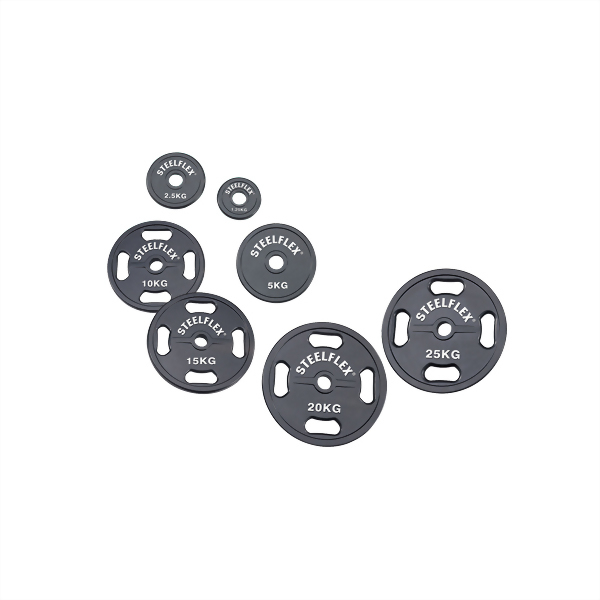
Weight Plates

Balo Max Pro 2 Multi M Tiger Family

Taurus Smart Bike Z9 9 Pro Taurus Fitness
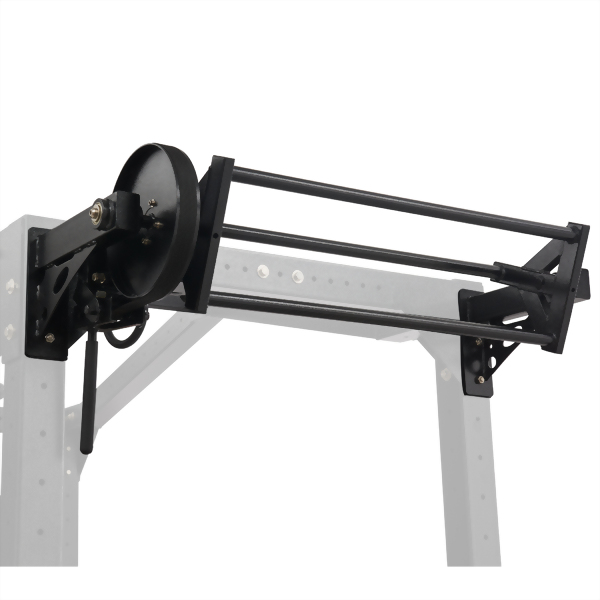
FMR1

How can I efficiently save a particular page of a PDF as a jpeg file using Python I have a Python Flask web server where PDFs will be uploaded and I want to also store jpeg files that correspond t

To turn an image into a container the Docker engine takes the image adds a read write filesystem on top and initialises various settings including network ports container name ID and resource limits

Click an image in a drawing in Google Drawings a slide in Google Slides or a scene s canvas in Google Vids Click Edit image Remove background You can also remove the background from the Format

This approach is different than setecs answer using this the image area will be constant and defined by you leaving empty spaces either horizontally or vertically depending on the div size and image

For example you can Edit an image that you generated in Gemini Apps Upload an image and ask Gemini to make edits Upload multiple images and ask Gemini to create a new image based on your
[desc-11] [desc-12]
[desc-13]