Illustrator Not Working Properly Tabs In Illustrator Not Working Properly Adobe Community 10760599 How To Fix Adobe Illustrator Not Responding Problem 2023 YouTube Adobe Indesign Vs Illustrator Riloed How To Resize An Image On Illustrator Ffopwallstreet Why Can t I Resize My Image In Illustrator WebsiteBuilderInsider Oct 4 2023 nbsp 0183 32 Why is my Adobe Illustrator not responding What can I do if Adobe Illustrator is not responding 1 Uninstall and reinstall Adobe Illustrator 2 Update your GPU device drivers 3 Try forcing Adobe Illustrator to end 4 Turn your
If Illustrator is frozen and not responding follow these steps to recover your files Force quit the program through task manager by clicking your keyboard press CTRL SHIFT ESC Select Illustrator in the task manager window and click Feb 16 2014 nbsp 0183 32 The new version of Adobe Illustrator has alignment issues where shapes don t line up properly In this video I show you how to fix these alignment issues
Why Can t I Resize My Image In Illustrator WebsiteBuilderInsider Typography On Behance Known Issues In Character Animator Adobe Illustrator Adobe Illustrator Image Trace Tradinglaneta Adobe Illustrator Shortcut Cheat Sheet By JT On Dribbble Uses Of Adobe Illustrator Professorgai Adobe Illustrator Cc Training Lindamuseum Adobe Illustrator 2015 Not Working Lasopakorean
Illustrator Not Working Properly
 Illustrator Not Working Properly
https://community.adobe.com/havfw69955/attachments/havfw69955/illustrator/155806/1/Screen Shot 2019-11-25 at 10.26.52 am.png
I m trying to put a JPG image into the bottom green plane of a 1 point perspective grid Problem is once I select the Perspective Selection Tool and try to move the JPG I ve placed it won t
Pre-crafted templates provide a time-saving option for producing a varied range of files and files. These pre-designed formats and designs can be made use of for numerous individual and professional projects, including resumes, invitations, flyers, newsletters, reports, discussions, and more, simplifying the content production procedure.
Illustrator Not Working Properly
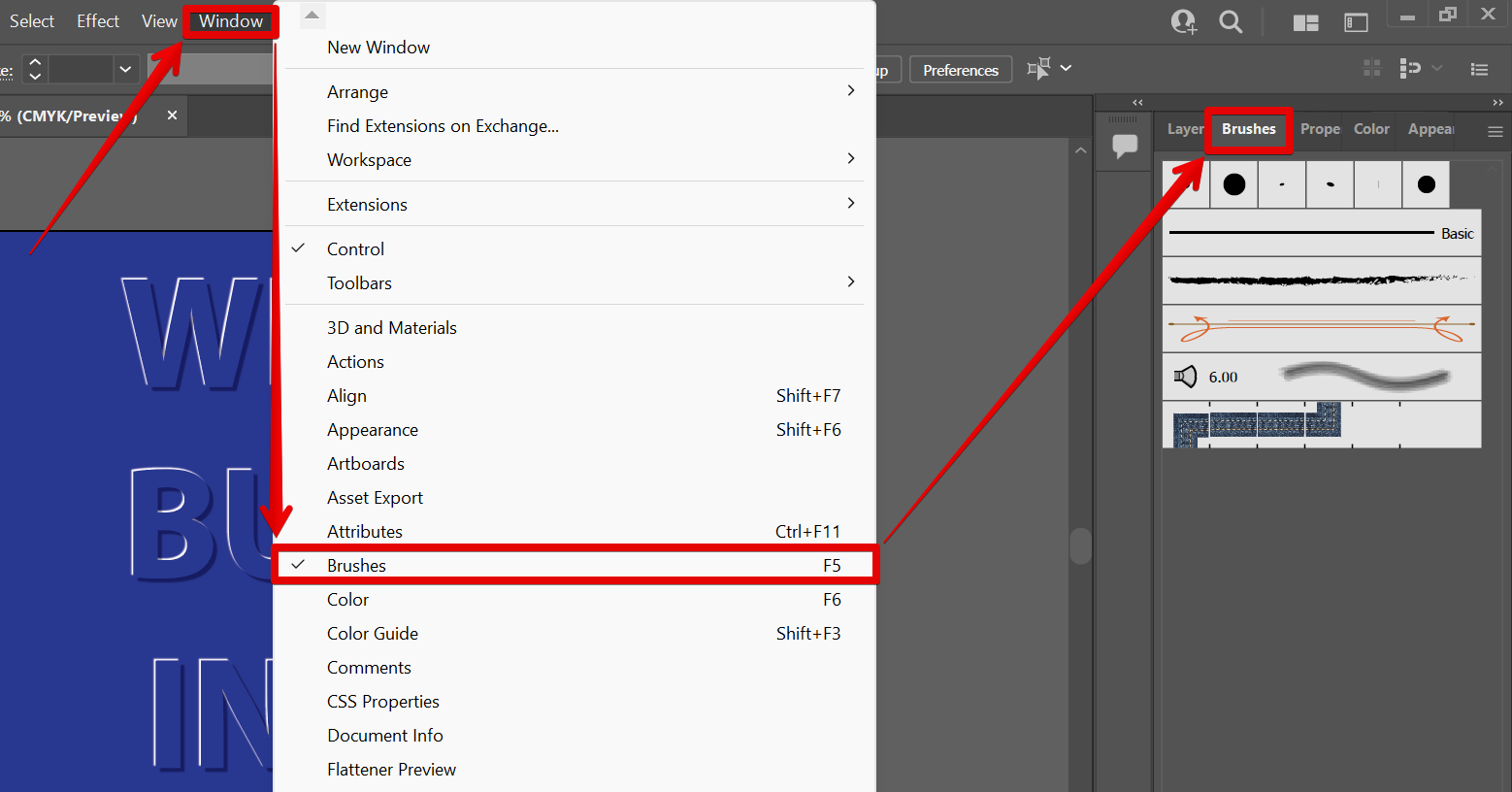
Why Are My Smart Guides Not Working In Illustrator

Typography On Behance

Known Issues In Character Animator

Adobe Illustrator
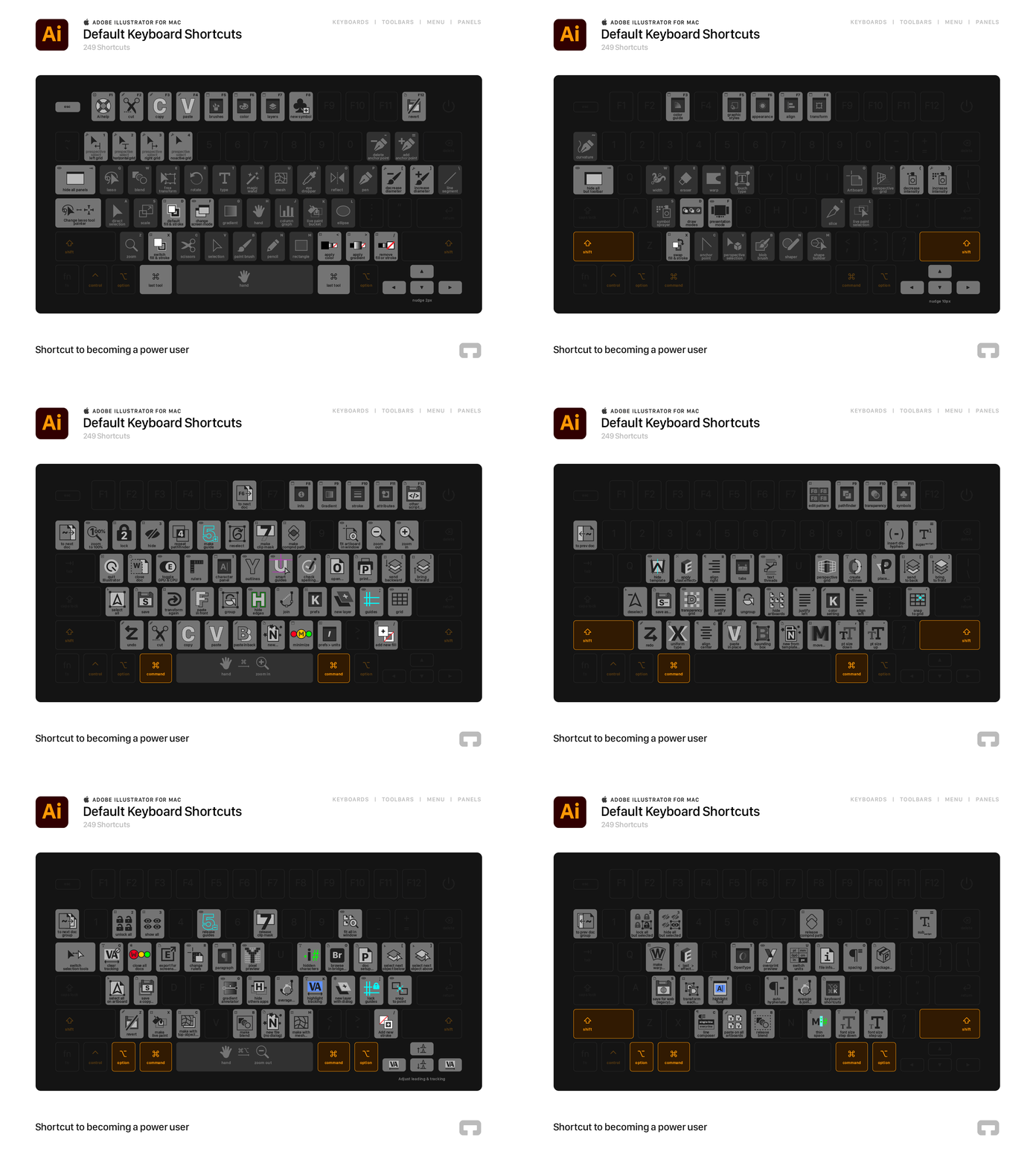
Adobe Illustrator Shortcut Cheat Sheet By JT On Dribbble
Uses Of Adobe Illustrator Professorgai

Last updated on Aug 2 2024 Illustrator We heard you We ve been working hard at fixing the issues you reported to us Here s a list of issues we fixed in the latest release of Illustrator Important Reminder Adobe will disable support for

Sep 23 2020 nbsp 0183 32 1 In the search bar type Troubleshoot and press Enter 2 Click on Additional troubleshooters 3 Select Program Compatibility Trouble Shooter The press the button Run
Nov 2 2022 nbsp 0183 32 Since yesterday my Illustrator is not working and held again and again I also re install but didn t work Can anyone help me to solve it I have to meet my deadline and deliver

Sep 15 2023 nbsp 0183 32 Since the last update form windows 11 I am unable to work in Adobe Illustrator 27 9 No matter how big the file is it is always the circle running on the screen and i can do one
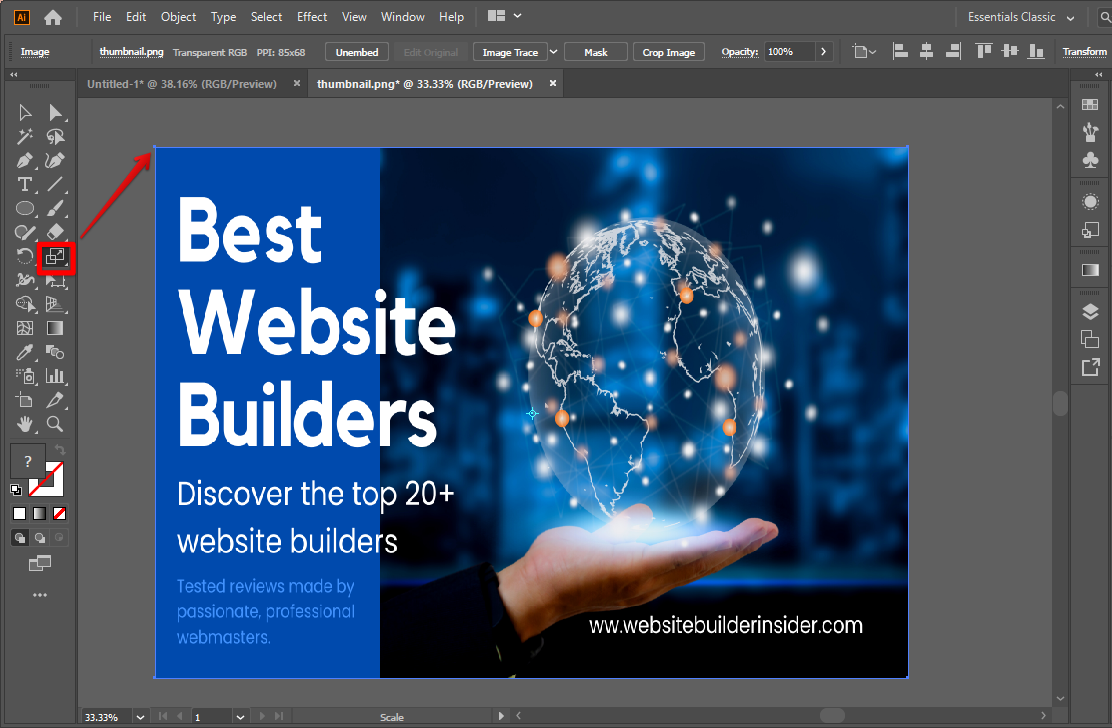
Jan 2 2024 nbsp 0183 32 Using Adobe Illustrator can be frustrating when something goes wrong In this article we ll cover how to fix arrow keys not working in Illustrator in 4 Steps
Aug 25 2024 nbsp 0183 32 Having same problem now but Command Y not working Illustrator says quot Can t finishing previewing could not complete the requested operation quot Votes Upvote I must have Jul 26 2023 nbsp 0183 32 Solution 1 Save file with a different file format Change the ai file to a different format svg png jpg ps and then try to save the file again Follow these steps to save the
May 25 2014 nbsp 0183 32 Illustrator will snap your anchor points not the stroke edge to the grid So the stroke will end up half a pixel over the grid You can try setting the Align Stroke option in your