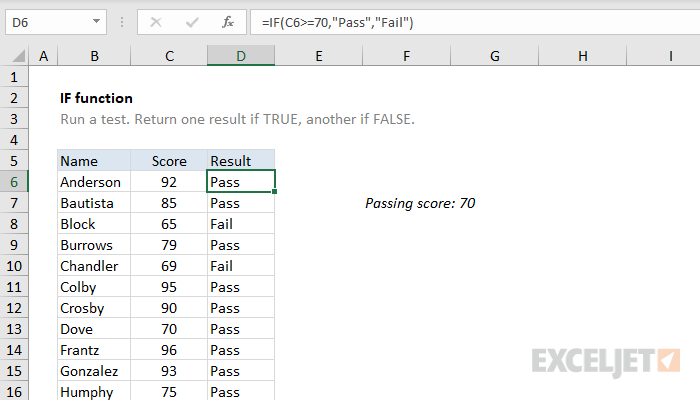
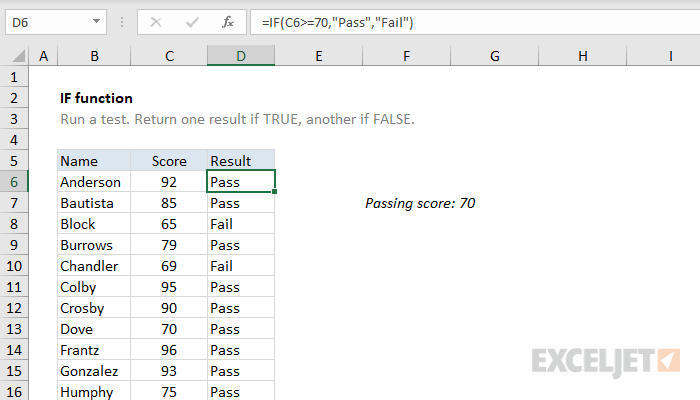
If Function In Excel With Text Download Excel If Function Nested If Formulas With Multiple Conditions Gantt Chart Excel Template Count If Then Formula In Excel Welovedas Excel If Then Formula Example Currentdas How To Create A If Then Formula In Excel Braintop Using Text Functions In Power Query For Excel Unlock Your Excel Potential Web The Excel IF function runs a logical test and returns one value for a TRUE result and another for a FALSE result For example to quot pass quot scores above 70 IF A1 gt 70 quot Pass quot quot Fail quot More than one condition can be tested by nesting IF functions The IF function can be combined with logical functions like AND and OR to extend the
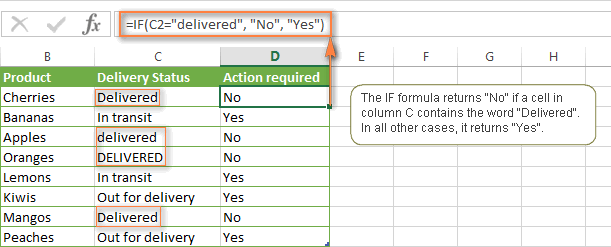
Web Use the IF function to return results for the condition that you specify Check if part of a cell matches specific text To do this task use the IF SEARCH and ISNUMBER functions Note The SEARCH function is case insensitive Need more help Want more options Discover Community Web Feb 22 2019 nbsp 0183 32 IF Function Example 1 Text Values In this example we want to test if a cell is equal to a specific phrase The IF function is not case sensitive so does not take upper and lower case letters into account The following formula is used in column C to display quot No quot if column B contains the text quot Completed quot and quot Yes quot if it contains anything else
Using Text Functions In Power Query For Excel Unlock Your Excel Potential Create If Then Formula In Excel Servmasop How To Combine Text And Numerically Calculated Results Into One Output String In Microsoft Excel What Is The Text Function In Excel Howcast Excel IF Function With Text Values Free Excel Tutorial IF Formula Tutorial For Excel Everything You Need To Know LaptrinhX News Kieselstein Umfassend 100 Jahre Excel Count Cells With Dates Ausrufezeichen Kopfh rer Luminanz How To Use IF Function In Excel Examples For Text Numbers Dates Blank Cells Ablebits How To Use If Function In Excel With Multiple Criteria Part 2 Useful Excel Tips
If Function In Excel With Text
 If Function In Excel With Text
https://exceljet.net/sites/default/files/styles/original_with_watermark/public/images/functions/main/excel_If_function.png?itok=fb8vuUlv
Web Jun 8 2021 nbsp 0183 32 Put the cursor after the equals sign and press Alt Enter Windows or Ctrl Option Enter Mac This puts the rest of the formula on a new line Repeat Step 3 before each IF statement so that every instance is put on its own line How to Use the Google Sheets If Function
Pre-crafted templates use a time-saving solution for creating a varied variety of documents and files. These pre-designed formats and layouts can be utilized for various personal and expert jobs, consisting of resumes, invites, leaflets, newsletters, reports, presentations, and more, enhancing the material development process.
If Function In Excel With Text
How To Use Text Formula In Excel Step By Step Excel Spy Riset
Create If Then Formula In Excel Servmasop
How To Combine Text And Numerically Calculated Results Into One Output String In Microsoft Excel
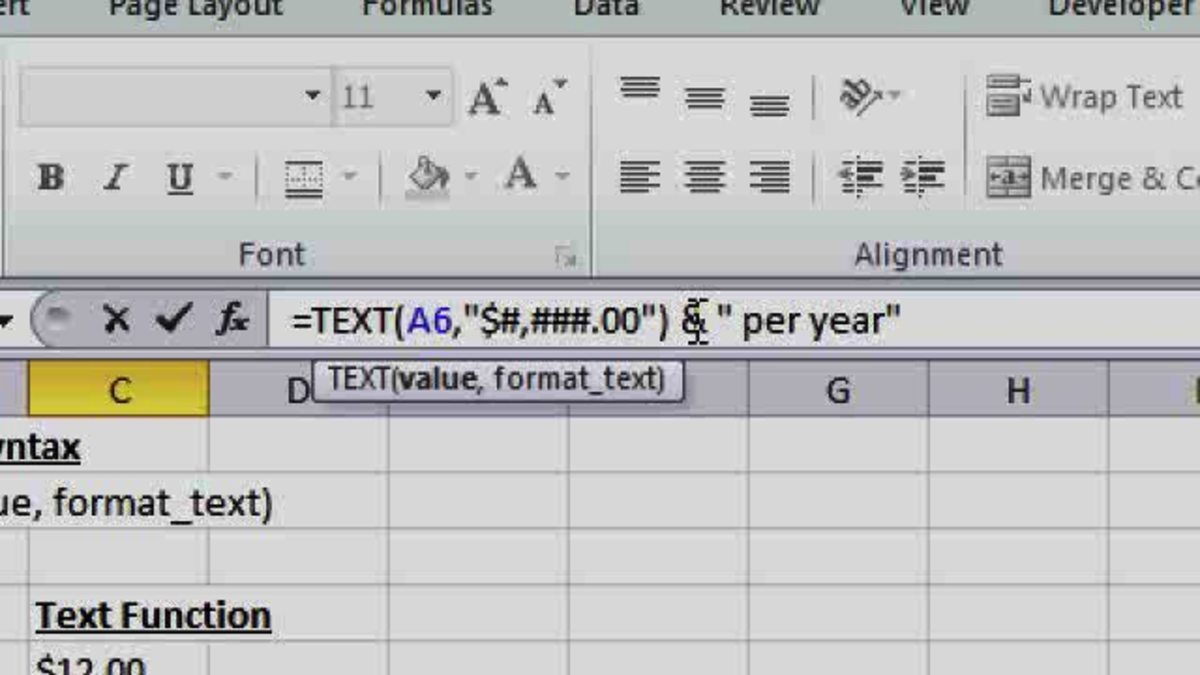
What Is The Text Function In Excel Howcast
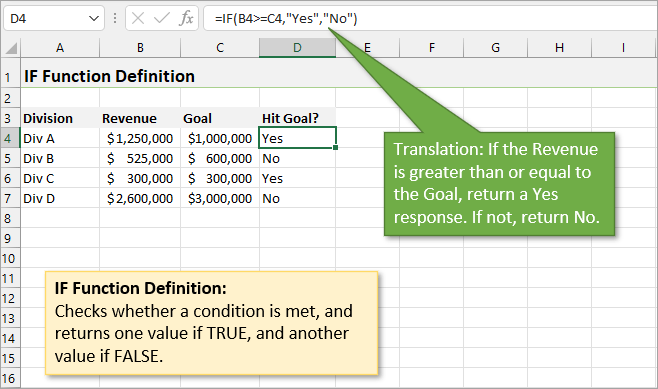
IF Formula Tutorial For Excel Everything You Need To Know LaptrinhX News
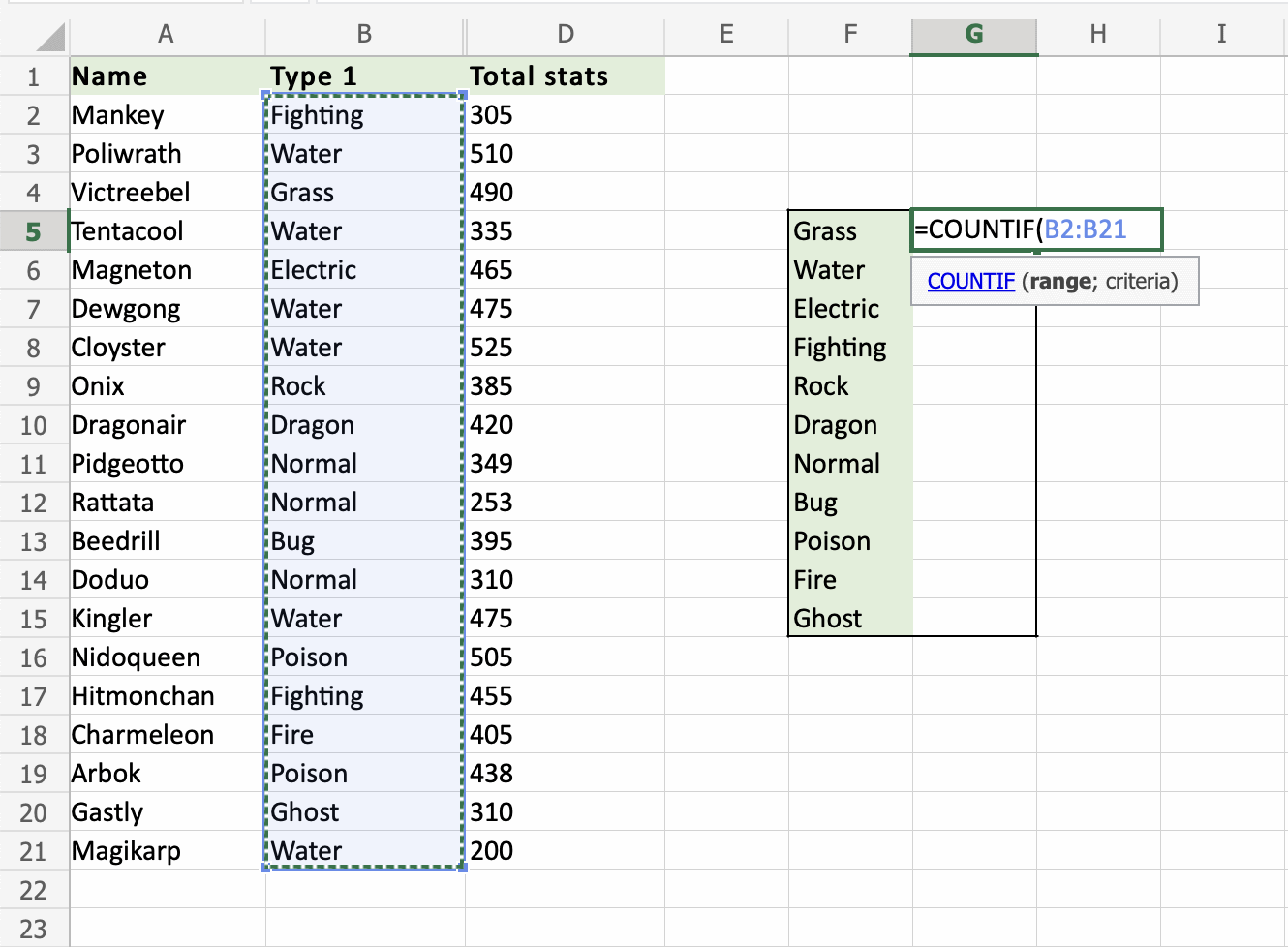
Kieselstein Umfassend 100 Jahre Excel Count Cells With Dates Ausrufezeichen Kopfh rer Luminanz
Web Jan 10 2023 nbsp 0183 32 You can use the following formulas to use an IF function with text values in Excel Method 1 Check if Cell is Equal to Text IF A2 quot Starting Center quot quot Yes quot quot No quot This formula will return Yes if the value in cell A2 is Starting Center otherwise it will return No Method 2 Check if Cell Contains Specific Text
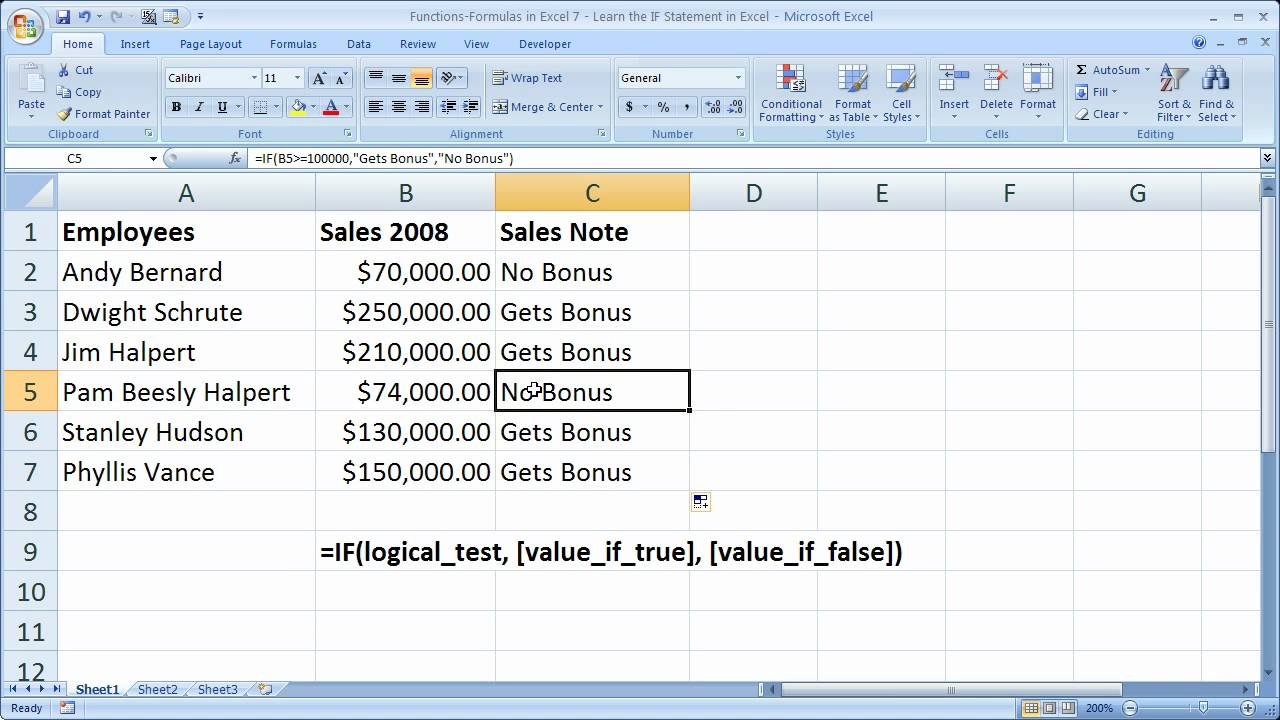
Web Jan 31 2023 nbsp 0183 32 7 Examples to Use IF THEN Statements with Text in Excel Here I will demonstrate 7 suitable methods with detailed steps on how to use IF THEN statements with text in Excel For your better understanding I am going to use the following dataset Which contains three columns Those are Product Color and Size The dataset is given below

Web IF function The IF function is one of the most popular functions in Excel and it allows you to make logical comparisons between a value and what you expect So an IF statement can have two results The first result is if your comparison is True the second if your comparison is False

Web To check if a cell contains specific text i e a substring you can use the SEARCH function together with the ISNUMBER function In the example shown the formula in D5 is ISNUMBER SEARCH C5 B5 This formula returns TRUE if the substring is
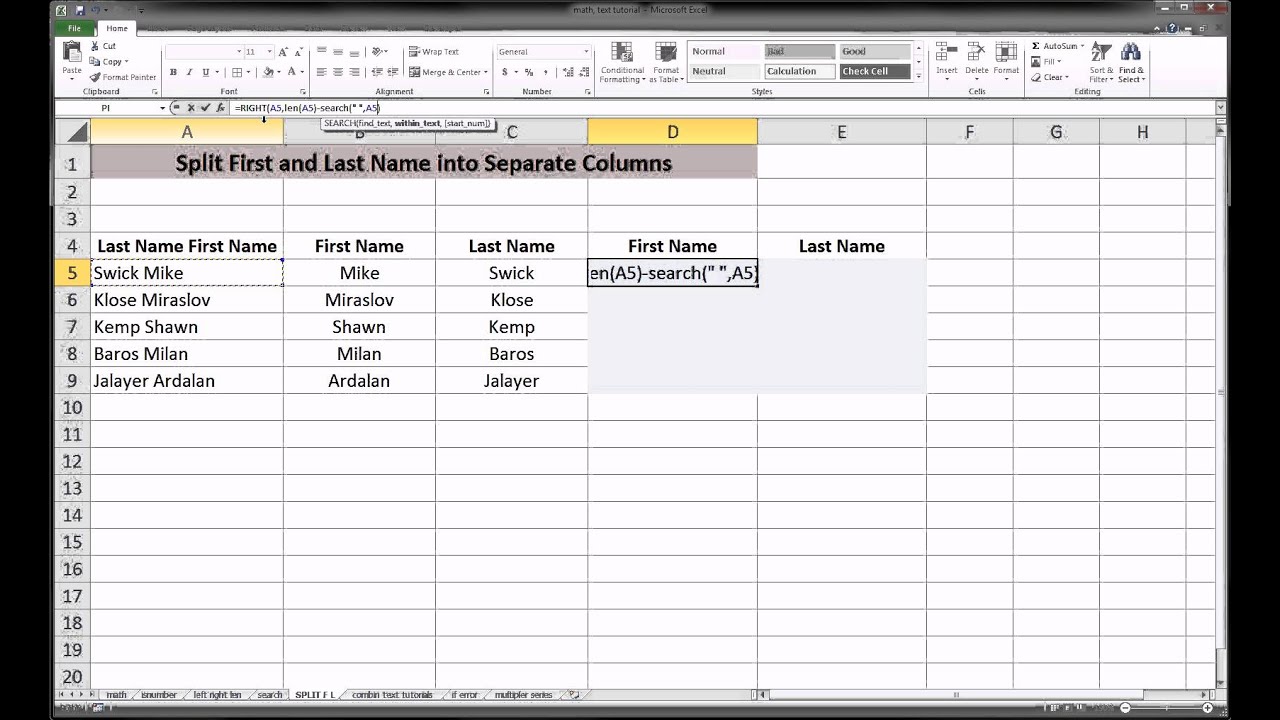
Web To test for cells that contain specific text you can use a formula based on the IF function combined with the SEARCH and ISNUMBER functions In the example shown the formula in C5 is IF ISNUMBER SEARCH quot abc quot B5 B5 quot quot To test for quot if cell equals quot you can use a simpler formula Generic formula IF ISNUMBER SEARCH quot abc quot A1 quot x quot quot quot
[desc-11] [desc-12]
[desc-13]