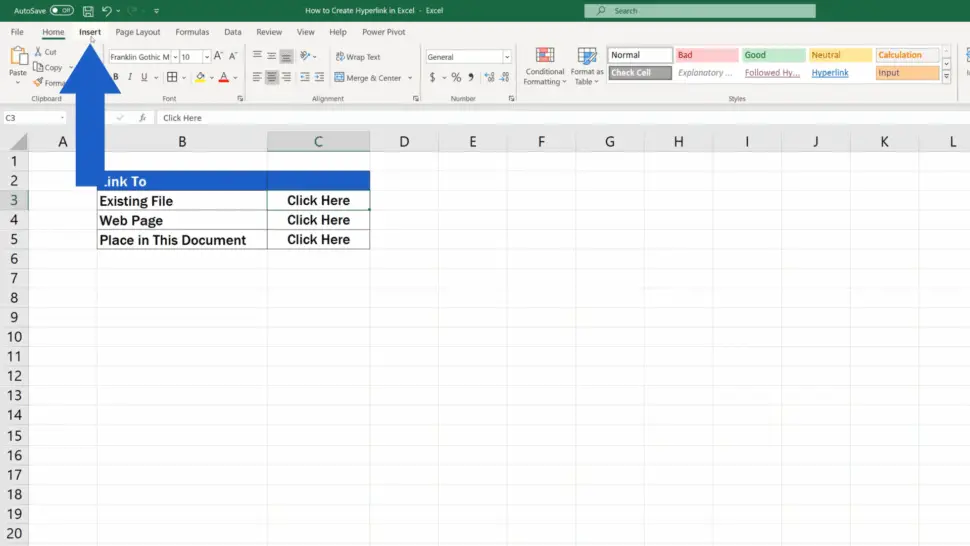
Hyperlink To Text In Excel Excel HYPERLINK Function Exceljet Excel Hyperlink Function Formula How To Create Hyperlink In Excel Understanding Hyperlinks Creating Backlinks To Boost SEO Healthcare How To Add Hyperlink To Text Creately Help Center How To Create Hyperlinks In Excel With Complete Details Select the cell that you want to be hyperlinked Go to the Insert tab Select the Link command On the Insert Hyperlink menu type a description in the Text to display field which will become your cell content Click the ScreenTip button for a more detailed description that will appear when you hover over your hyperlink
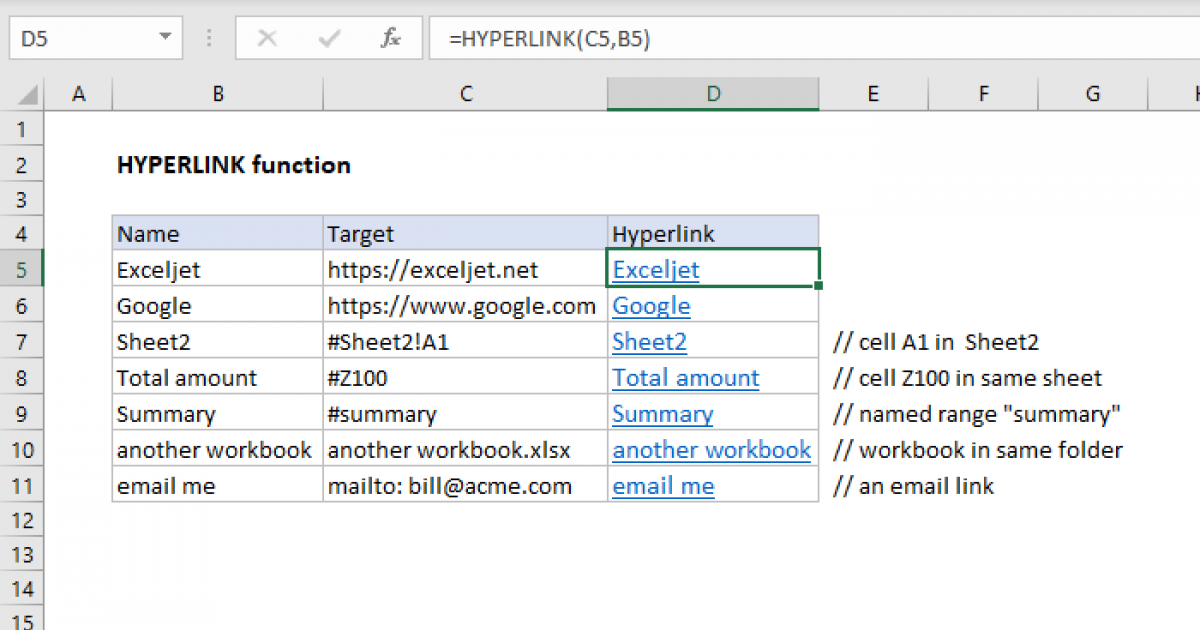
With the HYPERLINK function you can enter a file path or URL with the sheet cell or defined name you want to link to For example HYPERLINK HTG Desktop xlsx Sheet1 A6 Insert display text to make your link friendlier Excel offers its own built in linking feature in the toolbar Click cell A5 Press Ctrl K The Insert hyperlink dialog box will appear In the Link to the panel click Excising File or Web Page option Use the file explorer to find the file you want to link to Click any workbook file available on your computer Then click OK
How To Create Hyperlinks In Excel With Complete Details What Is A Hyperlink HTML Links Explained With Examples Insert Hyperlink In Word Document Ghana Tips Excel Tricks Create Hyperlink In Excel Hyperlink Function In Excel Engenharia Excel Excel Hiperlink How To Create Hyperlinks In Excel YouTube Using Excel Hyperlinks YouTube How To Hyperlink In Word CustomGuide Updating Hyperlinks In A Word Document One Minute Office Magic
Hyperlink To Text In Excel
 Hyperlink To Text In Excel
https://exceljet.net/sites/default/files/styles/og_image/public/images/functions/main/exceljet hyperlink function.png
The Insert Hyperlink dialog box appears 3 Click Place in This Document under Link to 4 Type the Text to display the cell reference and click OK Result Note if you want to change the text that appears when you hover over the hyperlink click ScreenTip Hyperlink Function You can also use the HYPERLINK function in Excel to create
Pre-crafted templates provide a time-saving solution for developing a diverse series of files and files. These pre-designed formats and layouts can be utilized for different personal and professional tasks, consisting of resumes, invites, leaflets, newsletters, reports, discussions, and more, enhancing the material creation procedure.
Hyperlink To Text In Excel
How To Create A Hyperlink In Excel

What Is A Hyperlink HTML Links Explained With Examples

Insert Hyperlink In Word Document Ghana Tips
Excel Tricks Create Hyperlink In Excel Hyperlink Function In Excel
How To Create Hyperlinks In Excel YouTube
Using Excel Hyperlinks YouTube
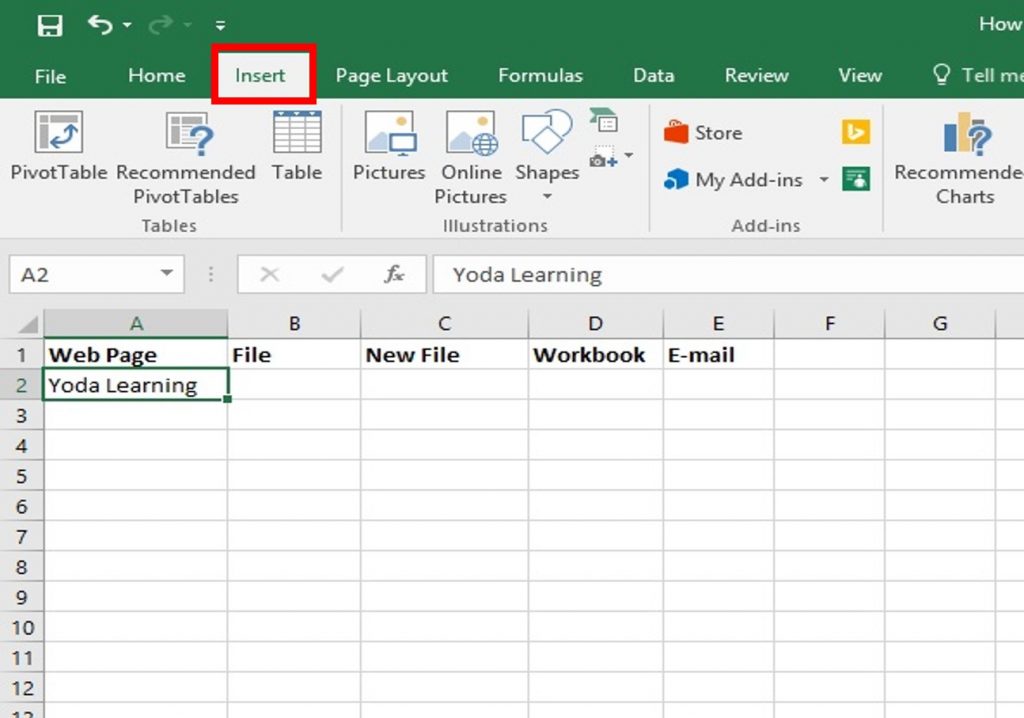
Open the Insert tab select the Link drop down menu and choose Insert Link Alternatively right click move to Link and pick Insert Link When the Insert Hyperlink box opens you ll see your link options

Description The HYPERLINK function creates a shortcut that jumps to another location in the current workbook or opens a document stored on a network server an intranet or the Internet When you click a cell that contains a HYPERLINK function Excel jumps to the location listed or opens the document you specified Syntax

9 Answers Sorted by 30 I think Excel does not allow creating hyperlinks on only part of the text in a cell The hyperlink can only be set on the complete cell But there is something you can do You can make here look like hyperlink and the rest of the text look normal How to do it

Insert a hyperlink in a worksheet cell or specific chart element to link to a related file or Web page in Excel You can also modify or remove hyperlinks
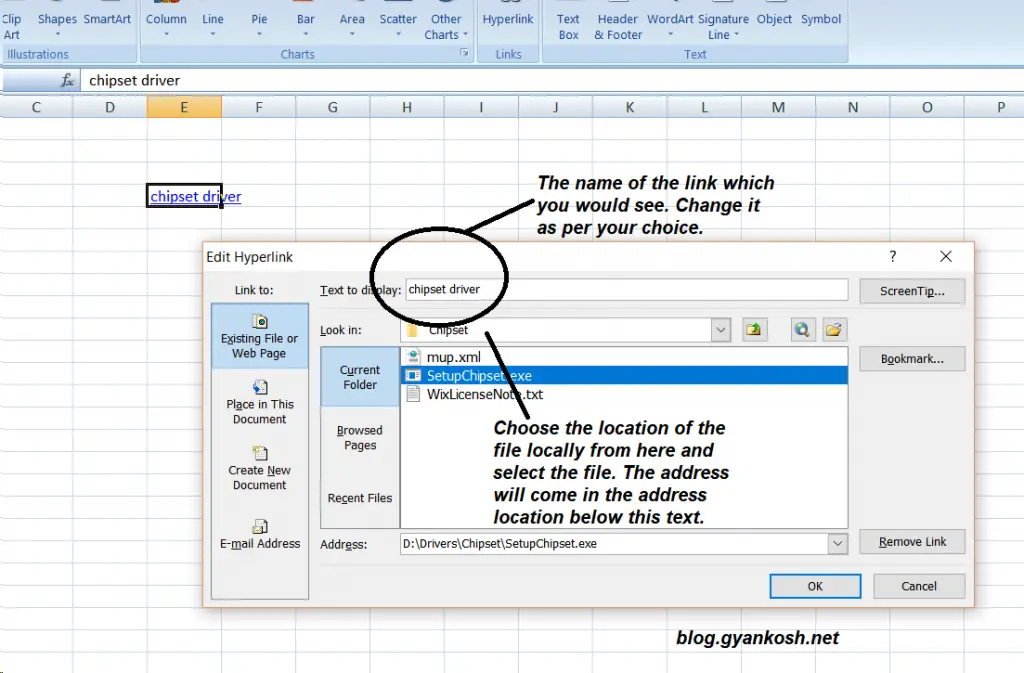
Click the links button This will open the Insert Hyperlink dialog box You can also use the keyboard shortcut Control K In the Insert Hyperlink dialog box enter the URL in the Address field Press the OK button This will insert the hyperlink the cell while the text remains the same
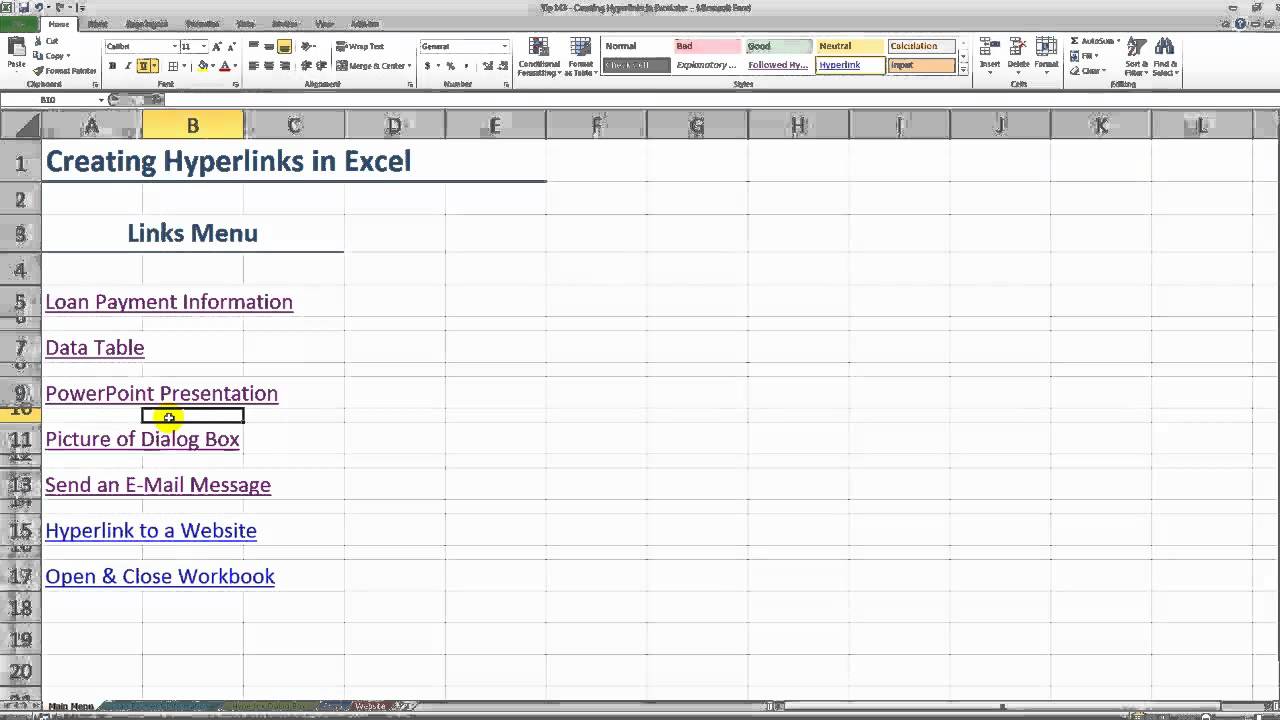
Utilizing hyperlink to text conversion can improve the overall organization and usability of Excel documents Understanding Hyperlinks in Excel Hyperlinks in Excel are used to link to a specific location or file either within the same workbook or to an external resource To link to another worksheet or a specific location in another Excel file you can use the Hyperlink context menu or Ctrl K shortcut If you plan to insert many identical or similar links the fastest way is to use a Hyperlink formula which makes it easier to create copy and edit hyperlinks in Excel
When you move to the Friendly name text box you see the formula result in the bottom left corner of the Function Arguments dialog Enter Friendly name that you want to display in the cell Click OK Here you are Everything is as it should be the formula is in the Formula bar the link is in the cell Click on the link to check where it follows