How To Write Sql Query In Ms Access 2007 Reflecta i Orice Exclusiv Who Accessed A Table T sql Crim Africa Nobil 10 Useful Tips For Writing SQL Queries Sql In Access Inner Join In Access Sql STJBOON How To View Table In Access Db Sql Server Brokeasshome Sql Tutorial 14 The Select Query Riset Select Create Report Wizard Select a table or query double click each field in Available Fields you want to add it to the report and select Next Double click the field you want to group by and select Next Complete the rest of the wizard screens and select Finish For more info see Create basic reports or Create a simple report
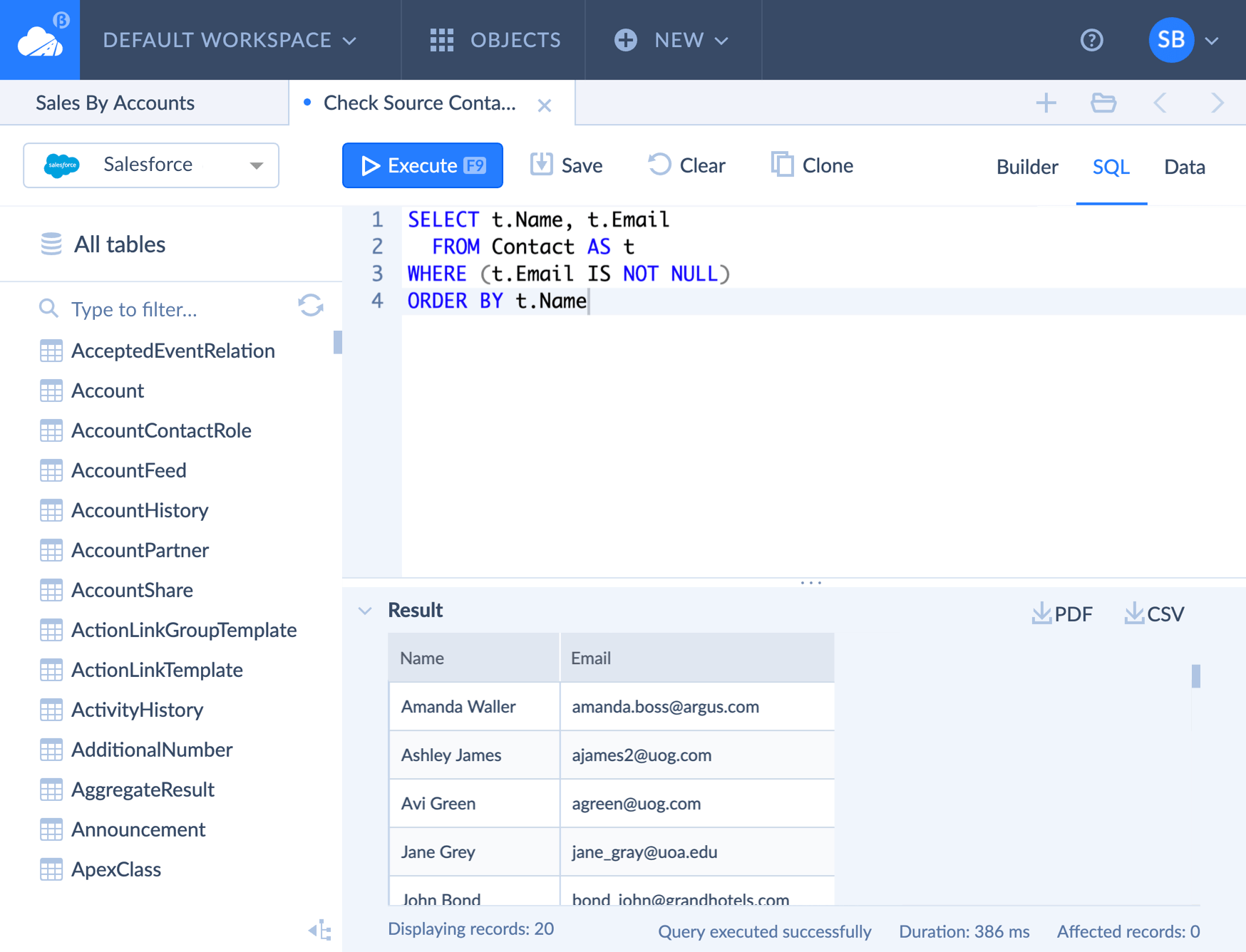
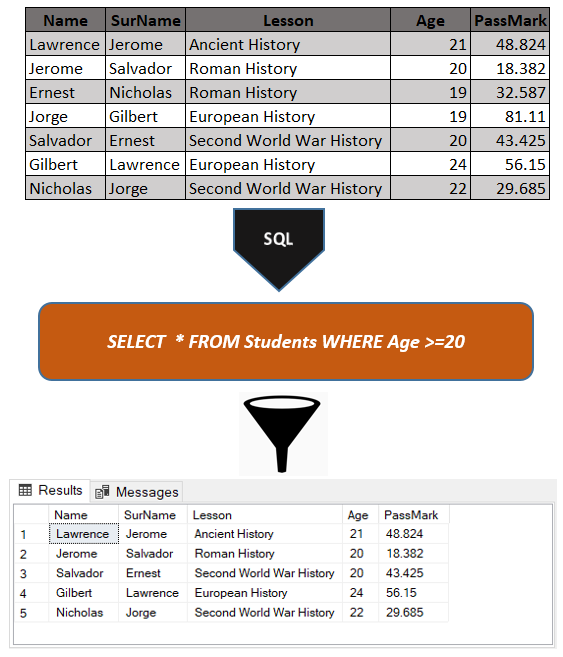
SELECT is usually the first word in an SQL statement Most SQL statements are either SELECT or SELECT INTO statements The minimum syntax for a SELECT statement is SELECT fields FROM table You can use an asterisk to select all fields in a table The following example selects all of the fields in the Employees table SELECT FROM Employees Use a query to find unmatched entries between two tables in Access 2003 View only records with uppercase letters for a certain field in Access 2003 Complex set of queries that involve calculating the pass rate for each subject in Access 2003 Display parameter values in a report based on a parameter query in Access 2003
Sql Tutorial 14 The Select Query Riset Learn To Write Basic SQL Queries Microsoft Access Append Query No Duplicates In Sql Xpressdedal SQL With Microsoft Access 2016 Lesson 4 Select Query YouTube HodentekHelp Can You Create A Query In MS Access Using A SQL Statement How To Create A Simple Select Query In Microsoft Access YouTube Best Practices For Writing SQL Queries Creating A Query In SQL View MS Access YouTube Writing Basic SQL Queries Examples For Beginners
How To Write Sql Query In Ms Access 2007
 How To Write Sql Query In Ms Access 2007
https://www.teachucomp.com/wp-content/uploads/blog-9-1-2021-sqlviewinaccess.jpg
In a subquery you use a SELECT statement to provide a set of one or more specific values to evaluate in the WHERE or HAVING clause expression Use the ANY or SOME predicate which are synonymous to retrieve records in the main query that satisfy the comparison with any records retrieved in the subquery
Templates are pre-designed files or files that can be utilized for different functions. They can save effort and time by providing a ready-made format and layout for producing different sort of content. Templates can be utilized for personal or expert jobs, such as resumes, invitations, flyers, newsletters, reports, presentations, and more.
How To Write Sql Query In Ms Access 2007
Sql Editor Sql Database Query Tool Www vrogue co
Learn To Write Basic SQL Queries

Microsoft Access Append Query No Duplicates In Sql Xpressdedal
SQL With Microsoft Access 2016 Lesson 4 Select Query YouTube
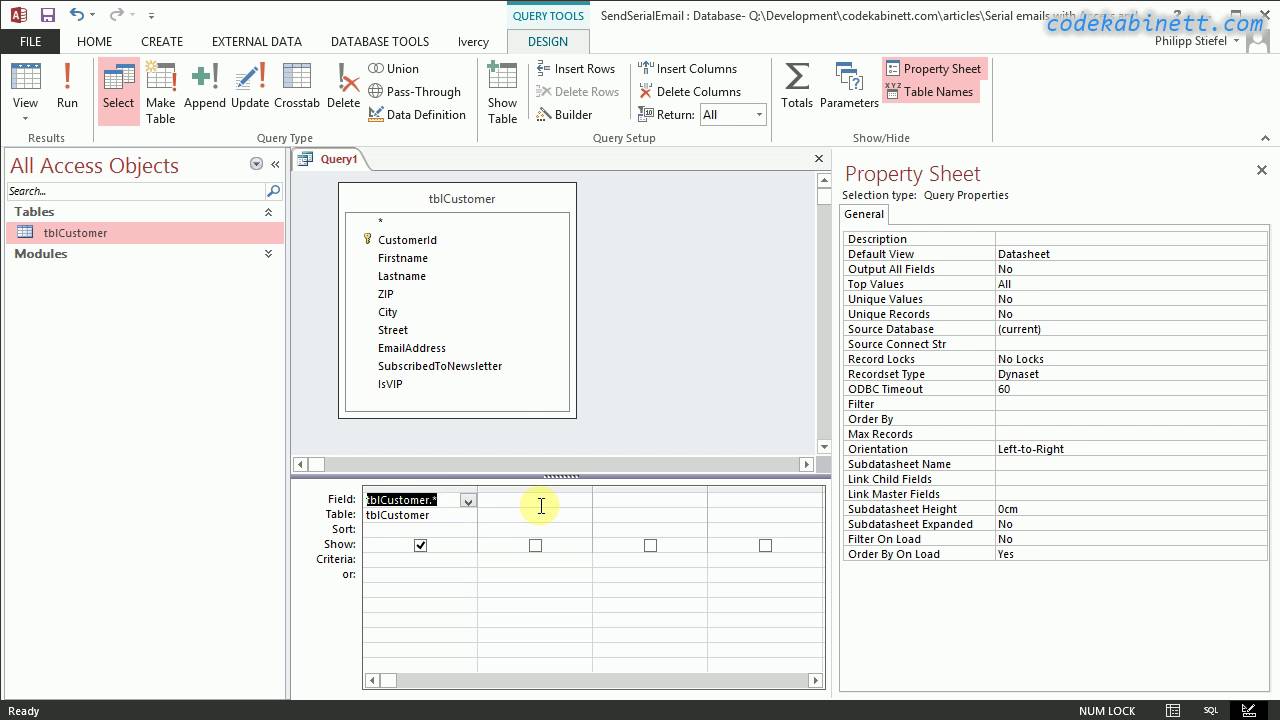
How To Create A Simple Select Query In Microsoft Access YouTube
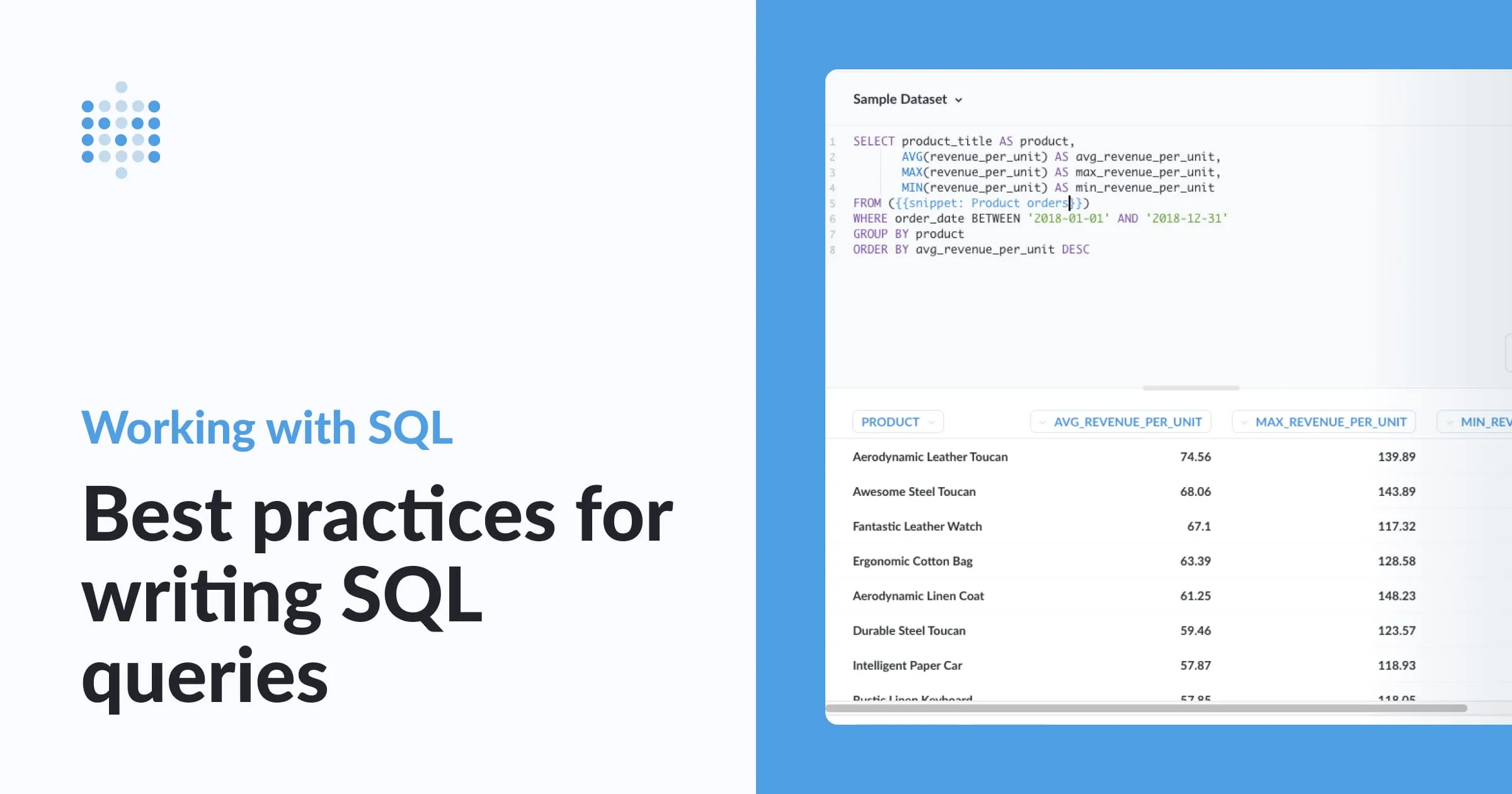
Best Practices For Writing SQL Queries

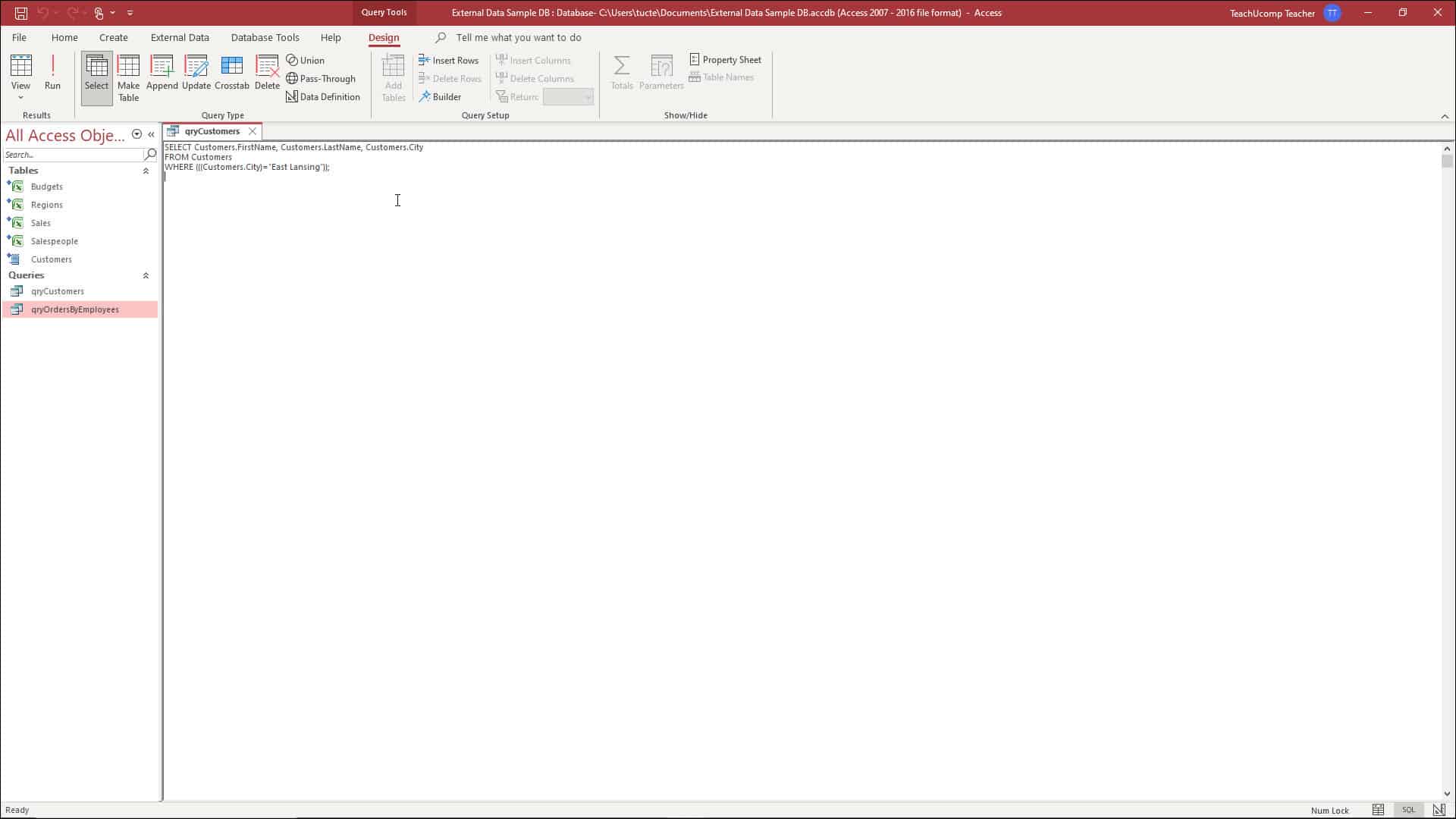
Answer First you need to open the query in Design View To do this right click on the Query in the left window and select Design View from the popup menu Next select the Design tab in the toolbar at the top of the screen Then click on the View button in the Results group Select SQL View from the popup menu

Queries MS Access 2007 Create a query This MSAccess tutorial explains how to create a query in Access 2007 with screenshots and step by step instructions See solution in other versions of Access Access 2003 Question In Microsoft Access 2007 how do I create a query Answer Select the Create tab in the toolbar at the top of the screen

Understanding how SQL works can help you create better queries and can make it easier for you to understand how to fix a query that is not returning the results that you want This is one of a set of articles about Access SQL This article describes the basic use of SQL to select data and uses examples to illustrate SQL syntax In this article
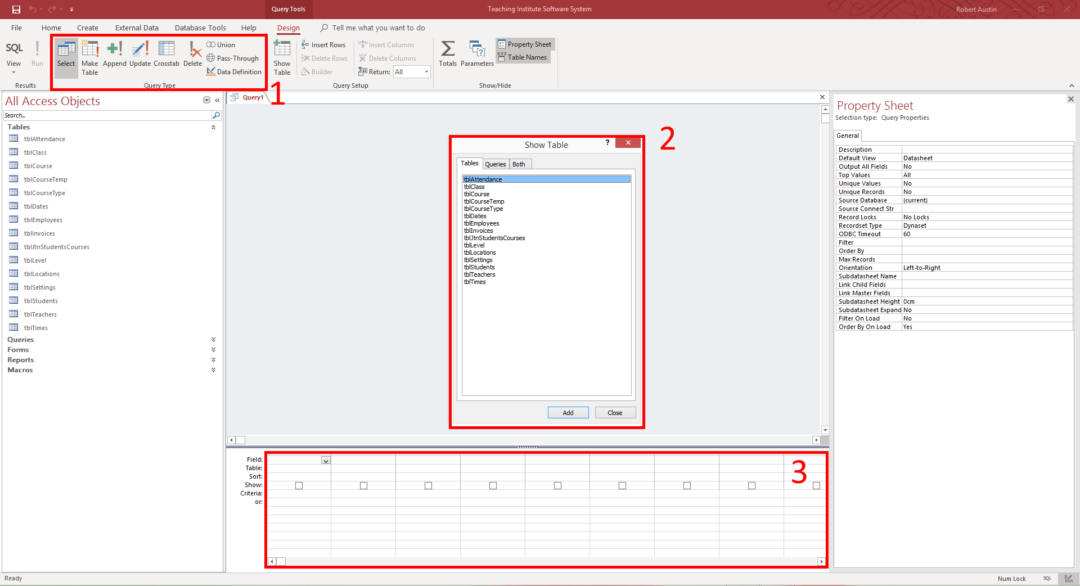
A Quick Tutorial To Tables in Microsoft Access 2007 takes a look at creating your first database and tables to store your structured data A Quick Tutorial On Queries In Microsoft Access 2007 looks at the means to return specific portions of the data stored in the database tables
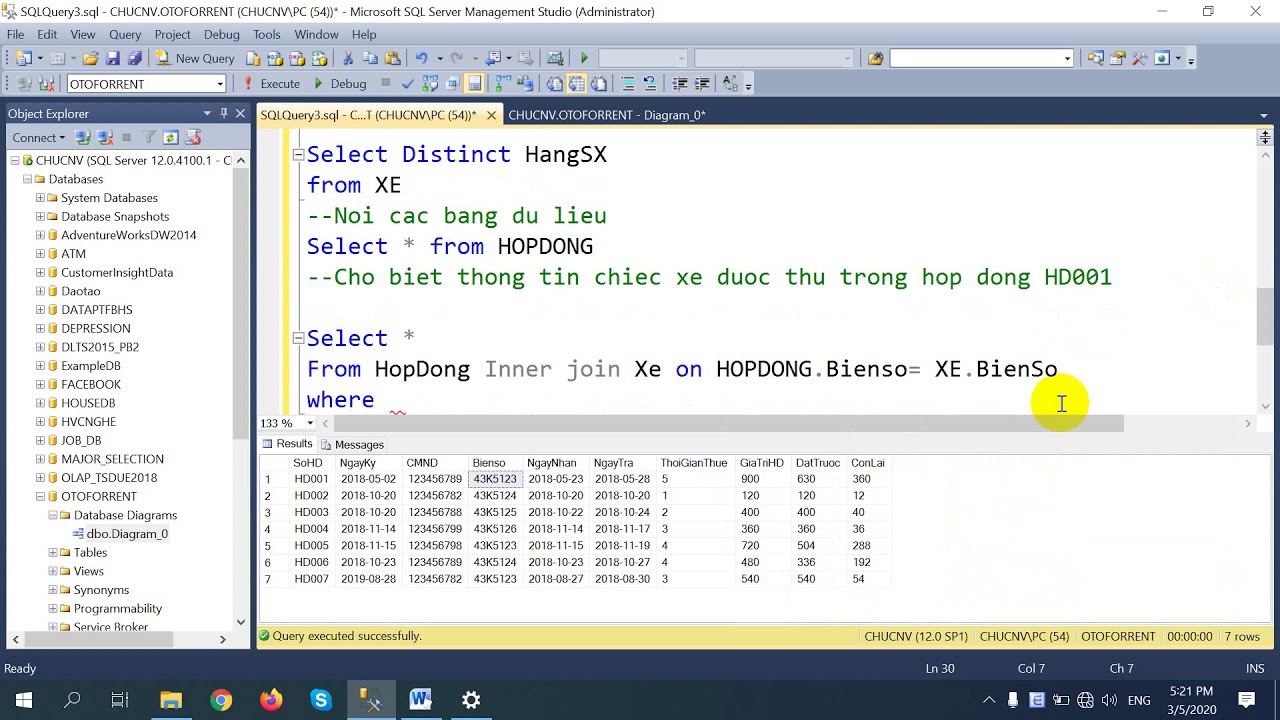
To open a basic editor where you can enter SQL code follow these steps Open your database and click the CREATE tab This will display the ribbon across the top of the window Click Query Design in the Queries section The Show Table dialog box appears Select the POWER table
When you want to select specific data from one or more sources you can use a select query A select query helps you retrieve only the data that you want and also helps you combine data from several data sources You can use tables and other select queries as data sources for a select query MS Access provides two ways to write queries using the Query By Example editor or by using pure SQL code You can use SQL in VBA by using a combination of string literals and variables to construct SQL statements that can be executed using the CurrentDB Execute method
The INSERT INTO statement has these parts Expand table Part Description target The name of the table or query to append records to field1 field2 Names of the fields to append data to if following a target argument or the names of fields to obtain data from if following a source argument externaldatabase