How To Write An E With Accent How To Address An Envelope Writing Sender Recipient Address And Letter Writing How To Write Letter Formal Letter And 56 OFF Spanish Typing An Informal Email Schreiben Englisch Essay Schreiben Lernen Tipps Marketing Email Templates How To Write Examples Want advanced Google WoTo edit a document On your computer open a document in Google Docs To select a word double click it or use your cursor to select the text you want to change
Important Some of these steps work only on Android 15 and up Learn how to check your Android version Some of these steps only work on devices with supporting hardware For more info Google Slides is an online presentation app that lets you create and format presentations and work with other people Step 1 Create a presentation To create a new presentation
Marketing Email Templates How To Write Examples How To Send A CV By Email Calligraphy T Internal Communication Policy Template Prntbl concejomunicipaldechinu Email Writing Class 8 Format Examples with Index Teachoo Improve Your Cursive Handwriting With 17 Palmer Cursive Worksheets 40 Best Friendly Letter Format Examples Schedule A Meeting Next Week How To Write An Acceptance Email For Interview Infoupdate
How To Write An E With Accent
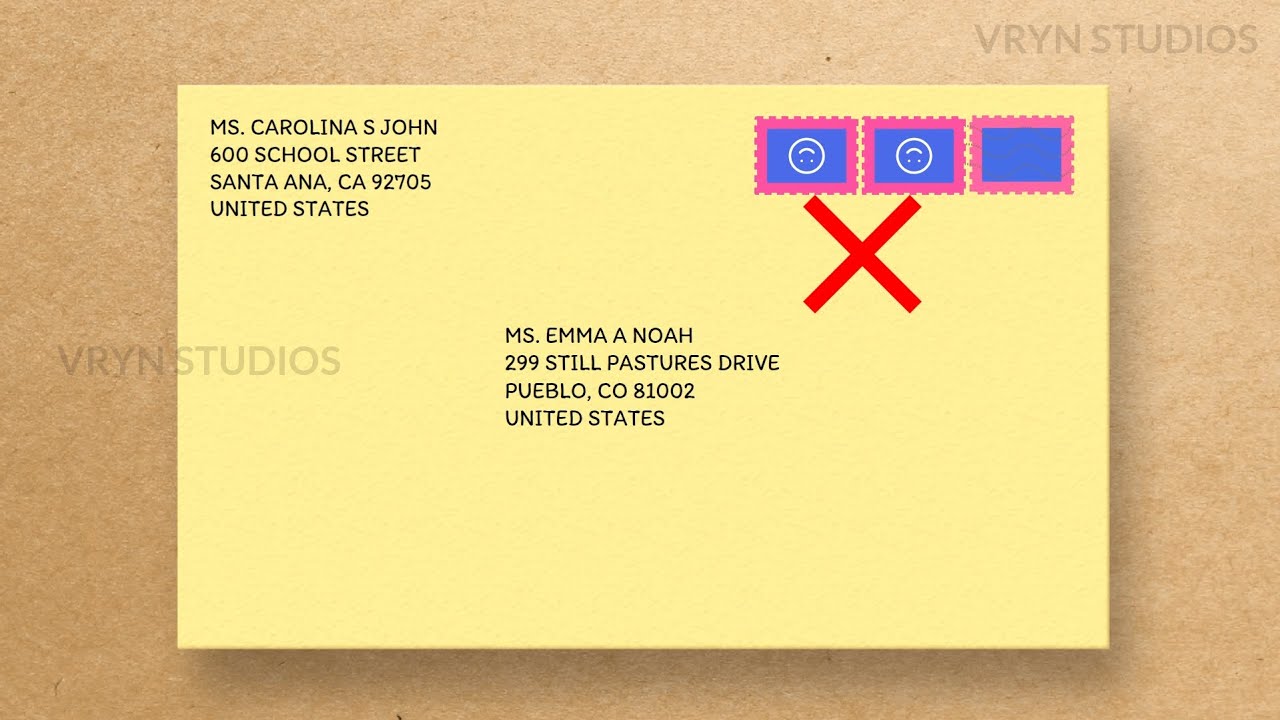 How To Write An E With Accent
https://i.ytimg.com/vi/8BSTLrX_lf4/maxresdefault.jpg
Google Chrome tips Google Chrome tips From productivity to customization learn how to get things done more quickly with your browser
Templates are pre-designed documents or files that can be utilized for various purposes. They can conserve time and effort by supplying a ready-made format and design for creating various sort of content. Templates can be used for personal or professional tasks, such as resumes, invitations, leaflets, newsletters, reports, discussions, and more.
How To Write An E With Accent
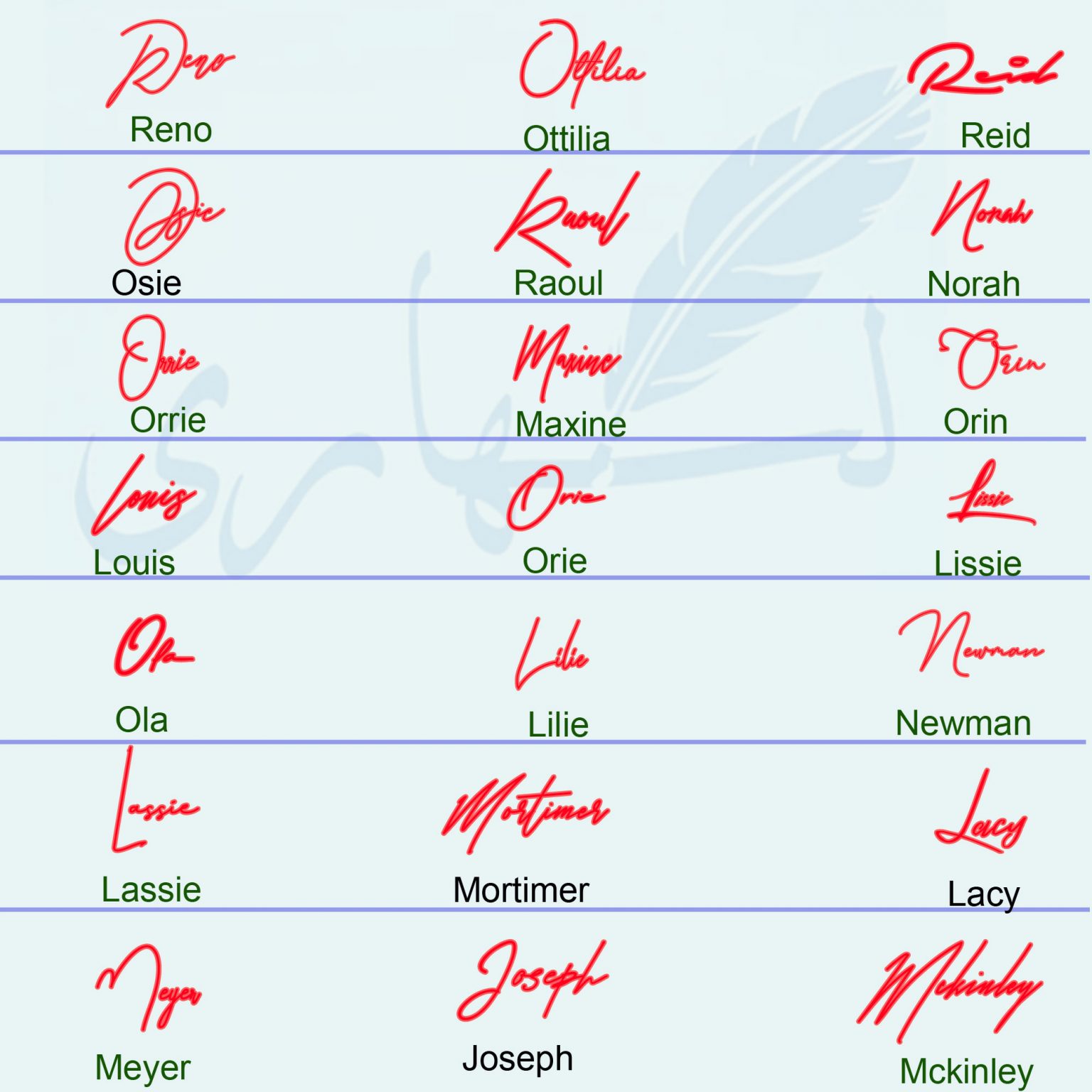
What Is An Initial Signature Signature Write
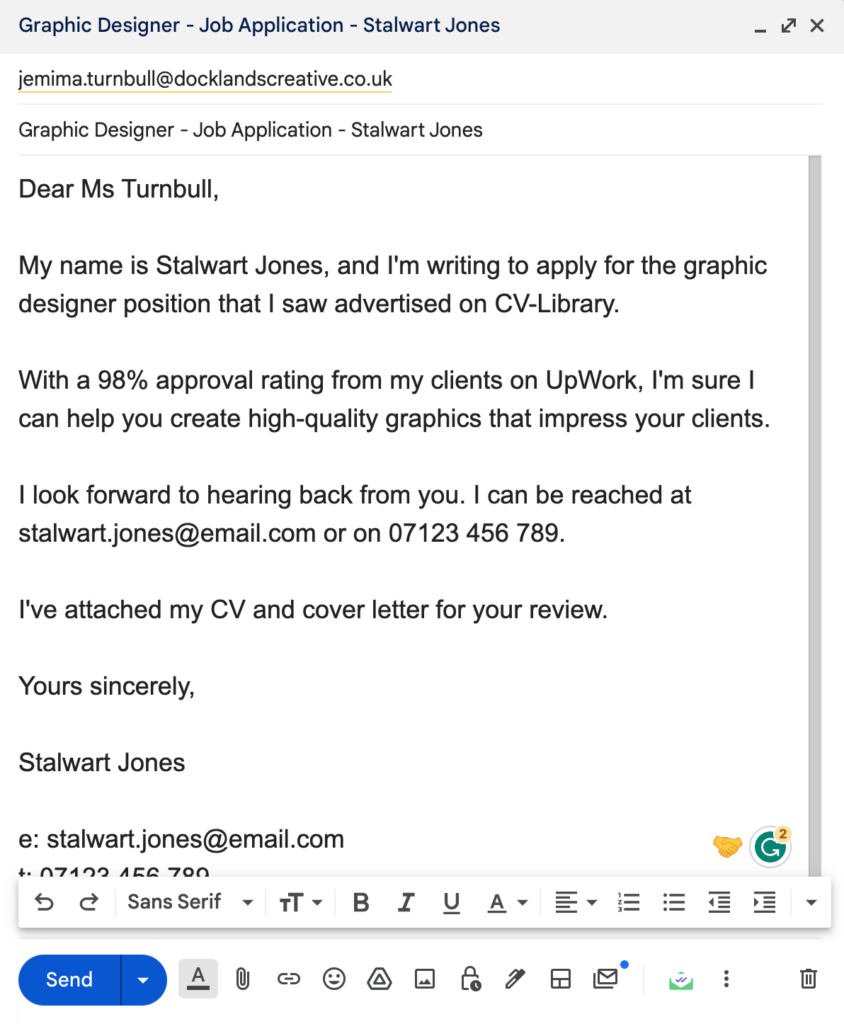
How To Send A CV By Email
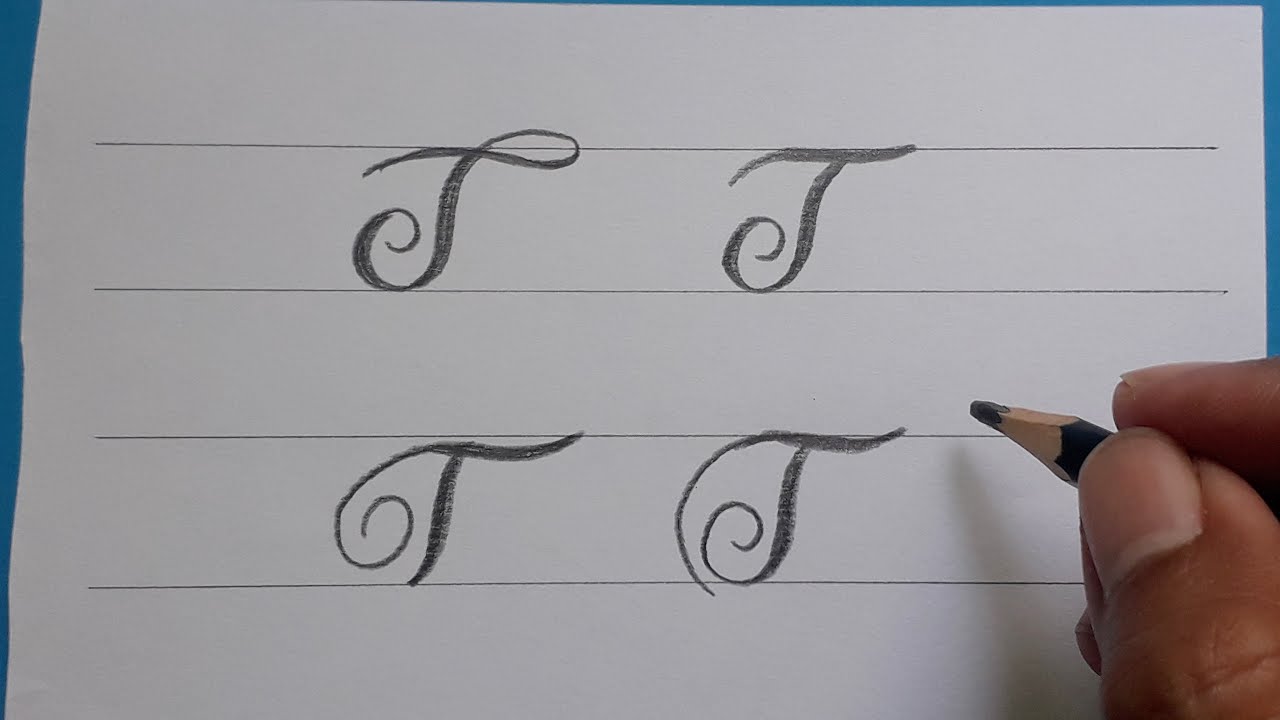
Calligraphy T

Internal Communication Policy Template Prntbl concejomunicipaldechinu

Improve Your Cursive Handwriting With 17 Palmer Cursive Worksheets

40 Best Friendly Letter Format Examples

How to install Chrome Important Before you download check if Chrome supports your operating system and you ve met all other system requirements

Important Before you set up a new Gmail account make sure to sign out of your current Gmail account Learn how to sign out of Gmail From your device go to the Google Account sign in

To find your username follow these steps You need to know A phone number or the recovery email address for the account The full name on your account Follow the instructions to

Want advanced Google Workspace features for your business Try Google Workspace today Google Drive helps you keep all your files together You can upload and share your files from

To find any of these features tap your profile picture or initial Location Sharing Choose who can find your location and whose location you can find on Google Maps Settings Manage your Wi
[desc-11] [desc-12]
[desc-13]