How To Use Visio For Process Mapping Download Microsoft Vizio DIAGRAM Process Flow Diagram Microsoft Visio FULL Version HD Quality Visual Process Map Mobil Pribadi Office 2019 Visio Lisans S resiz Dijital Lisans Blue Yaz l m Creating Data driven Process Mapping Flowcharts Using Microsoft Excel Web Each template has an associated Excel workbook used to convert process data into a flowchart in Visio You can also use your own custom Excel template map Excel data to shapes in the Create Diagram from Data wizard and automatically create the diagram
Web Create the flow chart diagram For more information see Add and connect shapes in Visio for the web As you create the process diagram make sure shapes are completely located in the correct swimlane and phase section For more information see Select copy and move shapes in Visio for the web Top of Page Resize a swimlane or phase Web Aug 30 2018 nbsp 0183 32 Select the process map table go to Table Tools Design Tab gt Export gt Export to Visio Diagram to automatically create the diagram in Visio Customize Diagram Creation If you wish to customize your diagram creation that is use custom column names in Excel change relationship settings from Next Step to Previous Step or use other
Creating Data driven Process Mapping Flowcharts Using Microsoft Excel Mapping Sharepoint List Columns To Visio Shape Data Types Bvisual Sample Process Flow Diagram Visio Process Flow Chart Process Flow All A Process Flow Diagram Constructed With Microsoft Visio For The Single In Searching Of Alternative To MS Visio For MAC And PC With ConceptDraw Visio Online Business Process Mapping Download Top Visio Network Diagram Templates For Free How To Use Visio For Project Management Download Ms Office Visio 2007 Portable Localbaldcircle
How To Use Visio For Process Mapping
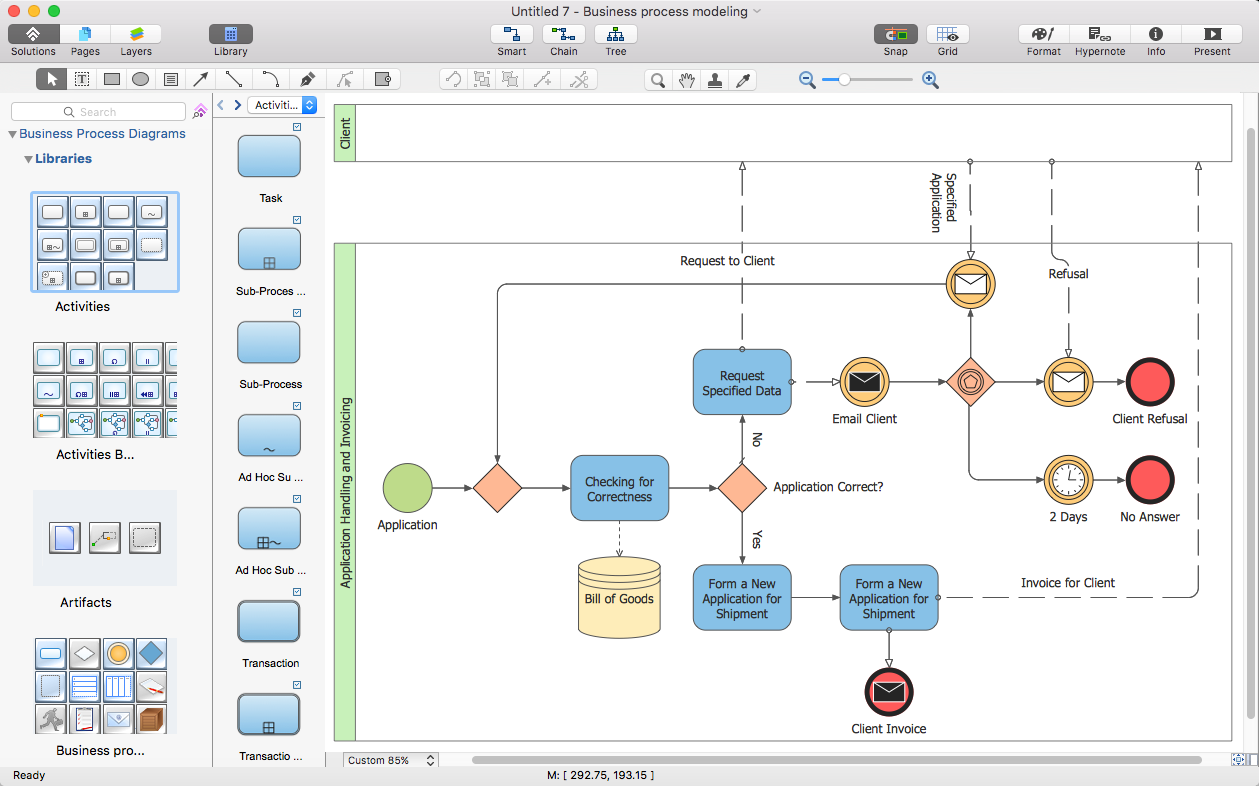 How To Use Visio For Process Mapping
http://www.conceptdraw.com/How-To-Guide/picture/how-to-create-business-process-diagram-visio/bpmn-visio.png
Web Sep 20 2022 nbsp 0183 32 Create a visual representation of a business process or process flow diagram defining future workflow events What is process mapping Process mapping can help create a business process or a process flow diagram that defines a sequence of events in the workflow ahead and is often a visual representation
Pre-crafted templates use a time-saving option for producing a diverse series of documents and files. These pre-designed formats and layouts can be utilized for various individual and professional projects, consisting of resumes, invites, leaflets, newsletters, reports, presentations, and more, improving the material creation procedure.
How To Use Visio For Process Mapping
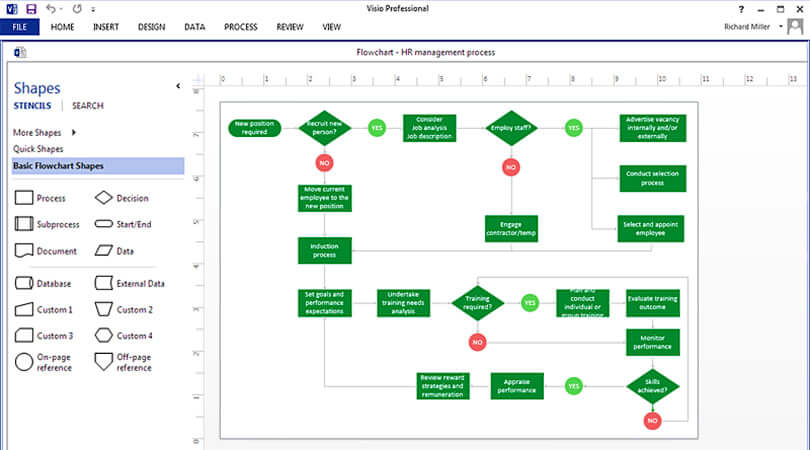
Top 8 Process Mapping Tools In The Market Online Software 2022
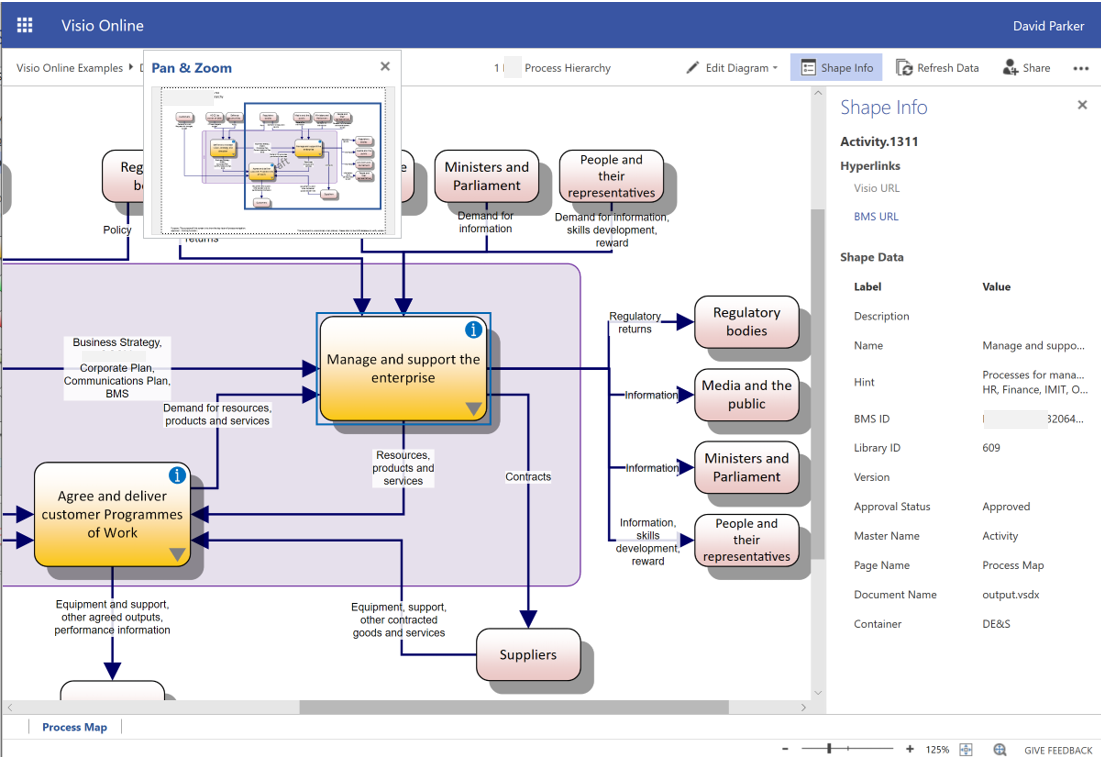
Mapping Sharepoint List Columns To Visio Shape Data Types Bvisual

Sample Process Flow Diagram Visio Process Flow Chart Process Flow All
A Process Flow Diagram Constructed With Microsoft Visio For The Single
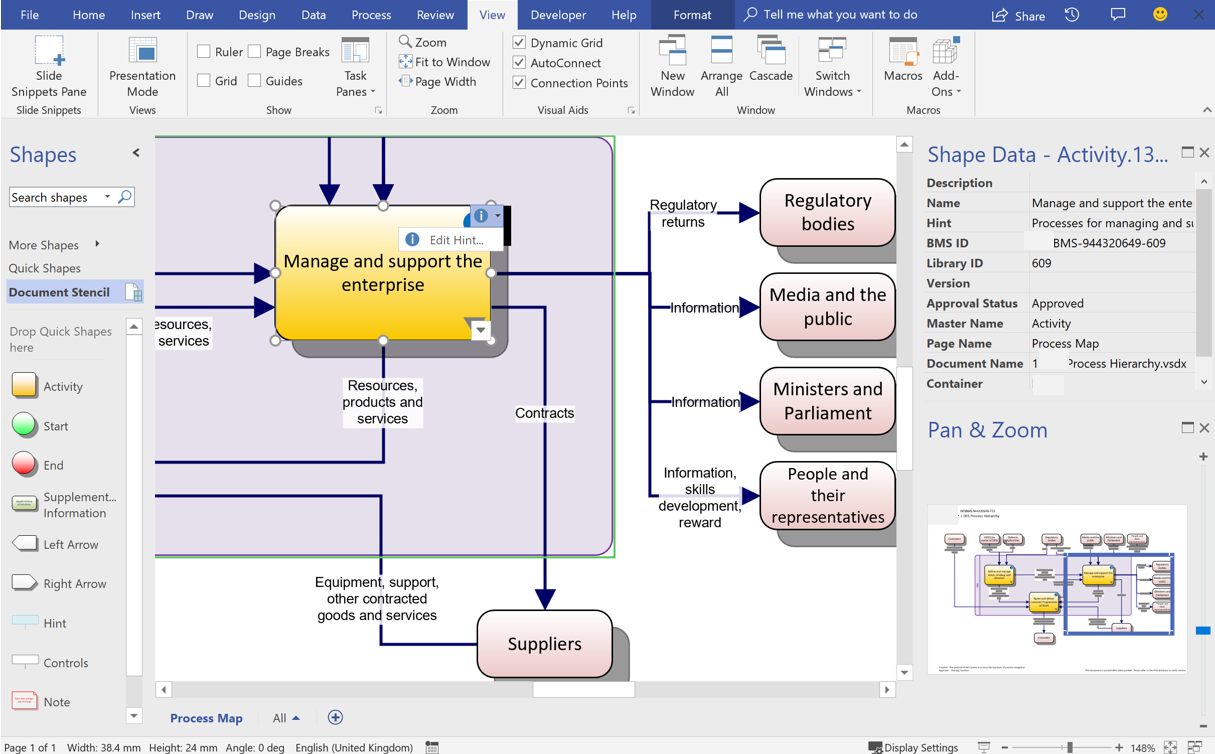
Visio Online Business Process Mapping

Download Top Visio Network Diagram Templates For Free
Web A flowchart can help visualize a process decision system hierarchy or other types of connected information In this video watch how to get a flowchart diagram started in Visio Drag and connect shapes to build the sequence of steps or elements that make up the process you re drawing

Web Create a flowchart Start Visio Click the Flowchart category Double click Basic Flowchart For each step in the process that you are documenting drag a flowchart shape onto your drawing Connect the flowchart shapes by holding the mouse pointer over the first shape and then clicking the small

Web Define your process visually Take the confusion out of any process by mapping out the details Choose from an array of professional templates to build everything from a basic sequence to a methodology based process diagram

Web Dec 20 2022 nbsp 0183 32 How to perform process mapping in Visio 1 Run the Visio application To begin process mapping in Visio open up the Visio application to display the user 2 Draw your process flow diagram with shapes The main principle behind process flow diagrams is to display different 3 Edit the diagram

Web Dec 29 2022 nbsp 0183 32 How To Create A Process Map In Visio Visio is included in the Microsoft Office line specially made for creating diagrams and flowcharts such as process maps It comes with the necessary process mappings for Visio users along with the stencils to create a comprehensive process map
[desc-11] [desc-12]
[desc-13]