How To Use Systemd In Docker Container Running Containers With Podman And Shareable Systemd Services Enable 20 Docker Security Tools Compared DevOps DevSecOps SRE DataOps All About Docker Containers What Is It Why Do We Need It Docker Data Containers Close Encounters Of The Third Kind Or Microsoft Windows Meets Docker If you want to use a systemd unit inside a container you need to install systemd in the container and ensure that it s the first process for example here s how to run Apache httpd controlled by systemd FROM fedora 33 ENV container docker RUN dnf y install httpd dnf clean all systemctl enable httpd STOPSIGNAL SIGRTMIN 3 EXPOSE 80 CMD
How to run systemd in Docker container Ask Question Asked 5 months ago Modified 5 months ago Viewed 260 times 0 I want to run docker daemon using systemd docker start but there s no systemd in docker container I can t use dind images because the the container is based on a different image and changing base image would require lot of work If your application is only ever run inside a container then you should create a docker entrypoint sh script with an exec at the end so that your application is run as a remapped PID 1 in the container That way cloud systems can see if the application is alive and they can send a SIGTERM to stop the application
Close Encounters Of The Third Kind Or Microsoft Windows Meets Docker Docker compose Systemd Daemon Devops Training All You Need To Know About Docker Containers Images What Is Docker Get Started From Basics Docker Tutorial RPi Experiences RPi Monitor Docker Container How To Run Jenkins Container As Systemd Service With Docker Docker Use Cases Docker Nginx Linux How To Use Systemd To List Services
How To Use Systemd In Docker Container
 How To Use Systemd In Docker Container
https://www.redhat.com/sysadmin/sites/default/files/styles/full/public/2019-12/Containers Cropped.jpg?itok=i994Z9da
Daniel Walsh Table of contents UPDATE Read the new article How to run systemd in a container for the latest information What is the scoop on running systemd in a container A couple of years ago I wrote an article on Running systemd with a docker formatted Container
Pre-crafted templates provide a time-saving option for producing a varied range of files and files. These pre-designed formats and designs can be used for numerous individual and expert projects, consisting of resumes, invitations, leaflets, newsletters, reports, discussions, and more, simplifying the material development procedure.
How To Use Systemd In Docker Container
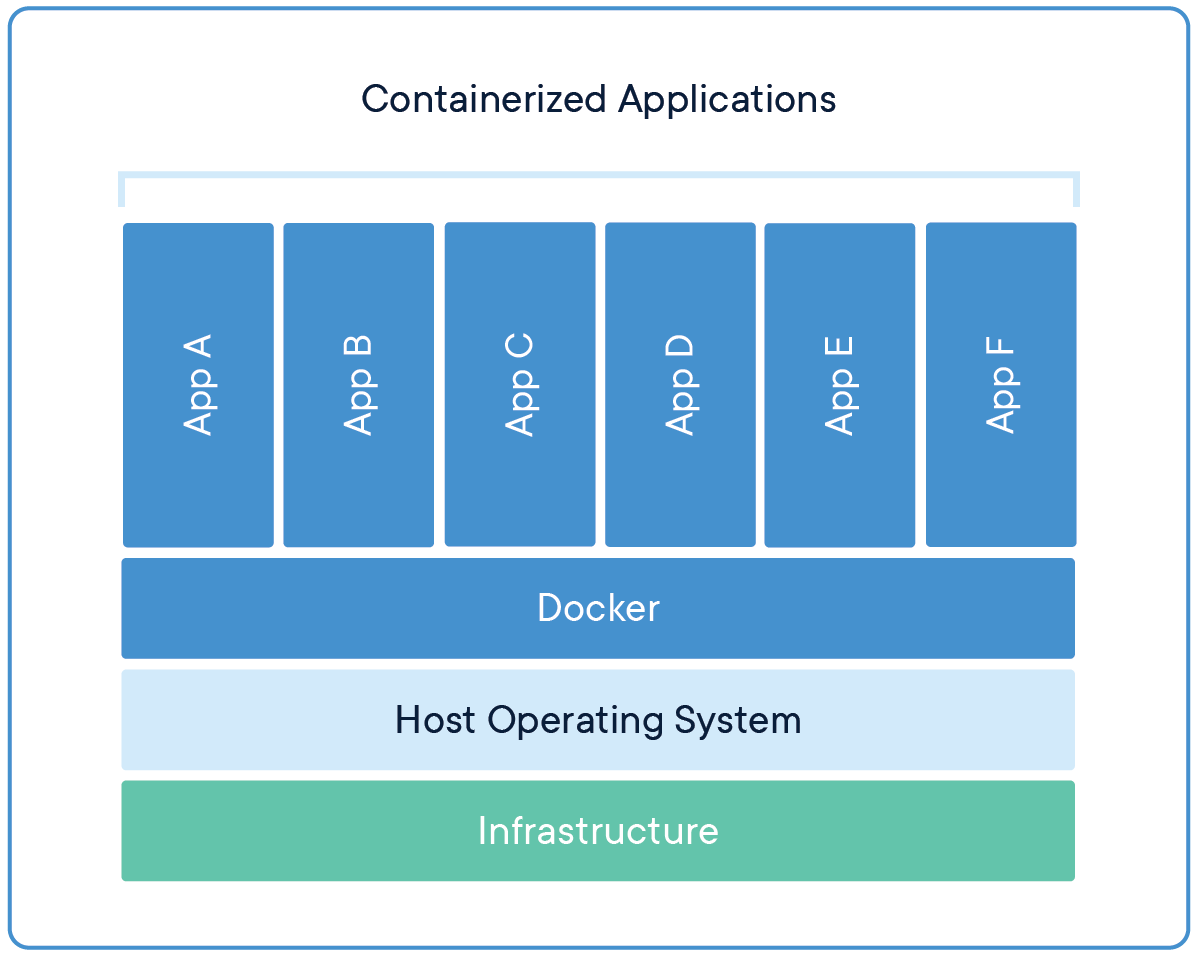
Docker Difference Between Docker Container And Virtual Machine VM
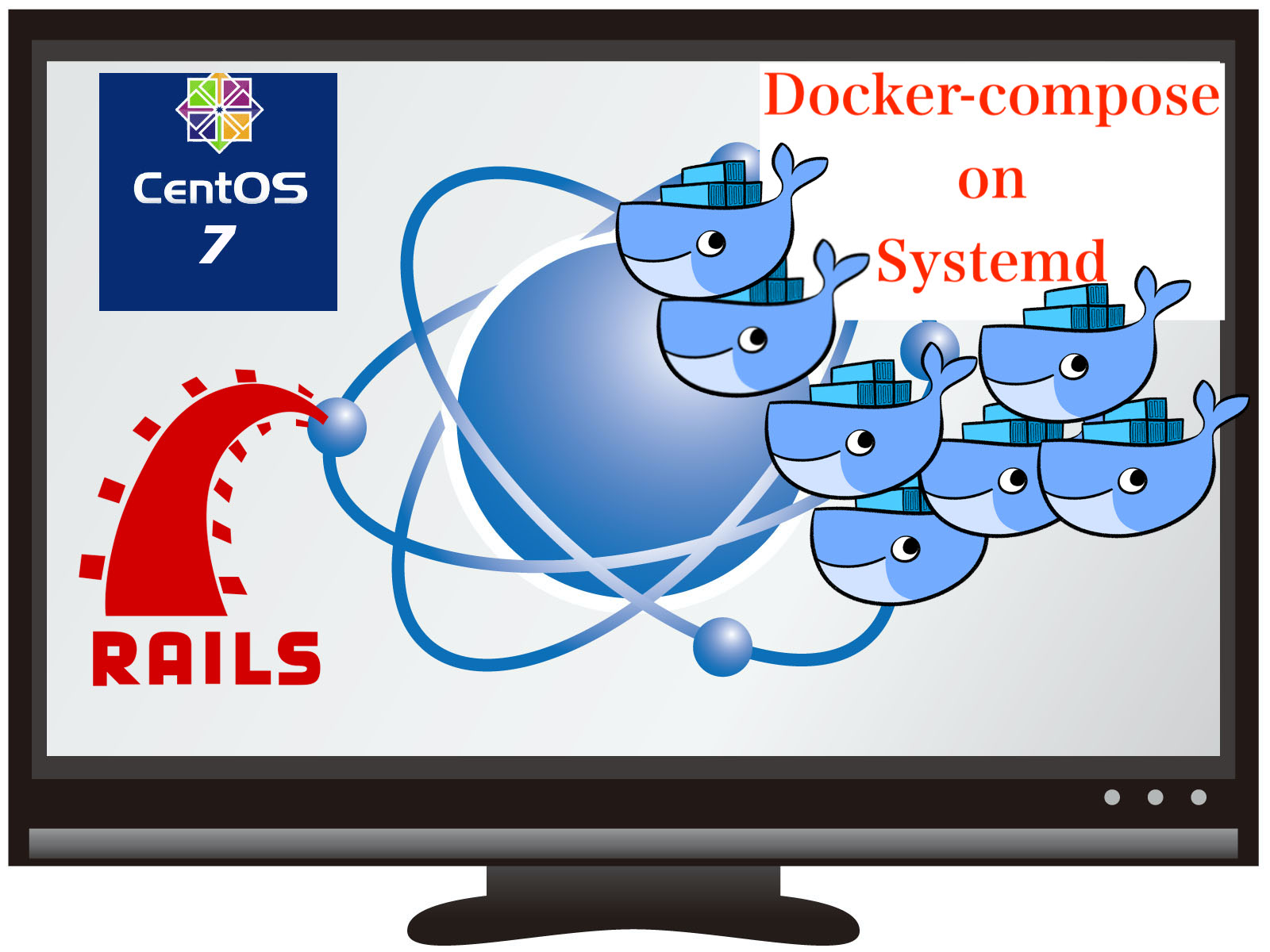
Docker compose Systemd Daemon
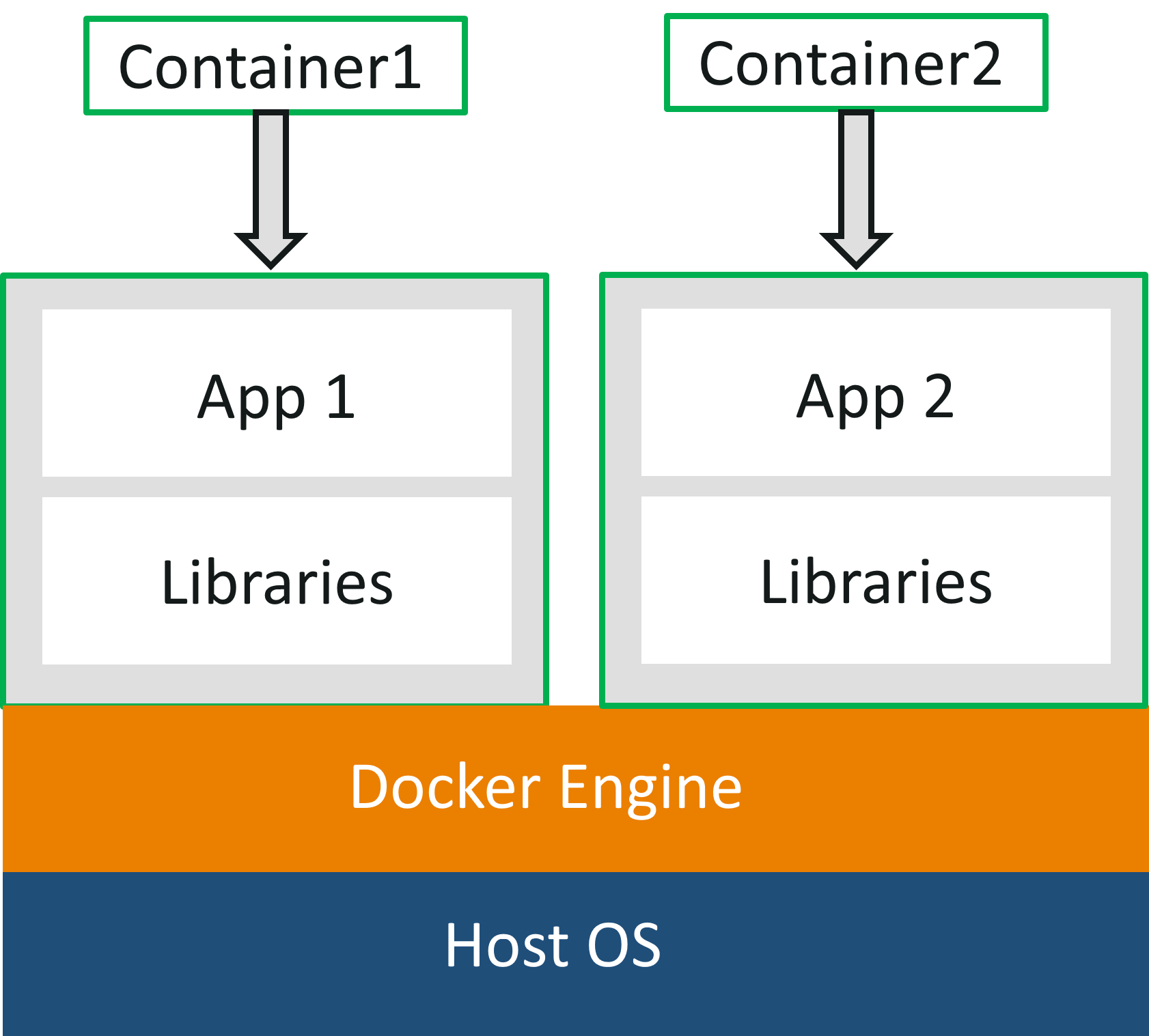
Devops Training All You Need To Know About Docker Containers Images
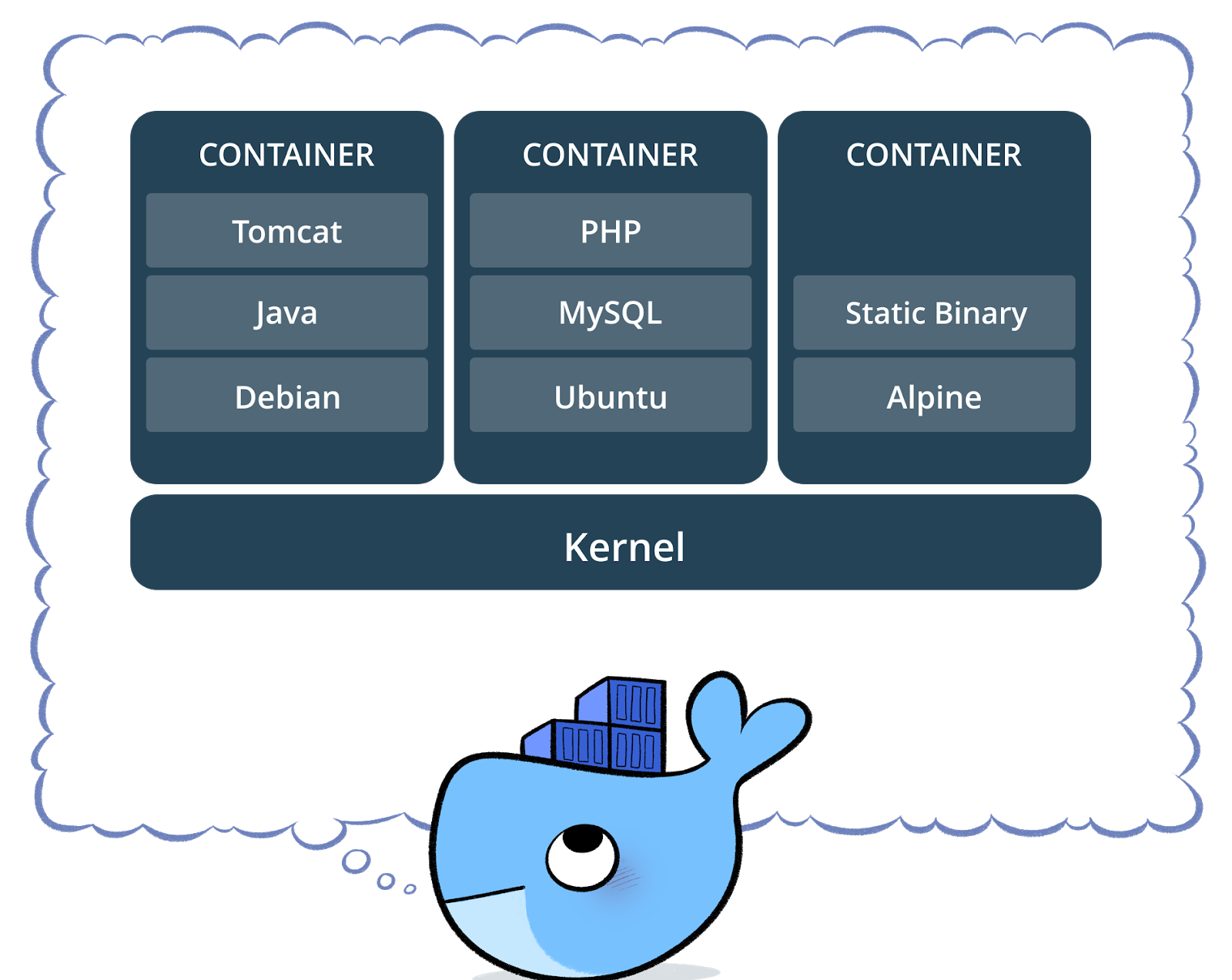
What Is Docker Get Started From Basics Docker Tutorial
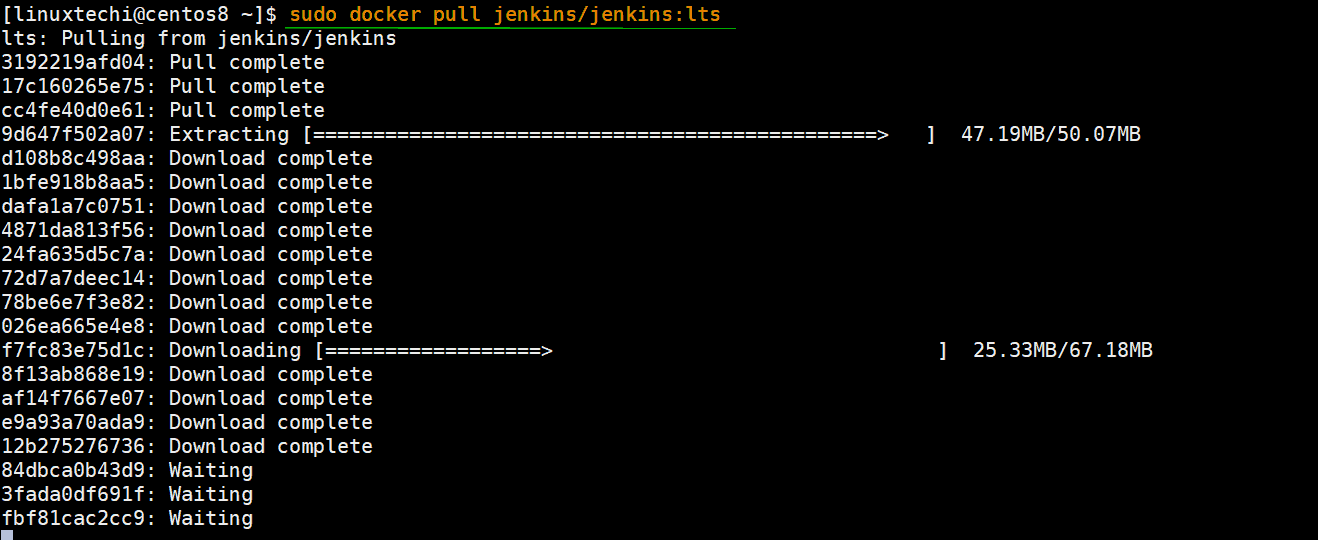
How To Run Jenkins Container As Systemd Service With Docker
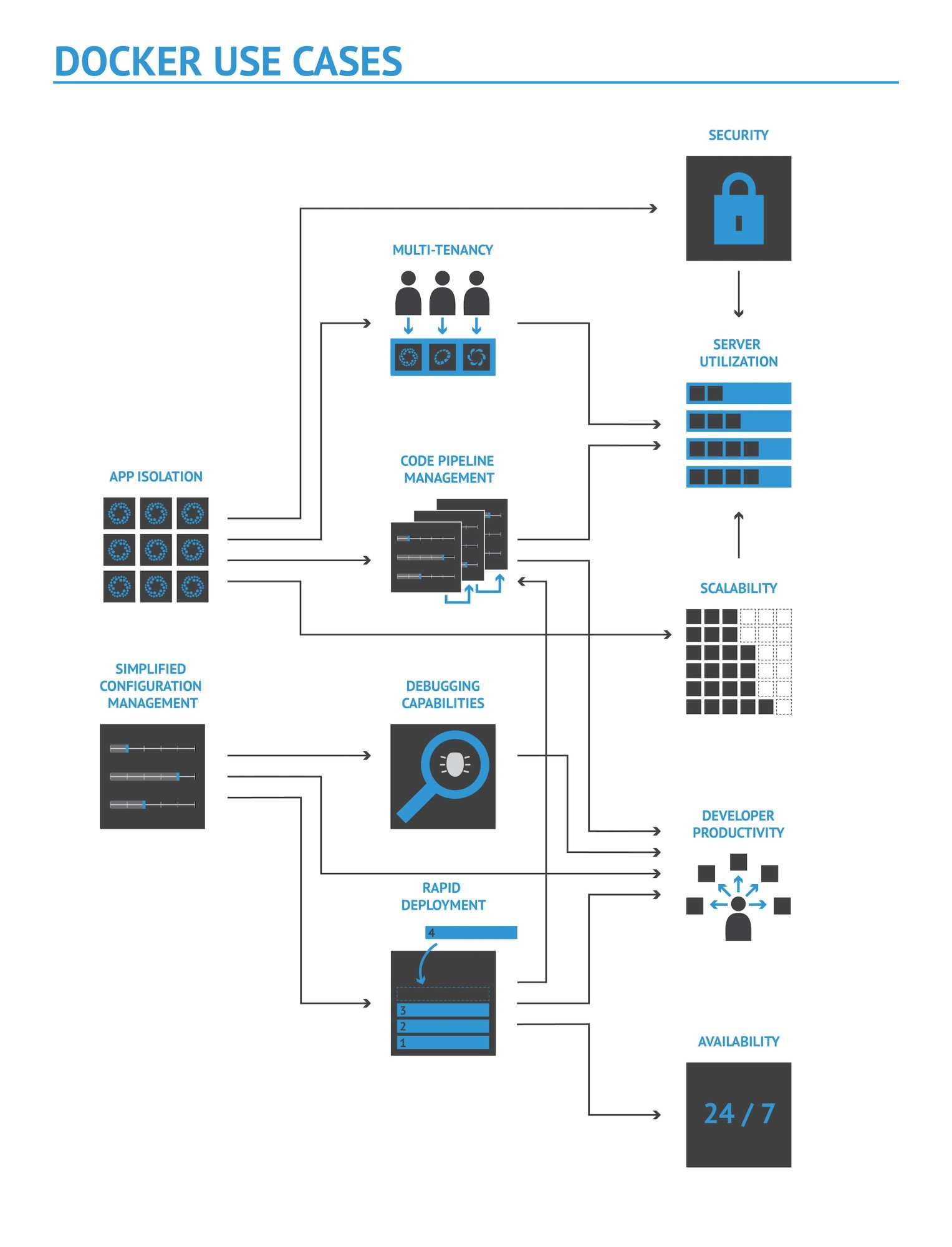
Docker Use Cases

23 I am planning to use systemd inside the container Based on the articles I have read it is preferable to limit only one process per container But if I configure systemd inside the container I will end up running many processes

May 5 2014 Linux Containers DevOps Daniel Walsh UPDATE Read the new article How to run systemd in a container for the latest information I have been working on Docker for the last few months mainly getting SELinux added to help CONTAIN Containers libvirt sandbox virt sandbox service
You can get by running Docker containers with shell scripts or with Docker Compose if you don t mind ignoring the don t use in production warnings but for some use cases it s preferable to take advantage of the host init system process manager

So if you just want to get systemd and the Apache web server up and running inside a Docker container just clone the source code repository located here and execute the following command inside the folder running systemd inside a docker container Build the container image docker build t sysd
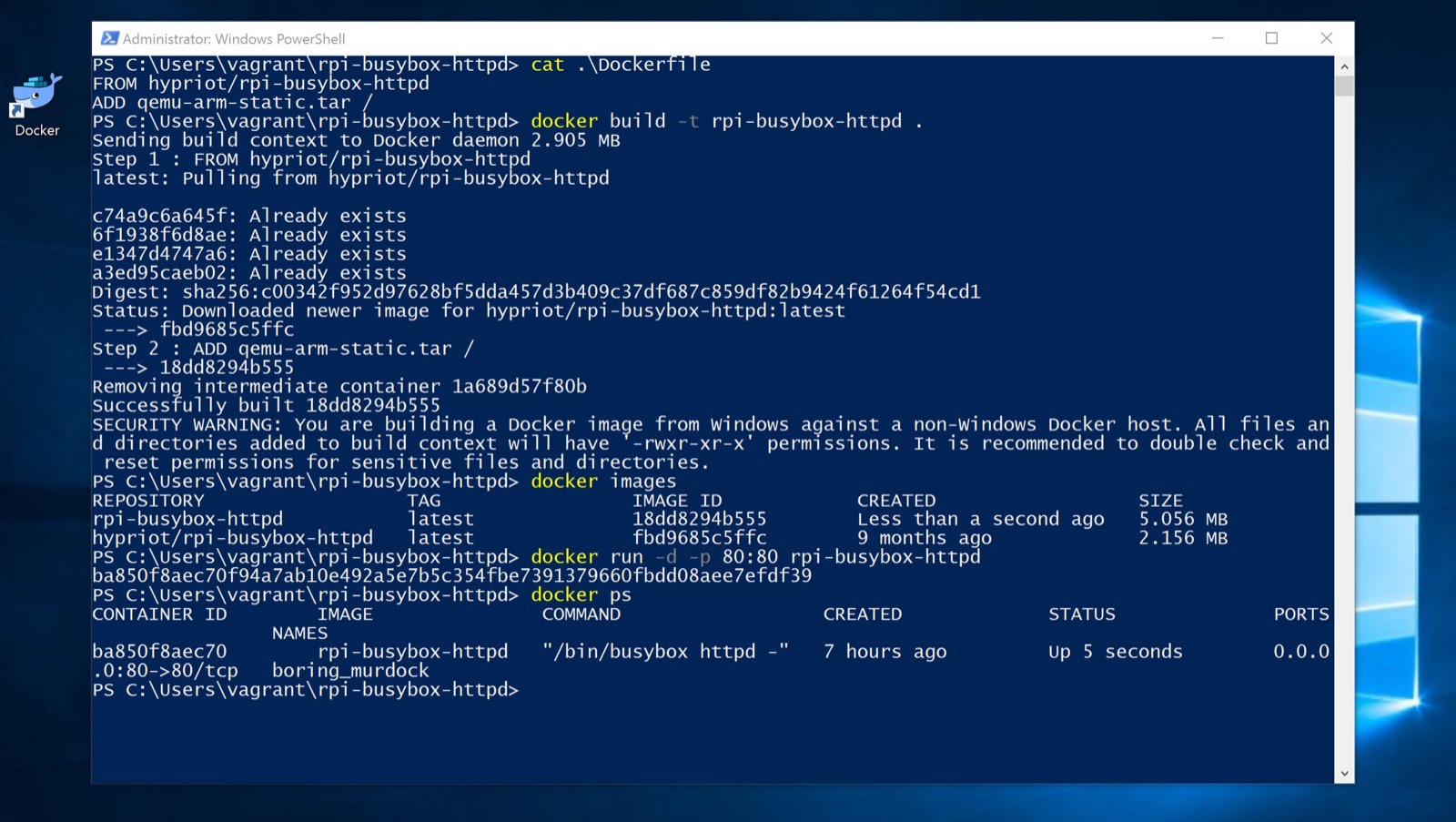
When running in rootless mode Docker is started as a user mode systemd service and uses files stored in each users home directory in config systemd user docker service d In addition systemctl must be executed without sudo and with the user flag Select the rootless mode tab below if you are running Docker in rootless mode
To turn an image into a container the Docker engine takes the image adds a read write filesystem on top and initializes various settings including network ports container name ID and Podman We decided to go with Podman Podman is a wrapper around RunC with the CLI tools tuned to be a drop in replacement for Docker However because it s not running the containers under a daemon which I like a bit better anyway hardly any plumbing is required to make systemd notify work
2 Answers Sorted by 8 That s a perfect example where the docker systemctl replacement script should be used It has been developed to allow ansible scripts to target both virtual machines and docker containers You do not need to enable a real systemd just overwrite usr bin systemctl in operating systems that are otherwise under systemd control