How To Use Python In Intellij Idea Java IntelliJ IDEA 2020 1 Mac SOZY TOP Ten Intellij Debugging Tricks Techyv Intellij Idea Install Theme 49 Personalized Wedding Ideas We Love Intellij Vs Pycharm Viewerstashok Hello everyone in this video I ll walk you through on how to create python project in Intellij IDEA Community Edition on Windows Contents of the vi
How to Create Python Project In IntelliJ IDEA YouTube 2023 Google LLC Check Out Our Other Playlist As well Channel Main Link How to use Execute Python Program in IntelliJ IDEA Learn TechToTech 58 3K subscribers Join 34K views 5 years ago Python Programming Language English Version How to use Execute
Intellij Vs Pycharm Viewerstashok Download IntelliJ IDEA The Leading Java And Kotlin IDE B8 8 Zones Wall Mount Intellig Smart Rgbw Cct Color brightness Intellij Install Plugin Certifieddsa Python Development In Visual Studio Code Real Python Riset Python Download Windows Parsrejaz Projects IntelliJ IDEA Documentation How To Write Python In Visual Studio Code And Run It In Terminal IntelliJ IDEA Logo Software Logonoid
How To Use Python In Intellij Idea
 How To Use Python In Intellij Idea
https://media.tproger.ru/uploads/2018/09/idea.png
To develop Python scripts in IntelliJ IDEA download and install Python and configure at least one Python SDK A Python SDK can be specified as a Python interpreter for Python project IntelliJ IDEA supports Standard Python interpreters IronPython PyPy Jython
Templates are pre-designed documents or files that can be used for various purposes. They can conserve effort and time by offering a ready-made format and design for creating different kinds of material. Templates can be utilized for personal or professional jobs, such as resumes, invites, leaflets, newsletters, reports, presentations, and more.
How To Use Python In Intellij Idea
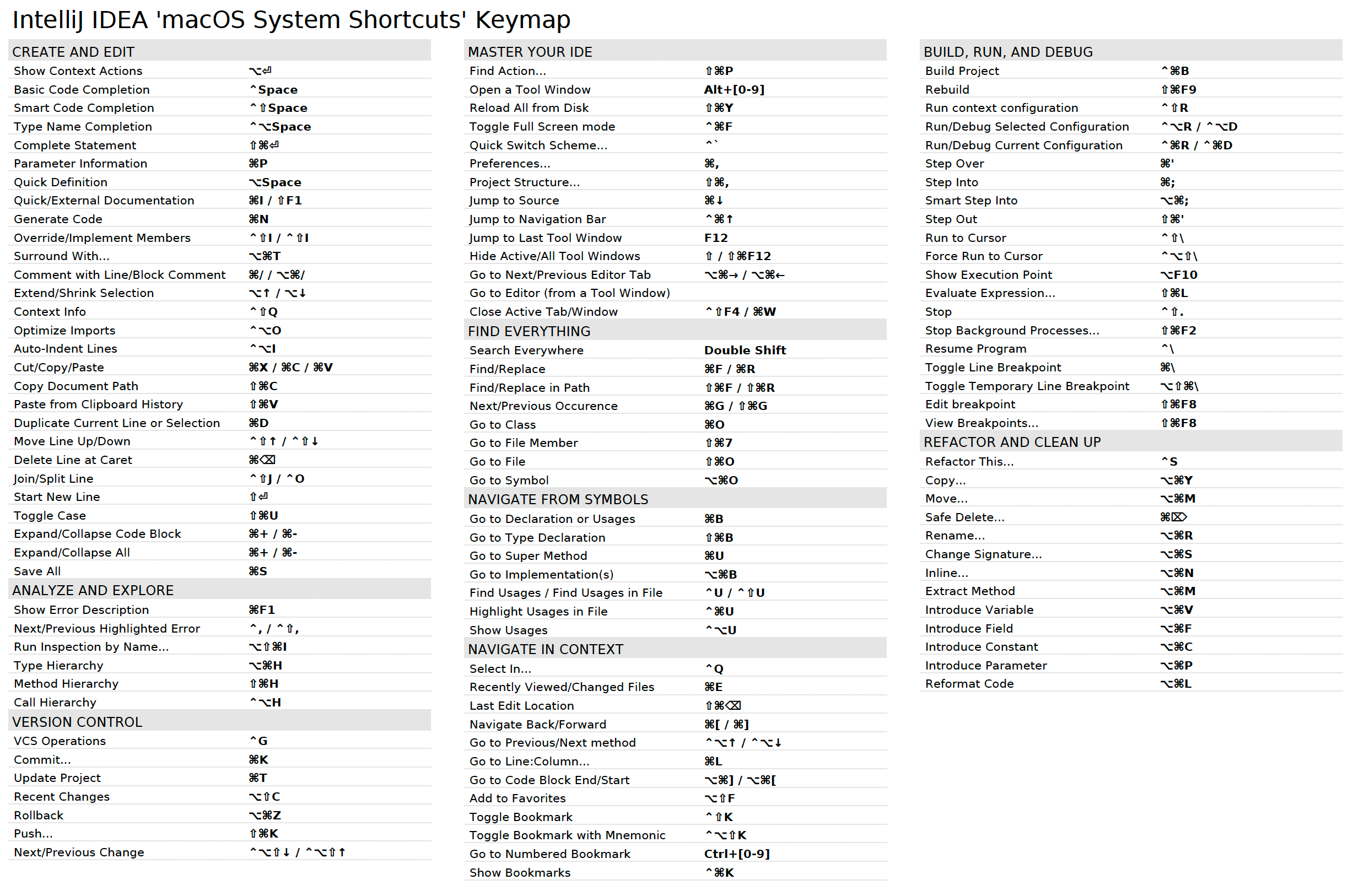
Intellij Idea Shortcuts Inrikohot
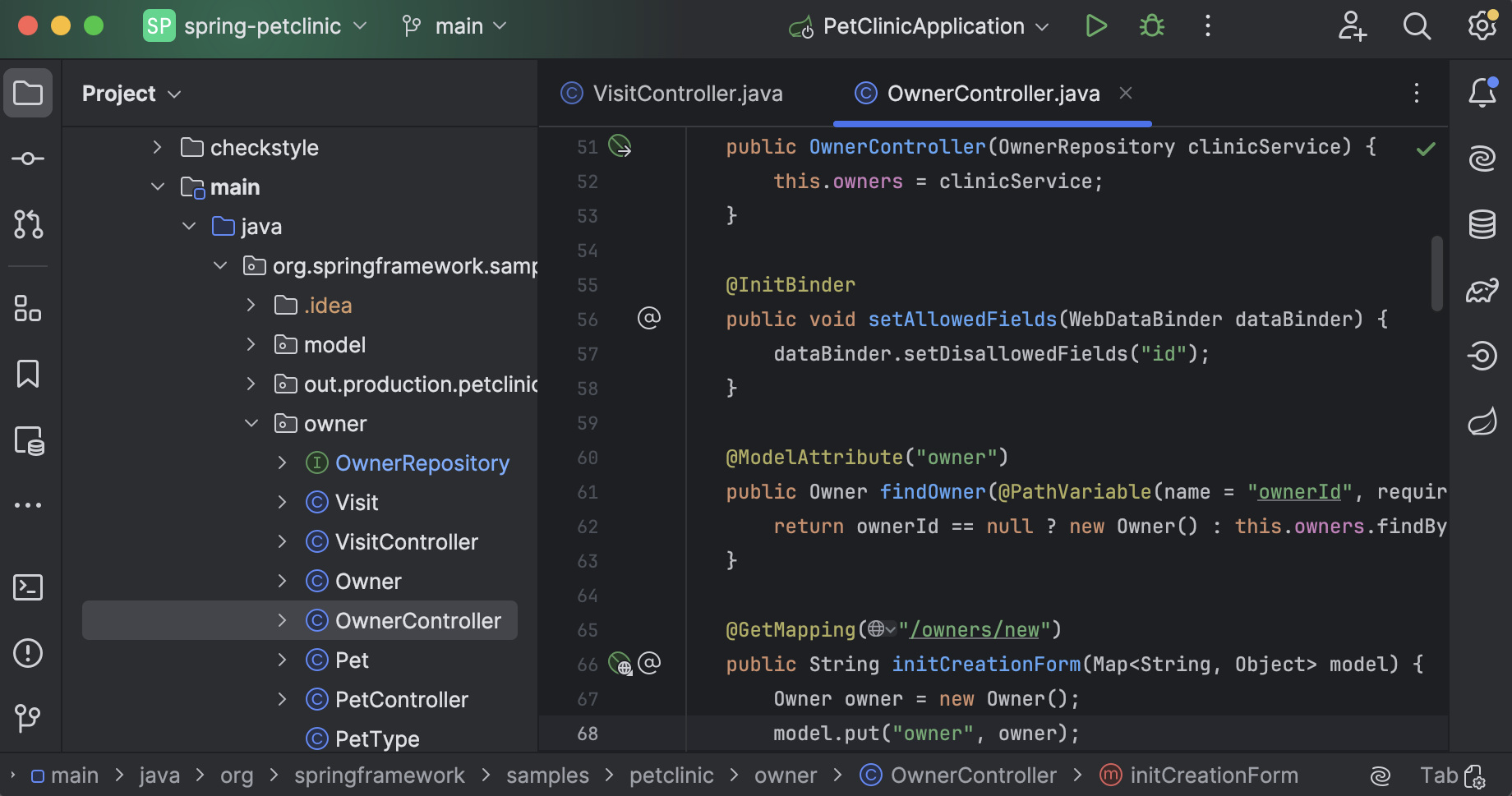
Download IntelliJ IDEA The Leading Java And Kotlin IDE

B8 8 Zones Wall Mount Intellig Smart Rgbw Cct Color brightness
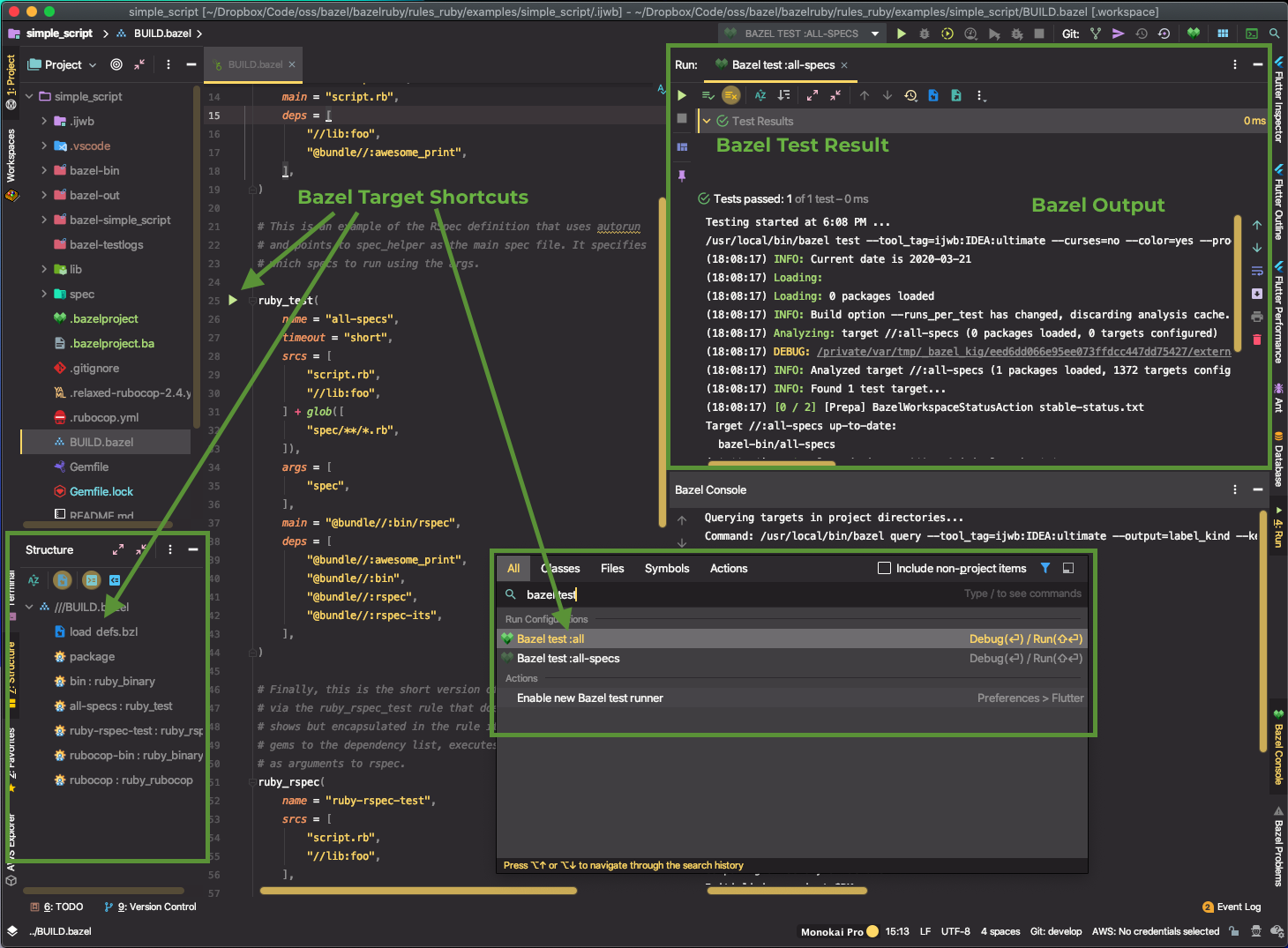
Intellij Install Plugin Certifieddsa

Python Download Windows Parsrejaz
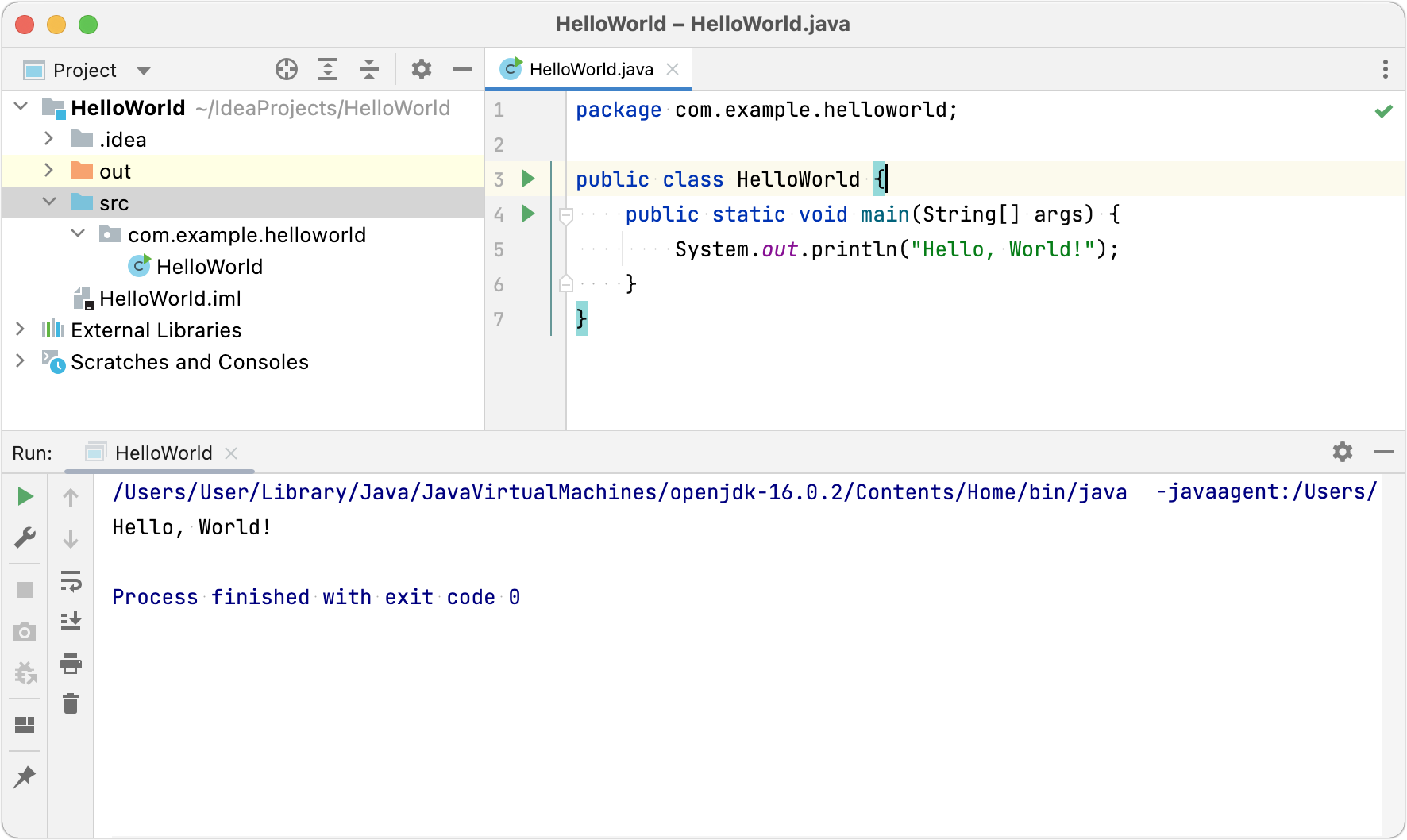
Projects IntelliJ IDEA Documentation

Go to File New Project or on the Welcome screen click New Project In the New Project dialog select Python as a project type If you have any configured Python environments select one from the list or click and specify a path to the target environment If no environment is available select the New button and choose the environment type
1 it should be under file settings project interpreter Joran Beasley Jul 15 2014 at 22 21 11 JoranBeasley There is no such setting as of IDEA 14 user600838 Nov 5 2014 at 18 20 Add a comment 5 Answers Sorted by Reset to default This answer is useful 165 This answer is not useful Save this answer Show activity on this post

Press Ctrl Alt 0S go to Plugins and inspect the Installed tab to ensure the plugin is enabled Also make sure that the following prerequisites are met Python SDK is downloaded and installed on your machine The required framework SDKs are downloaded and installed on your machine
Step 1 Let s install python and configure python SDK official download link https www python Step 2 Verify installation via cmd py version Step 3 Let s open intellij Idea and install Python plugin Step 4 Now we will create a python project Step 5 Now Configure a Python SDK Platform level Project level Module level

Open Intellij setting dialogs CTRL ALT S Plugins search for python Install Python Community Edition This is PyCharm community plugin PyCharm professional version not free provides additional features For learning purpose community edition is enough Click on install Selecting Python interpreter
IntelliJ Idea is an IDE which uses In this video i have shown how to use Python with IntelliJ Idea or you can say how to configure IntelliJ Idea for Python To run a script right click on the file in the project explorer and select Run filename py You can also use the green play button in the top right corner By following these steps you ll have a functional Python development environment set up in IntelliJ IDEA ready for coding and project development
Sorted by 3 1 Go to File Project Structure Modules 2 Remove the module containing the Python files it won t delete the file 3 Add a new Module by setting Python as the Module SDK and the content root to the already existing location I ve tested this on IntelliJ IDEA 2020 1 1 Ultimate Edition and it works well