How To Use Mysql Command Line How To Use Mysql Command Line Client In Windows Login Pages Info How To Use Mysql Command Line Client In Windows Login Pages Info Download Mysql Command Line Tool Windows 10 Greekwes MySQL Command Line Client Getting Started Tutorial MySQL Dbase In Command Line Client YouTube For a list of these commands type help or h at the mysql prompt mysql help List of all MySQL commands Note that all text commands must be first on line and end with Synonym for help clear c Clear the current input statement connect r Reconnect to the server
15 Answers Sorted by 619 See here http dev mysql doc refman 5 en connecting html mysql u USERNAME pPASSWORD h HOSTNAMEORIP DATABASENAME The options above means u username p password no space between p and the password text h host last one is name of the database that you wanted to connect This command invokes mysql without specifying any explicit connection parameters mysql Because there are no parameter options the default values apply The default host name is localhost On Unix this has a special meaning as described later The default user name is ODBC on Windows or your Unix login name on Unix
MySQL Dbase In Command Line Client YouTube MySQL Allow User To Create Database Linux Tutorials Learn Linux Configuration How To Create A New User And Grant Permissions In MySQL How To Use MySQL From The Command Line With Examples How To Start Mysql Database On Windows Artscner Command Mysql Create Database Utf8 Passaover MySQL Select Database Using The USE Statement Download Sql Command Line For Mac Holosersave Sql Command Line Client Download Aslsoc
How To Use Mysql Command Line
 How To Use Mysql Command Line
https://www.wikihow.com/images/thumb/a/a0/Send-Sql-Queries-to-Mysql-from-the-Command-Line-Step-9-Version-2.jpg/aid258060-v4-1200px-Send-Sql-Queries-to-Mysql-from-the-Command-Line-Step-9-Version-2.jpg
3 1 MySQL Shell Commands MySQL Shell provides commands which enable you to modify the execution environment of the code editor for example to configure the active programming language or a MySQL Server connection The following table lists the commands that are available regardless of the currently selected language
Templates are pre-designed files or files that can be utilized for various functions. They can conserve time and effort by offering a ready-made format and layout for creating different sort of material. Templates can be used for personal or professional jobs, such as resumes, invitations, flyers, newsletters, reports, presentations, and more.
How To Use Mysql Command Line
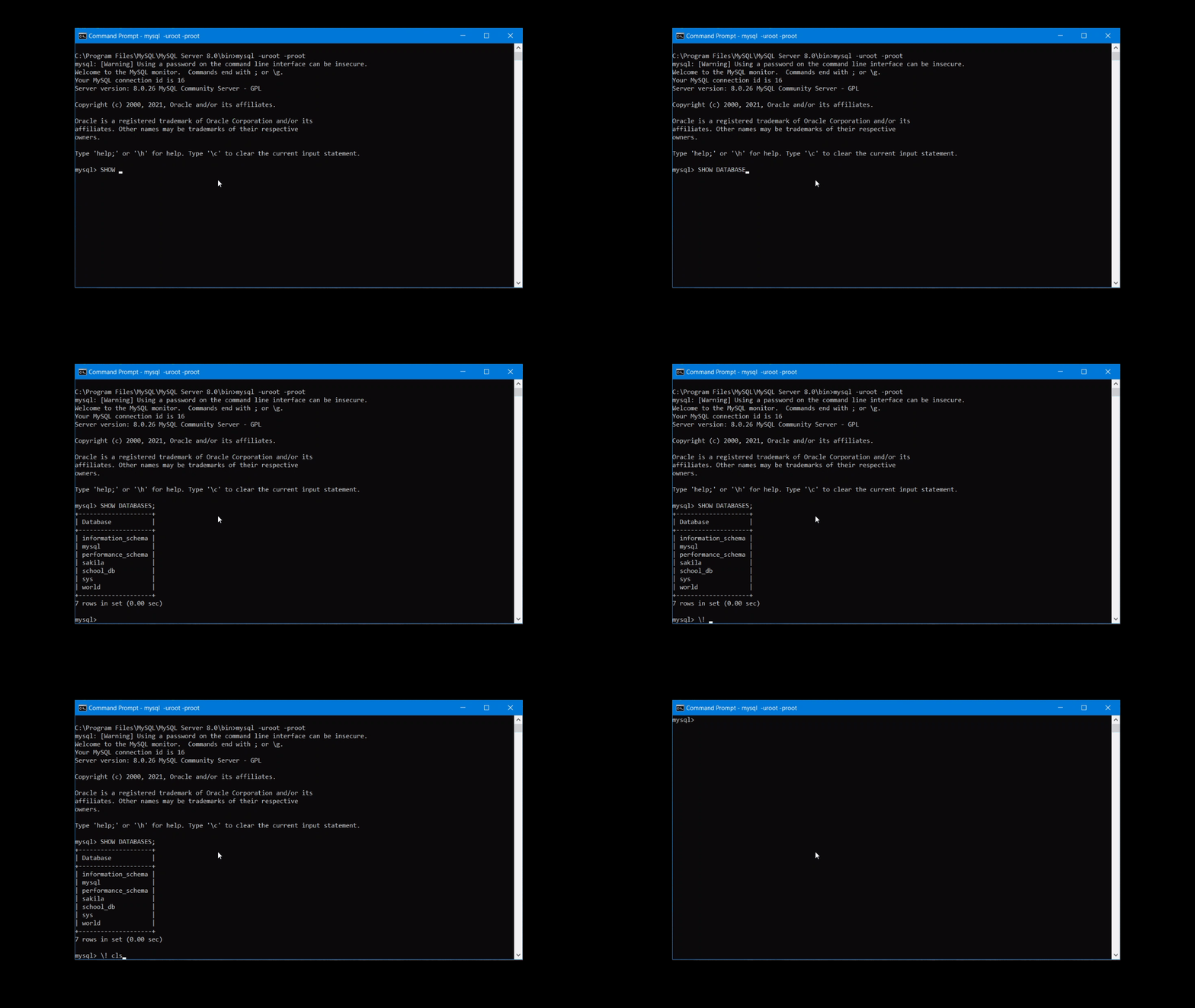
How To Clear MySQL Console Screen Nathan Sebhastian

MySQL Allow User To Create Database Linux Tutorials Learn Linux Configuration
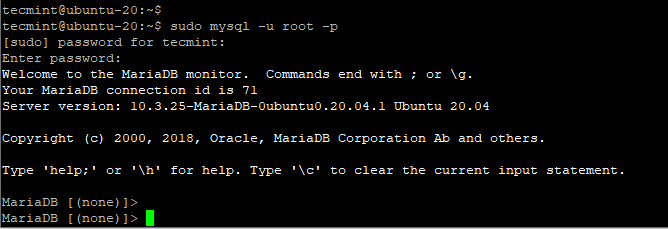
How To Create A New User And Grant Permissions In MySQL

How To Use MySQL From The Command Line With Examples
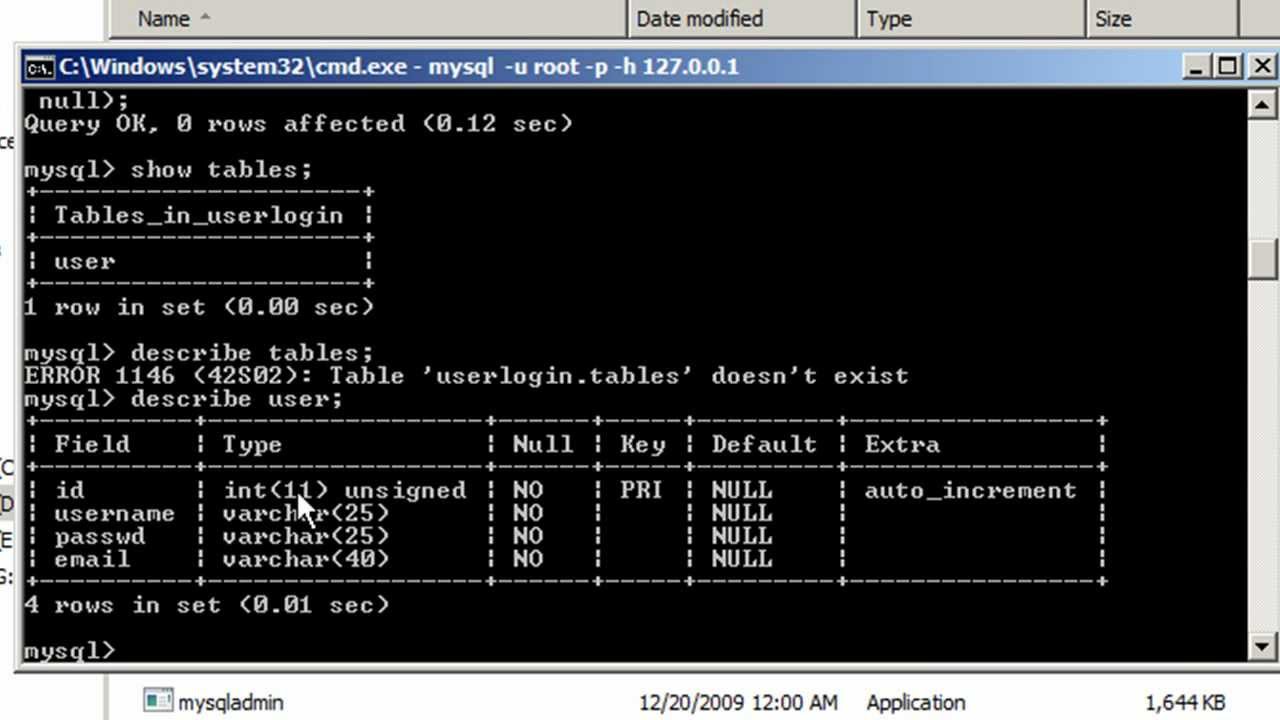
Command Mysql Create Database Utf8 Passaover
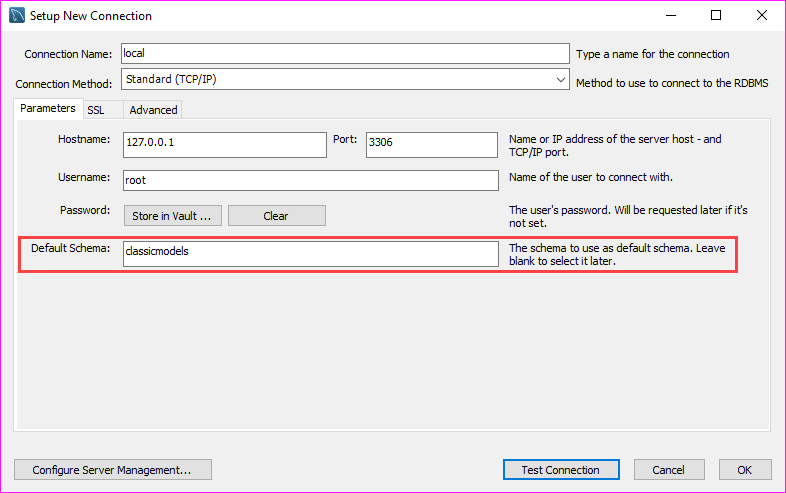
MySQL Select Database Using The USE Statement

1 Open the shell terminal in Mac Linux or command prompt in Windows 2 If the MySQL shell path is added to the environment variable you can execute the command directly else you can first navigate to the directory where the MySQL shell is installed

The easiest way to install MySQL is to use the MySQL repositories For Yum based Linux distributions like Oracle Linux Red Hat Enterprise Linux and Fedora follow the instructions in A Quick Guide to Using the MySQL Yum Repository

Note Alternatively MySQL Shell offers access to the X DevAPI For details see MySQL Shell 8 2 Using mysql is very easy Invoke it from the prompt of your command interpreter as follows mysql db name Or mysql user user name password db name In this case you ll need to enter your password in response to the prompt that mysql displays
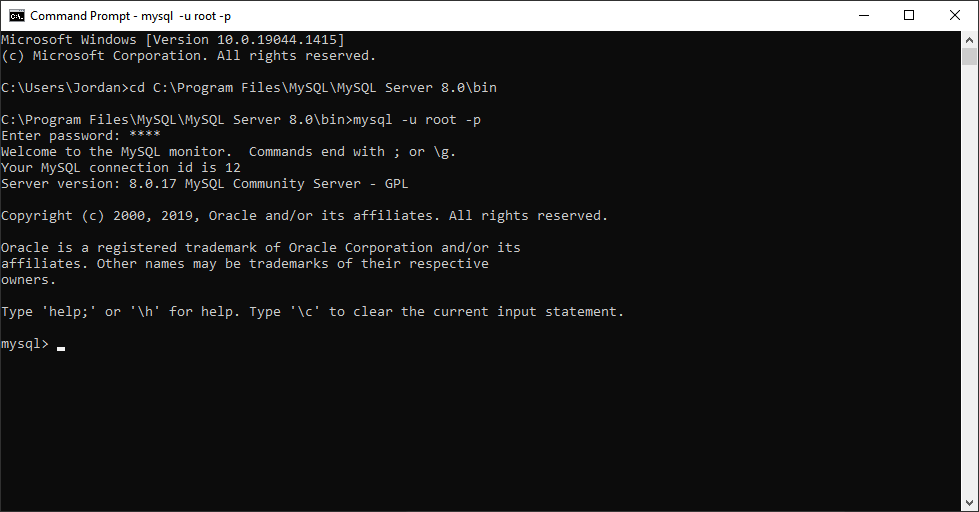
Use the keyboard shortcut hold the Windows super key and press the letter R Win R Then type in cmd and press Enter This command opens the Windows command line A black command line interface should launch with white text and a cursor for you to type Step 2 Verify MySQL is Running on Windows

The MySQL command prompt lets you issue lots of commands to the MySQL server such as for creating and dropping databases and tables adding new rows fetching data and much more MySQL Shell is also worth mentioning when talking about accessing MySQL Server from the command line
To log in to the database as the root user use the following command mysql u root p Enter the root password Reset Your MySQL password On CentOS 7 systemctl stop mariadb mysqld safe skip grant tables skip networking MySQL u root To open the MySQL prompt type the following command and enter the MySQL root user password when prompted mysql u root p Create a new MySQL database To create a new MySQL database run the following command just replace database name with the name of the database that you want to create CREATE DATABASE database name
How does the MySQL command line work Select the option to run MySQL as a service Use the MySQL Command Line Client to get started Enter the following command in a Command Prompt window to start the client mysql u root p If MySQL has a root password the p option is required