How To Use Merge Formatting Paste Command Word Tutorial Formatting Text With Paste Options YouTube Git And VSCode Setup MacOS Easy Conditional Mail Merge Formatting If Then Else MS Word Vs GMass 2022 Paste Options Right Click Solutions Paste Shortcut What Does Ctrl V Do Record the email addresses from people who fill out your form When someone takes your survey they will be required to enter their email address before they submit the form Collect verified
To easily manage and share content across all of your devices and the cloud use Google s desktop sync client Drive for desktop If you edit delete or move a file on the Cloud the same Remove unwanted programs on your computer Before you reset your browser settings check your computer for unwanted programs Learn how to reset your browser settings
Paste Shortcut What Does Ctrl V Do How To Change The Default Paste Settings In Microsoft Word Groovypost How To Use Merge Cells And Split Cells On MS Word Table 2021 Merge Split Tutorial YouTube How To Copy Formula In MS Excel QuickExcel The Paste Special Command In PowerPoint Explained How To Use Merge Workflow86 Paste Text Only Shortcut In Word Why Does Formatting Get So Messed Up When Pasting Between Different Microsoft Office Products Paste Text Only Shortcut In Word
How To Use Merge Formatting Paste Command
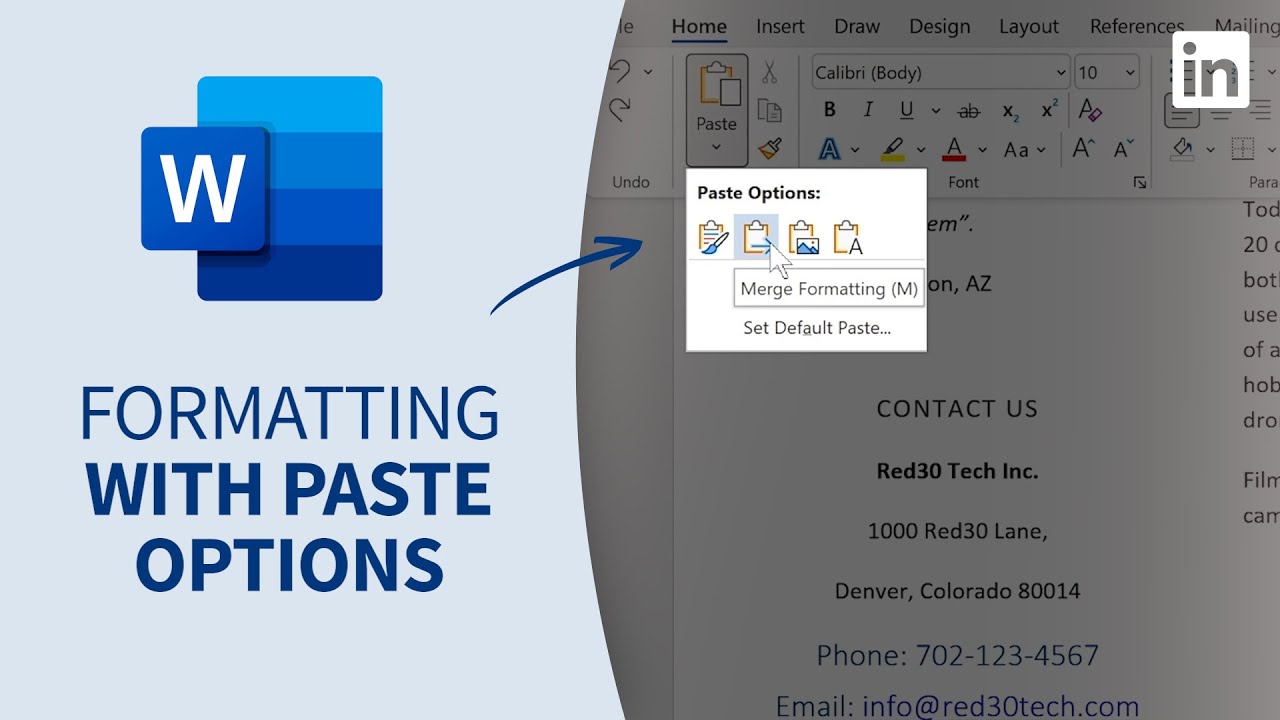 How To Use Merge Formatting Paste Command
https://i.ytimg.com/vi/HrQdZb4biR4/maxresdefault.jpg
Learn how to change more cookie settings in Chrome For example you can delete cookies for a specific site In other browsers If you use Safari Firefox or another browser check its support
Pre-crafted templates use a time-saving service for creating a varied series of documents and files. These pre-designed formats and designs can be utilized for various individual and expert projects, consisting of resumes, invitations, leaflets, newsletters, reports, presentations, and more, improving the content production procedure.
How To Use Merge Formatting Paste Command
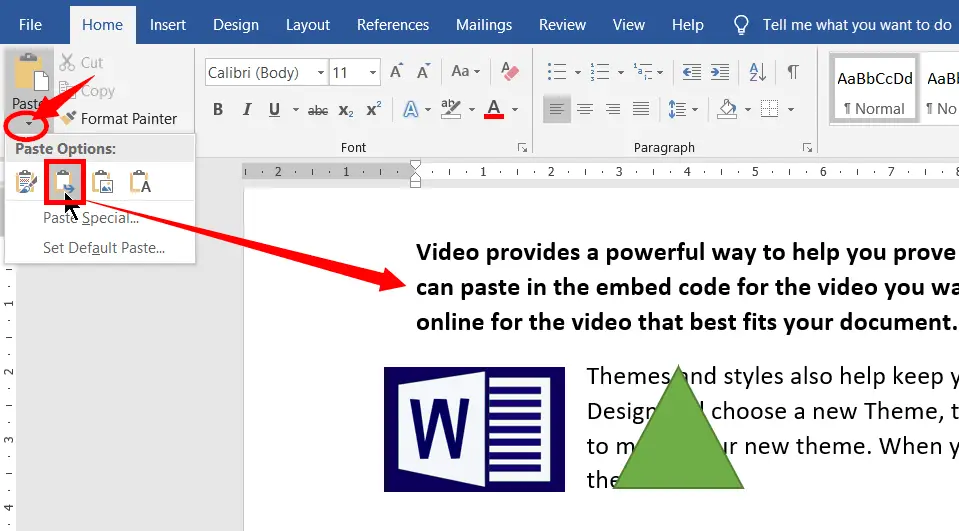
How To Copy And Paste In Word With Formatting Lawpccleaning
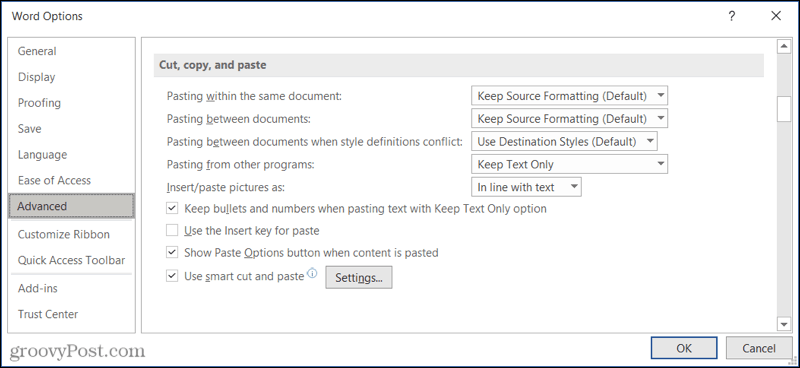
How To Change The Default Paste Settings In Microsoft Word Groovypost
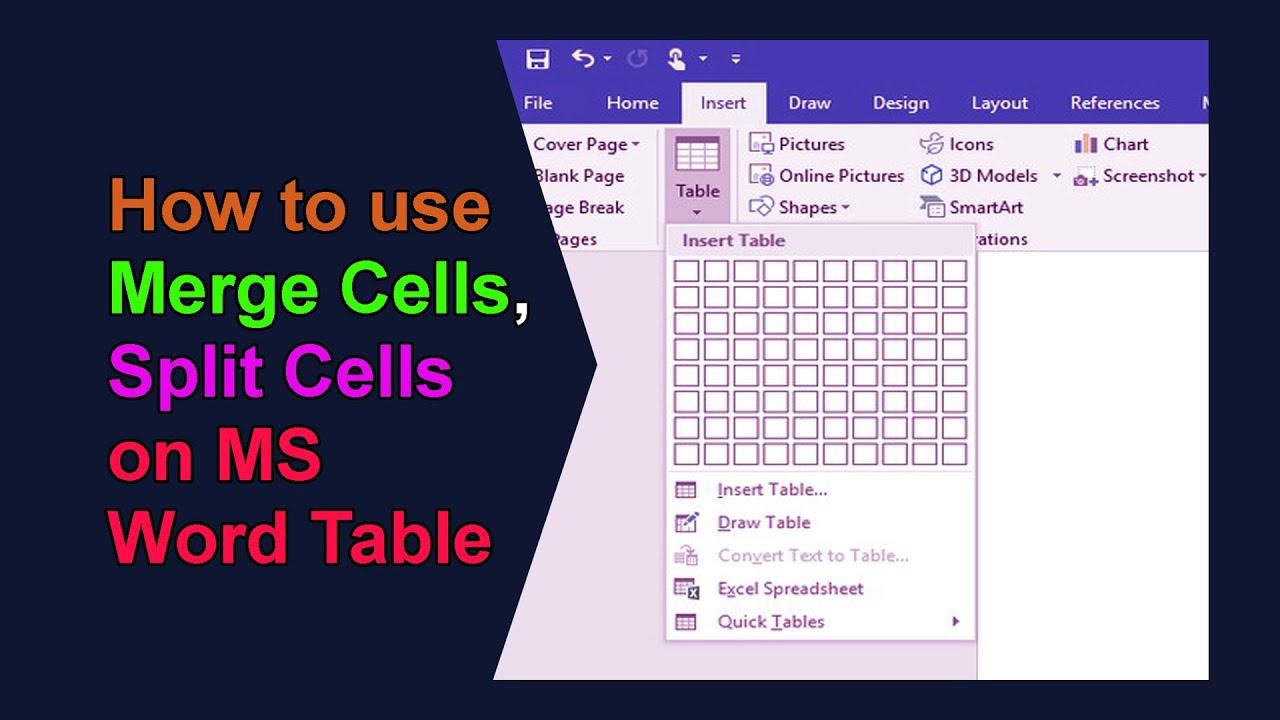
How To Use Merge Cells And Split Cells On MS Word Table 2021 Merge Split Tutorial YouTube

How To Copy Formula In MS Excel QuickExcel

How To Use Merge Workflow86
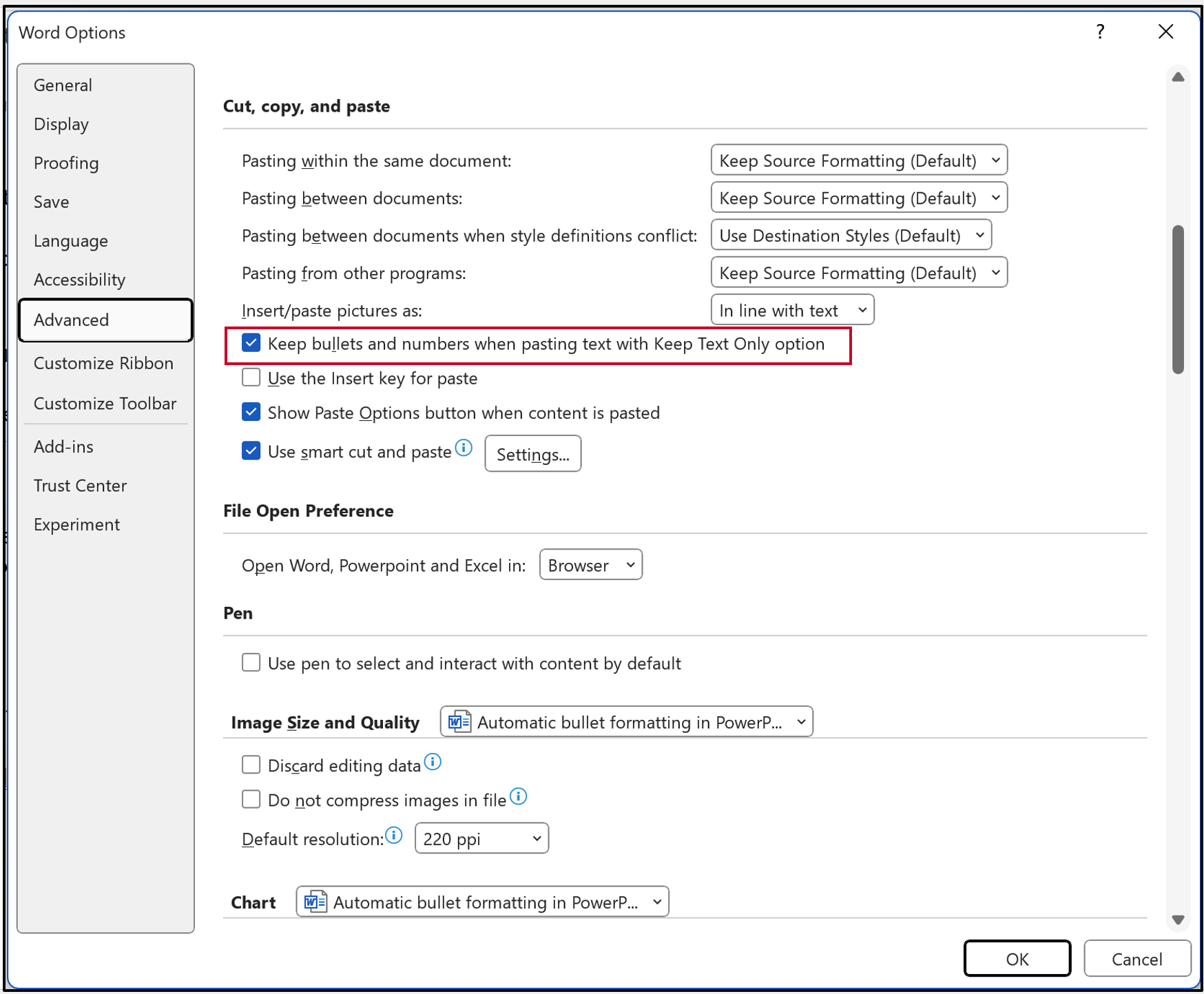
Paste Text Only Shortcut In Word

How to install Chrome Important Before you download you can check if Chrome supports your operating system and other system requirements
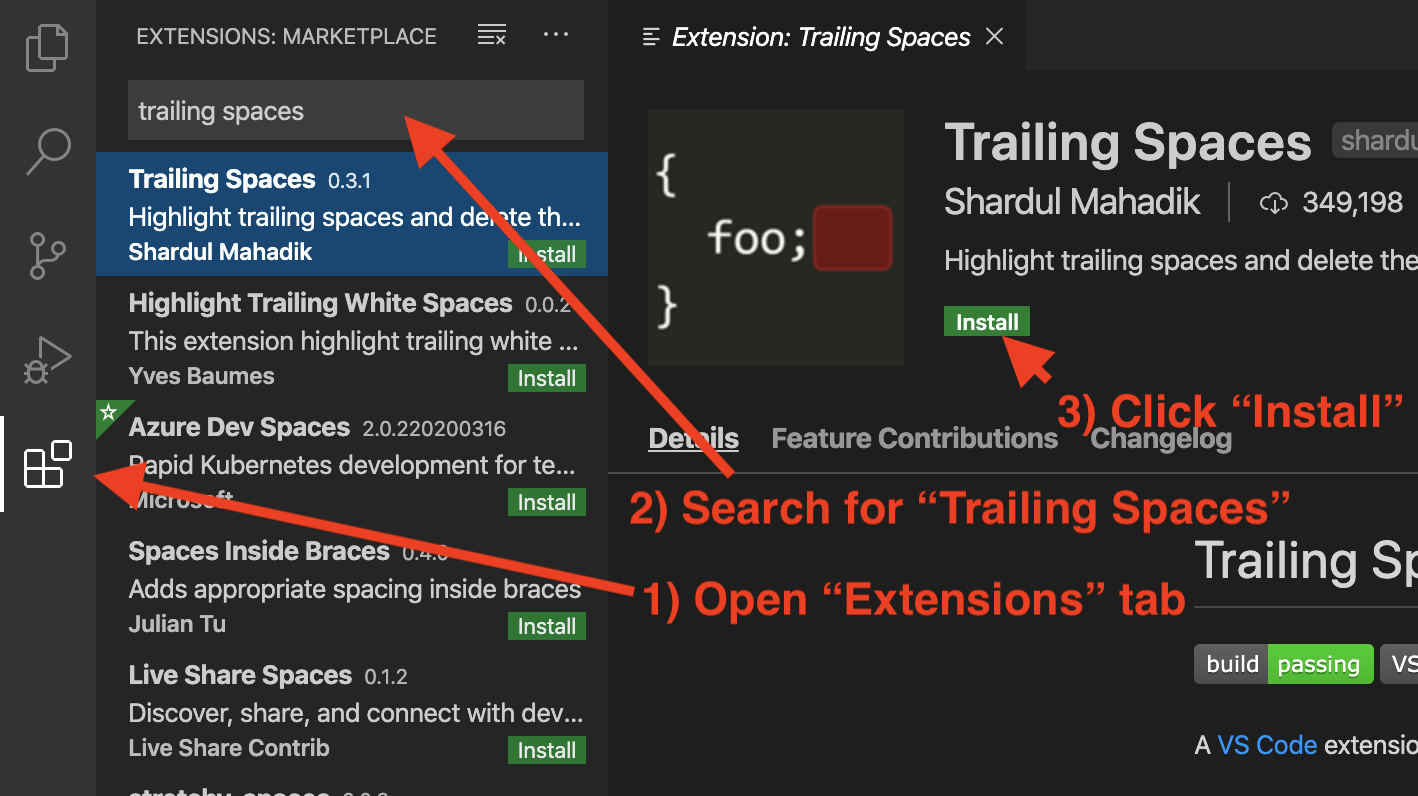
To find your username follow these steps You need to know A phone number or the recovery email address for the account The full name on your account Follow the instructions to
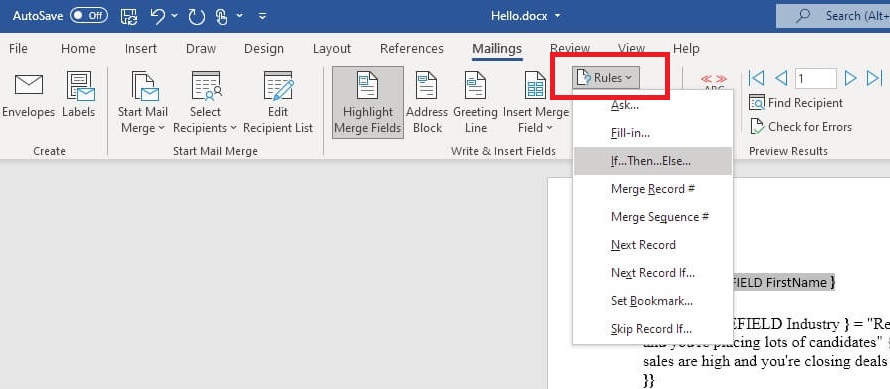
Important Before you set up a new Gmail account make sure to sign out of your current Gmail account Learn how to sign out of Gmail From your device go to the Google Account sign in
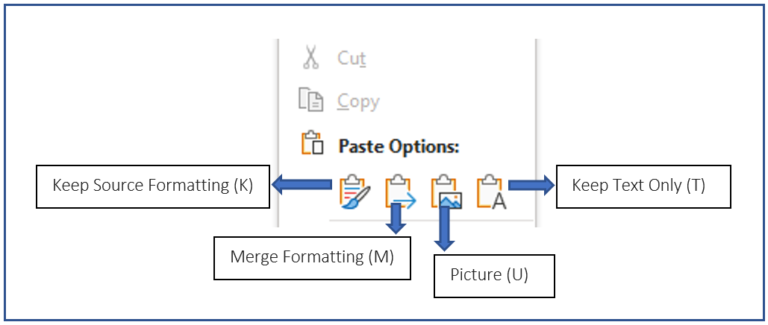
Sign in to Gmail Tip If you sign in to a public computer make sure to sign out before you leave the computer Learn how to sign in on a device that s not yours

If you forgot your password or username or you can t get verification codes follow these steps to recover your Google Account That way you can use services like Gmail Pho
[desc-11] [desc-12]
[desc-13]